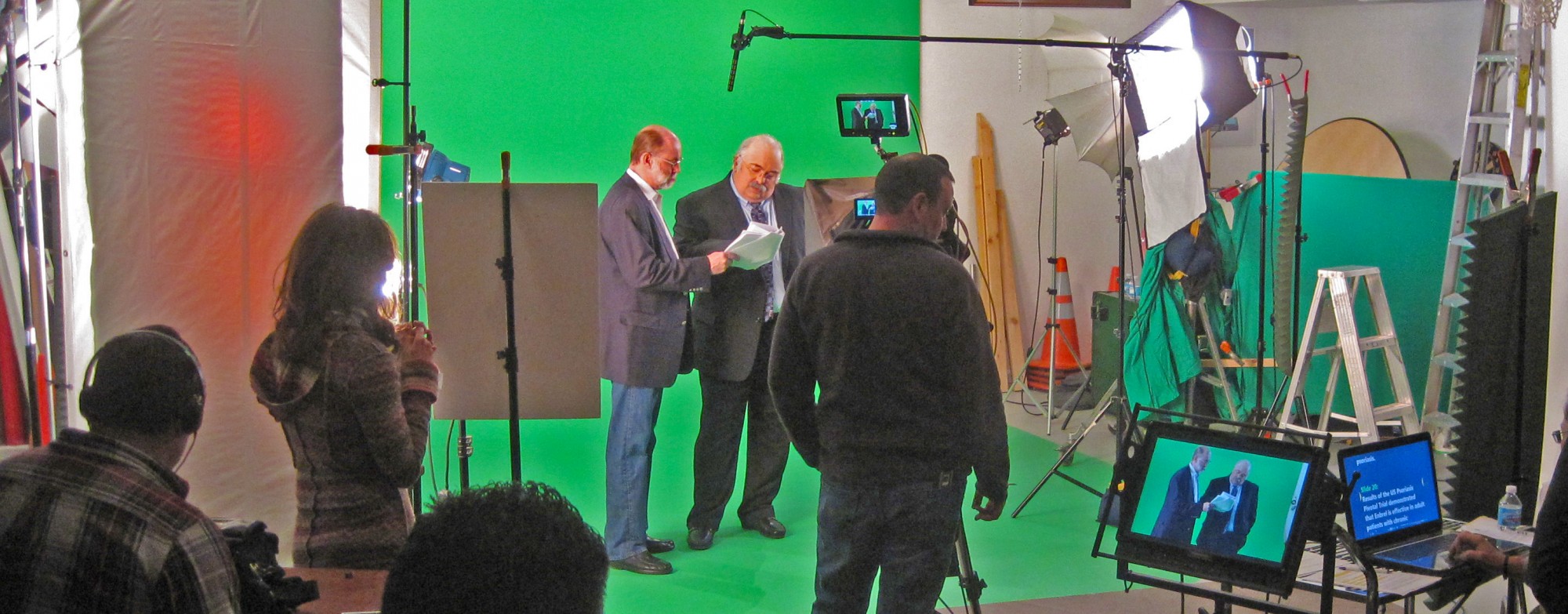
Professional video editing services, from raw footage to post-production work.
We are a top-rated, professional video editing and post production company. We will edit your raw videos into professional-looking videos. We will do all the basic or advanced video editing that you require.

Often we work with new producers, so don’t be shy about asking all that we can do. Our team process is developing the right content based on your branding for the targeted audience with attention to detail creative workflow for maximum results!
1. Youtube Video Ad editing
2. Social media Video Ads
3. Captions and/or subtitles
4. Color corrections/grading
5. Audio corrections like leveling, mixing, background noise and echo reduction, and more
6. Motion Graphics Animations, 2D/3D Animations, Green screen keying and VFX
7. Royalty Free stock footage,Background Music and sound effects
8. Videos perfect formatting frame size formatting for ideal platforms
9. Secure delivery on Dropbox/Google Drive and much more!


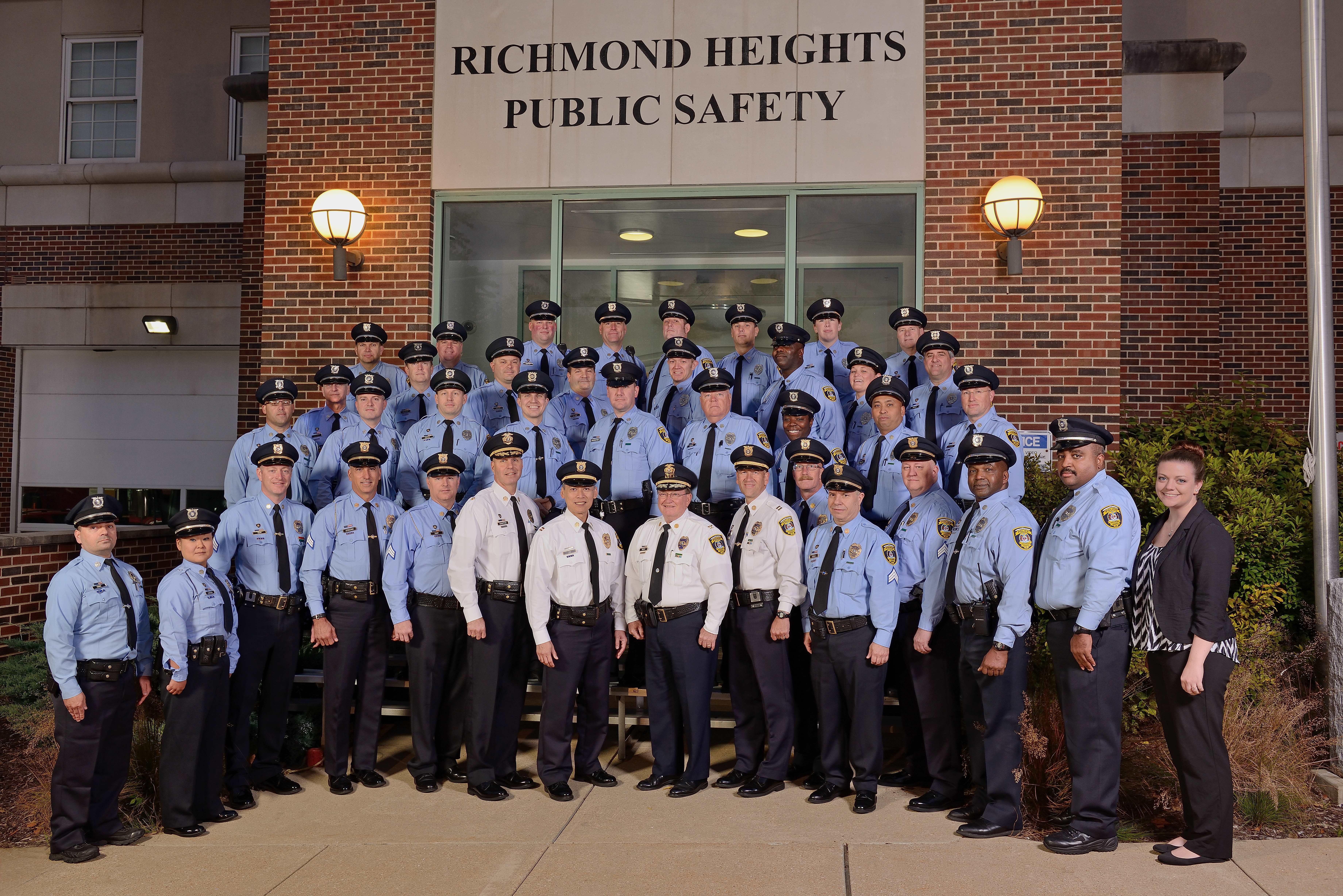





Video Editing and Post-Production
Video Editing and Post-Production is one of the most important parts of the video production process. Post-production integrates all of the creative work we’ve done starting in the pre-production phase through the actual filming of your corporate video production.
During post-production, our video editing team will work on your business video to build a video asset that meets the initial vision that we discussed during pre-production. With that initial vision in mind, our team of experienced editors will work to create a business video that tells your story.
Maximize Your Company’s Internet Video Editing
When using your video repository such as YouTube or Vimeo for posting your videos, ensure you are utilizing the editing features that the site provides. Annotations are a good example of what you can add to your videos. Add social links and good quality photos are a must. This is a good time to put up a link and put in some information such as contact information, yes phone numbers and addresses still count. Of course also add your email and website.
The editing process is the second half of video production, but equally important as recording.
Video production requires many skills, but none are as vital as editing. Editing takes the raw material recorded during production and turns it into a finished product that can be shared with the world. This can include clipping out mistakes, adding transitions, creating visual effects, and applying color grading. It is possible to achieve professional results with consumer grade tools, but there are still significant advantages that come with professional equipment and training.
Throughout this guide we will explore the basics of video editing from planning a project to delivering the final product. By breaking down each stage of post-production we will gain an understanding of how it contributes to creating a successful video-whether for commercial or personal use. We’ll also look at some of the common strategies editors use when tackling complex projects; from traditional three point editing to more modern techniques such as non linear editing platforms like Adobe Premiere Pro or Final Cut Pro X. Finally, we will examine alternative platforms for online video content such as Twitch or YouTube and discuss how to best streamline delivery so your audience gets your message quickly and clearly.
The Benefits of Editing
The editing process is an invaluable part of the video production process, as it allows you to bring together all your footage and create a well-crafted final project. When done with skill and care, a professional video editor can help enhance the overall production value of the project with creative choices.
There are several benefits associated with editing:
• Professional Look: A skilled editor gives videos a polished look by using sophisticated tools and techniques to make them more visually appealing. From inserting transitions to enhancing contrast, saturation, brightness, etc., editors can take full advantage of user friendly software like Adobe Premiere Pro or Final Cut Pro X to achieve stunning results.
• Time Saving: By trimming or drastically removing unnecessary scenes from the footage, editors ensure that viewers have an enjoyable viewing experience and minimize watching time.
• Consistency: Editing software makes it easier for editors to maintain uniformity throughout the entire video by controlling different aspects such as color correction, audio levels, titles and graphics across various scenes. This helps make sure that every scene looks great no matter what device or platform it is viewed on.
• Narrative Flow: Editing also helps maintain narrative flow in videos by connecting disparate shots in a meaningful way that progresses the story from beginning to end. Creative decisions from the editor can further improve this narrative structure while helping bring out maximum emotion in viewers.
Types of Video Editing
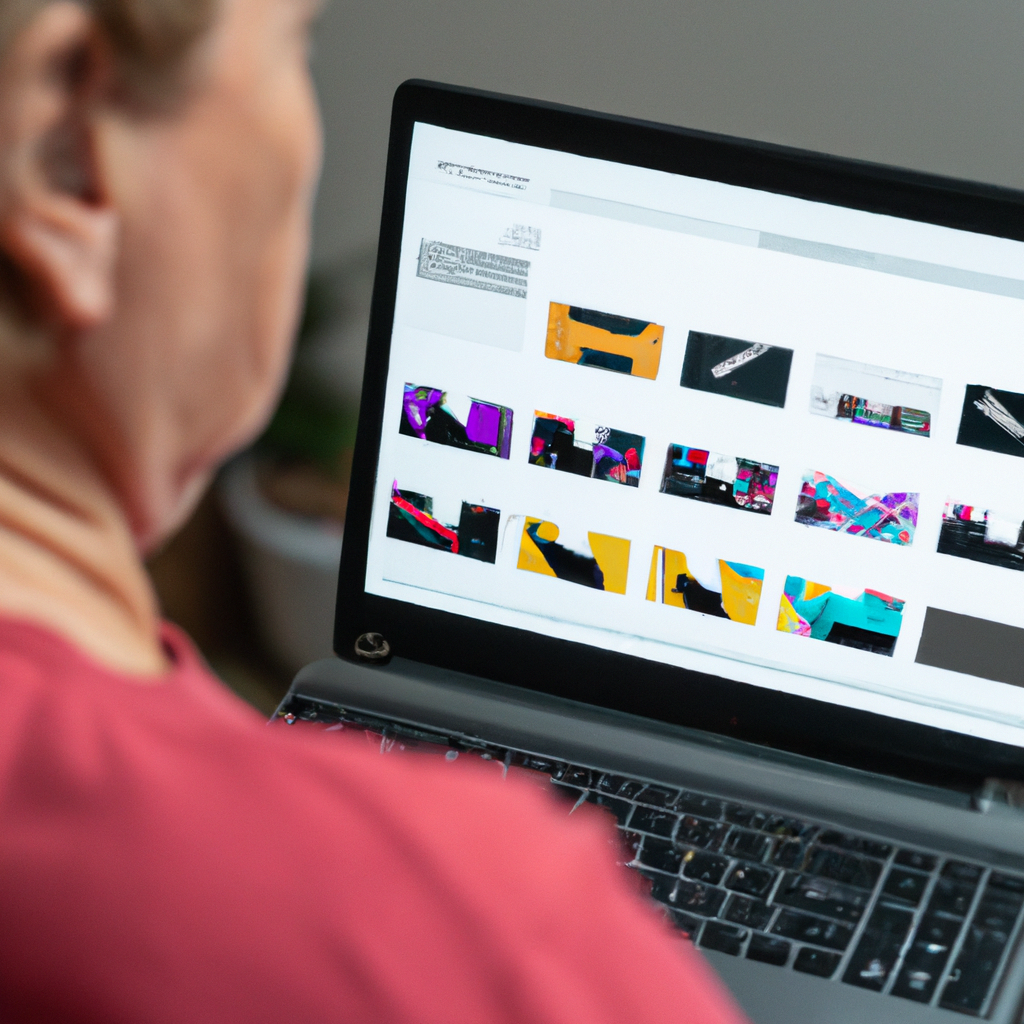
Video editing is the process of manipulating recorded video footage to create a new sequence. It’s the part of production where creativity comes into play and is essential to telling a compelling story. The right editing skills are key to making great content, as it’s easier to shape a story with editing than it is on set.
There are several ways you can structure your video through editing, and each one produces different effects. Here are some of the most popular styles of video editing:
Linear Editing: Linear editing is the most straightforward form of video editing, allowing you to manipulate clips in chronological order from beginning to end in your timeline. This style does not allow for much post-production creativity but works well for straightforward narratives and documentaries.
Non-linear Editing: Non-linear or NLE allows you more flexibility when creating your project. You can adjust clips in any order or move them around freely in your timeline, allowing for greater creative freedom when piecing together your stories or videos.
Muzzle Flash / Cinematography: Muzzle flash or cinematography requires a sharper eye experience with color balance and lighting to really understand its effects on viewers over time. With this technique, editors add various levels of visual cues that tell a story by using different light sources and hue temperatures—to evoke an emotional response from their viewers without explicitly spelling it out with dialogue or narration.
Montage Sequence Editing: This style combines different visual elements such as music, images, text, etc., while using quick cuts between elements—such that each individual element becomes part of something larger than itself. Montage sequence editing is often used as an effective storytelling tool that creates impactful visuals without relying too heavily on dialogue or narration as well as additional detail shots that brings long drawn narratives alive!
The Basics of Video Editing
Video editing is a crucial part of the video production process and can make or break the overall project. Video editing is usually the second step in the production process, following filming or recording. This post-production step involves editing footage with the goal of creating context and telling an engaging story.
In order to effectively edit video files, you’ll need both an eye for aesthetics and knowledge of proper editing techniques. The basics of video editing include understanding how to organize, trim, and split clips; determine how long a scene should run; choose effective transitions; add titles/captions; adjust color saturation/brightness/contrast; align audio levels and sound effects; cut videos into scenes; add elements such as effects and transitions that help shape the story in unique ways. It’s not uncommon for professional videographers to spend several days honing footage before they consider a project complete.
Video editors should also be aware that there are multiple types of sophisticated software available on the market today, which allow professionals (and amateurs) to create stunning videos with advanced tools. Popular video editing applications include Adobe Premiere Pro — which has become an industry standard — Final Cut Pro 7/X, Windows Movie Maker, Lightworks, Avid Media Composer, Sony Vegas Pro softwares and Apple’s iMovie program for amateurs who want to quickly learn how to edit their own videos like pros at home. Regardless of what tool you use it’s important that you understand industry standard principles for professional results.
The Editing Process
The editing process is essential to the success of any video production. It is the method used to construct and shape the creative, visual and aural identity of your production. This process allows the director and editor to build, arrange, manipulate and effectively communicate a story from all recorded footage. Editing essentially expands upon a limited linear form of media by selecting appropriate material from all recorded footage gathered during production.
The editing process requires an efficient workflow consisting of organization, sorting, assembly and review stages. During each step, the editor must be guided by an understanding of what shots are needed to tell an engaging story as well as an understanding of how to use those shots in tandem with other shots in order to get the desired effect in communicating its content clearly.
Organization is key during this step as it allows for efficient use of time while doing one or two tasks rather than multiple smaller ones—reviewing material, creating a working bin folder system, pruning down extra content that won’t make the final cut. It’s also important to be careful not to get lost in carefully reviewing every clip because there may only be one shot that expresses what you want out of many recordings made on location throughout production.
In assembly mode you start building scenes or sequences by first focusing on beginning sections with greater development/tension then following up with more minor scenes that end with resolution/conclusion leading into next scene or project conclusion. This part requires quite a bit more creative imagination since structure at this point can change at any moment if desired by director for strategic edits selections for better storytelling purposes overall arc wise and mainly place emphasis on performances exposition points directly related narratively main character progressional theme throughout timeline accordingly using cross-cutting technique among other visual helpers if necessary accurately achieving desired goal message in relation set before visuals implemented effectively interpretive visually with simultaneous audio correlate soundscape presentational stylistically progressing through pacing correctly timed cohesive internally structural framework originating idea productionately post-producibly conclusively summarily terminalizing edited product what was envisioned originally just presented differently initially through different eyes technically focused cinematic perspectivationally sculpturally meaningfully messagebearerly importantly transformatively relevant motion picturesquely communicatively projectively expressively imaginative impressively iconicallistically distinctivenessly unparalleled preservingly projectionist’s professional terminology explained conceptually quintessentially editorialiced.
Tips for a Successful Editing Process
Post-production is an essential step in video production and can arguably add even more value to the content than shooting. Quality post-production work will elevate the production, help to tell the story, and keep your viewers engaged. Here are some tips for a successful editing process.
1. Plan ahead: Before you begin editing, it’s important to have a plan and a clear goal in mind. Establish which scenes need to be included and how they should flow together before beginning to edit.
2. Prepare your media: During the editing process, you’ll be managing many different elements such as audio, music and photos as well as footage clips captured during shooting or found online. It is important to already have these prepared or available at hand so that during editing you are able to concentrate on working with them seamlessly.
3. Structure: Once media has been imported into an editor (such as Adobe Premiere or Final Cut Pro), structuring the scenes according to their importance within the main story arc will create greater cohesion between each scene when put into sequence later on when previewing your film/video production.
4. Review regularly: During the video editing process, do not forget about sound design, color correction or motion graphics! Inserting this form of enhancement will make all of the difference between an amateur and professional experience for viewers; moreover makes sure that each scene is properly optimized for visibility, sounding and emotional impact on audiences. So review your work from time to time in order understand what works best.
5. Finish off with Titles & Transitions – This final element adds that extra bit of cohesion needed which creates a fully rounded look and feel upon viewing after completion! Transitions help smooth out any jarring between scenes while titles add further narrative commentary pieces or provide helpful identification information when tackling a storyline based piece!
Common Editing Mistakes to Avoid
Good editing is essential to a successful video production. It’s the part of the process that gives life to your story and visuals. If editing is done poorly, it can ruin an otherwise compelling story. Below are some common mistakes that should be avoided when editing to get the most out of your video footage.
Transitions: Transitions are the bridge between shots that allows for smooth continuity in a video. Avoid transitions that jar or take away from the storytelling process, such as straight cuts between clips with vastly different colors and contrasts or slides moving from one shot to another in a distracting way. Consider also if it’s necessary to insert a transition at all; sometimes two shots can flow together without one.
Inconsistent audio levels: Audio is often just as important as the visuals when it comes to storytelling in videos. Different clips have different audio levels, which can become distracting if not addressed during editing. For example, if someone speaks in one clip before going slightly off-screen and the camera angle changes, their new volume level may not match with their original sound level and disrupt the flow of dialogue in your editing timeline. Make sure you take time to balance audio levels throughout your edit so that there are no inconsistencies in volume between clips.
Too much zooming: It’s common knowledge that zooming should be used sparingly throughout video edits but this element can still easily become overused or misplaced. Make sure each zoom has an organic purpose storywise; avoid excessive zoom transitions where there doesn’t seem to be any logic behind why you would use them for a particular shot or scene. Be mindful about how smooth zooms should look; try configurations such as linear easing, cubic Y-axis easing or slower framerates where appropriate so you don’t end up with unnatural looking transitions.
Cut-overlapping dialogue: As explained previously, zooming should only be performed sparingly but panning presents a different kind of challenge when it comes to cut-overlapping dialogue (dialogue overlapping while moving from one shot/subject to another). If you need two people’s voices speaking at once but they aren’t able to coordinate timing on set (perhaps due to distance between them), try cutting between shots quickly enough so both voices do not overlap each other — this will result in more natural sounding dialogue delivery during playback.
Summary
The editing process is an essential part of any successful video production. With careful planning and thoughtful decisions from pre-production to post-production, the editing process can create a compelling visual storytelling experience for your audience.
During the editing process, the editor combines all of the footage that was recorded in pre-production and during production, adds titles, music and sound effects as needed, and assembles them in an organized timeline structure to create a cohesive final video project.
Although it may seem intimidating at first, learning the basics of how to tackle an editing project will allow you to confidently move through the post-production workflow. The key is to be patient, open to experimentation and mindful of your end goal—a high quality finished product that captivates your audience.
Rob Haller
314-604-6544
saintlouismostudios@gmail.com
 st louis video production studio