Tag Archives: business

Keep It Tight: How to Make Short Interviews That People Actually Watch

When an interview video drags, the audience doesn’t just lose interest—they miss your message. In B2B marketing, attention is a scarce commodity, so the mandate is simple: be brief, be clear, be watchable. Here’s the playbook we use at St Louis Video Production Studio to keep interviews engaging, short, and conversion-focused—without sacrificing depth or professionalism.


The Business Case for Short Interviews

Short wins when:

  • You need top-of-funnel awareness and fast clarity.
  • Buyers skim on mobile and make snap judgments about credibility.
  • You’ll repurpose across web, email, LinkedIn, YouTube, and vertical social.

Working runtime targets (by intent & channel):

  • Website / Landing page hero: 60–90 sec
  • LinkedIn post: 45–75 sec
  • Paid social cutdowns: 15–30 sec
  • YouTube (consideration pages, product explainer): 60–120 sec (only stretch past 2 minutes if you’re showing hard proof)

Structure: The 60–90 Second Interview Blueprint

Think of your interview like a trailer for your value proposition:

  1. Hook (0–5s) – A result, bold claim, or pain point stated in the buyer’s language.
    “We cut onboarding from three weeks to two days.”
  2. Context (5–20s) – Who you are + why it matters.
    “I lead operations at Acme; our clients struggled with…”
  3. Proof (20–60s) – 2–3 hard specifics (metrics, demo visuals, customer outcome).
    “Error rates fell 41%. Here’s how the workflow changed.”
  4. Action (60–90s) – What the viewer should do next.
    “Book a 15-minute walkthrough” or “Download the spec sheet.”

Guardrails: One idea per sentence. One proof per idea. Anything that doesn’t serve the hook, proof, or action is a candidate for the cutting room floor.


Pre-Production: Design for Brevity

Define the single conversion goal before you roll. Each question must ladder to that goal.

Write prompts, not scripts. Scripts create stiff reads; prompts create truthful, tight answers.

  • “Give me the headline in one sentence.”
  • “What changed—precisely?”
  • “What metric proves it?”
  • “What should someone do today after watching this?”

Prep your subject to be concise. Share this answer format:

  • Headline → Proof → One concrete example → CTA (10–20 seconds total).

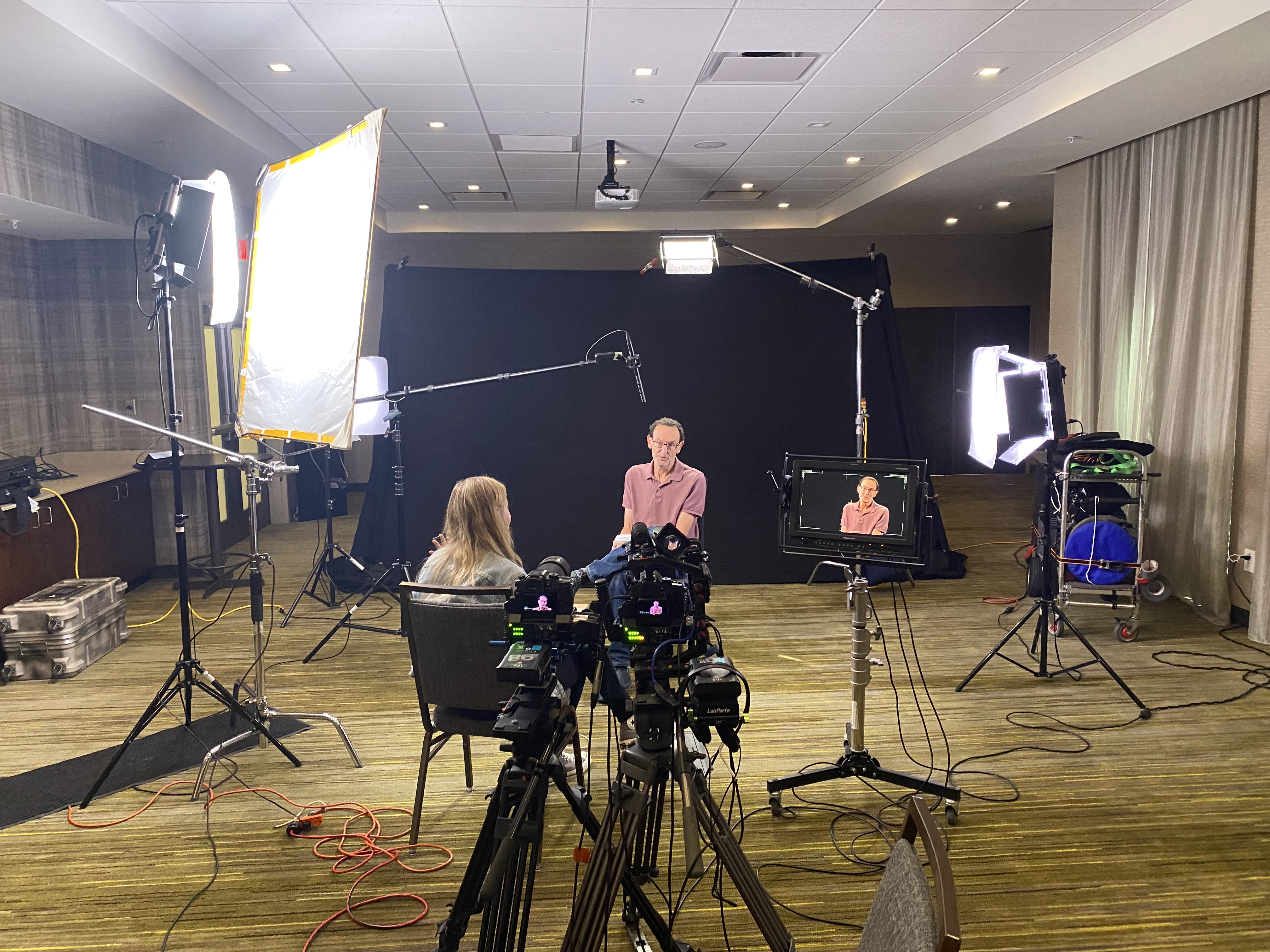
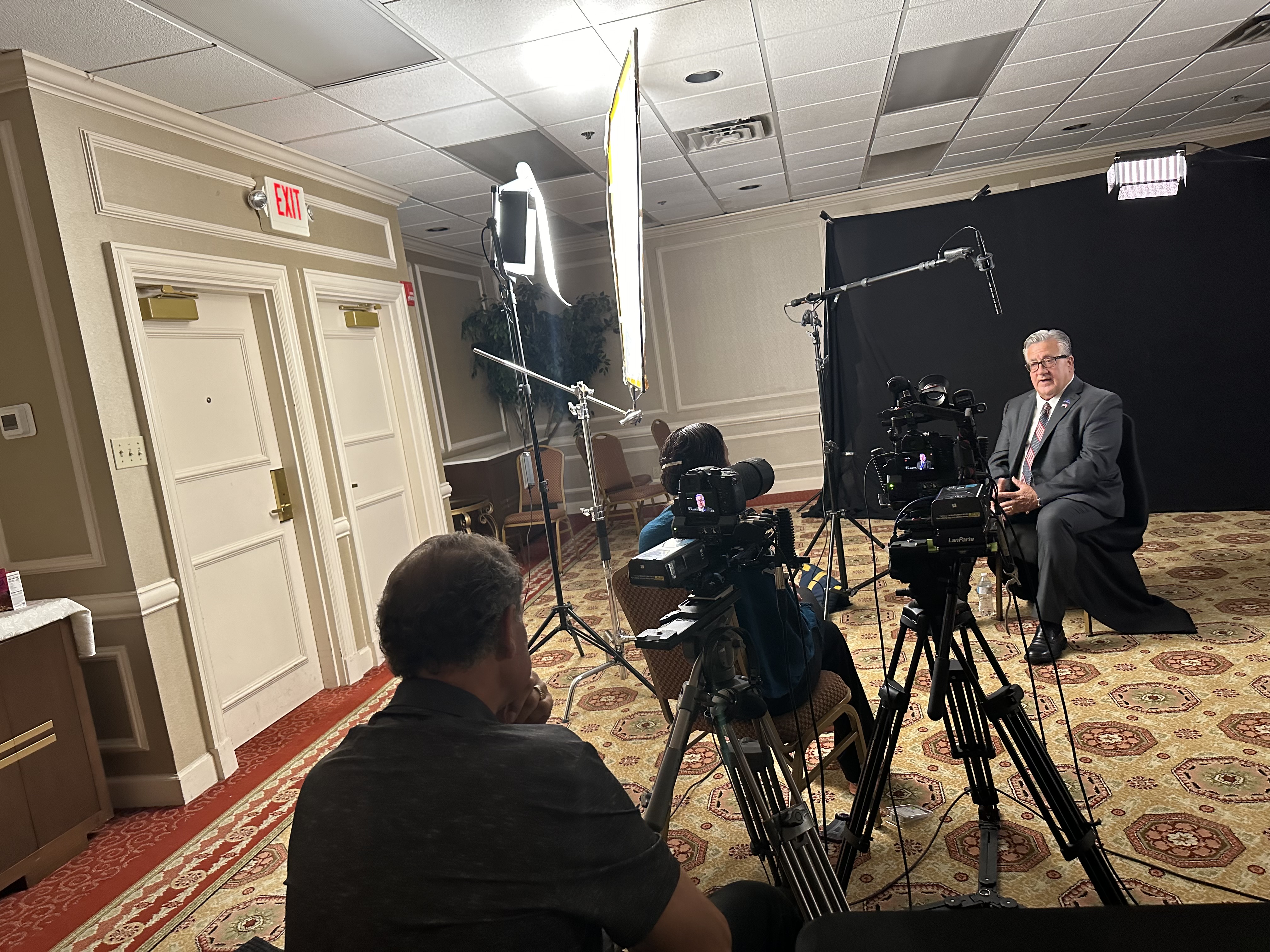
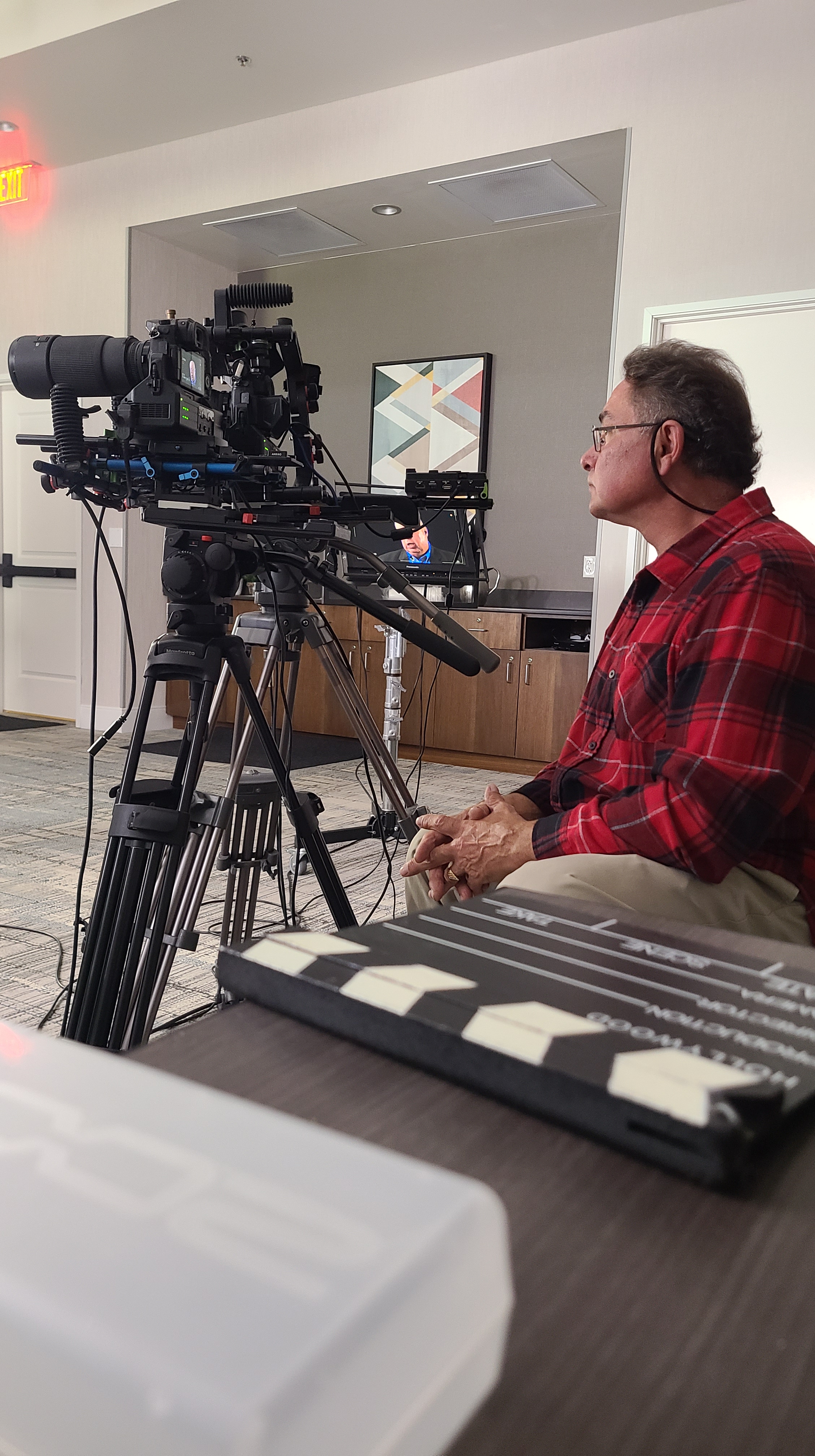
Block time for cutaways. Even short interviews need visual proof: dashboards, hands-on product use, customer interaction, environment establishing shots. Plan W–M–T (wide/medium/tight) passes for each proof point so the edit flows without filler.


On-Set: Coaching for Short, Watchable Answers

  • “One breath” rule: If an answer is longer than one breath, it’s two answers—ask for a tighter version.
  • Interrupt with purpose: “That’s great—can you give that to me in one sentence?”
  • Ask for the number: “What improved, and by how much?”
  • Echo & sharpen: Repeat the subject’s best phrase and ask them to restate it cleanly.
  • Mark keepers on the slate or audio notes to speed the edit.

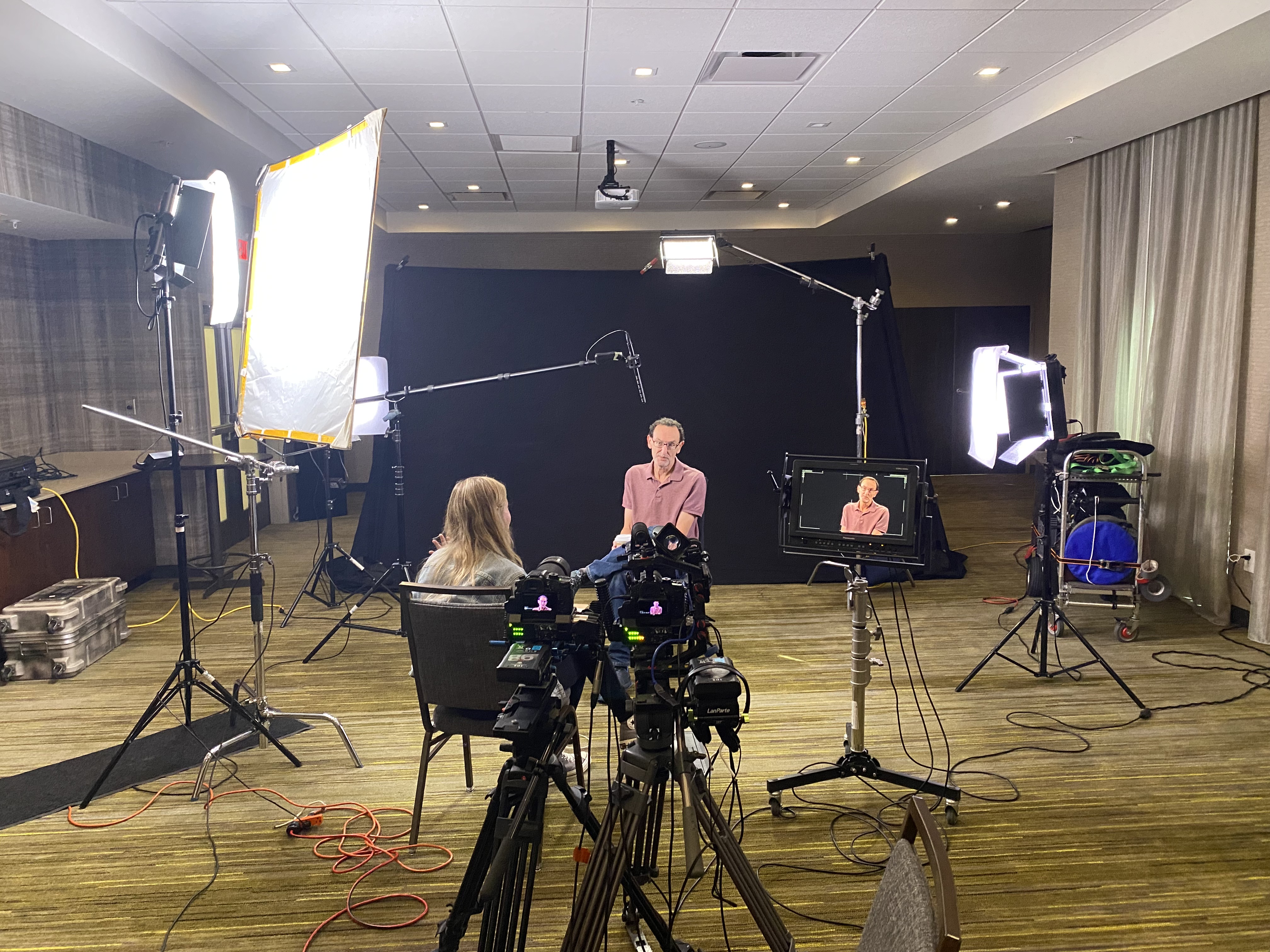
Framing & lighting that flatter brevity

  • Eye line just off lens; keep backgrounds simple and branded.
  • Soft key + gentle negative fill to sculpt.
  • Lock white balance; avoid mixed color temps that slow grading.
  • Capture NAT sound beds (keystrokes, machinery) for transitions under cutaways.

Editorial Tactics That Boost Retention

  • Lead with the answer. Don’t bury the headline.
  • J-cut your next idea under the last word so the video never “lands” on a static shot.
  • Cut on movement (hand gestures, page turns) to hide trims.
  • Pattern interrupt every 7–10 seconds: angle change, cutaway, graphic callout, or bold caption.
  • On-screen text: 8–12 words max per card; write like a billboard.
  • Captions by default for mobile and silent autoplay.
  • Music minimalism: underscore, not a pop single—let clarity win.

Color & sound polish

  • Neutral skin tones first, brand-hue secondaries second.
  • Transparent noise reduction; a touch of surgical EQ for articulation.
  • Loudness matched for platform norms; keep dynamics natural.

The “Kill List”: What to Cut Without Mercy

  • Corporate preambles: “Thank you for having me…”
  • Role recitations longer than a clause.
  • Vague adjectives without metrics: “robust,” “innovative,” “industry-leading.”
  • Redundant restatements. Say it once, crisply.
  • B-roll of empty hallways and random office plants.

Packaging for Multi-Channel Use

From a single 60–90 second master, plan:

  • 1× master (landings, YouTube)
  • 2–3× 15–30s cutdowns (paid social)
  • 3–5× 6–10s vertical hooks (stories, TikTok, Shorts)
  • Thumbnails: subject’s face + 2–3 word benefit (“2-Day Onboarding”)
  • Accompanying copy: one-line promise + one data point + CTA link

Aspect ratios: Capture clean frames for 16:9, 1:1, and 9:16. Keep text and faces inside a 4:5 safe box so vertical crops don’t lose key info.


Metrics That Matter (and realistic targets)

  • Hook rate (3-second hold): Did we stop the scroll?
  • Midpoint retention (50% mark): Aim 45–65% for well-targeted B2B.
  • CTA clicks or booked calls: The real win.
  • Reuse velocity: How many teams used the asset? (Sales, CS, HR recruiting.)

Use these signals to iterate your next batch of interviews: if midpoint retention dips, tighten the proof section and add a visual change earlier.


How We Use AI—Responsibly—to Speed Quality

  • Transcription & paper edits: Rapidly surface quotable moments; map B-roll to lines.
  • Auto-captions & brand templates: Faster packaging in multiple aspect ratios.
  • Filler-word & silence detection: Tightens cadence without harming authenticity.
  • Noise cleanup & dialogue enhancement: Cleaner speech from challenging spaces.
  • Visual cleanup (where permitted): Remove stray logos, fix flicker, stabilize micro-jitters.

Human editorial judgment remains the final pass—AI accelerates, we direct.


A Sample Half-Day Interview Sprint (Efficient & Short)

  1. 0:00–0:30 Lighting/audio, white balance lock, framing.
  2. 0:30–1:15 Interview capture (primary + safety angle).
  3. 1:15–2:30 B-roll proof passes (W–M–T) for each claim.
  4. 2:30–2:45 Vertical-safe pickups for social.
  5. 2:45–3:00 NAT sound beds, thumbnails, safety pickups.
  6. Post Paper edit → selects → captions/graphics → color/sound → masters & cutdowns.

Ready to Keep It Short—and Effective?

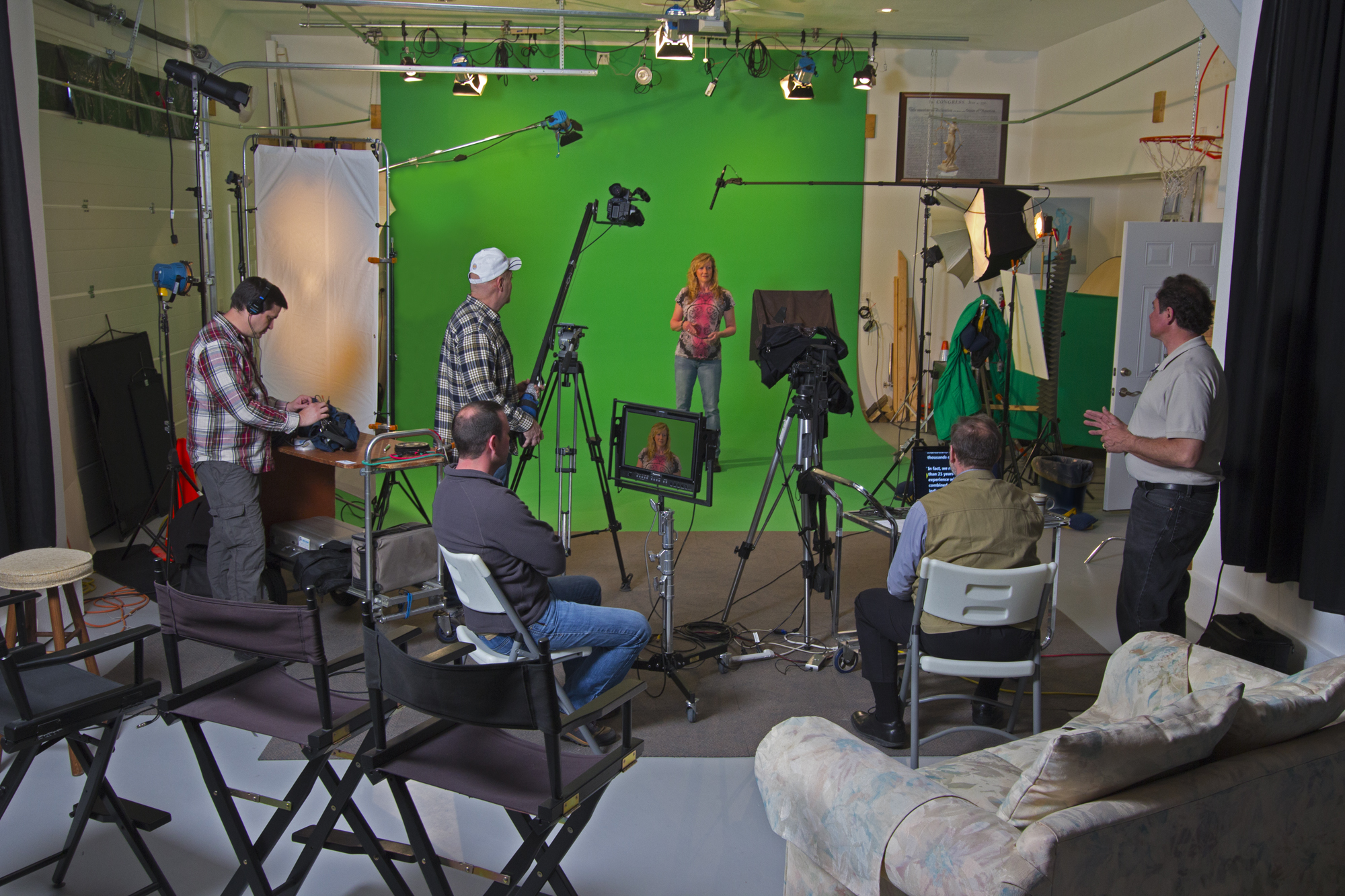
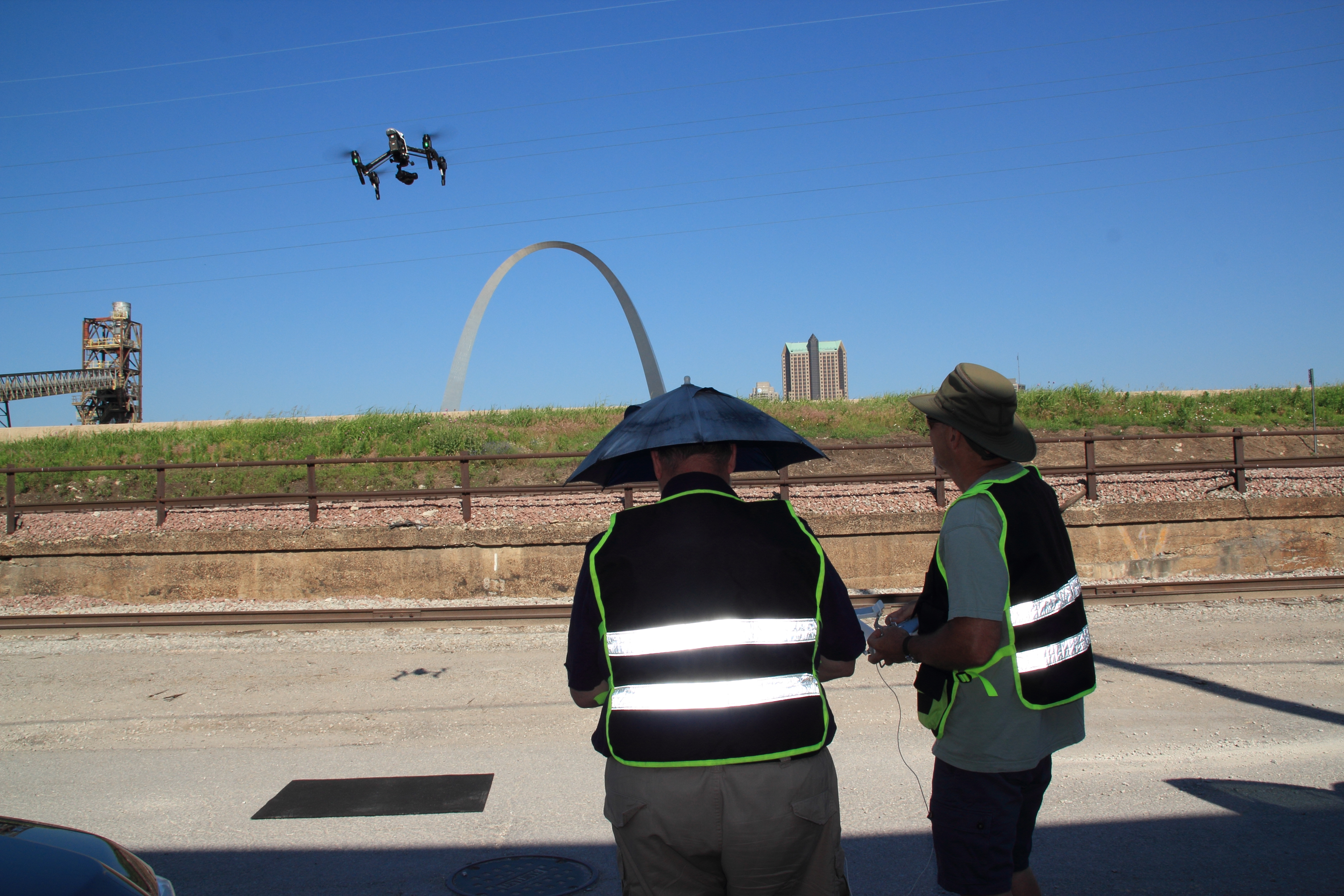
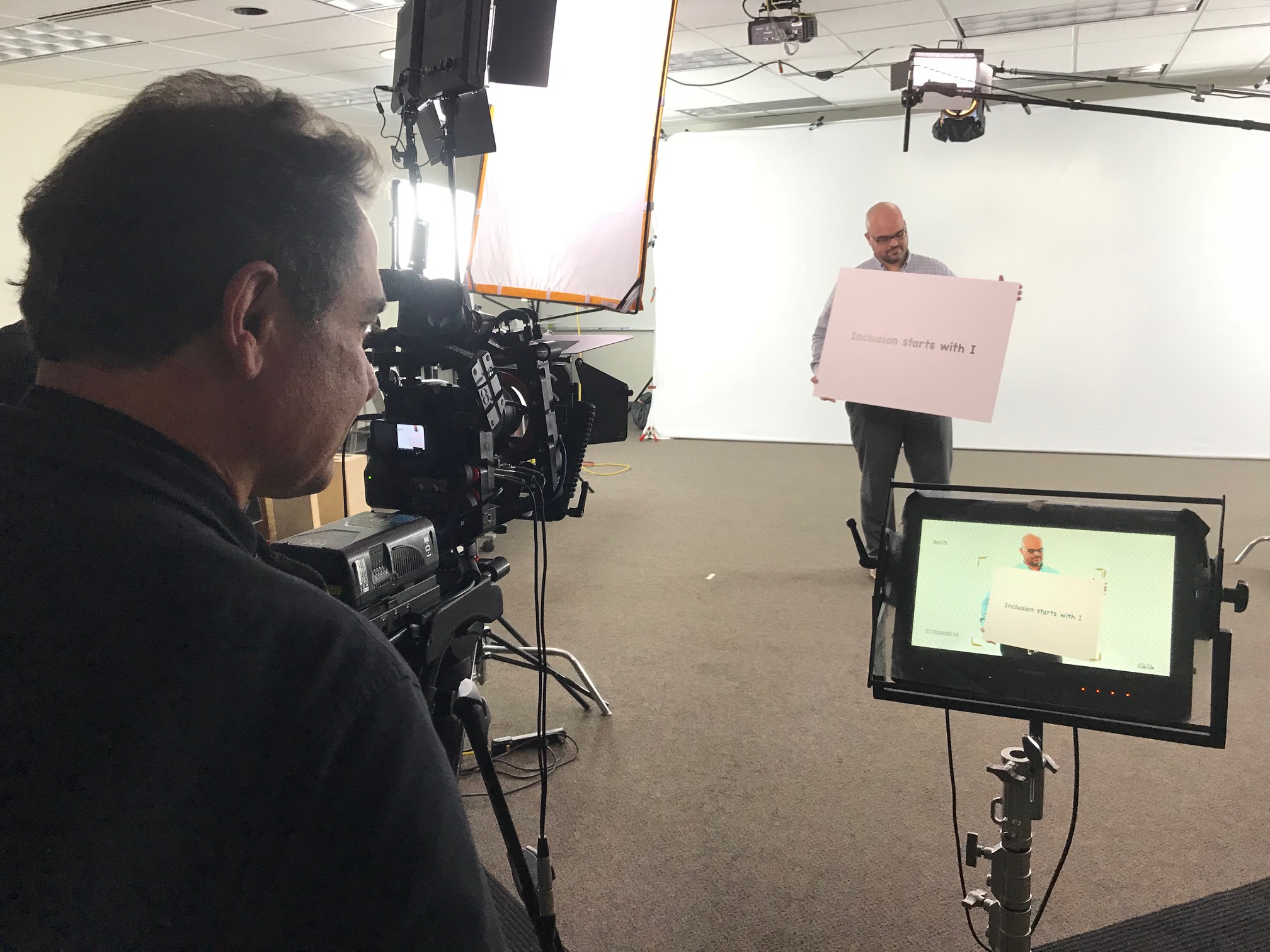
St Louis Video Production Studio is a full-service professional commercial photography and video production company with the right equipment and a creative crew seasoned in successful image acquisition. We offer full-service studio and location video and photography, plus editing and post-production, and our licensed drone pilots can even fly specialized drones indoors for dynamic, safe perspectives.

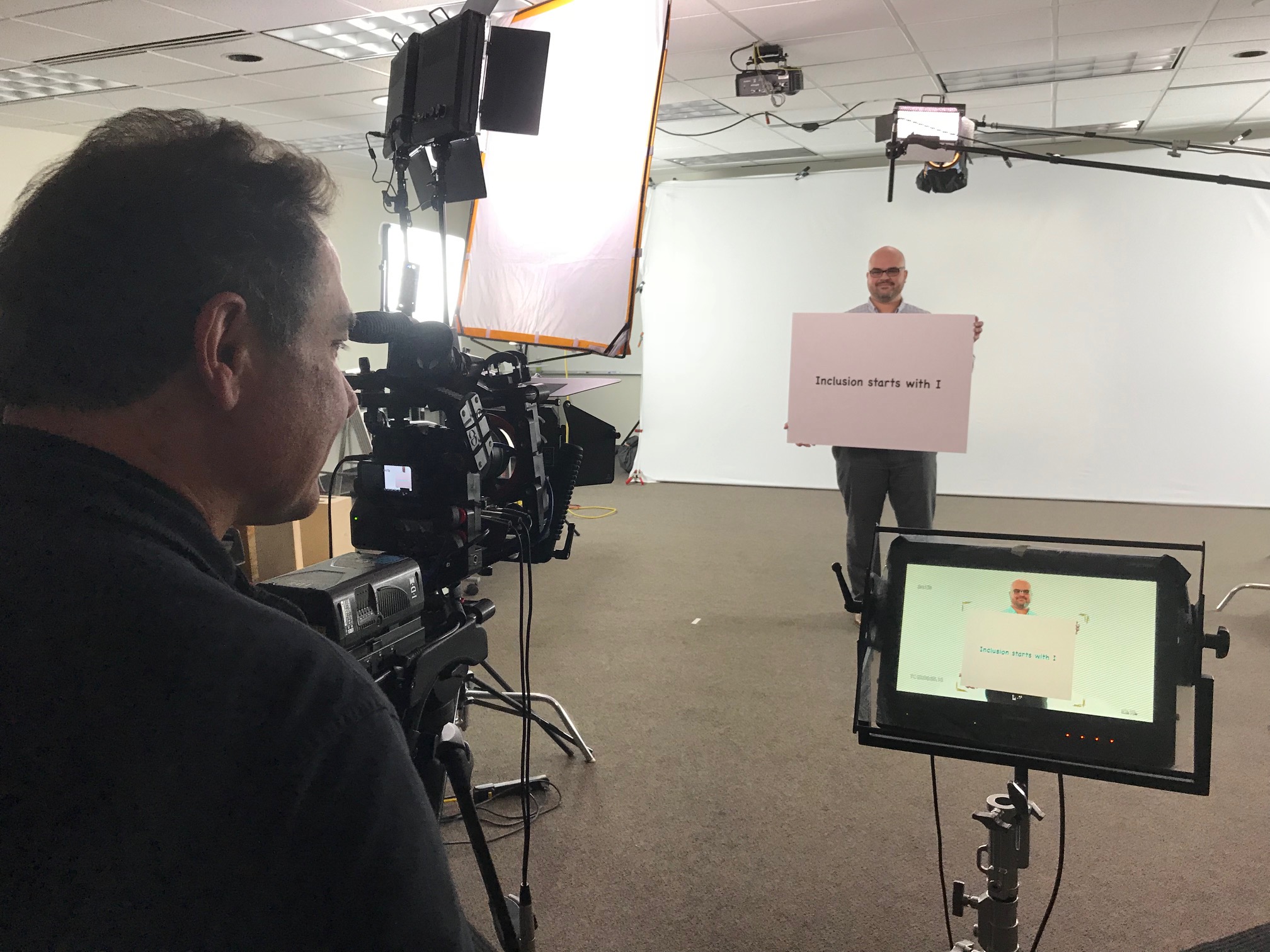
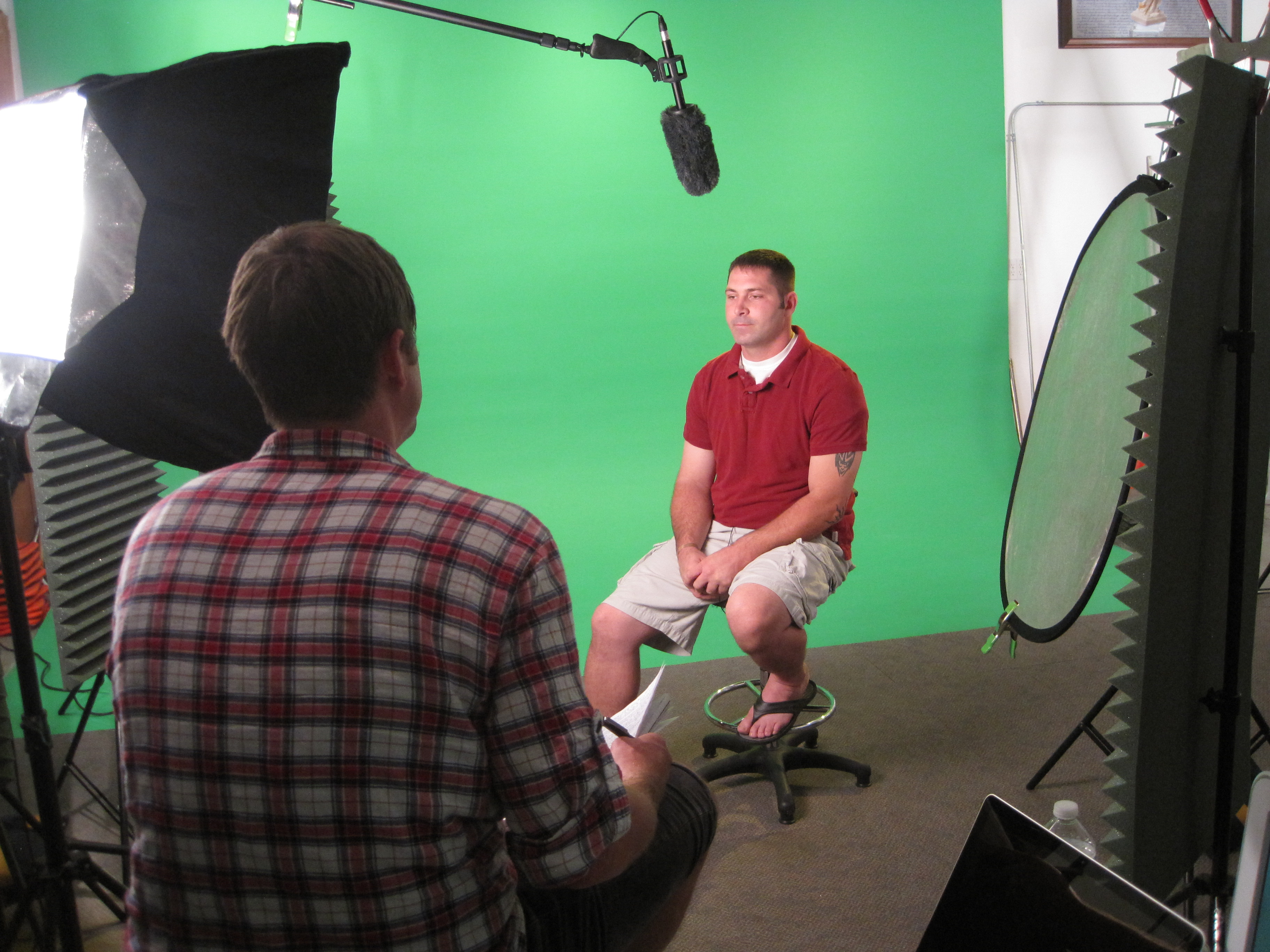
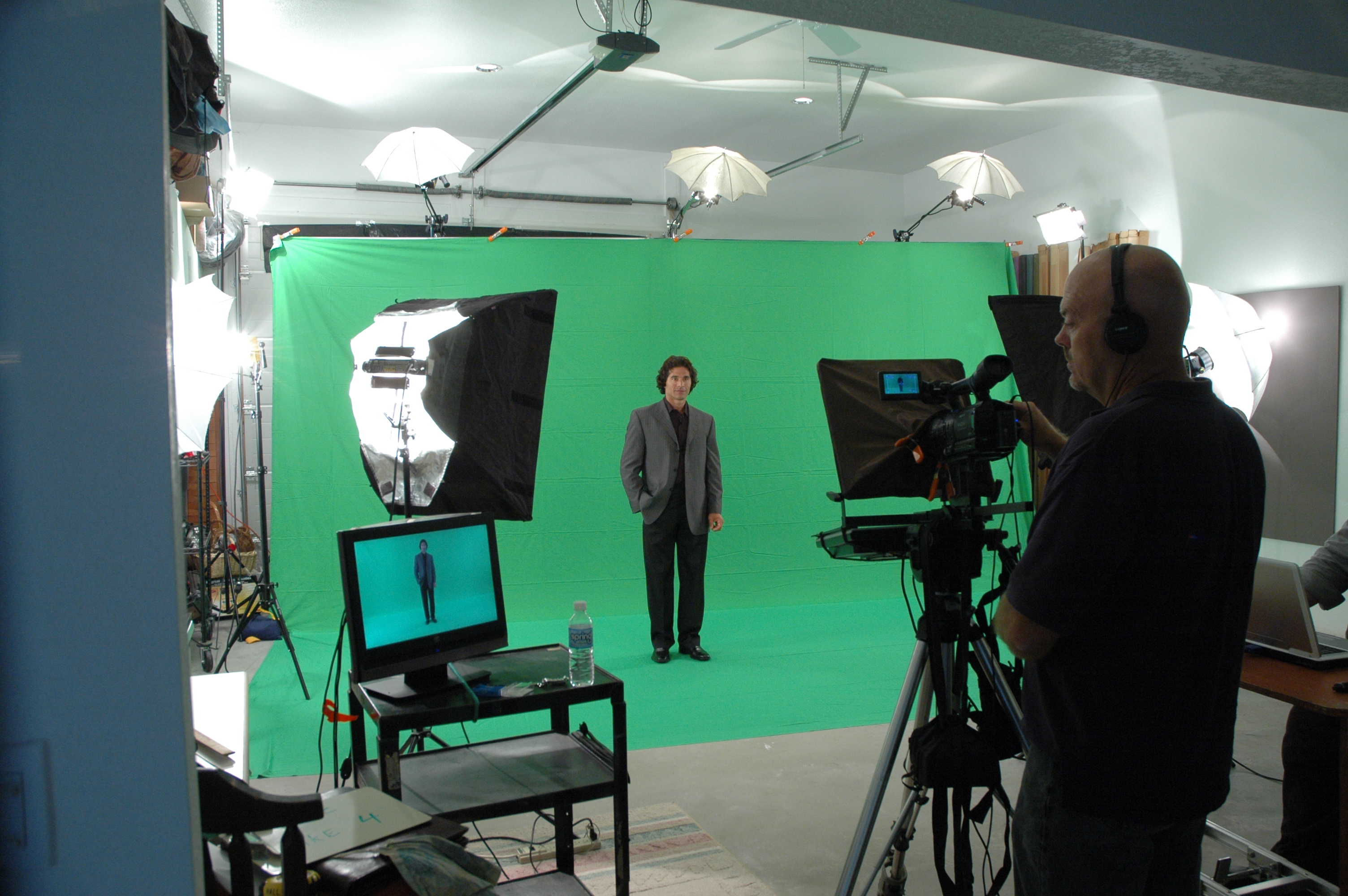
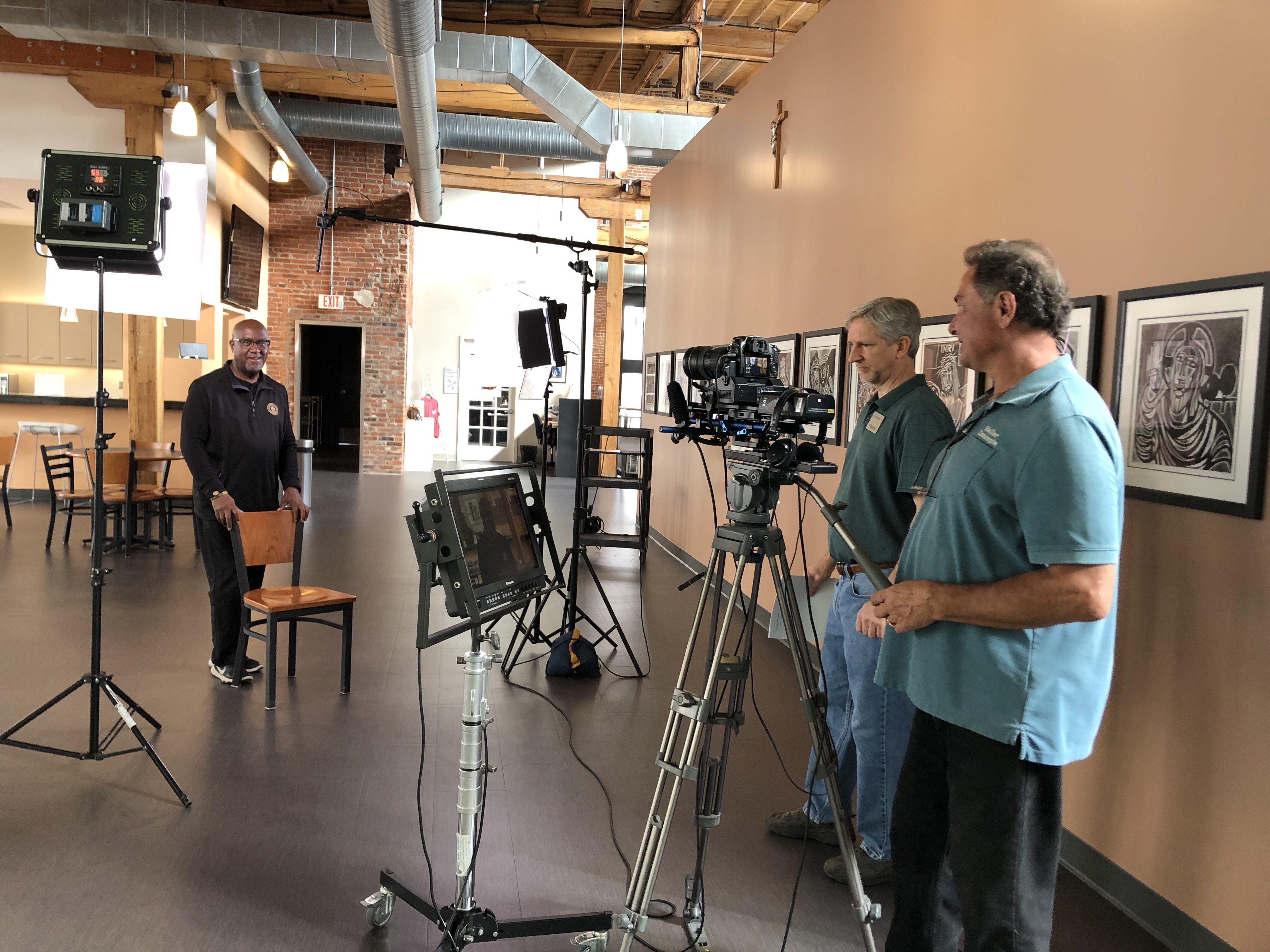
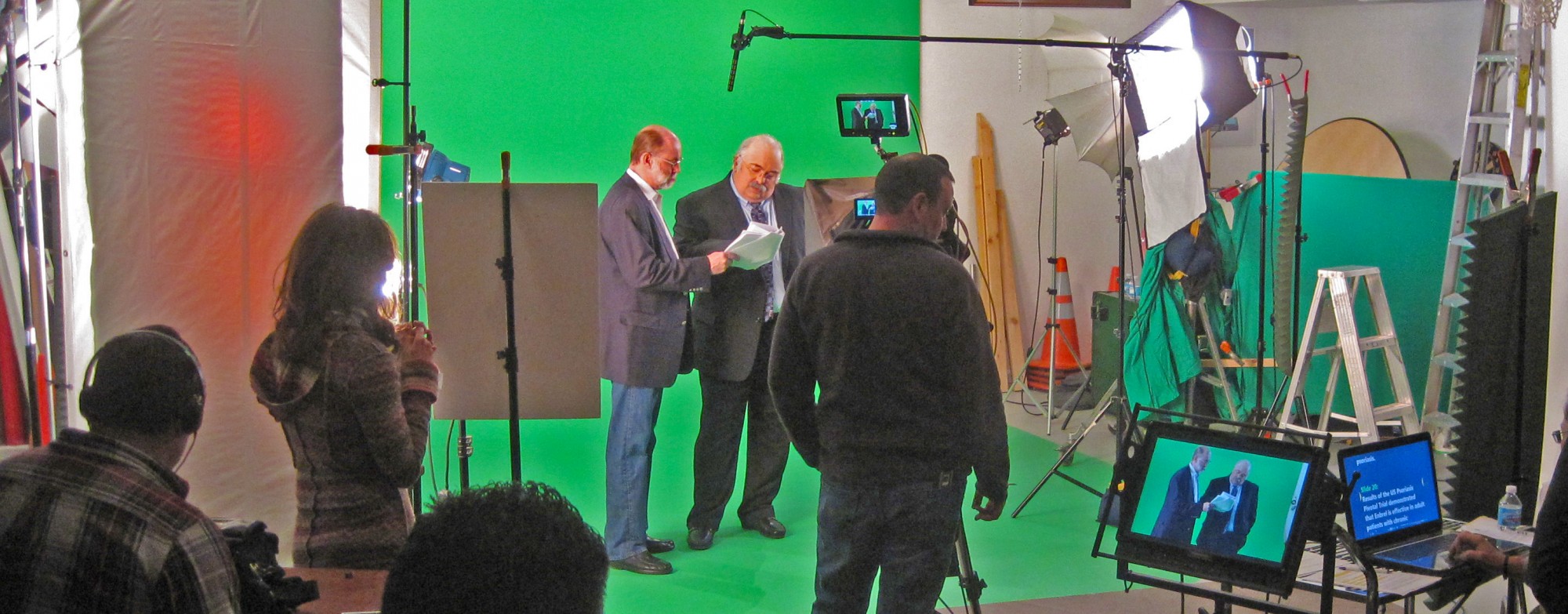
We customize productions for diverse media requirements and repurpose your photography and video branding to extend your reach. Our team is well-versed in all file types, media styles, and accompanying software, and we use the latest in Artificial Intelligence across our media services to move faster without compromising quality. Our private studio lighting and visual setup is perfect for small productions and interview scenes, and our studio is large enough to incorporate props to round out your set.

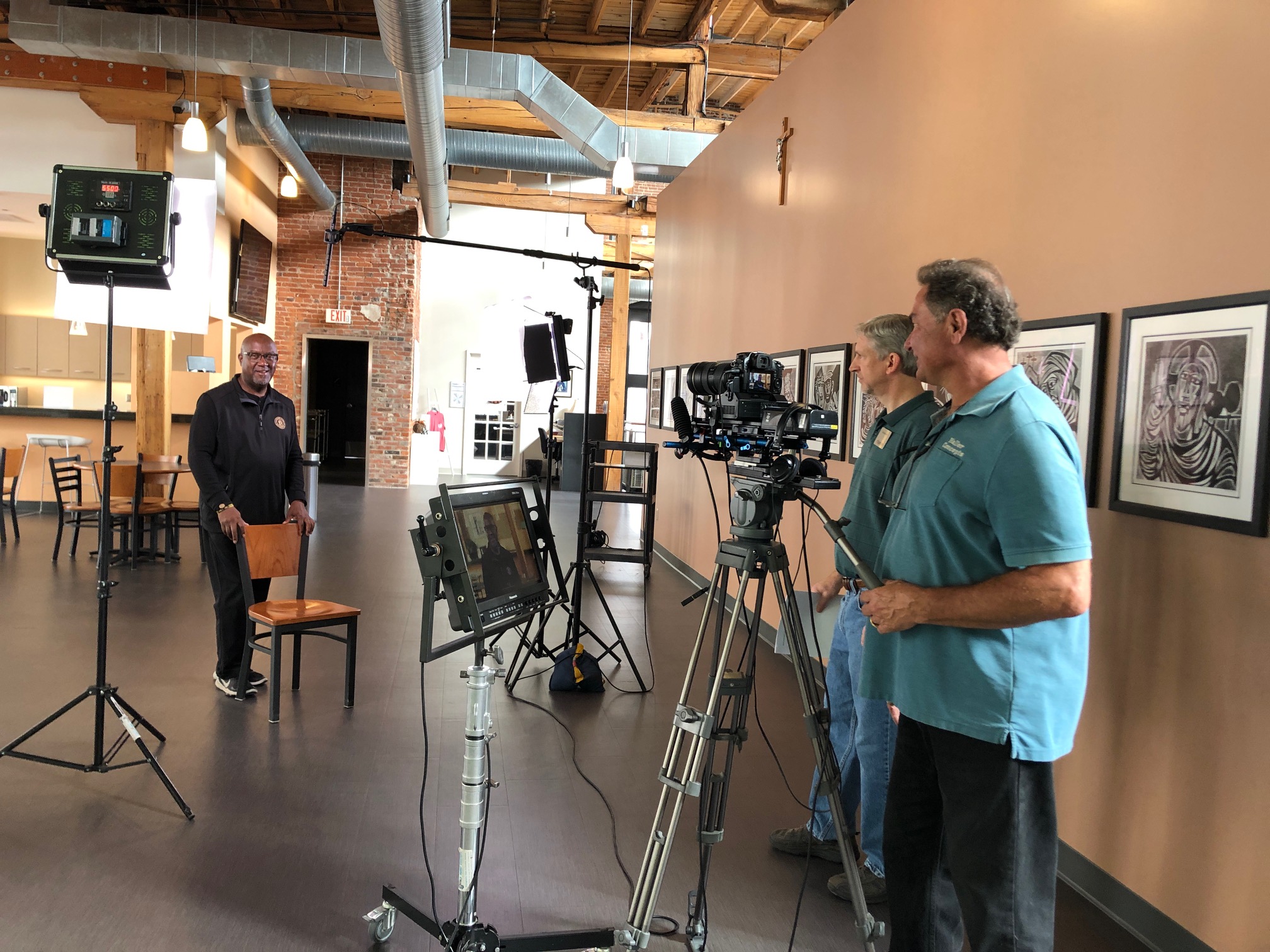
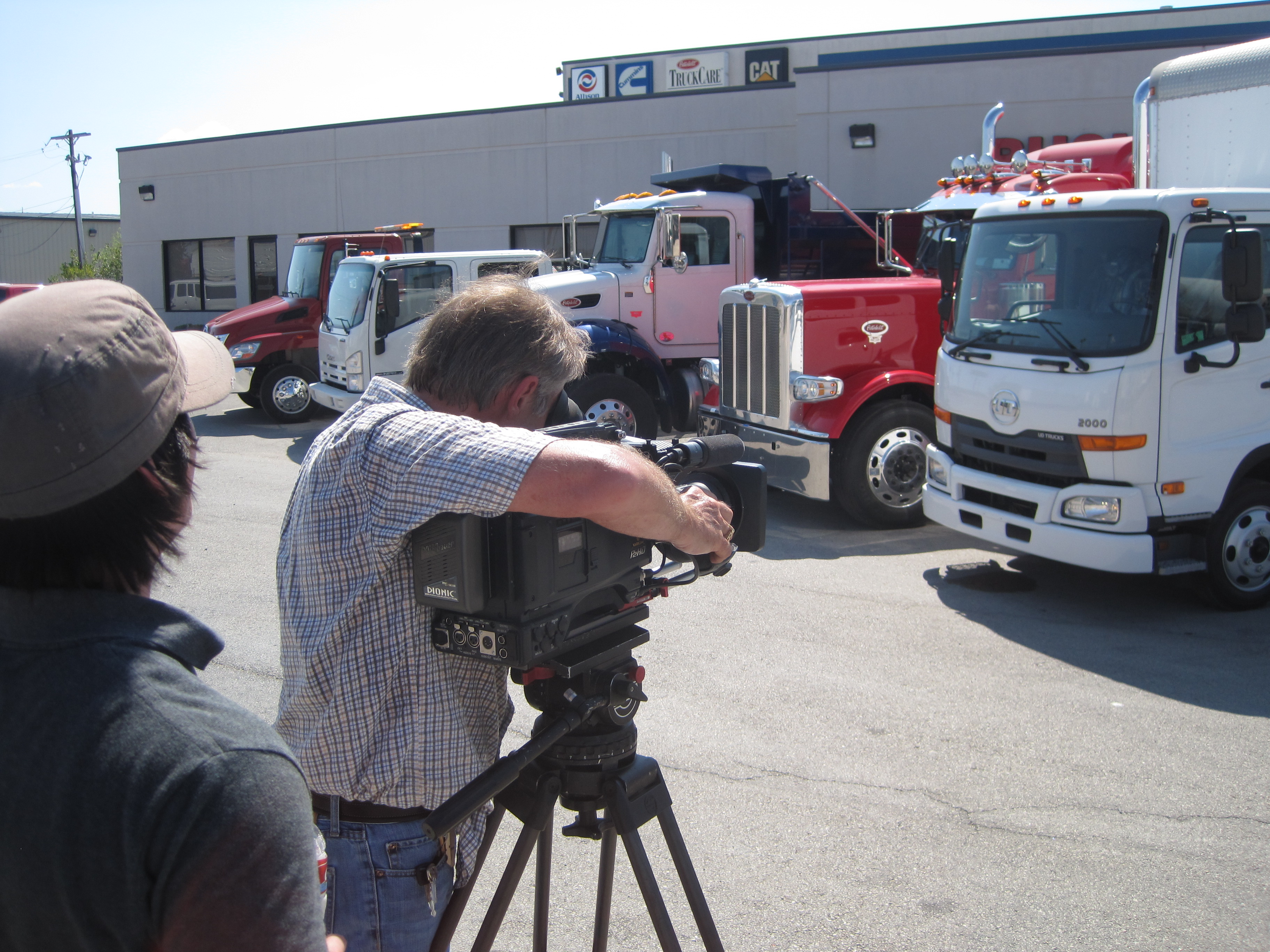
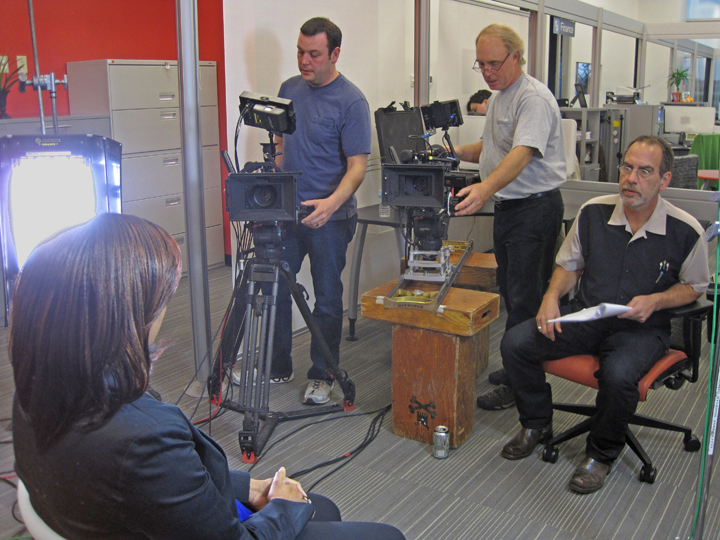
From building a private, custom interview studio to supplying professional sound and camera operators and the right equipment, we support every aspect of your production to ensure your next video is seamless and successful. As a full-service video and photography production corporation since 1982, St Louis Video Production Studio has partnered with businesses, marketing firms, and creative agencies throughout the St. Louis area to deliver marketing photography and video that performs.

Let’s make your next interview short, watchable, and effective.

314-604-6544

saintlouismostudios@gmail.com

Leveraging Onboarding Videos to Streamline Your Employee Training

In today’s fast-paced business world, effective employee onboarding is more critical than ever. It’s not just about getting new hires up to speed but also ensuring that they become integral members of your team as quickly as possible. Traditional onboarding methods, such as lengthy orientation sessions and printed manuals, are becoming outdated and inefficient. That’s where onboarding videos come into play.

Consider creating a leadership and culture video that introduces new hires to the company’s top executives and provides insights into the organization’s values and long-term vision.

As an experienced photographer and videographer at St. Louis Video Production Studio, I’ve witnessed the power of onboarding videos in transforming the way companies train their employees. In this comprehensive guide, I’ll delve into the world of onboarding videos, explaining why they are essential, how to create them effectively, and how to leverage them to streamline your employee training process.

Table of Contents

  • Why Onboarding Videos Matter
  • The Benefits of Onboarding Videos
  • Key Elements of an Effective Onboarding Video
  • Steps to Create an Outstanding Onboarding Video
  • Leveraging Onboarding Videos for Different Roles
  • Measuring the Success of Onboarding Videos
  • Repurposing Onboarding Videos for Ongoing Training
  • Choosing the Right Equipment and Crew
  • Conclusion: St. Louis Video Production Studio – Your Partner in Onboarding Videos

Why Onboarding Videos Matter

Before we dive into the nitty-gritty of creating onboarding videos, let’s understand why they matter. Traditional onboarding processes can be time-consuming and often fail to engage new employees effectively. Onboarding videos, on the other hand, offer a dynamic and engaging way to deliver essential information, making the onboarding experience memorable and informative.

The Benefits of Onboarding Videos

1. Consistency

One of the primary advantages of onboarding videos is consistency. When you have a standardized video that covers essential information, you can be sure that every new hire receives the same message and training. This consistency ensures that no critical information is missed, reducing the risk of misunderstandings or knowledge gaps among employees.

2. Time-Efficiency

Traditional onboarding methods often involve lengthy in-person sessions, which can be time-consuming for both new hires and trainers. Onboarding videos allow new employees to access the required information at their own pace, reducing the time spent on training sessions and freeing up trainers for more strategic tasks.

3. Cost-Effective

Creating onboarding videos may require an initial investment, but they pay off in the long run. Once produced, these videos can be reused for multiple onboarding sessions without incurring additional costs. This cost-effectiveness makes onboarding videos an attractive option for businesses of all sizes.

4. Engagement

Video is a highly engaging medium. By incorporating visuals, animations, and interactive elements into your onboarding videos, you can capture the attention of new employees and ensure they remain engaged throughout the training process. Engaged employees are more likely to retain information and become productive team members sooner.

Key Elements of an Effective Onboarding Video

To create a compelling onboarding video, you need to pay attention to certain key elements:

1. Clear Structure

Start with a clear and logical structure for your video. Begin by introducing your company’s mission, values, and culture. Then, proceed to cover specific topics such as company policies, procedures, and job responsibilities. End with a call to action, encouraging employees to reach out with any questions or concerns.

2. Engaging Content

Use engaging visuals, animations, and real-life scenarios to make your onboarding video interesting and relatable. Storytelling can be a powerful tool to convey important messages and create an emotional connection with new hires.

3. Accessibility

Ensure that your onboarding videos are accessible to all employees, including those with disabilities. Provide closed captions and transcripts for the hearing impaired, and make sure your videos are compatible with screen readers for the visually impaired.

4. Interactivity

Consider incorporating interactive elements into your videos, such as quizzes or knowledge checks. This can help reinforce the information presented and allow employees to test their understanding.

5. Professional Production

Invest in high-quality production to make your onboarding videos look and sound professional. Poorly produced videos can detract from the message and diminish their impact.

Steps to Create an Outstanding Onboarding Video

Now that we’ve covered the key elements, let’s explore the steps to create an outstanding onboarding video:

1. Identify Your Audience

Before you start creating your video, it’s essential to understand your audience. Consider the background, expectations, and preferences of your new hires. Tailor your video content to meet their needs and provide relevant information.

2. Scripting and Storyboarding

Create a detailed script that outlines the content and flow of your video. Consider the pacing, tone, and style that will resonate with your audience. Once you have a script, create a storyboard to visualize the visuals and scenes that will accompany the narration.

3. Production

This is where the expertise of a professional video production studio like St. Louis Video Production Studio comes into play. Ensure that you have the right equipment and crew to shoot high-quality footage. Lighting, sound, and camera work all play crucial roles in producing a visually appealing video.

4. Editing

Editing is where you bring all the elements together. Trim unnecessary footage, add graphics and animations, and incorporate any interactive elements you’ve planned. A well-edited video is key to maintaining engagement and clarity.

5. Testing and Feedback

Before rolling out your onboarding video to all new hires, conduct a pilot test with a small group and gather feedback. Use this feedback to make necessary improvements and ensure that your video effectively conveys the information.

6. Distribution

Once your onboarding video is ready, determine how you’ll distribute it to new hires. You can host it on a secure company portal, share it via a link, or even provide physical copies if needed.

Leveraging Onboarding Videos for Different Roles

Onboarding videos can be customized to cater to various roles within your organization. By tailoring the content to specific job functions, you can make the onboarding experience even more relevant and effective.

1. Department-Specific Videos

Create separate onboarding videos for different departments or teams. This allows you to focus on the specific policies, procedures, and tools that are relevant to each group. For example, the onboarding needs of your sales team may differ significantly from those of your IT department.

2. Role-Specific Videos

Go a step further and create role-specific videos within departments. This ensures that employees in similar positions receive targeted training that directly relates to their job responsibilities. For instance, a customer service representative’s onboarding video may differ from that of a product manager.

3. Leadership and Culture

Consider creating a leadership and culture video that introduces new hires to the company’s top executives and provides insights into the organization’s values and long-term vision. This can help instill a sense of belonging and purpose among employees from day one.

Measuring the Success of Onboarding Videos

To gauge the effectiveness of your onboarding videos, consider the following metrics:

1. Engagement Metrics

Track how many employees complete the onboarding video and how much time they spend watching it. High completion rates and longer viewing times indicate that your video is engaging and informative.

2. Knowledge Retention

Conduct quizzes or assessments after employees have watched the video to test their understanding. Monitor their performance and identify any areas where further training or clarification may be needed.

3. Employee Feedback

Collect feedback from new hires regarding the onboarding video. Ask about its clarity, relevance, and overall effectiveness. Use this feedback to make improvements for future onboarding videos.

Repurposing Onboarding Videos for Ongoing Training

Onboarding videos don’t have to be a one-time investment. You can repurpose them for ongoing training and development. Here are some ways to do that:

1. Refresher Training

As employees progress in their roles, offer refresher training by revisiting key sections of the onboarding video. This can help reinforce important concepts and ensure that employees stay up-to-date with company policies and procedures.

2. New Product or Policy Updates

When your company introduces new products, services, or policies, create short video updates that can be added to the onboarding video library. This keeps employees informed and ensures they are aligned with the latest changes.

3. Advanced Training

Consider creating advanced training modules that build upon the foundational knowledge provided in the onboarding videos. These modules can cater to employees looking to expand their skills and take on more responsibilities.

Choosing the Right Equipment and Crew

As mentioned earlier, professional production quality is crucial for creating effective onboarding videos. At St. Louis Video Production Studio, we understand the importance of the right equipment and an experienced crew. We have the tools and expertise to ensure your onboarding videos are top-notch.

Our studio is equipped with state-of-the-art cameras, lighting setups, and sound recording equipment to capture the highest quality footage. Our experienced videographers and production team have a wealth of knowledge in crafting engaging and informative videos.

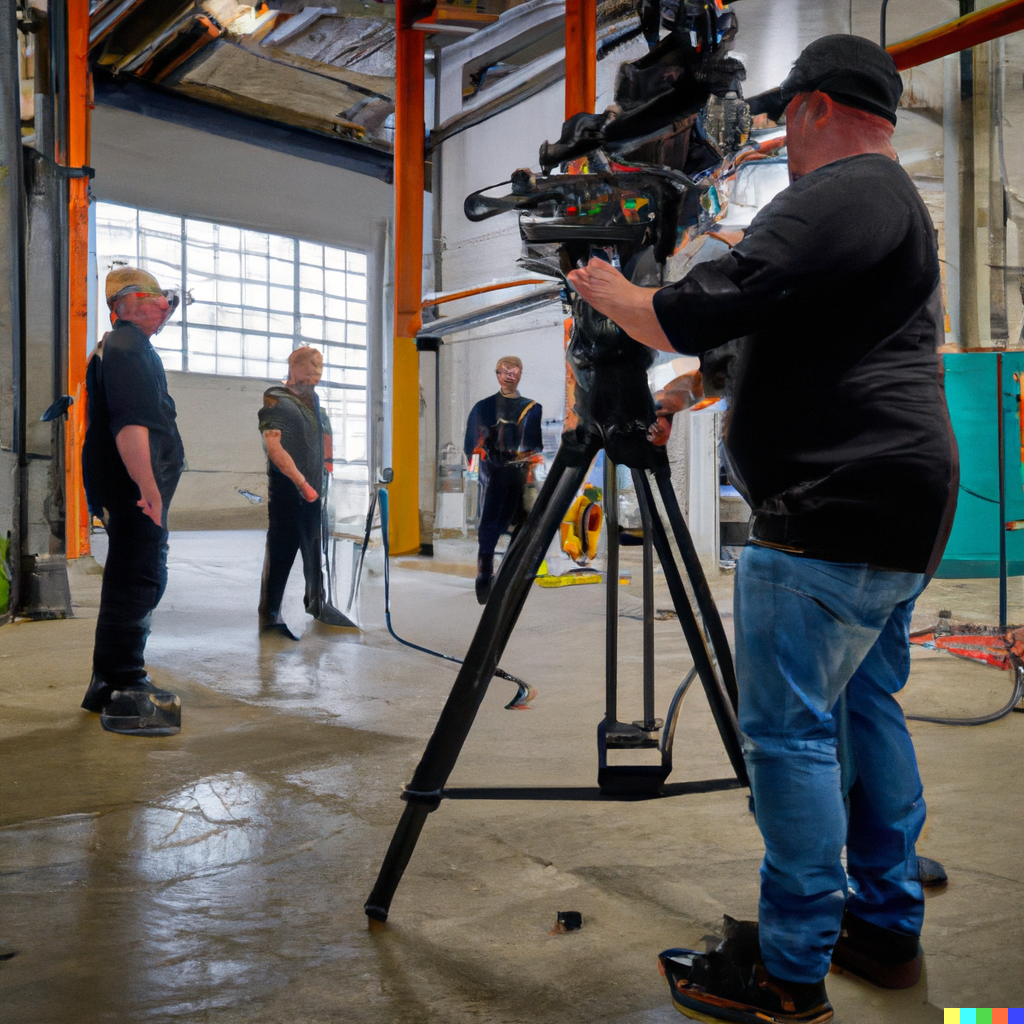
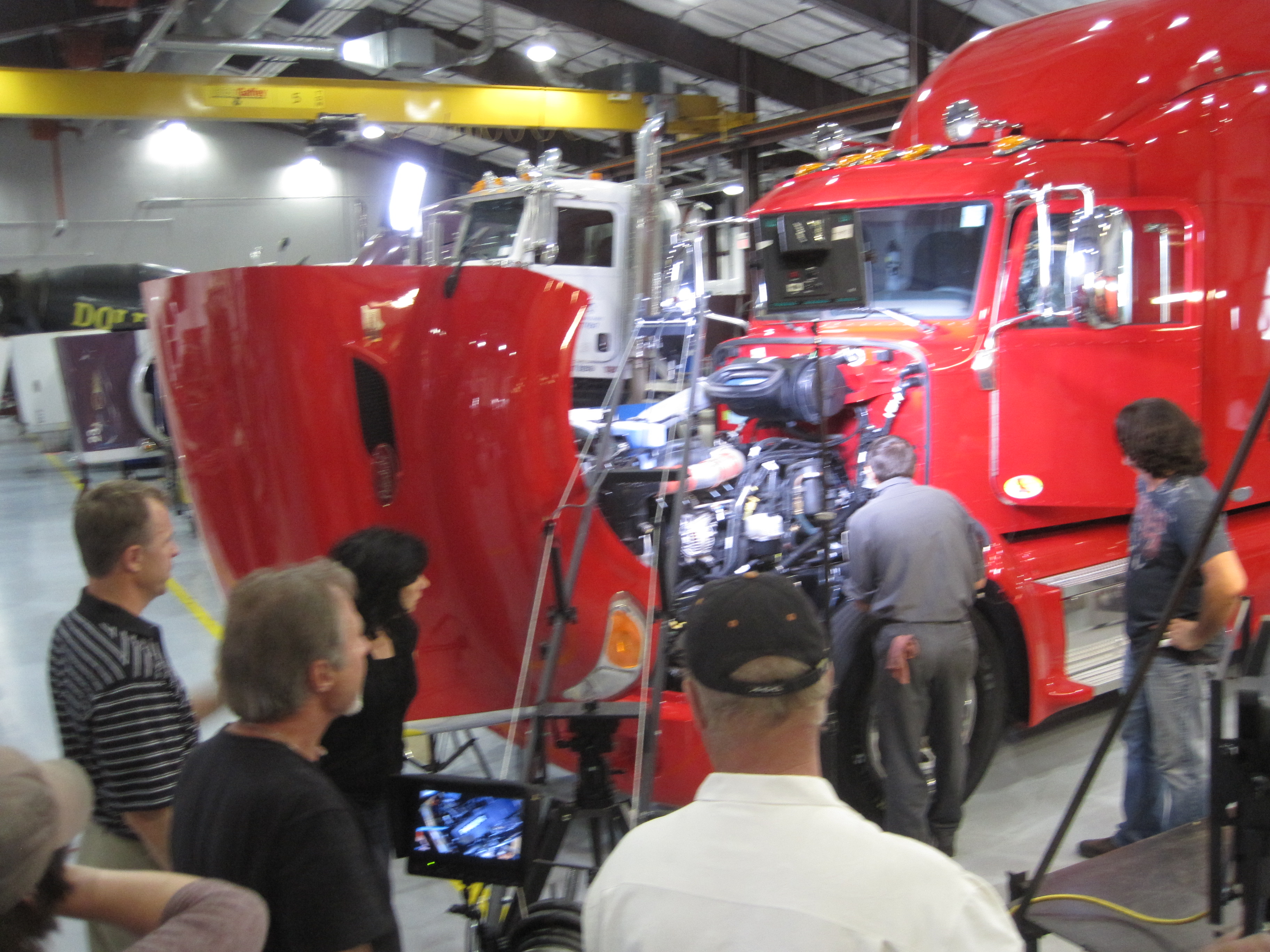
Whether you require studio shoots or on-location filming, our team can accommodate your needs. We are well-versed in all file types and styles of media and accompanying software, ensuring your onboarding videos meet the highest standards.

Conclusion: St. Louis Video Production Studio – Your Partner in Onboarding Videos

In conclusion, onboarding videos are a powerful tool for streamlining your employee training process. They offer consistency, engagement, and cost-effectiveness that traditional methods often lack. By following the steps outlined in this guide and leveraging the expertise of a professional video production studio like St. Louis Video Production Studio, you can create outstanding onboarding videos that set your new hires up for success.

As a full-service video and photography production company, St. Louis Video Production Studio has worked with many businesses, marketing firms, and agencies in the St. Louis area for their corporate photography and video. We have the right equipment and creative crew service experience to ensure successful conference documentation and offer full-service studio and location video and photography, as well as editing and post-production. We can customize your productions for diverse types of media requirements and specialize in repurposing your photography and video branding to gain more traction. Trust us to deliver high-quality onboarding videos that make a difference in your employee training process.

Don’t miss out on the benefits of onboarding videos. Contact St. Louis Video Production Studio today to take your employee training to the next level and experience the difference a professional production company can make. Your success is our priority.

Contact us now to get started on creating impactful onboarding videos for your organization.

314-604-6544

saintlouismostudios@gmail.com