Tag Archives: St. Louis

Keep It Tight: How to Make Short Interviews That People Actually Watch

When an interview video drags, the audience doesn’t just lose interest—they miss your message. In B2B marketing, attention is a scarce commodity, so the mandate is simple: be brief, be clear, be watchable. Here’s the playbook we use at St Louis Video Production Studio to keep interviews engaging, short, and conversion-focused—without sacrificing depth or professionalism.


The Business Case for Short Interviews

Short wins when:

  • You need top-of-funnel awareness and fast clarity.
  • Buyers skim on mobile and make snap judgments about credibility.
  • You’ll repurpose across web, email, LinkedIn, YouTube, and vertical social.

Working runtime targets (by intent & channel):

  • Website / Landing page hero: 60–90 sec
  • LinkedIn post: 45–75 sec
  • Paid social cutdowns: 15–30 sec
  • YouTube (consideration pages, product explainer): 60–120 sec (only stretch past 2 minutes if you’re showing hard proof)

Structure: The 60–90 Second Interview Blueprint

Think of your interview like a trailer for your value proposition:

  1. Hook (0–5s) – A result, bold claim, or pain point stated in the buyer’s language.
    “We cut onboarding from three weeks to two days.”
  2. Context (5–20s) – Who you are + why it matters.
    “I lead operations at Acme; our clients struggled with…”
  3. Proof (20–60s) – 2–3 hard specifics (metrics, demo visuals, customer outcome).
    “Error rates fell 41%. Here’s how the workflow changed.”
  4. Action (60–90s) – What the viewer should do next.
    “Book a 15-minute walkthrough” or “Download the spec sheet.”
Guardrails: One idea per sentence. One proof per idea. Anything that doesn’t serve the hook, proof, or action is a candidate for the cutting room floor.


Pre-Production: Design for Brevity

Define the single conversion goal before you roll. Each question must ladder to that goal.

Write prompts, not scripts. Scripts create stiff reads; prompts create truthful, tight answers.

  • “Give me the headline in one sentence.”
  • “What changed—precisely?”
  • “What metric proves it?”
  • “What should someone do today after watching this?”

Prep your subject to be concise. Share this answer format:

  • Headline → Proof → One concrete example → CTA (10–20 seconds total).

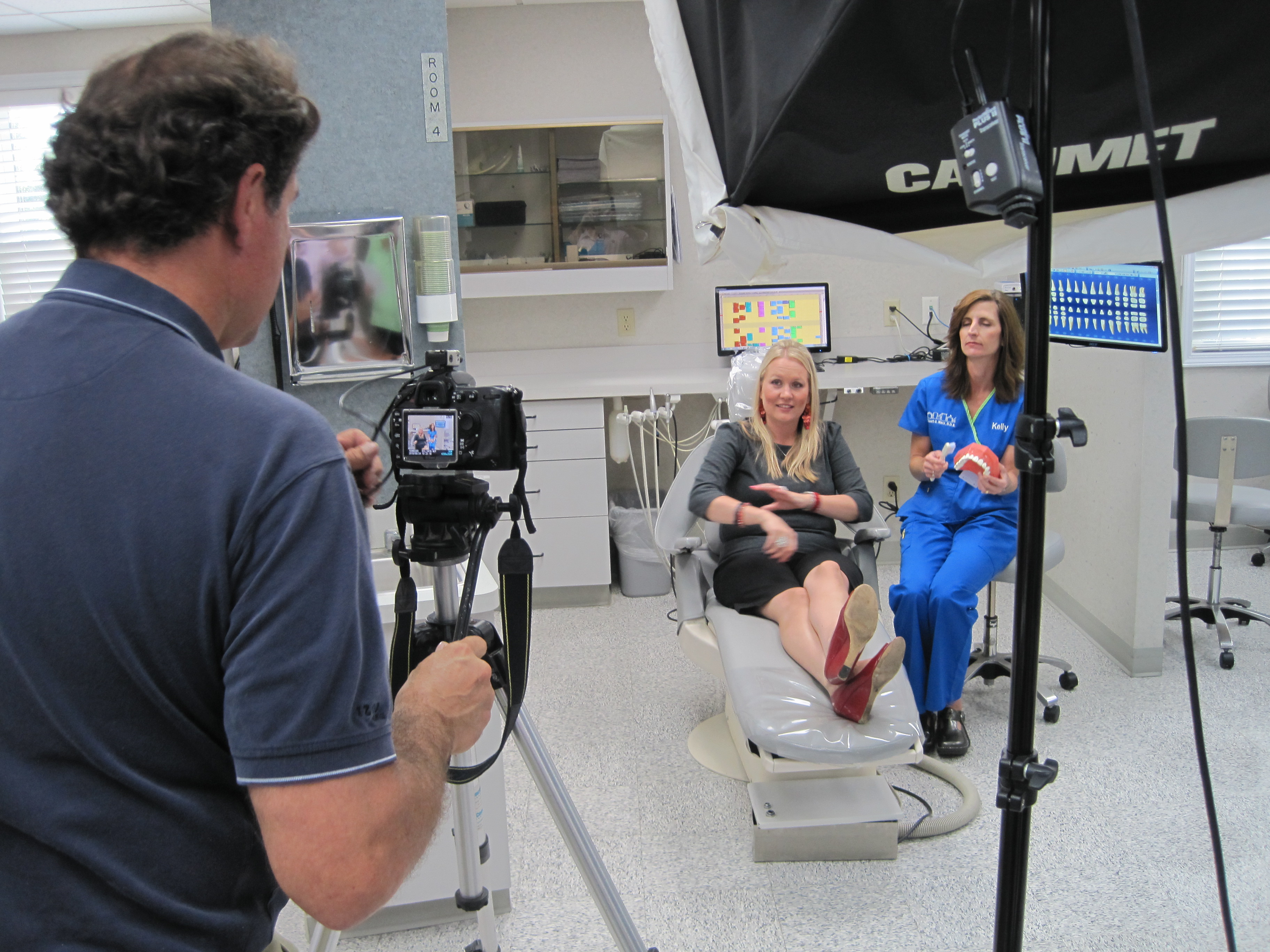
Block time for cutaways. Even short interviews need visual proof: dashboards, hands-on product use, customer interaction, environment establishing shots. Plan W–M–T (wide/medium/tight) passes for each proof point so the edit flows without filler.

On-Set: Coaching for Short, Watchable Answers

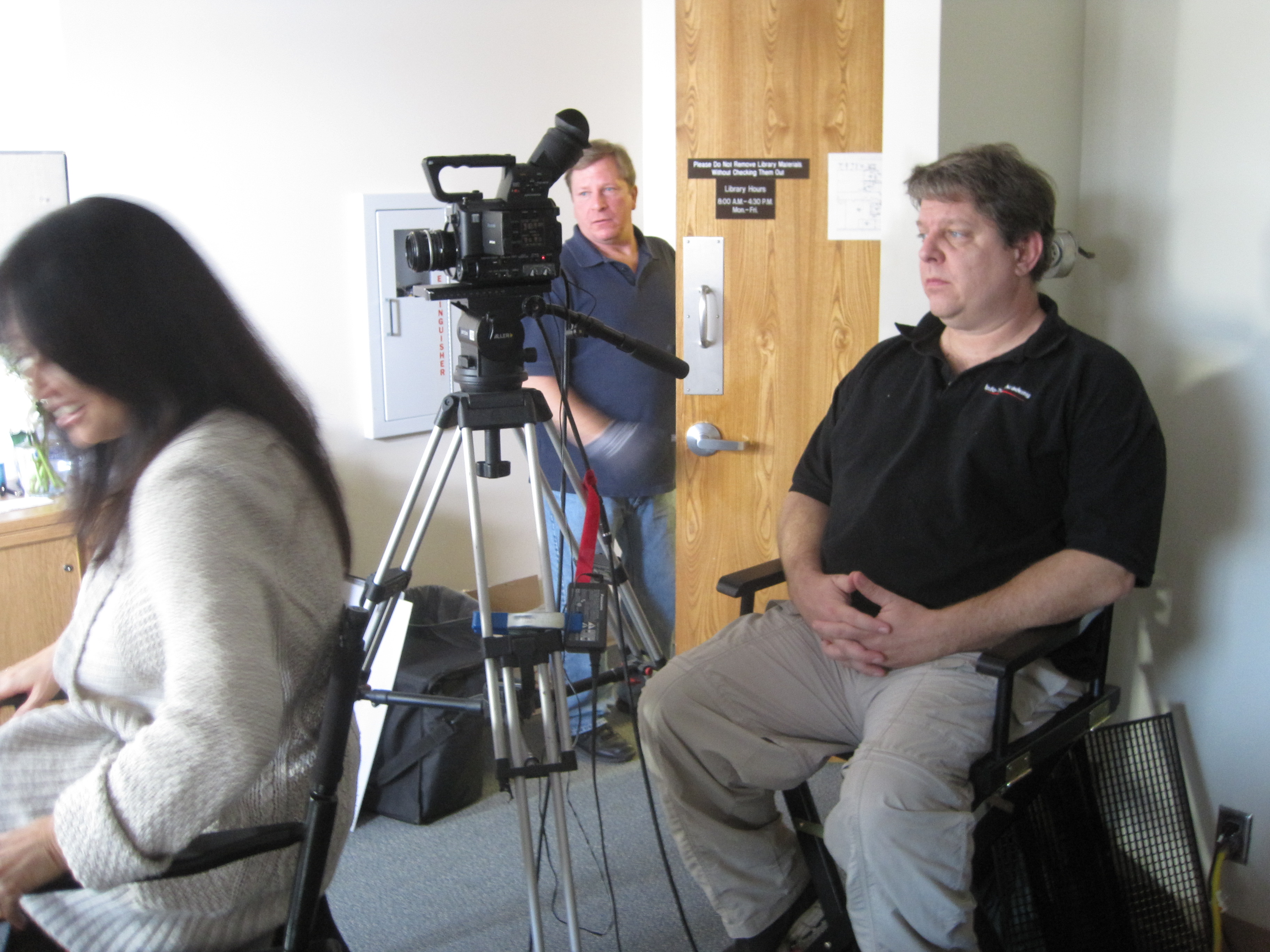
  • “One breath” rule: If an answer is longer than one breath, it’s two answers—ask for a tighter version.
  • Interrupt with purpose: “That’s great—can you give that to me in one sentence?”
  • Ask for the number: “What improved, and by how much?”
  • Echo & sharpen: Repeat the subject’s best phrase and ask them to restate it cleanly.
  • Mark keepers on the slate or audio notes to speed the edit.

Framing & lighting that flatter brevity

  • Eye line just off lens; keep backgrounds simple and branded.
  • Soft key + gentle negative fill to sculpt.
  • Lock white balance; avoid mixed color temps that slow grading.
  • Capture NAT sound beds (keystrokes, machinery) for transitions under cutaways.

Editorial Tactics That Boost Retention

  • Lead with the answer. Don’t bury the headline.
  • J-cut your next idea under the last word so the video never “lands” on a static shot.
  • Cut on movement (hand gestures, page turns) to hide trims.
  • Pattern interrupt every 7–10 seconds: angle change, cutaway, graphic callout, or bold caption.
  • On-screen text: 8–12 words max per card; write like a billboard.
  • Captions by default for mobile and silent autoplay.
  • Music minimalism: underscore, not a pop single—let clarity win.

Color & sound polish

  • Neutral skin tones first, brand-hue secondaries second.
  • Transparent noise reduction; a touch of surgical EQ for articulation.
  • Loudness matched for platform norms; keep dynamics natural.

The “Kill List”: What to Cut Without Mercy

  • Corporate preambles: “Thank you for having me…”
  • Role recitations longer than a clause.
  • Vague adjectives without metrics: “robust,” “innovative,” “industry-leading.”
  • Redundant restatements. Say it once, crisply.
  • B-roll of empty hallways and random office plants.

Packaging for Multi-Channel Use

From a single 60–90 second master, plan:

  • 1× master (landings, YouTube)
  • 2–3× 15–30s cutdowns (paid social)
  • 3–5× 6–10s vertical hooks (stories, TikTok, Shorts)
  • Thumbnails: subject’s face + 2–3 word benefit (“2-Day Onboarding”)
  • Accompanying copy: one-line promise + one data point + CTA link

Aspect ratios: Capture clean frames for 16:9, 1:1, and 9:16. Keep text and faces inside a 4:5 safe box so vertical crops don’t lose key info.


Metrics That Matter (and realistic targets)

  • Hook rate (3-second hold): Did we stop the scroll?
  • Midpoint retention (50% mark): Aim 45–65% for well-targeted B2B.
  • CTA clicks or booked calls: The real win.
  • Reuse velocity: How many teams used the asset? (Sales, CS, HR recruiting.)

Use these signals to iterate your next batch of interviews: if midpoint retention dips, tighten the proof section and add a visual change earlier.

How We Use AI—Responsibly—to Speed Quality

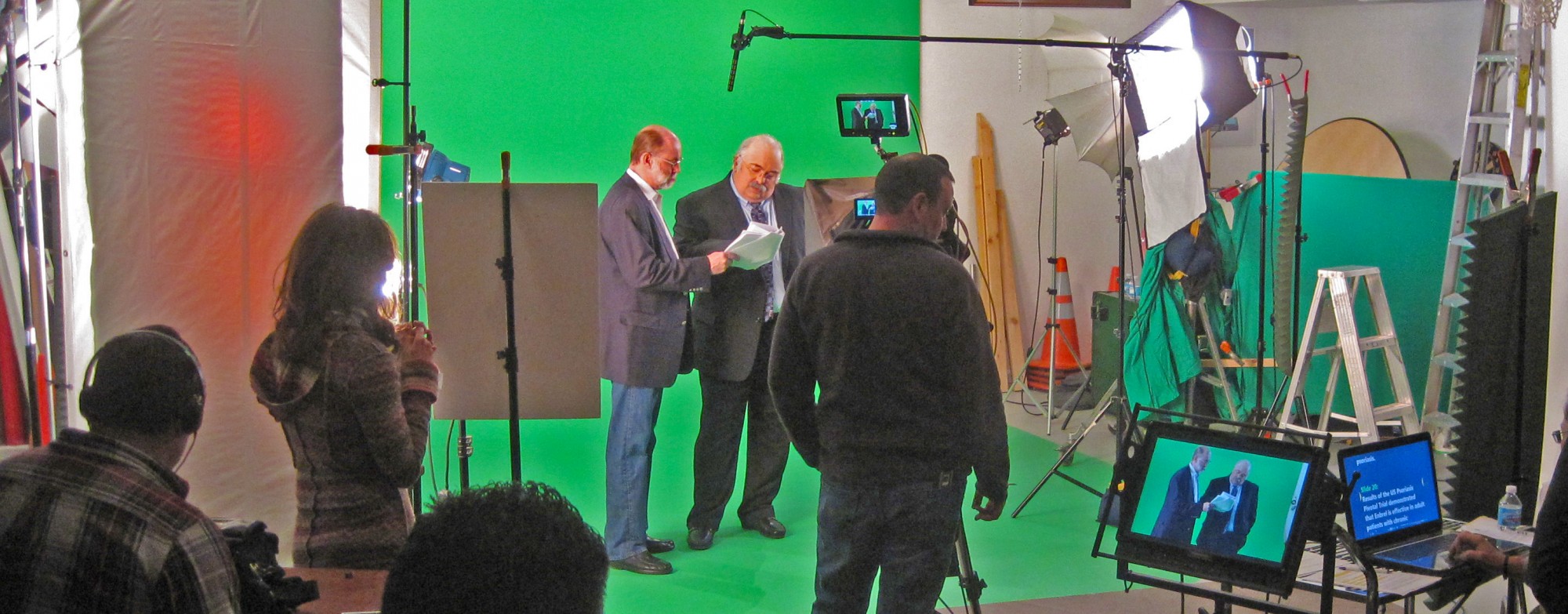
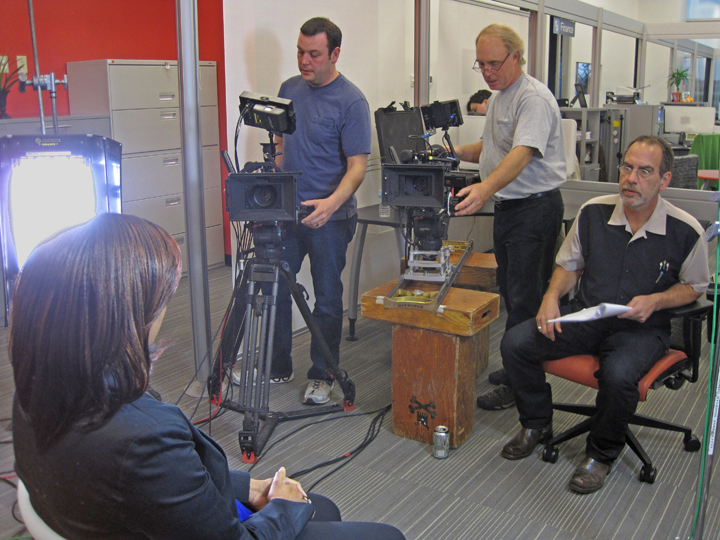
  • Transcription & paper edits: Rapidly surface quotable moments; map B-roll to lines.
  • Auto-captions & brand templates: Faster packaging in multiple aspect ratios.
  • Filler-word & silence detection: Tightens cadence without harming authenticity.
  • Noise cleanup & dialogue enhancement: Cleaner speech from challenging spaces.
  • Visual cleanup (where permitted): Remove stray logos, fix flicker, stabilize micro-jitters.

Human editorial judgment remains the final pass—AI accelerates, we direct.


A Sample Half-Day Interview Sprint (Efficient & Short)

  1. 0:00–0:30 Lighting/audio, white balance lock, framing.
  2. 0:30–1:15 Interview capture (primary + safety angle).
  3. 1:15–2:30 B-roll proof passes (W–M–T) for each claim.
  4. 2:30–2:45 Vertical-safe pickups for social.
  5. 2:45–3:00 NAT sound beds, thumbnails, safety pickups.
  6. Post Paper edit → selects → captions/graphics → color/sound → masters & cutdowns.

Ready to Keep It Short—and Effective?

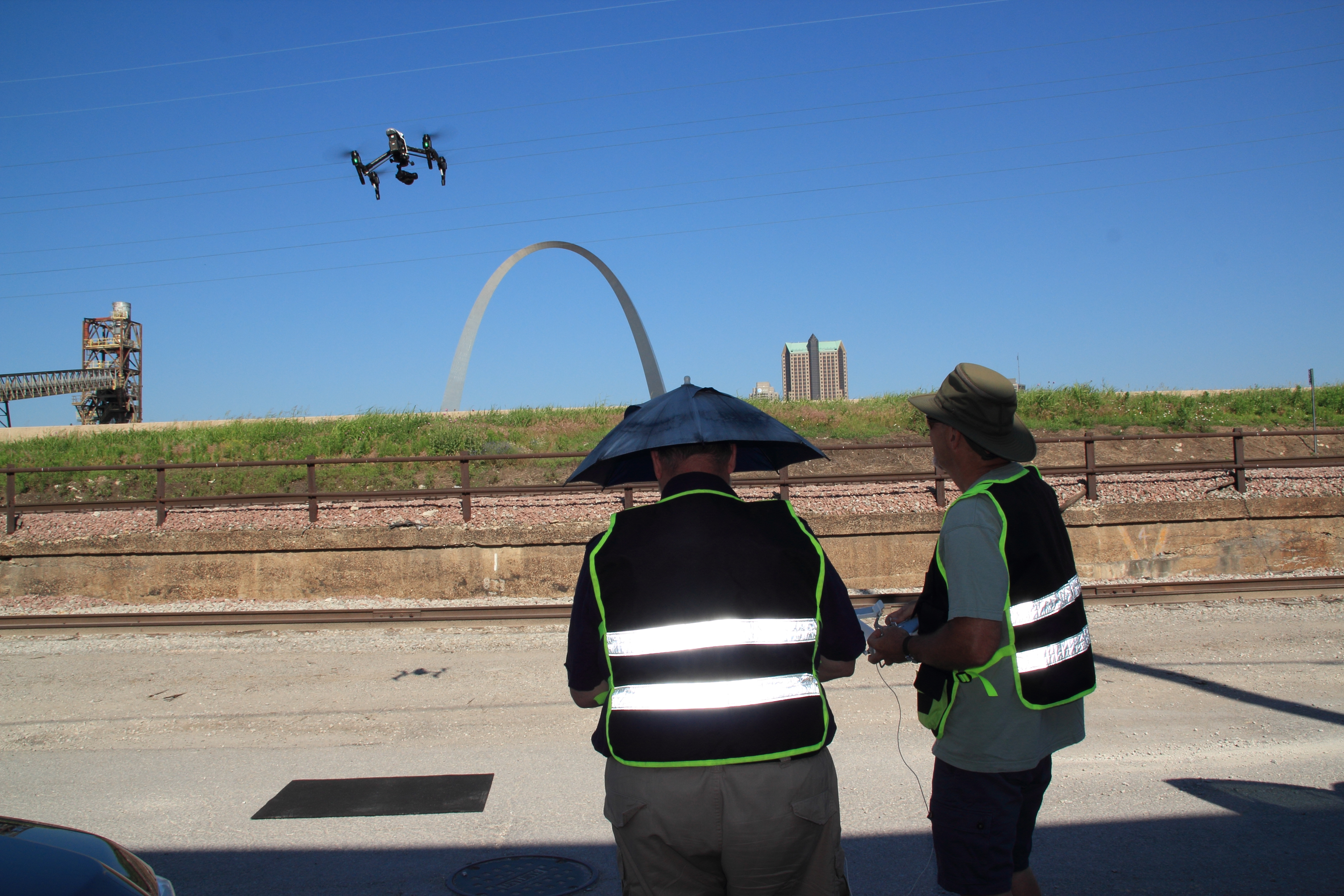
St Louis Video Production Studio is a full-service professional commercial photography and video production company with the right equipment and a creative crew seasoned in successful image acquisition. We offer full-service studio and location video and photography, plus editing and post-production, and our licensed drone pilots can even fly specialized drones indoors for dynamic, safe perspectives.

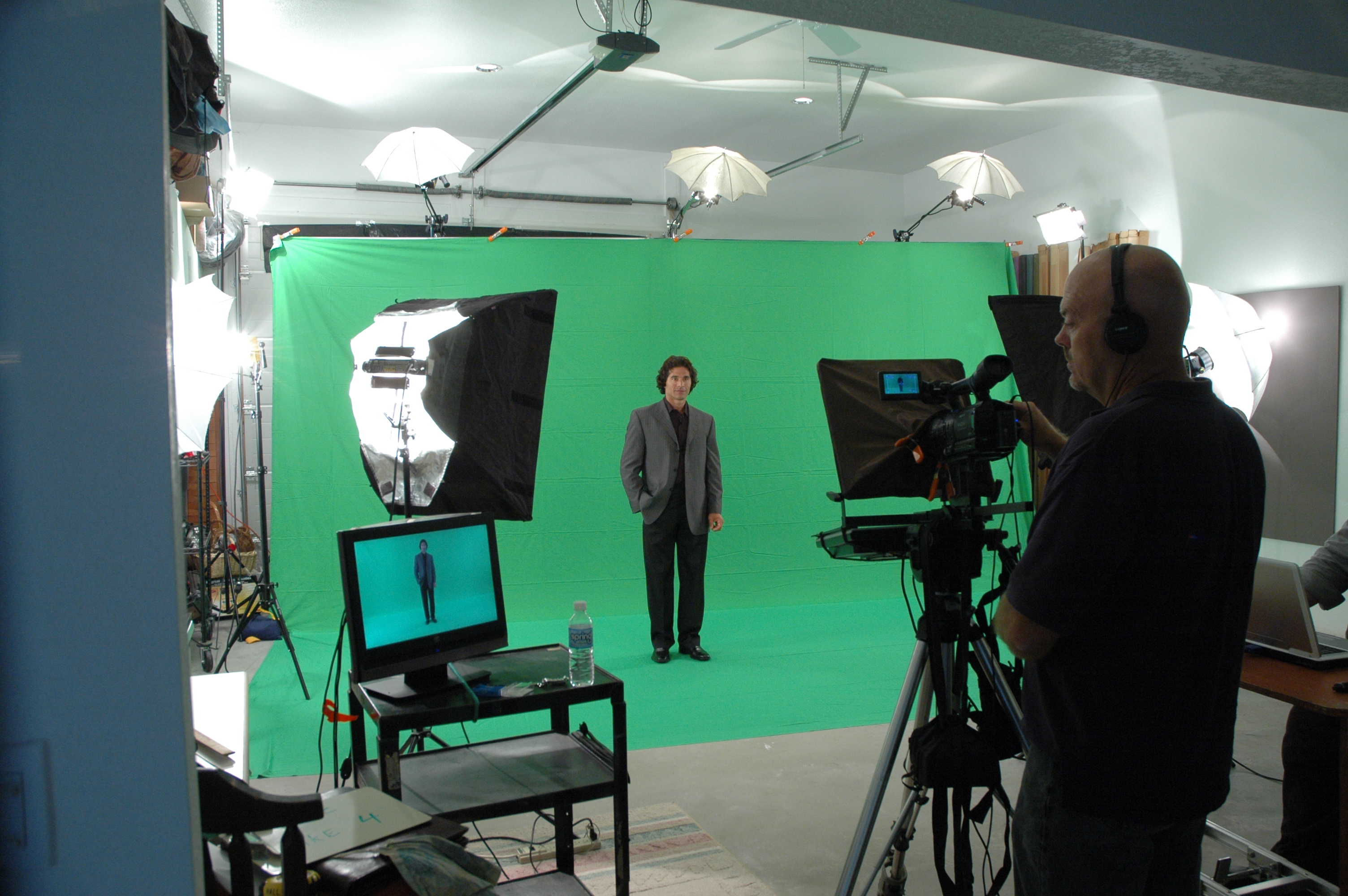
We customize productions for diverse media requirements and repurpose your photography and video branding to extend your reach. Our team is well-versed in all file types, media styles, and accompanying software, and we use the latest in Artificial Intelligence across our media services to move faster without compromising quality. Our private studio lighting and visual setup is perfect for small productions and interview scenes, and our studio is large enough to incorporate props to round out your set.

From building a private, custom interview studio to supplying professional sound and camera operators and the right equipment, we support every aspect of your production to ensure your next video is seamless and successful. As a full-service video and photography production corporation since 1982, St Louis Video Production Studio has partnered with businesses, marketing firms, and creative agencies throughout the St. Louis area to deliver marketing photography and video that performs.

Let’s make your next interview short, watchable, and effective.
314-604-6544

saintlouismostudios@gmail.com

Lights, Camera, Comfort: Creative Approaches to Filming People Unfamiliar with the Camera

In today’s visual-first world, video content is a cornerstone of corporate marketing strategies. Yet, one of the most common challenges we hear from clients is this: “Most of our employees or clients aren’t used to being on camera.” For decision makers responsible for overseeing brand visuals, this can be a legitimate concern. Nervous, untrained on-screen talent can result in stiff deliveries, missed messaging, and unusable footage.

At St Louis Video Production Studio, we’ve spent decades working with everyday professionals—CEOs, sales reps, factory floor employees, and customers—who are not actors, yet need to look authentic and compelling on screen. In this blog, we’ll share expert strategies to help your next shoot feel natural, relaxed, and productive, even when your talent isn’t camera-savvy.


1. Preparation Is Power: Pre-Interview and Gentle Scripting

Rather than launching straight into filming, we schedule informal pre-interviews. This allows us to build rapport and understand the person’s communication style. We use this time to shape the messaging into digestible, conversational talking points—not memorized scripts.

Tip: Avoid having your talent memorize exact wording. Instead, give them 2–3 key ideas to cover in their own voice. Authenticity resonates more than perfection.


2. The Comfort-First Setup

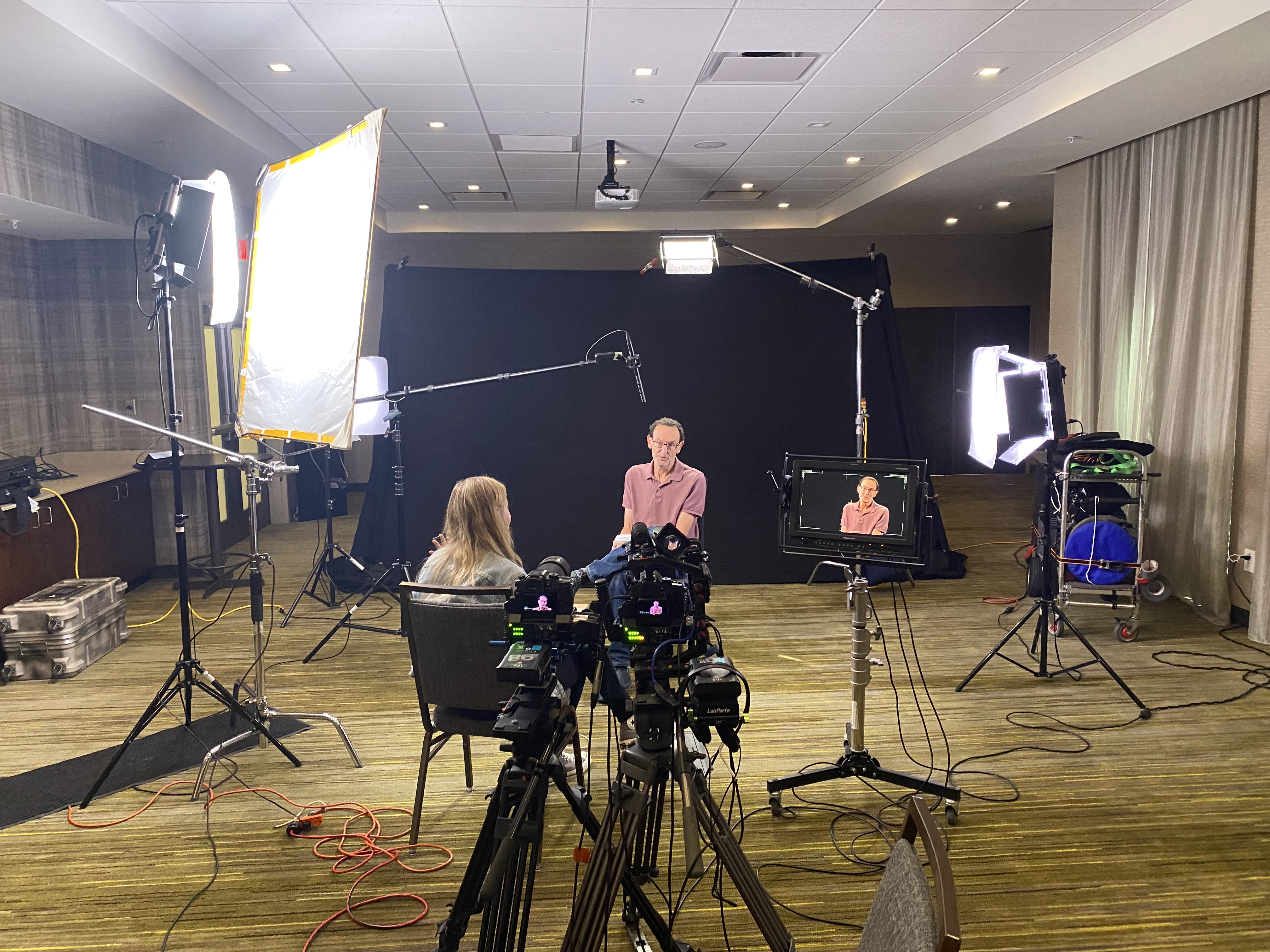
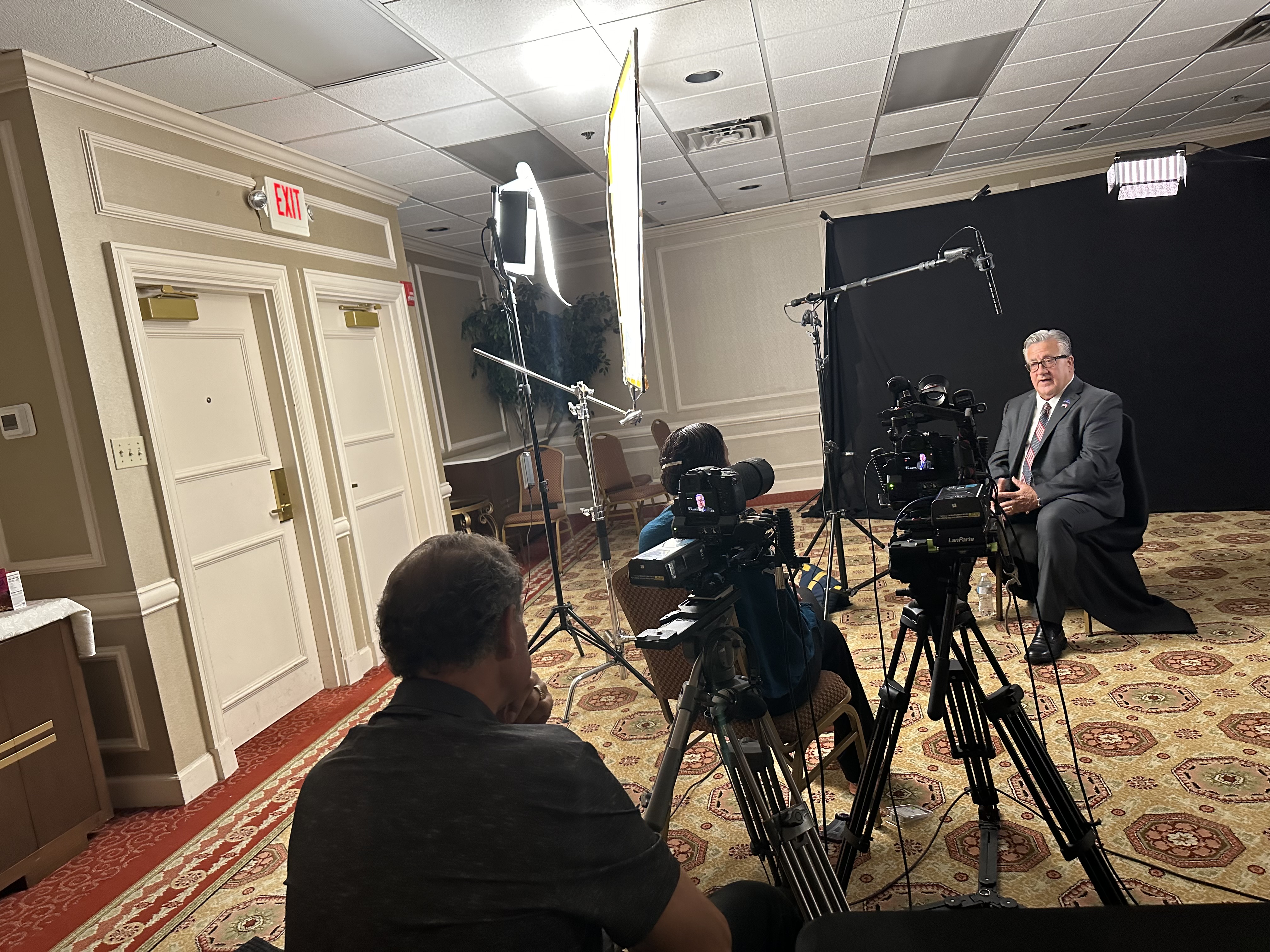
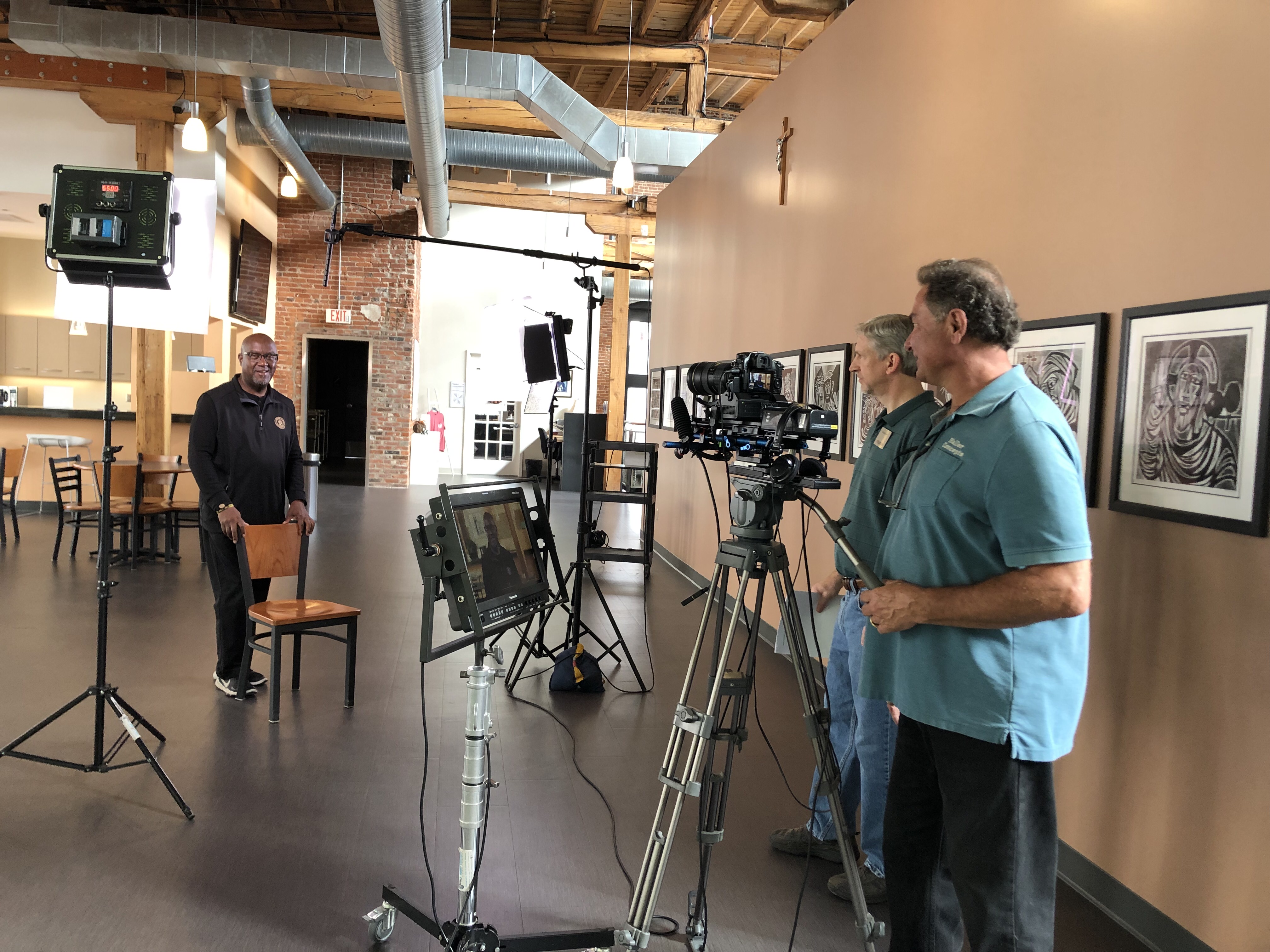
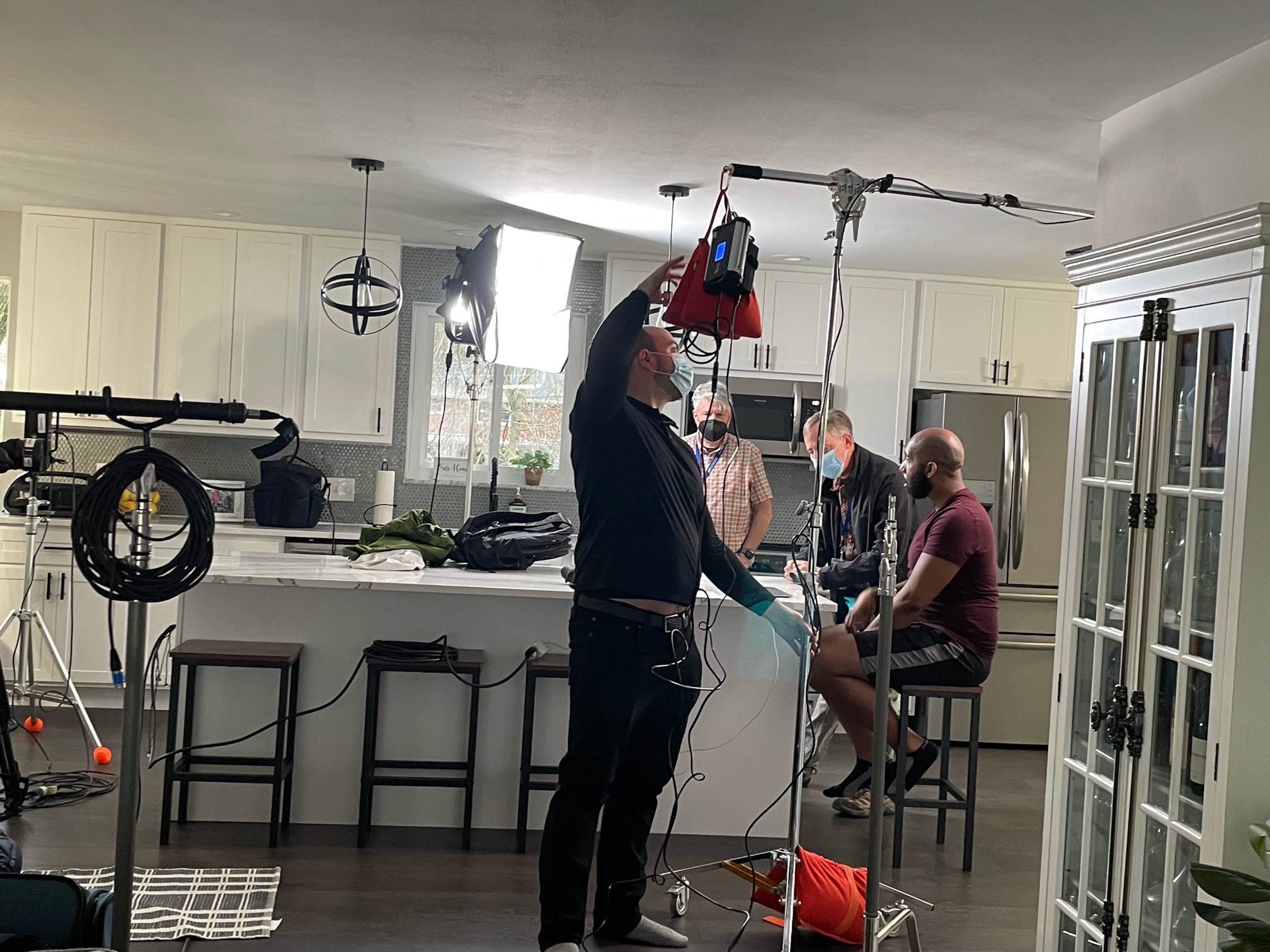
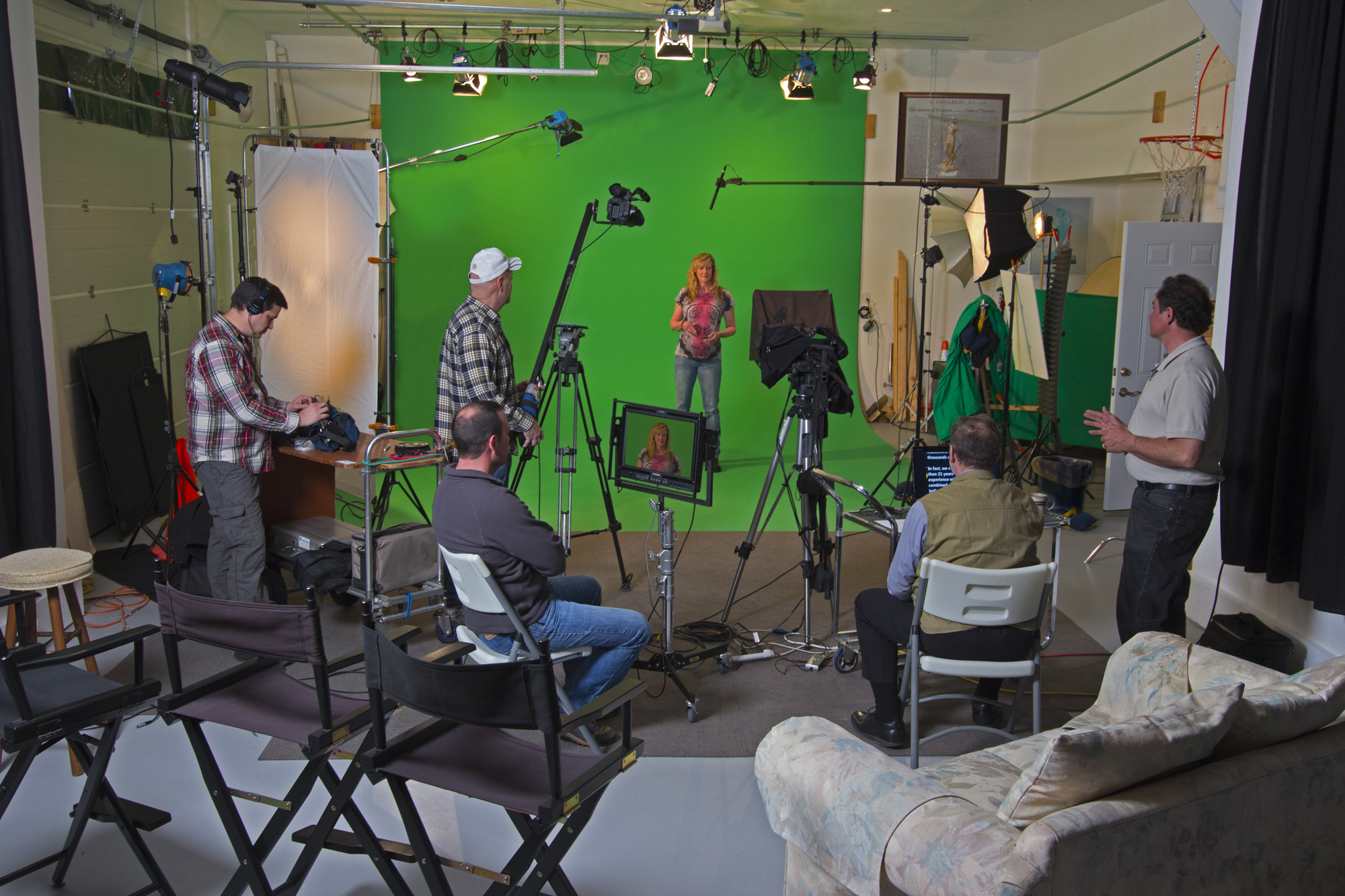
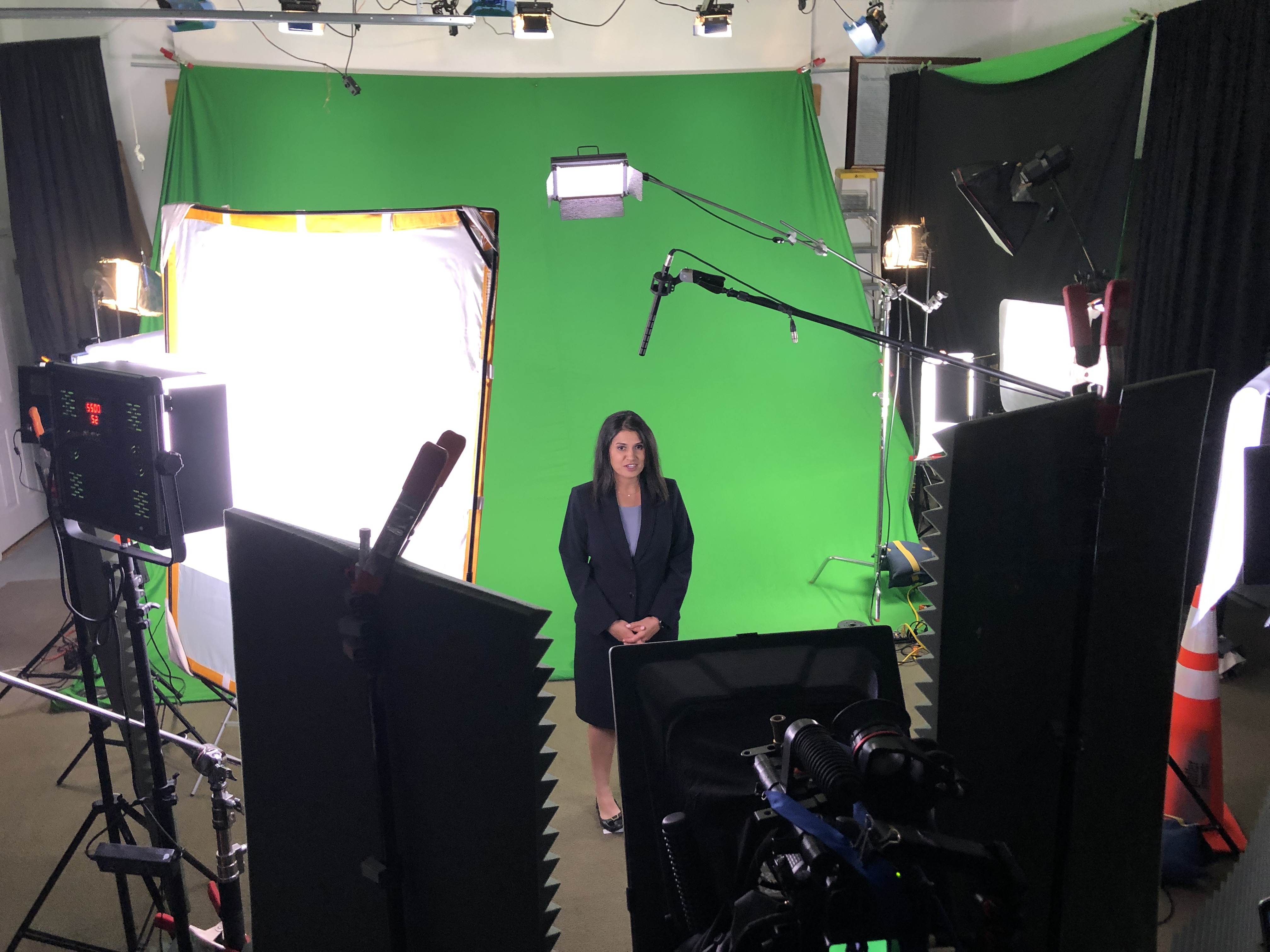
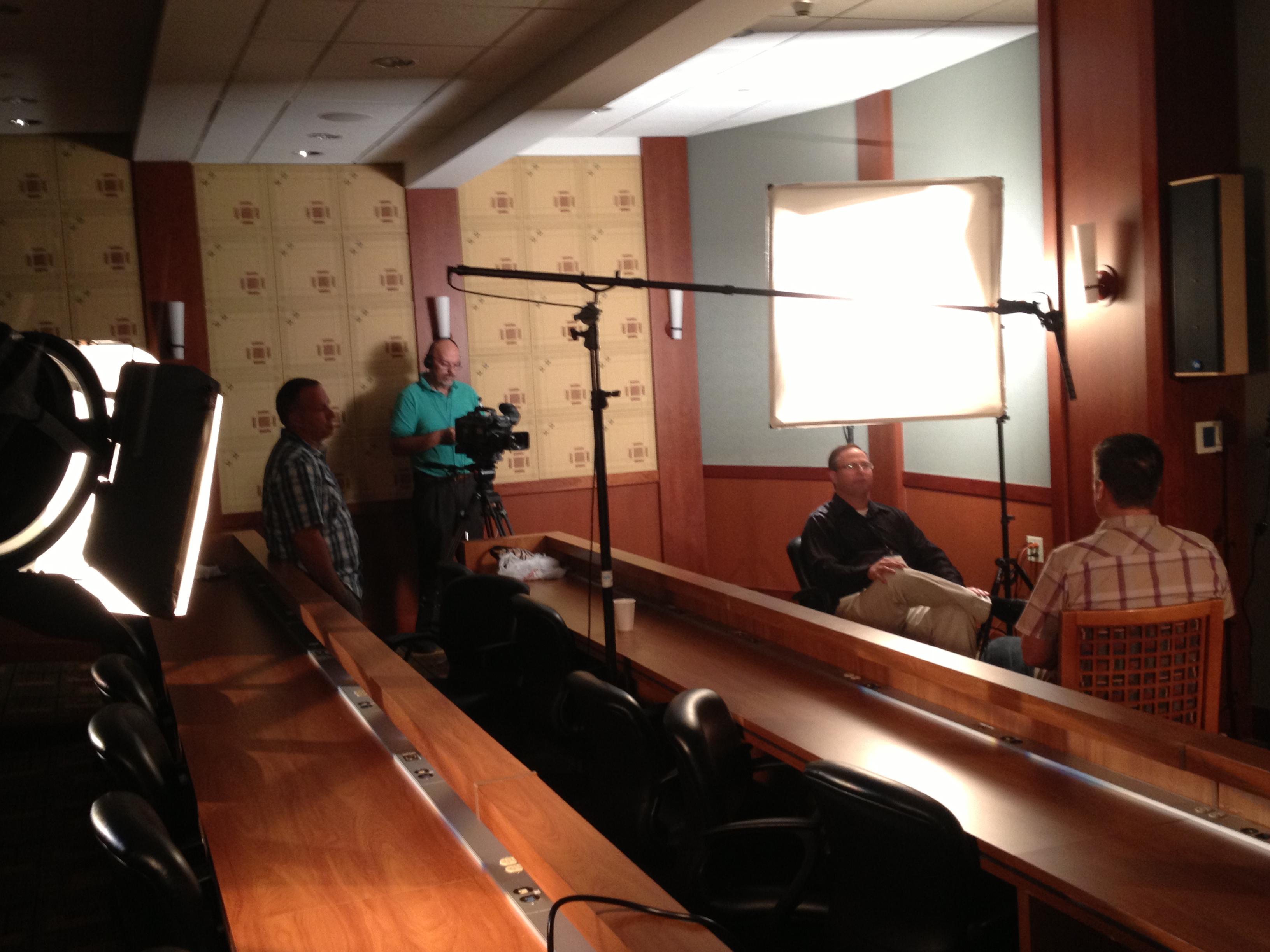
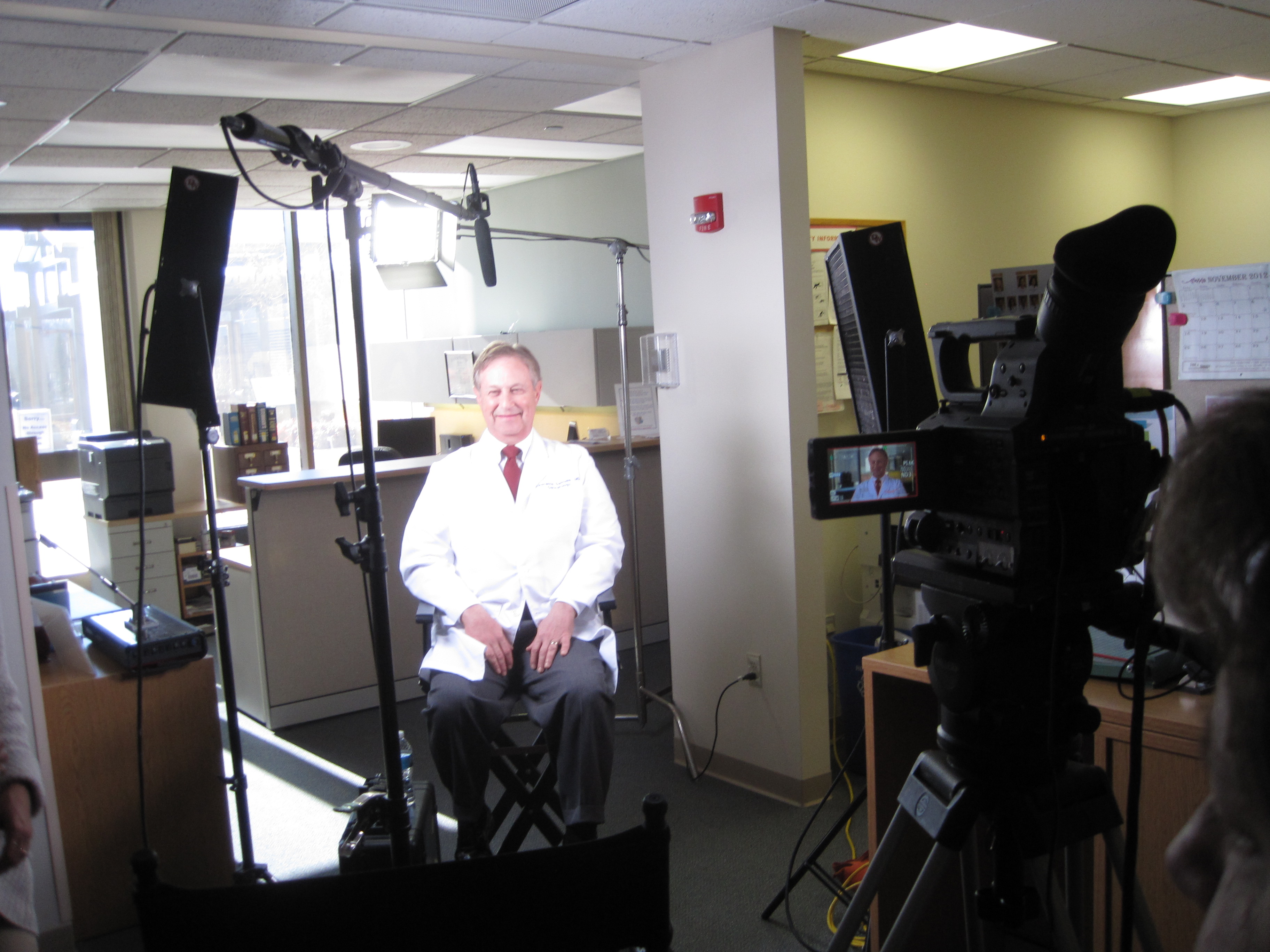
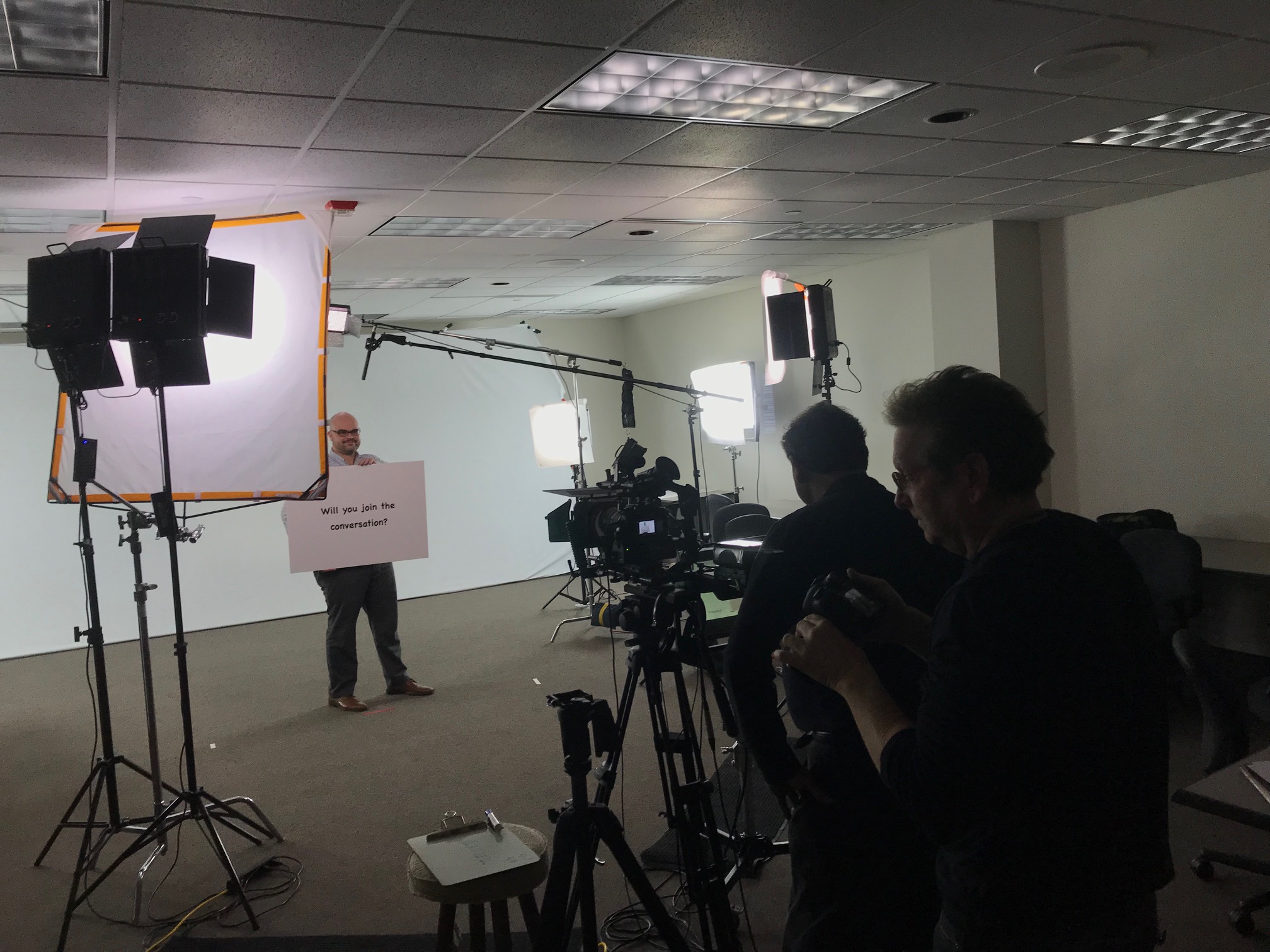
Lighting, cameras, boom mics—these can be intimidating. That’s why we use subtle positioning and soft, diffused lighting to create an inviting studio or on-location environment. Our private studio in St. Louis is especially designed to reduce distractions and create a quiet, calming atmosphere.

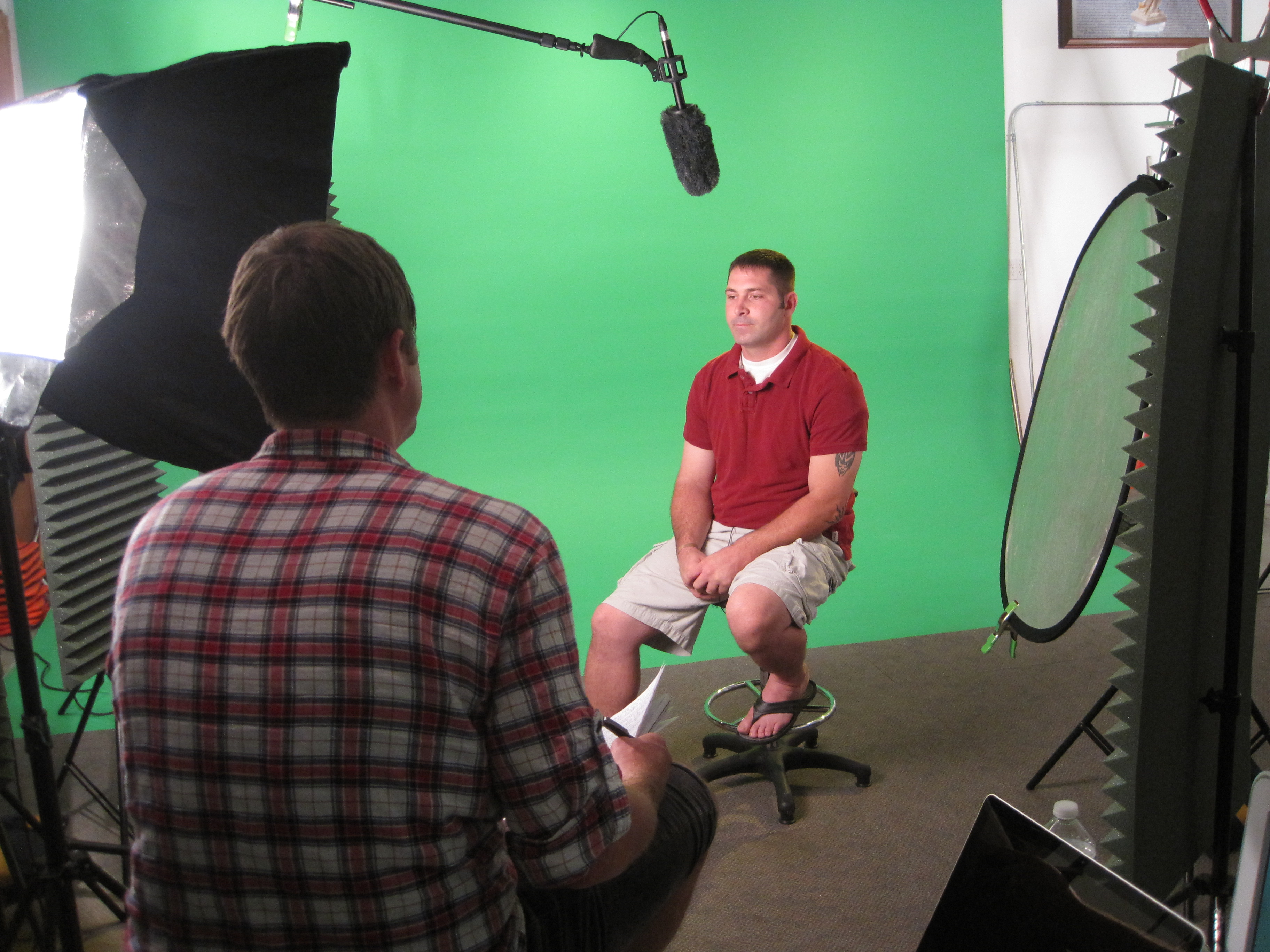
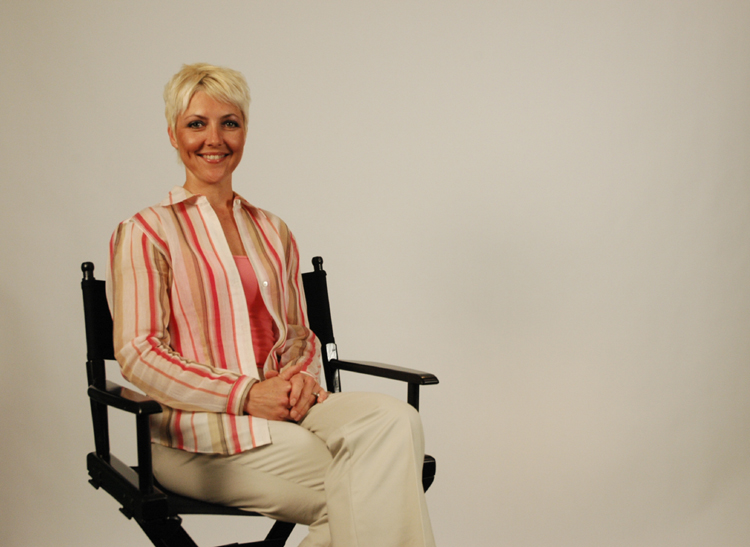
We also recommend seated setups for interview-style filming. Sitting promotes ease and a more natural posture, and we keep crew presence to a minimum—usually just the essential sound and camera operator.


3. Use Conversation, Not Command

One of our most effective tools is simply starting with casual conversation while the camera rolls. We treat it like a dialogue, not a performance. Our producer often conducts interviews by asking open-ended questions that prompt natural storytelling.

Instead of:
“Please state your name and job title.”
We ask:
“What’s a typical day like for you here at the company?”

This conversational approach breaks the “performance” mindset and invites candid, relatable responses.


4. Shoot B-Roll for Confidence and Coverage

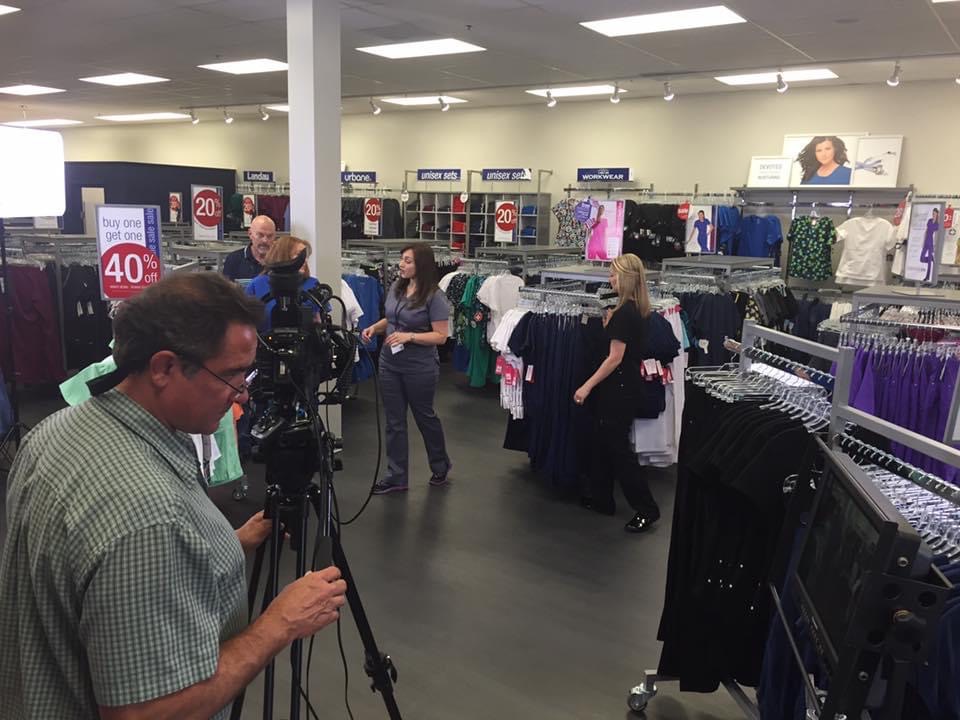
B-roll—footage that shows the person working, interacting with others, or engaged in their environment—does more than just support your message visually. It gives nervous participants a break from talking directly to the camera while still adding valuable visual context. Plus, it’s perfect for smoothing over interview edits during post-production.


5. Positive Reinforcement and Multiple Takes

No one is perfect on the first take, and we never expect them to be. We normalize multiple takes and use real-time feedback and encouragement to guide better performances. With subtle coaching (“Try saying that again but a little slower, that was great!”), we keep energy up and anxiety down.


6. Consider a Voice-Over Alternative

If your subject is too shy to be on-camera, we can still capture their input using a voice-over recorded in a quiet environment. Then, we match their words with relevant b-roll. This still delivers their insight while taking pressure off their performance.


7. Post-Production Polish: Our Invisible Secret Weapon

The magic of editing can’t be overstated. With jump-cut smoothing, color correction, audio enhancement, and filler b-roll, our editors can turn fragmented footage into seamless narratives. What may feel like a rough shoot to the talent often results in polished, professional content after post.


Why Partner with St Louis Video Production Studio?

At St Louis Video Production Studio, we know how to make real people look and sound their best. Since 1982, our full-service commercial photography and video production team has helped businesses, agencies, and marketing professionals in the St. Louis area tell their stories through engaging, high-quality visuals. Whether you’re filming customer testimonials, internal training, or executive interviews, we understand how to guide non-actors into delivering authentic, effective performances.

We provide everything—from concept to capture to final cut. Our services include studio and location video and photography, editing, post-production, and licensed drone work. We use the latest in AI-enhanced editing to ensure every project gets a modern, compelling finish. Our private studio offers custom lighting and a quiet environment ideal for interviews or narrative scenes, and we even fly drones indoors when needed to elevate your production value.

If you’re looking to create professional video content with people who aren’t used to the spotlight, St Louis Video Production Studio is the team that makes it happen—with comfort, creativity, and confidence.


Let’s tell your story the right way.
Contact us today to schedule your next successful shoot.

Rob Haller 314-604-6544

saintlouismostudios@gmail.com

Bad Audio? How to Fix Your Video Production

Audio quality can make or break a video production. Even if you have stunning visuals and a compelling message, poor audio will drive your audience away. It’s one of the most common mistakes businesses make when producing marketing videos, interviews, and promotional content. But don’t worry—there are solutions. As experienced professionals in video production, we’ve seen it all and know how to fix bad audio so your content shines.

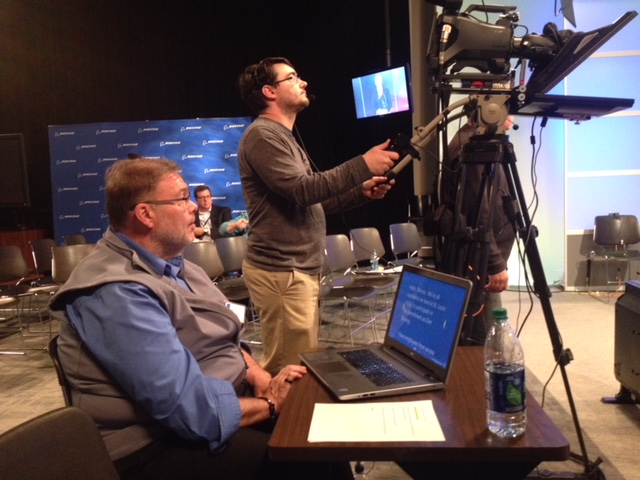
Boom microphones should be positioned just out of frame but as close as possible to capture crisp, direct sound.

Common Audio Problems and Their Fixes

1. Background Noise and Echo

Background noise and echo can be incredibly distracting, whether it’s HVAC hum, traffic, or room reverb. These issues often arise when filming in uncontrolled environments.

Fix:

  • Use high-quality directional microphones (shotgun or lavalier mics) to focus on the subject’s voice.
  • Choose a quiet filming location or soundproof your set with acoustic panels, blankets, or foam.
  • Use post-production tools like noise reduction filters in software such as Adobe Audition or DaVinci Resolve to clean up unwanted sounds.

2. Muffled or Distant Audio

If your subject sounds unclear or too far away, chances are the microphone placement is the culprit.

Fix:

  • Always position the mic as close to the subject as possible without being visible in the shot.
  • Lavalier mics can be clipped onto clothing for clear voice pickup.
  • Boom microphones should be positioned just out of frame but as close as possible to capture crisp, direct sound.

3. Audio Levels Are Too Low or Too High

If the volume is too low, your audience may struggle to hear. If it’s too high, distortion and clipping can occur.

Fix:

  • Monitor audio levels in real time using professional headphones.
  • Set recording levels correctly on your camera or external recorder—aim for peaks around -6dB to avoid distortion.
  • Use compression in post-production to balance fluctuations in volume and create a consistent sound.

4. Wind Noise in Outdoor Shoots

Filming outdoors presents challenges like wind interference, which can render dialogue unusable.

Fix:

  • Use windshields or “dead cat” covers on microphones.
  • Position subjects so the wind is not directly hitting the microphone.
  • In post-production, tools like high-pass filters can remove lower-frequency wind noise.

5. Audio Sync Issues

If the audio doesn’t match the video, it can be distracting and unprofessional.

Fix:

  • Use timecode synchronization if recording audio separately from video.
  • Use a clapboard or hand clap at the start of each take to align audio and video in post-production.
  • Manually adjust and sync audio in editing software if necessary.

6. Room Acoustics and Reverb

Large rooms or hard surfaces can cause reverb, making dialogue sound unnatural and echoey.

Fix:

  • Film in rooms with soft materials (carpets, curtains, furniture) that absorb sound.
  • Use portable sound blankets or acoustic foam to reduce reflections.
  • In post-production, use reverb reduction tools to minimize the effect.

The Importance of Professional Audio Setup

Great video isn’t just about visuals—high-quality audio ensures that your message is delivered clearly and effectively. A well-equipped studio with controlled acoustics and expert sound operators can make a significant difference in your final production.

Why Work with St. Louis Video Production Studio?

St. Louis Video Production Studio is a full-service professional commercial photography and video production company with the right equipment and creative crew to ensure successful image and sound acquisition. Our expertise in video and audio production ensures that your projects maintain the highest professional standards.

We offer:

  • Full-service studio and location video and photography
  • Professional editing, post-production, and licensed drone pilots
  • Customized productions for diverse media requirements
  • Expertise in repurposing photography and video branding
  • A private studio lighting and visual setup perfect for small productions and interviews
  • A large studio space with customizable sets and props
  • Full-service production support, including sound engineers and camera operators
  • Specialized indoor drone operation for unique shots

Since 1982, St. Louis Video Production Studio has been the trusted partner for businesses, marketing firms, and creative agencies in the St. Louis area. Let us help make your next video production a success—flawless visuals, pristine audio, and a compelling final product.

Contact us today to ensure your next production has crystal-clear audio and professional quality.

314-604-6544

saintlouismostudios@gmail.com

Guide to Affordable Video Production and Photography: Expert Tips and Tricks

In the fast-paced world of marketing and advertising, visual content is king. Whether you’re a small business owner, a marketing professional, or an entrepreneur looking to make your mark in the digital landscape, high-quality video production and photography are essential tools in your arsenal. However, creating stunning visuals doesn’t have to break the bank. In this comprehensive guide, we’ll explore the art and science of affordable video production and photography, sharing expert tips and tricks to help you achieve outstanding results while staying within your budget.

Budgeting is a critical aspect of affordable visual content creation. Start by determining how much you can realistically allocate to your project.

Table of Contents

  1. Introduction
  2. Planning Your Project
    • Defining Your Goals
    • Creating a Budget
    • Selecting the Right Equipment
  3. Pre-production
    • Storyboarding and Scriptwriting
    • Location Scouting
    • Casting and Talent
  4. Production
    • Lighting Techniques
    • Camera Settings and Composition
    • Capturing High-Quality Audio
  5. Post-production
    • Editing and Color Correction
    • Adding Music and Sound Effects
    • Finalizing Your Project
  6. Distribution and Promotion
    • Choosing the Right Platforms
    • Leveraging Social Media
    • Measuring Success
  7. Hiring a Professional
  8. Conclusion

1. Introduction

In the digital age, the power of visual storytelling cannot be overstated. Video production and photography are dynamic mediums that can convey your message, connect with your audience, and drive engagement. However, many businesses and individuals believe that producing high-quality visual content requires a hefty budget. That’s not necessarily the case.

At St. Louis Video Production Studio and Photography, we understand the importance of affordable video production and photography. Based in St. Louis, we’ve worked with businesses and organizations of all sizes, helping them harness the power of visual storytelling. In this guide, we’ll share our expertise and insider tips to help you create compelling visuals without breaking the bank.

2. Planning Your Project

Defining Your Goals

Before diving into the world of video production and photography, it’s crucial to define your goals. What message do you want to convey? Who is your target audience? What action do you want your audience to take after viewing your content? Clear goals will guide your entire project and ensure that you stay on track.

Creating a Budget

Budgeting is a critical aspect of affordable visual content creation. Start by determining how much you can realistically allocate to your project. Consider factors such as equipment, talent, post-production, and promotion. Sticking to a budget will help you avoid overspending and stay financially responsible.

Selecting the Right Equipment

Quality doesn’t always require the most expensive equipment. Assess your project’s requirements and invest in gear that meets those needs. Whether you’re shooting with a smartphone, a DSLR camera, or a professional camcorder, understanding your equipment’s capabilities is key to achieving great results.

3. Pre-production

Storyboarding and Scriptwriting

A well-structured storyline is the foundation of any successful visual project. Create a storyboard or script that outlines the narrative, shots, and dialogue. This pre-planning stage will save time and resources during production and post-production.

Location Scouting

Choosing the right location can significantly impact the visual appeal of your content. Look for free or low-cost shooting locations that align with your project’s theme. Public parks, libraries, and urban areas often provide excellent backdrops for your visuals.

Casting and Talent

If your project involves actors or talent, consider local talent agencies or even friends and family who may be willing to participate. Negotiate fair compensation or offer exposure and experience in return for their services.

4. Production

Lighting Techniques

Lighting is one of the most critical factors in achieving professional-looking visuals. Experiment with natural light, inexpensive LED panels, or DIY lighting solutions to create the desired ambiance for your scenes.

Camera Settings and Composition

Even with basic equipment, understanding camera settings and composition can elevate your visuals. Learn about framing, rule of thirds, and depth of field to capture engaging shots. Experiment with manual settings to have more control over your camera.

Capturing High-Quality Audio

Good audio quality is often overlooked but essential for a successful video. Invest in a budget-friendly microphone or use external audio recording devices to capture clean and clear sound. Pay attention to ambient noise and eliminate it during post-production.

5. Post-production

Editing and Color Correction

Editing software doesn’t have to be expensive. There are many free or affordable options available, such as Adobe Premiere Rush or DaVinci Resolve. Focus on trimming unnecessary footage, color correction, and enhancing the overall visual appeal.

Adding Music and Sound Effects

Royalty-free music and sound effects libraries offer cost-effective solutions for enhancing your project’s audio. Ensure that you have the appropriate licenses to avoid copyright issues.

Finalizing Your Project

Before publishing, review your project multiple times to catch any errors or inconsistencies. Export it in the appropriate format and resolution for your chosen distribution platforms.

6. Distribution and Promotion

Choosing the Right Platforms

Select platforms that align with your target audience. YouTube, Vimeo, and social media channels are popular choices for sharing video content. Tailor your content to each platform’s specifications for optimal engagement.

Leveraging Social Media

Utilize the power of social media to promote your visual content. Engage with your audience, create teaser videos, and consider using paid advertising to boost visibility.

Measuring Success

Set measurable goals for your project and track its performance. Monitor metrics such as views, likes, shares, and conversion rates to gauge the impact of your visual content.

7. Hiring a Professional

While this guide focuses on affordable video production and photography, there may be situations where hiring a professional is the best choice. Experienced professionals like St. Louis Video Production Studio and Photography can bring their expertise to your project, ensuring high-quality results that align with your budget.

Conclusion

Affordable video production and photography are within reach for businesses and individuals alike. With careful planning, the right equipment, and a creative approach, you can create compelling visual content that captivates your audience without breaking the bank.

As a creative photography and video studio, St. Louis Video Production Studio and Photography has worked with many businesses and organizations of all types and sizes in the St. Louis area. We are experts at creating video and photography for businesses. Whether you need a corporate video, product photography, or promotional content, our experienced team can help you achieve your goals while staying within your budget. Contact us today to learn more about how we can assist you in your marketing communications.

314-604-6544

saintlouismostudios@gmail.com

Your Employees Will Appreciate Shorter Training Videos That Allow Them to Digest the Content.

In today’s fast-paced corporate world, effective employee training is essential for the success of any business. However, the traditional approach to training, which often involves long and monotonous training videos, can be counterproductive. Employees tend to disengage when faced with lengthy, overwhelming content. To ensure that your training materials are effective and well-received, it’s crucial to embrace the idea of shorter training videos that allow your employees to digest the content more easily.

Shorter training videos allow you to focus on key concepts, ensuring that your employees retain and apply what they’ve learned more effectively.

At St. Louis Video Production Studio and Photography, we understand the importance of creating concise and engaging training videos. With years of experience in the video production industry, we’ve seen firsthand how shorter training videos can make a significant difference in employee learning and retention. In this comprehensive guide, we’ll delve into the benefits of shorter training videos, share tips for creating them effectively, and explain how our full-service photography and video production company can help elevate your corporate branding and business marketing efforts.

The Power of Shorter Training Videos

1. Improved Engagement

Long training videos can be overwhelming and lead to reduced engagement from your employees. When faced with a lengthy video, they may become disinterested, distracted, or even frustrated. Shorter training videos, on the other hand, are more manageable and maintain your audience’s attention throughout the duration. This increased engagement leads to better retention of the material.

2. Enhanced Retention

Human attention spans are limited, and research has shown that people tend to remember information better when it is presented in bite-sized, easily digestible pieces. Shorter training videos allow you to focus on key concepts, ensuring that your employees retain and apply what they’ve learned more effectively.

3. Time Efficiency

In a busy work environment, time is precious. Shorter training videos respect your employees’ schedules by delivering essential information without unnecessary filler. This not only makes the training process more efficient but also frees up more time for productive work.

4. Accessibility

With the rise of mobile learning and remote work, accessibility is crucial. Shorter videos can be easily consumed on various devices, making it convenient for employees to access training materials whenever and wherever they need them.

5. Adaptability

Training needs can vary among employees. Shorter videos allow for greater flexibility in catering to different learning preferences and paces. Employees can revisit specific sections as needed, ensuring that they grasp the material fully.

Tips for Creating Effective Shorter Training Videos

Now that we’ve explored the benefits of shorter training videos, let’s discuss how you can create them effectively.

1. Define Clear Objectives

Before you begin creating your training video, outline clear learning objectives. What do you want your employees to know or accomplish after watching the video? Having well-defined goals will guide the content creation process and help you stay focused.

2. Keep It Concise

Shorter training videos should be concise and to the point. Avoid unnecessary tangents or lengthy introductions. Get straight to the core content that your employees need to know.

3. Scripting and Storyboarding

A well-structured script and storyboard are essential. Plan your video meticulously, ensuring that each segment serves a specific purpose. Storyboarding helps visualize the flow and transitions of your video.

4. Engaging Visuals

Utilize engaging visuals, graphics, and animations to convey information effectively. Visual aids can simplify complex concepts and make the content more engaging.

5. Professional Production

High-quality production values are crucial. Invest in professional video production services to ensure that your training video looks and sounds polished. This conveys a sense of professionalism and credibility to your employees.

6. Interactivity

Consider adding interactive elements to your training videos, such as quizzes or polls. Interactive content keeps viewers engaged and encourages active learning.

7. Feedback and Assessment

After employees have completed the training, provide opportunities for feedback and assessment. This helps gauge their understanding and allows you to make necessary improvements to future training materials.

How St. Louis Video Production Studio Can Help

At St. Louis Video Production Studio and Photography, we specialize in creating effective training videos that align with the principles of shorter, more engaging content. Our experienced team of video producers, scriptwriters, and editors can assist you in every step of the process, from concept development to final production.

Here’s how we can help:

1. Professional Expertise

With our extensive experience in video production, we understand the nuances of creating impactful training videos. We’ll work closely with you to develop a clear strategy and script that effectively communicates your training objectives.

2. State-of-the-Art Equipment

Our studio is equipped with the latest video production technology to ensure that your training videos are of the highest quality. From cameras to lighting and sound equipment, we have everything needed to deliver outstanding results.

3. Customization

We understand that every organization has unique training needs. Our team can tailor the content and style of your training videos to match your brand and culture. This customization enhances engagement and resonates with your employees.

4. Post-Production Excellence

Our skilled editors will ensure that your training videos are visually appealing and free of distractions. We’ll also incorporate any interactive elements or assessments you require.

5. Timely Delivery

We recognize the importance of timely delivery. Our efficient production process ensures that your training videos are completed on schedule, allowing you to implement your training programs without delay.

6. Comprehensive Solutions

In addition to training videos, we offer a full range of photography and video production services to meet your corporate branding and business marketing needs. From promotional videos to corporate headshots, we have you covered.

As a professional photography and video company, St. Louis Video Production Studio has worked with businesses and organizations of all types and sizes in the St. Louis area. Our commitment to excellence and our focus on delivering training materials that resonate with your employees make us the ideal partner for your training video needs.

In conclusion, shorter training videos are a powerful tool for enhancing employee engagement and knowledge retention. By partnering with St. Louis Video Production Studio and Photography, you can leverage our expertise and resources to create training materials that truly make an impact. Contact us today to discuss your training video project and discover how we can elevate your corporate branding and business marketing efforts.

Contact us now to get started on your next training video project and experience the difference of working with professionals who are dedicated to your success.

 314-604-6544

saintlouismostudios@gmail.com