Tag Archives: St. Louis video editing

Keep It Tight: How to Make Short Interviews That People Actually Watch

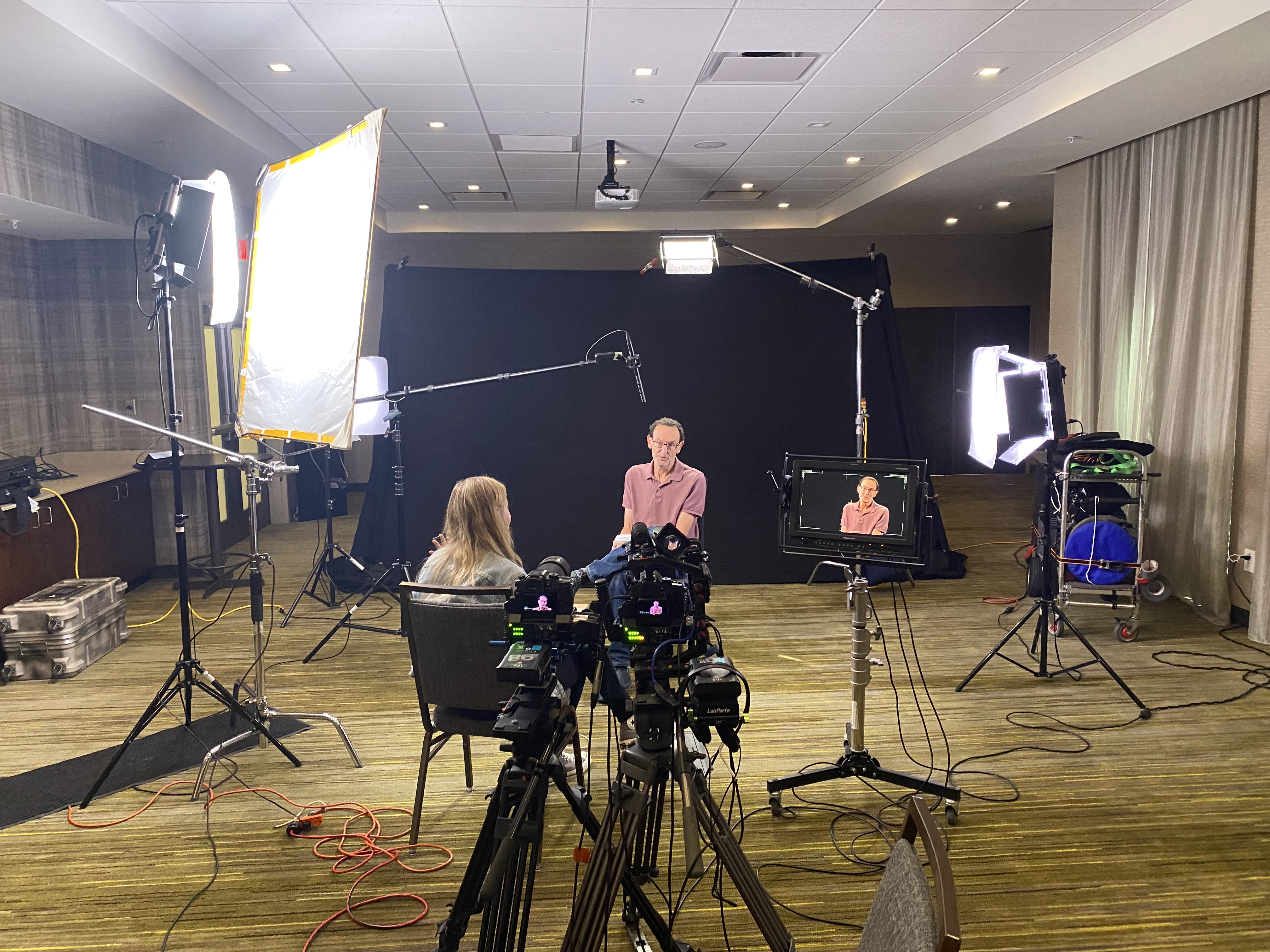
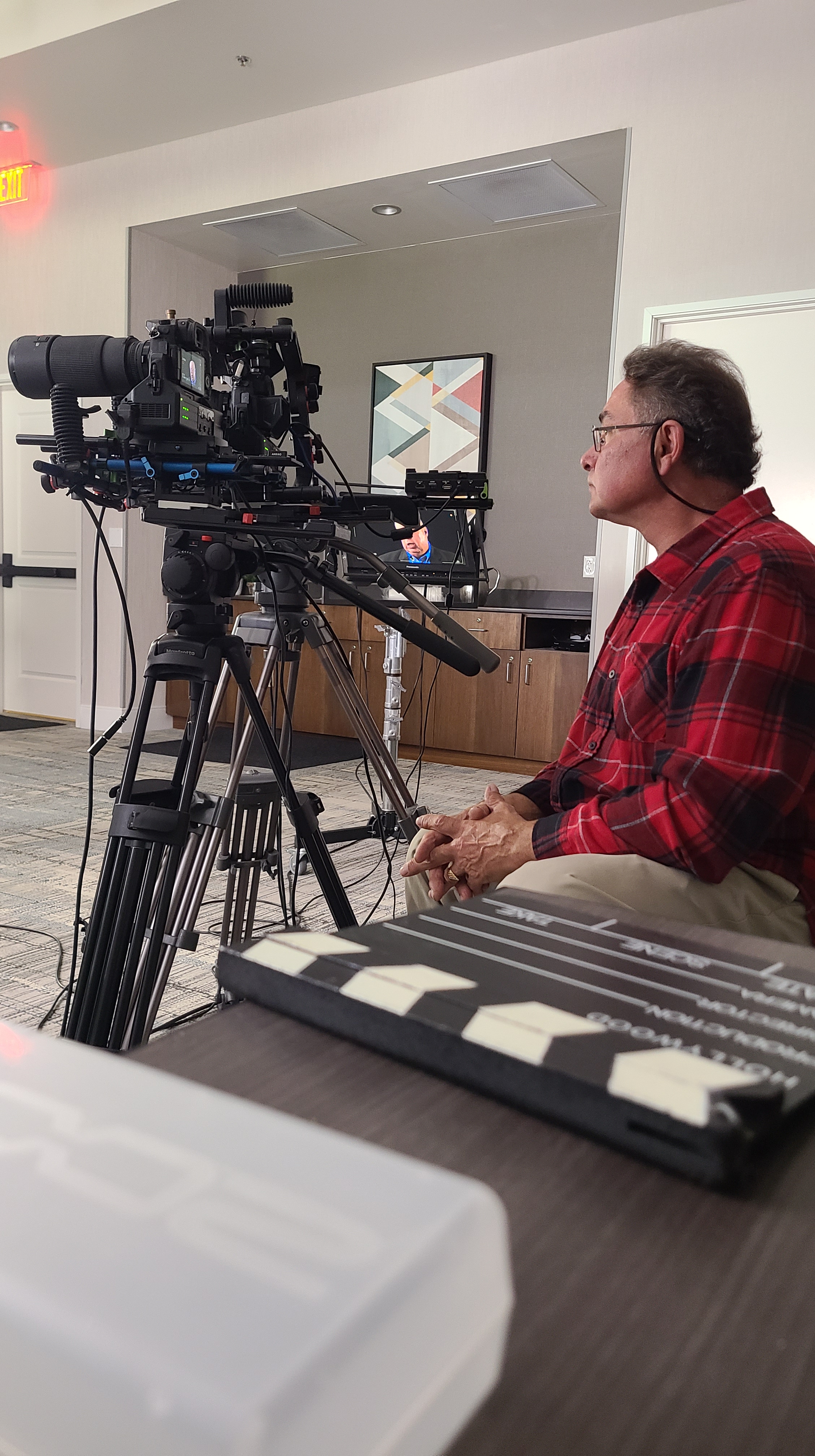
When an interview video drags, the audience doesn’t just lose interest—they miss your message. In B2B marketing, attention is a scarce commodity, so the mandate is simple: be brief, be clear, be watchable. Here’s the playbook we use at St Louis Video Production Studio to keep interviews engaging, short, and conversion-focused—without sacrificing depth or professionalism.


The Business Case for Short Interviews

Short wins when:

  • You need top-of-funnel awareness and fast clarity.
  • Buyers skim on mobile and make snap judgments about credibility.
  • You’ll repurpose across web, email, LinkedIn, YouTube, and vertical social.

Working runtime targets (by intent & channel):

  • Website / Landing page hero: 60–90 sec
  • LinkedIn post: 45–75 sec
  • Paid social cutdowns: 15–30 sec
  • YouTube (consideration pages, product explainer): 60–120 sec (only stretch past 2 minutes if you’re showing hard proof)

Structure: The 60–90 Second Interview Blueprint

Think of your interview like a trailer for your value proposition:

  1. Hook (0–5s) – A result, bold claim, or pain point stated in the buyer’s language.
    “We cut onboarding from three weeks to two days.”
  2. Context (5–20s) – Who you are + why it matters.
    “I lead operations at Acme; our clients struggled with…”
  3. Proof (20–60s) – 2–3 hard specifics (metrics, demo visuals, customer outcome).
    “Error rates fell 41%. Here’s how the workflow changed.”
  4. Action (60–90s) – What the viewer should do next.
    “Book a 15-minute walkthrough” or “Download the spec sheet.”
Guardrails: One idea per sentence. One proof per idea. Anything that doesn’t serve the hook, proof, or action is a candidate for the cutting room floor.


Pre-Production: Design for Brevity

Define the single conversion goal before you roll. Each question must ladder to that goal.

Write prompts, not scripts. Scripts create stiff reads; prompts create truthful, tight answers.

  • “Give me the headline in one sentence.”
  • “What changed—precisely?”
  • “What metric proves it?”
  • “What should someone do today after watching this?”

Prep your subject to be concise. Share this answer format:

  • Headline → Proof → One concrete example → CTA (10–20 seconds total).

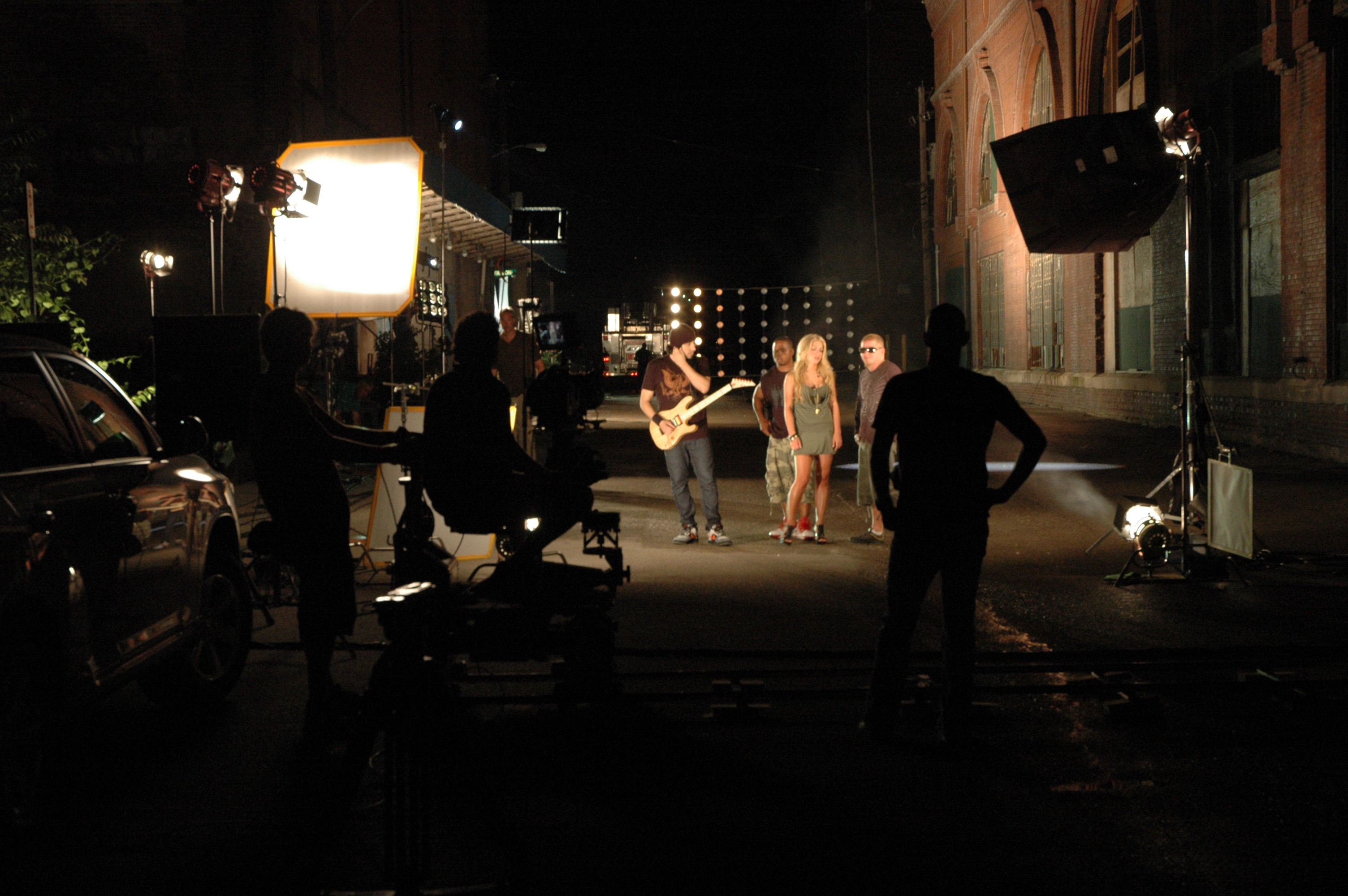
Block time for cutaways. Even short interviews need visual proof: dashboards, hands-on product use, customer interaction, environment establishing shots. Plan W–M–T (wide/medium/tight) passes for each proof point so the edit flows without filler.

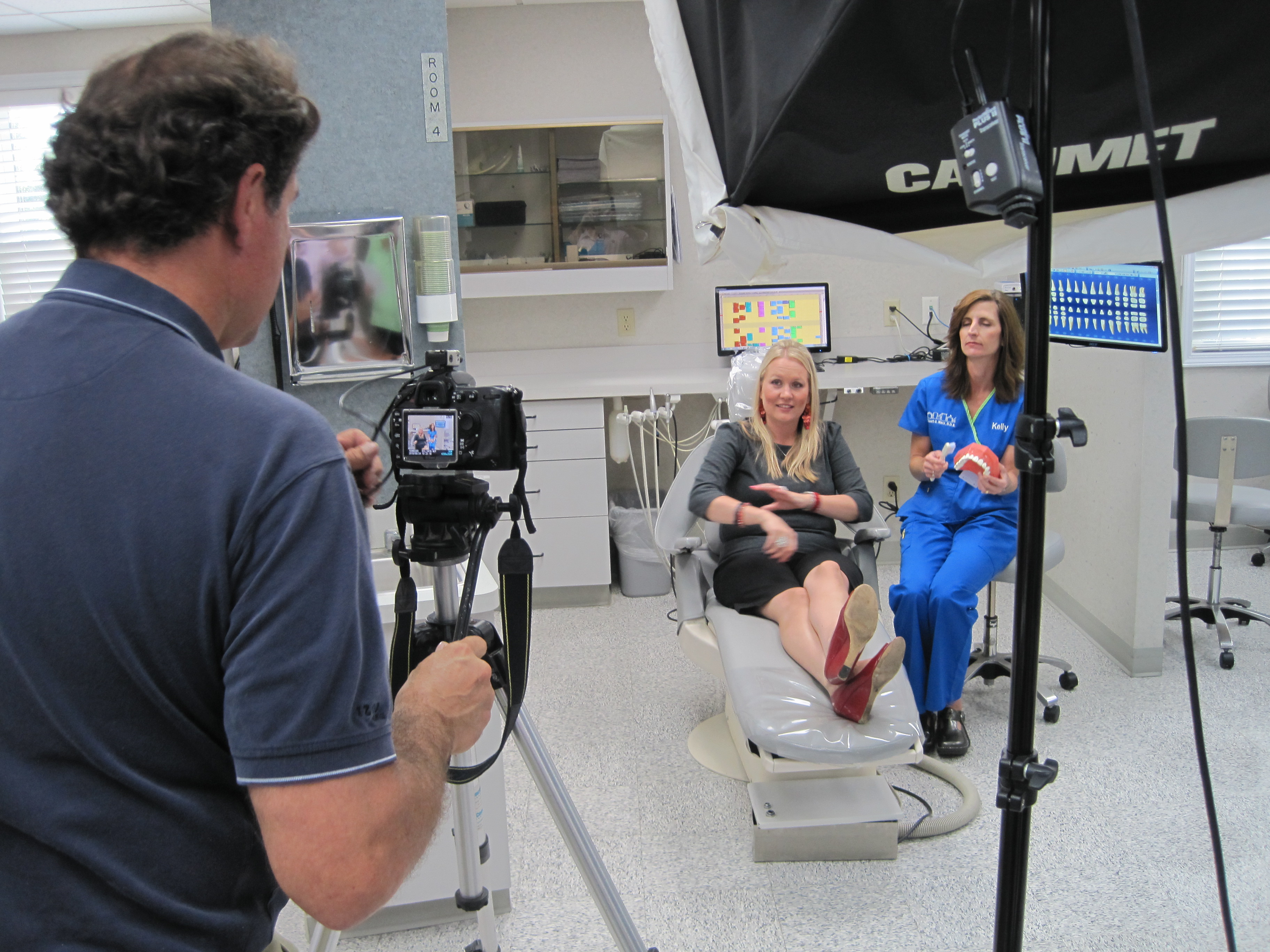
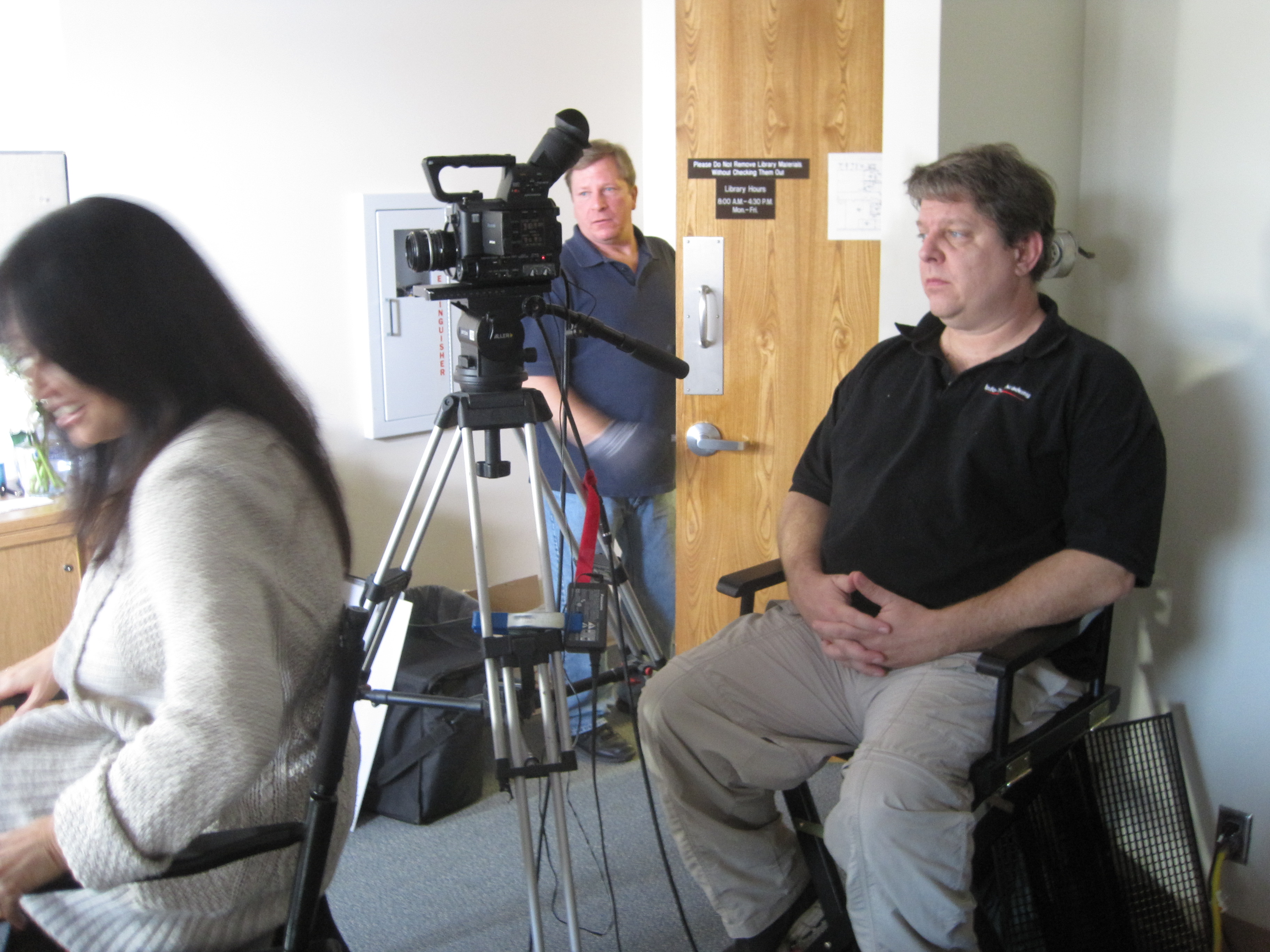
On-Set: Coaching for Short, Watchable Answers

  • “One breath” rule: If an answer is longer than one breath, it’s two answers—ask for a tighter version.
  • Interrupt with purpose: “That’s great—can you give that to me in one sentence?”
  • Ask for the number: “What improved, and by how much?”
  • Echo & sharpen: Repeat the subject’s best phrase and ask them to restate it cleanly.
  • Mark keepers on the slate or audio notes to speed the edit.

Framing & lighting that flatter brevity

  • Eye line just off lens; keep backgrounds simple and branded.
  • Soft key + gentle negative fill to sculpt.
  • Lock white balance; avoid mixed color temps that slow grading.
  • Capture NAT sound beds (keystrokes, machinery) for transitions under cutaways.

Editorial Tactics That Boost Retention

  • Lead with the answer. Don’t bury the headline.
  • J-cut your next idea under the last word so the video never “lands” on a static shot.
  • Cut on movement (hand gestures, page turns) to hide trims.
  • Pattern interrupt every 7–10 seconds: angle change, cutaway, graphic callout, or bold caption.
  • On-screen text: 8–12 words max per card; write like a billboard.
  • Captions by default for mobile and silent autoplay.
  • Music minimalism: underscore, not a pop single—let clarity win.

Color & sound polish

  • Neutral skin tones first, brand-hue secondaries second.
  • Transparent noise reduction; a touch of surgical EQ for articulation.
  • Loudness matched for platform norms; keep dynamics natural.

The “Kill List”: What to Cut Without Mercy

  • Corporate preambles: “Thank you for having me…”
  • Role recitations longer than a clause.
  • Vague adjectives without metrics: “robust,” “innovative,” “industry-leading.”
  • Redundant restatements. Say it once, crisply.
  • B-roll of empty hallways and random office plants.

Packaging for Multi-Channel Use

From a single 60–90 second master, plan:

  • 1× master (landings, YouTube)
  • 2–3× 15–30s cutdowns (paid social)
  • 3–5× 6–10s vertical hooks (stories, TikTok, Shorts)
  • Thumbnails: subject’s face + 2–3 word benefit (“2-Day Onboarding”)
  • Accompanying copy: one-line promise + one data point + CTA link

Aspect ratios: Capture clean frames for 16:9, 1:1, and 9:16. Keep text and faces inside a 4:5 safe box so vertical crops don’t lose key info.


Metrics That Matter (and realistic targets)

  • Hook rate (3-second hold): Did we stop the scroll?
  • Midpoint retention (50% mark): Aim 45–65% for well-targeted B2B.
  • CTA clicks or booked calls: The real win.
  • Reuse velocity: How many teams used the asset? (Sales, CS, HR recruiting.)

Use these signals to iterate your next batch of interviews: if midpoint retention dips, tighten the proof section and add a visual change earlier.
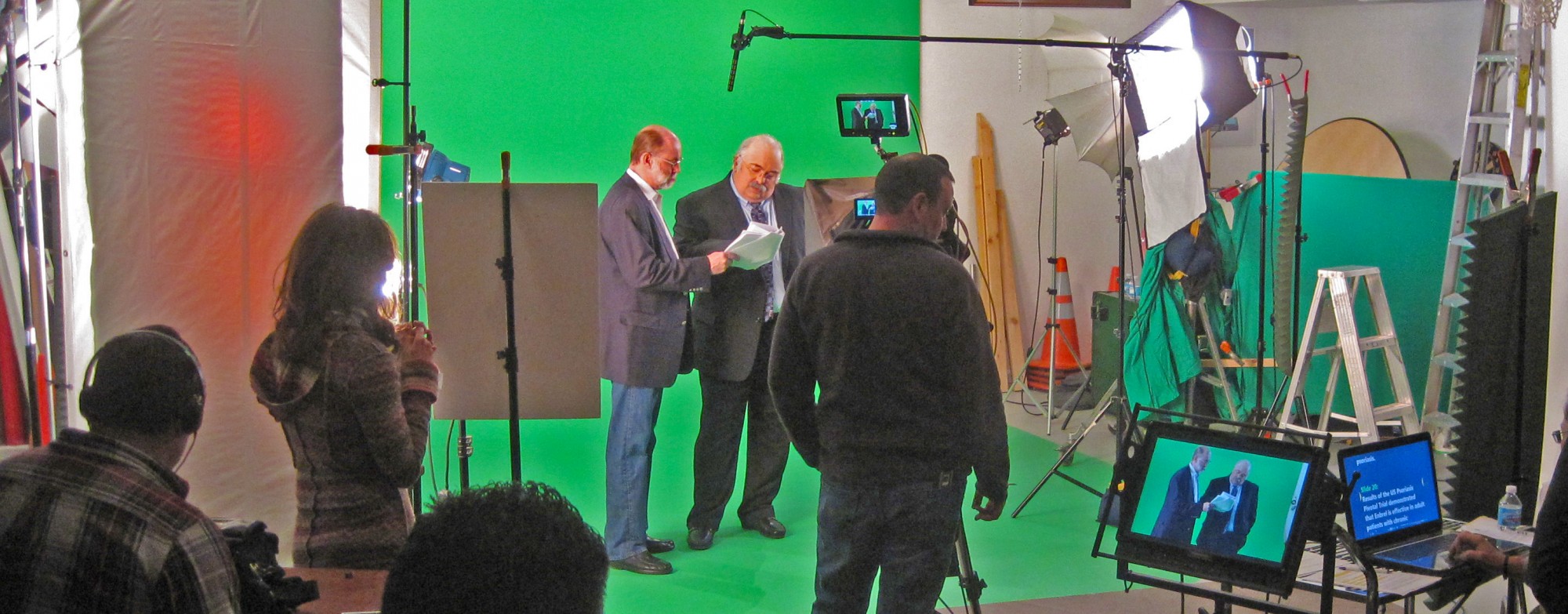

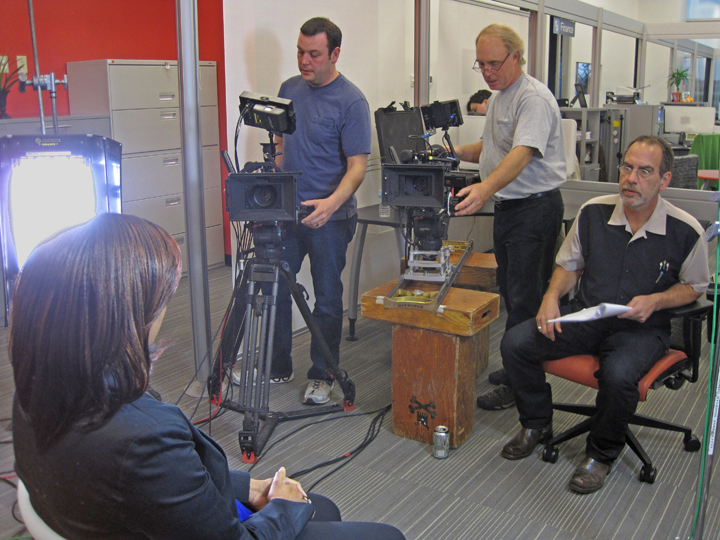
How We Use AI—Responsibly—to Speed Quality

  • Transcription & paper edits: Rapidly surface quotable moments; map B-roll to lines.
  • Auto-captions & brand templates: Faster packaging in multiple aspect ratios.
  • Filler-word & silence detection: Tightens cadence without harming authenticity.
  • Noise cleanup & dialogue enhancement: Cleaner speech from challenging spaces.
  • Visual cleanup (where permitted): Remove stray logos, fix flicker, stabilize micro-jitters.

Human editorial judgment remains the final pass—AI accelerates, we direct.


A Sample Half-Day Interview Sprint (Efficient & Short)

  1. 0:00–0:30 Lighting/audio, white balance lock, framing.
  2. 0:30–1:15 Interview capture (primary + safety angle).
  3. 1:15–2:30 B-roll proof passes (W–M–T) for each claim.
  4. 2:30–2:45 Vertical-safe pickups for social.
  5. 2:45–3:00 NAT sound beds, thumbnails, safety pickups.
  6. Post Paper edit → selects → captions/graphics → color/sound → masters & cutdowns.

Ready to Keep It Short—and Effective?

St Louis Video Production Studio is a full-service professional commercial photography and video production company with the right equipment and a creative crew seasoned in successful image acquisition. We offer full-service studio and location video and photography, plus editing and post-production, and our licensed drone pilots can even fly specialized drones indoors for dynamic, safe perspectives.

We customize productions for diverse media requirements and repurpose your photography and video branding to extend your reach. Our team is well-versed in all file types, media styles, and accompanying software, and we use the latest in Artificial Intelligence across our media services to move faster without compromising quality. Our private studio lighting and visual setup is perfect for small productions and interview scenes, and our studio is large enough to incorporate props to round out your set.

From building a private, custom interview studio to supplying professional sound and camera operators and the right equipment, we support every aspect of your production to ensure your next video is seamless and successful. As a full-service video and photography production corporation since 1982, St Louis Video Production Studio has partnered with businesses, marketing firms, and creative agencies throughout the St. Louis area to deliver marketing photography and video that performs.

Let’s make your next interview short, watchable, and effective.
314-604-6544

saintlouismostudios@gmail.com

Lights, Camera, Comfort: Creative Approaches to Filming People Unfamiliar with the Camera

In today’s visual-first world, video content is a cornerstone of corporate marketing strategies. Yet, one of the most common challenges we hear from clients is this: “Most of our employees or clients aren’t used to being on camera.” For decision makers responsible for overseeing brand visuals, this can be a legitimate concern. Nervous, untrained on-screen talent can result in stiff deliveries, missed messaging, and unusable footage.

At St Louis Video Production Studio, we’ve spent decades working with everyday professionals—CEOs, sales reps, factory floor employees, and customers—who are not actors, yet need to look authentic and compelling on screen. In this blog, we’ll share expert strategies to help your next shoot feel natural, relaxed, and productive, even when your talent isn’t camera-savvy.


1. Preparation Is Power: Pre-Interview and Gentle Scripting

Rather than launching straight into filming, we schedule informal pre-interviews. This allows us to build rapport and understand the person’s communication style. We use this time to shape the messaging into digestible, conversational talking points—not memorized scripts.

Tip: Avoid having your talent memorize exact wording. Instead, give them 2–3 key ideas to cover in their own voice. Authenticity resonates more than perfection.


2. The Comfort-First Setup

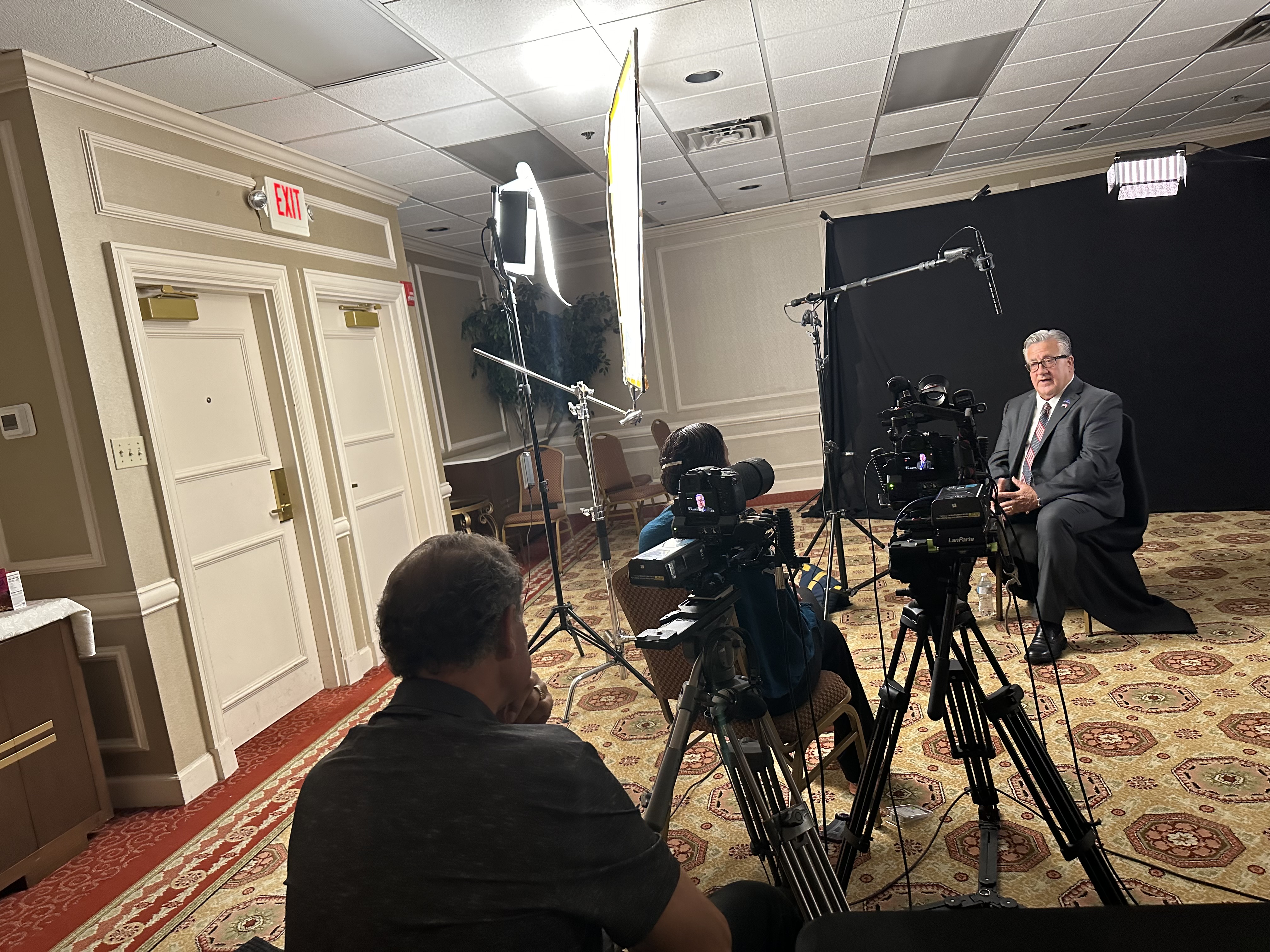
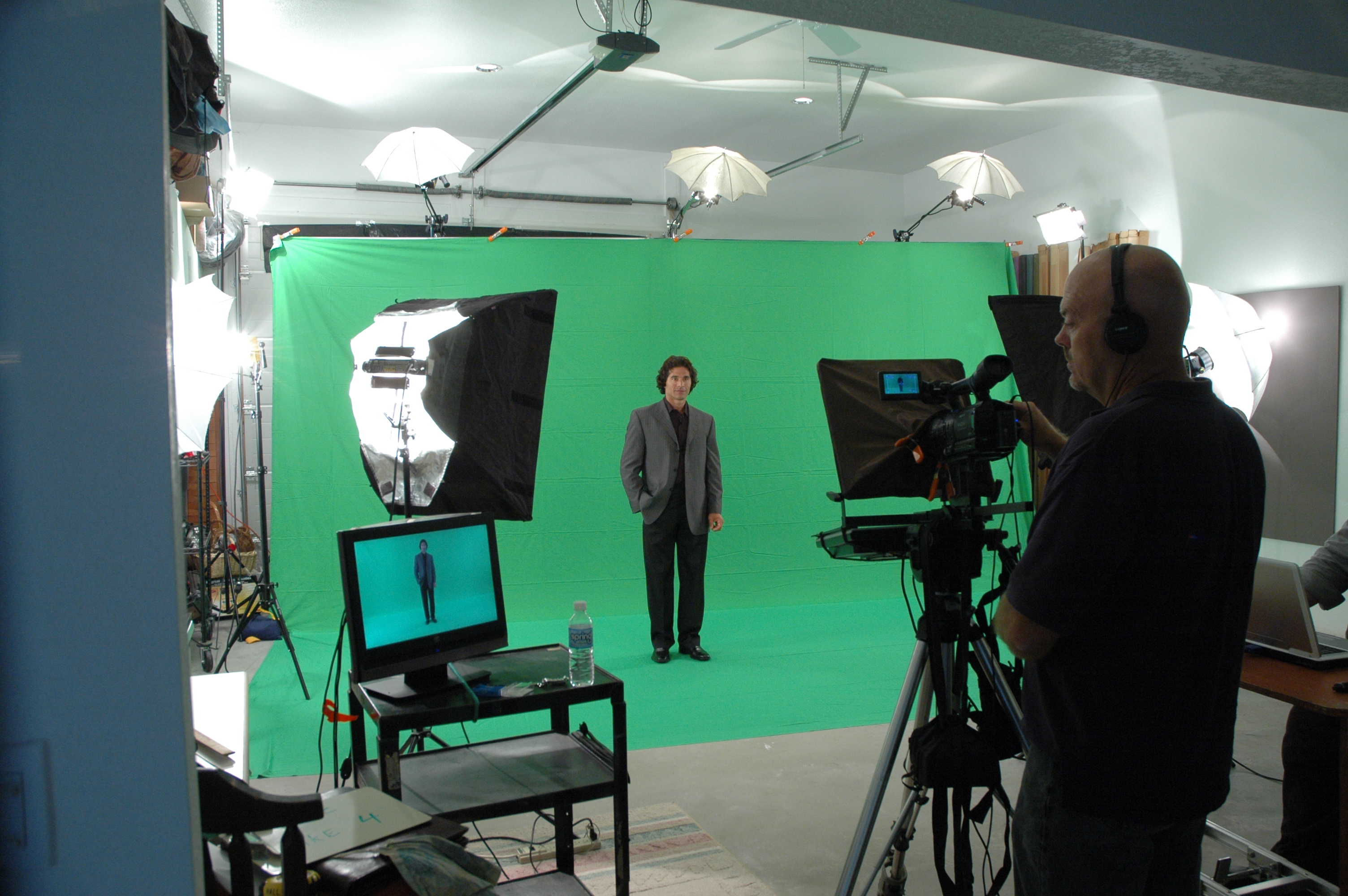
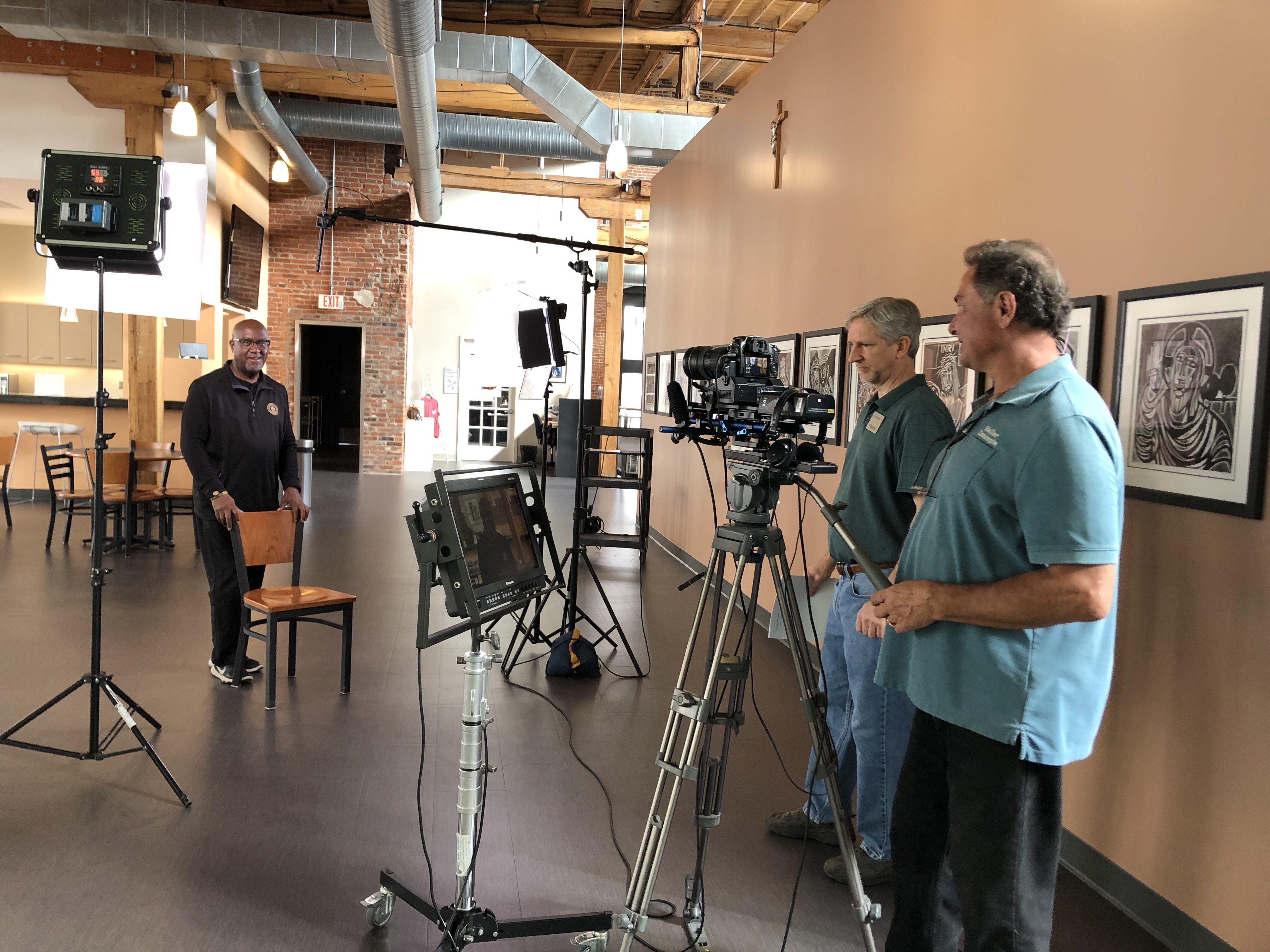
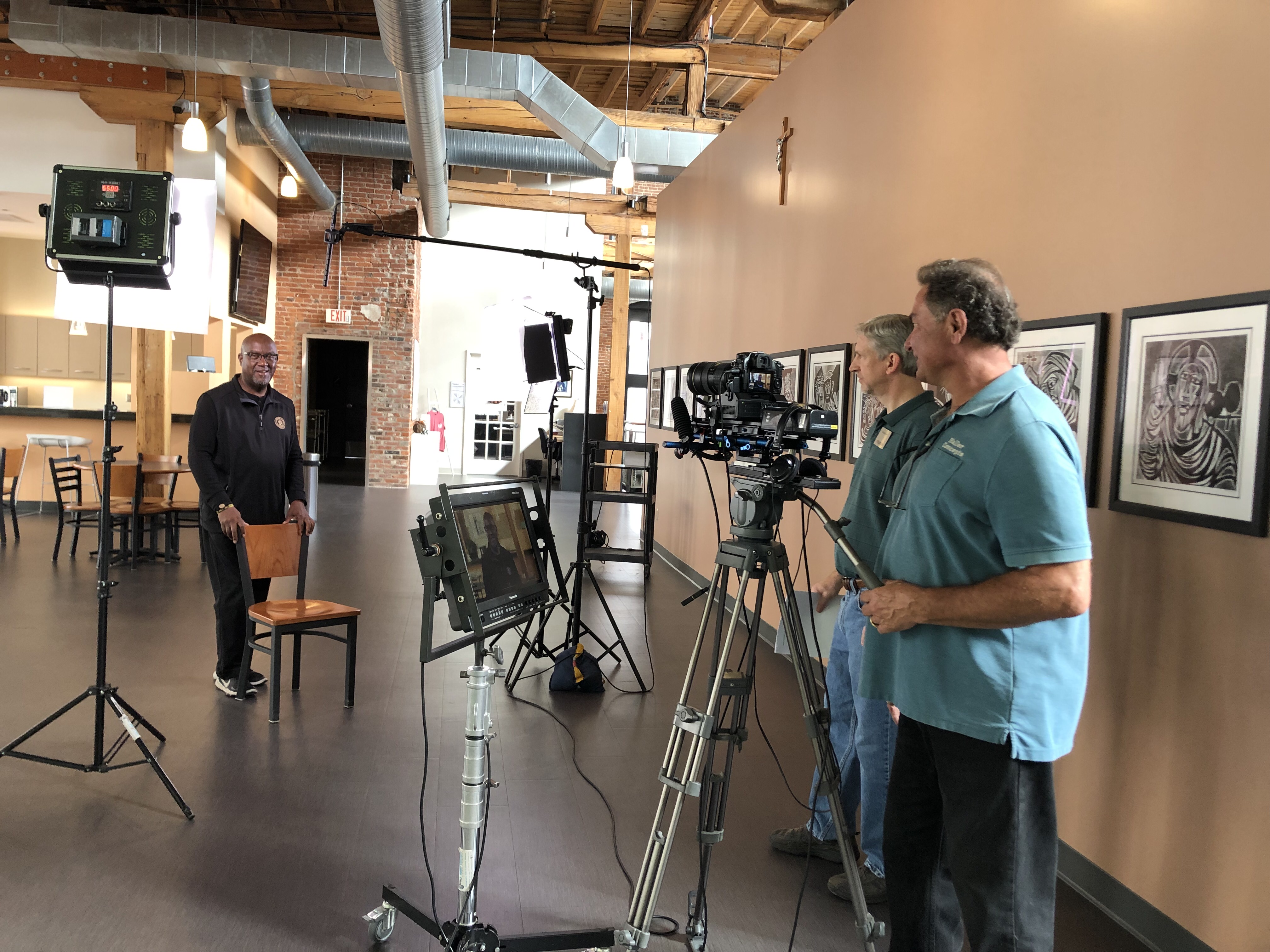
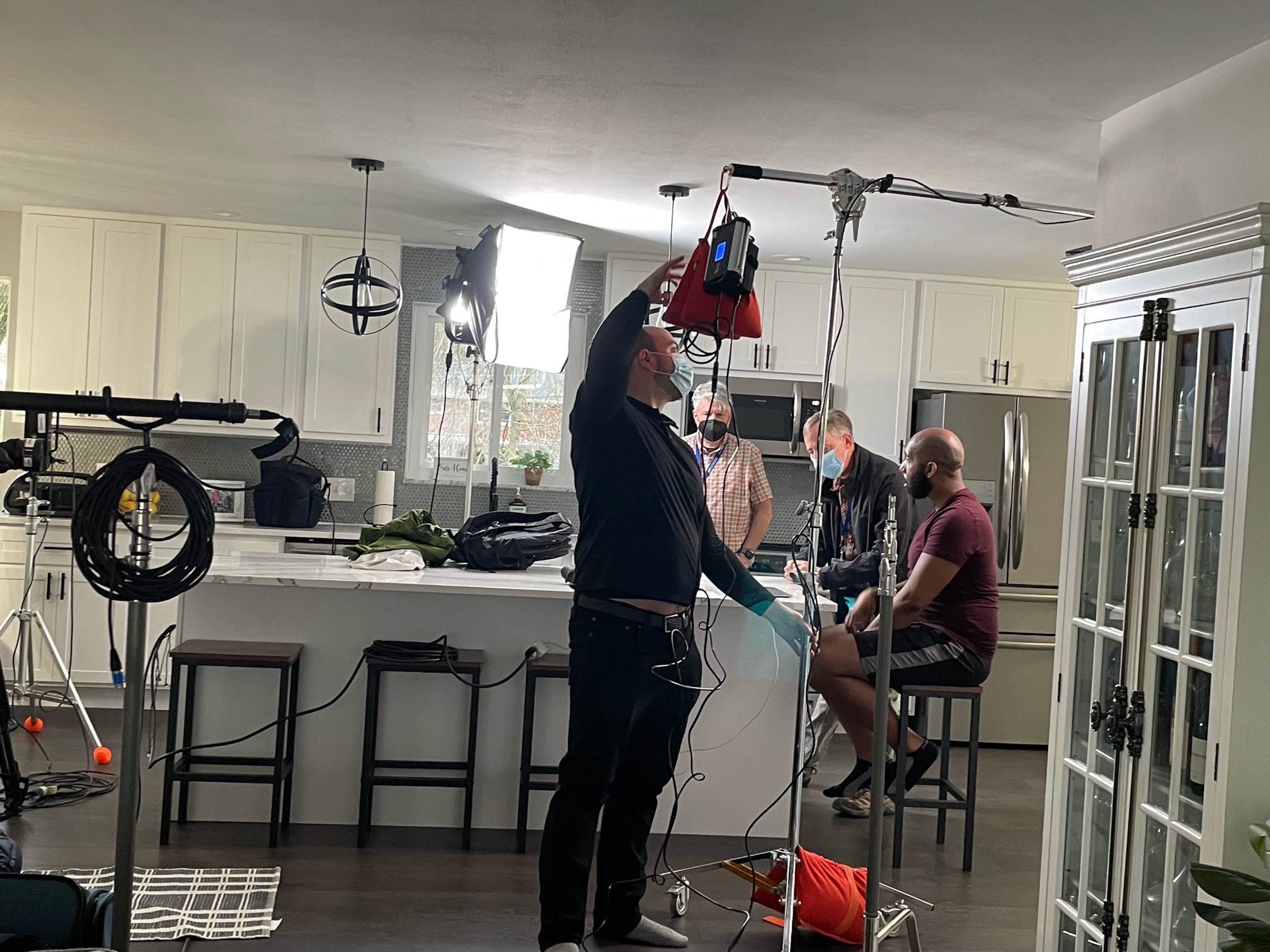
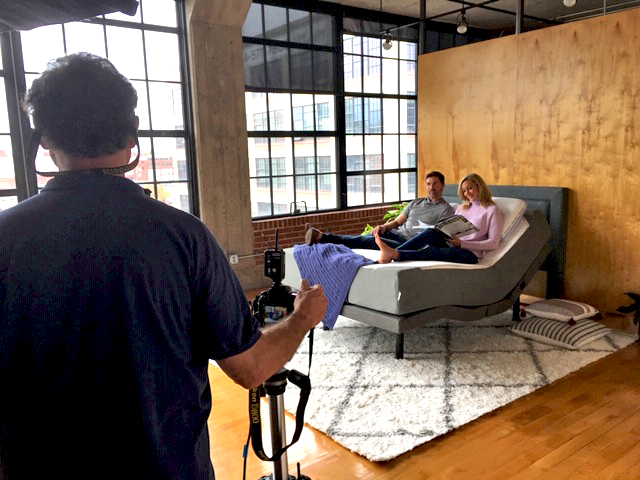
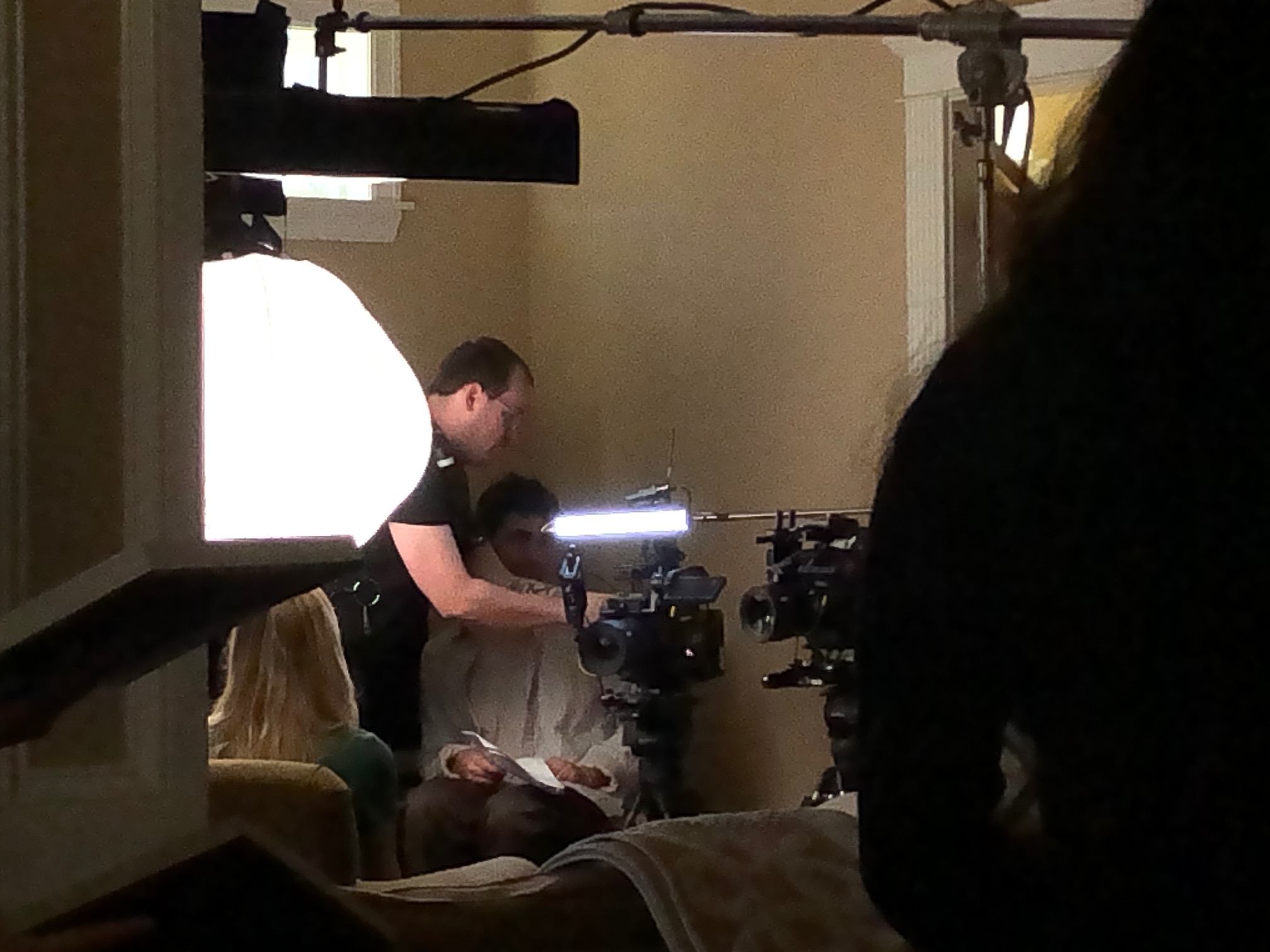
Lighting, cameras, boom mics—these can be intimidating. That’s why we use subtle positioning and soft, diffused lighting to create an inviting studio or on-location environment. Our private studio in St. Louis is especially designed to reduce distractions and create a quiet, calming atmosphere.

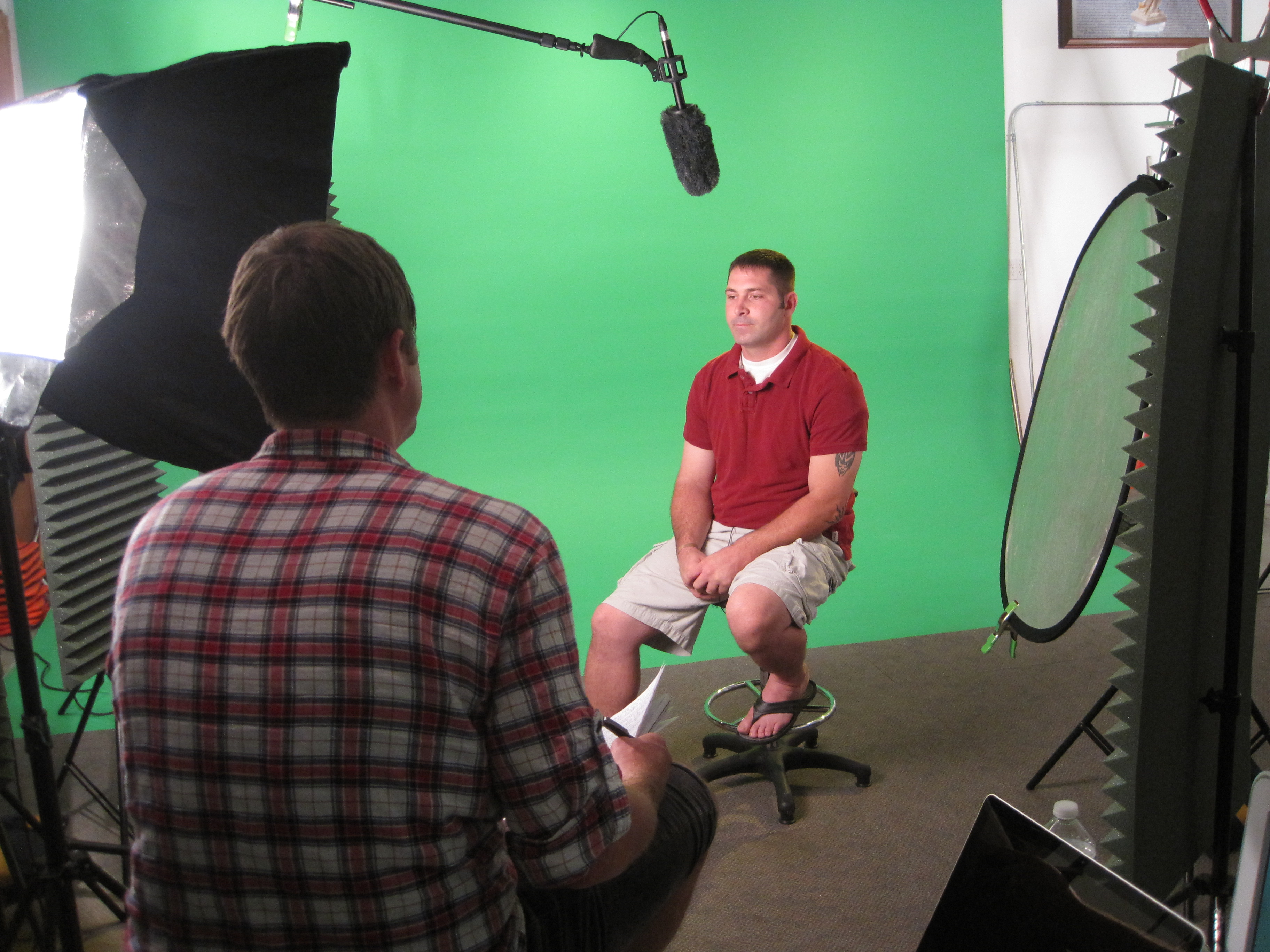
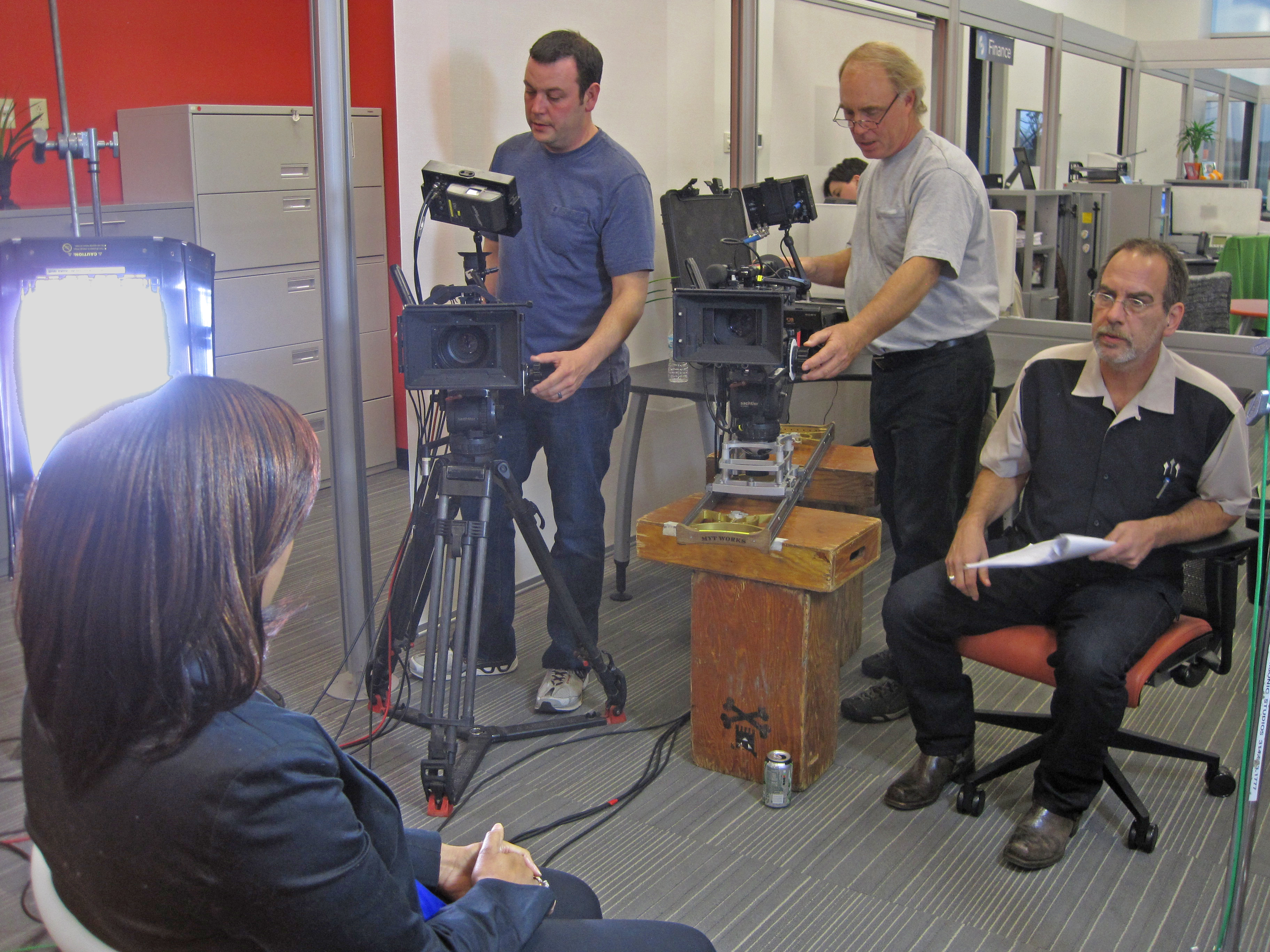
We also recommend seated setups for interview-style filming. Sitting promotes ease and a more natural posture, and we keep crew presence to a minimum—usually just the essential sound and camera operator.


3. Use Conversation, Not Command

One of our most effective tools is simply starting with casual conversation while the camera rolls. We treat it like a dialogue, not a performance. Our producer often conducts interviews by asking open-ended questions that prompt natural storytelling.

Instead of:
“Please state your name and job title.”
We ask:
“What’s a typical day like for you here at the company?”

This conversational approach breaks the “performance” mindset and invites candid, relatable responses.


4. Shoot B-Roll for Confidence and Coverage

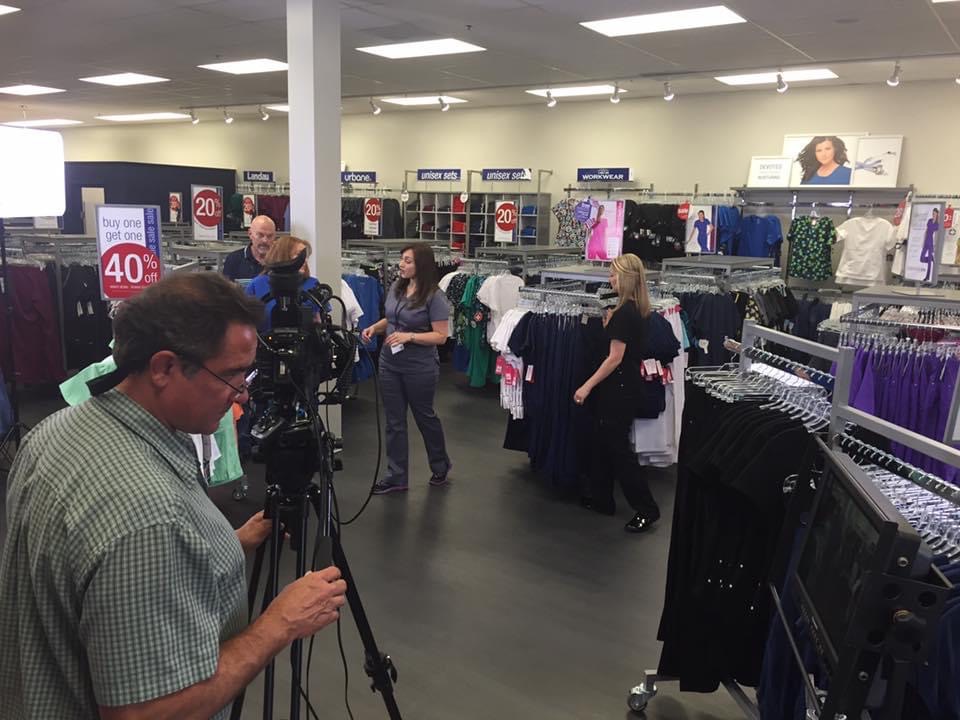
B-roll—footage that shows the person working, interacting with others, or engaged in their environment—does more than just support your message visually. It gives nervous participants a break from talking directly to the camera while still adding valuable visual context. Plus, it’s perfect for smoothing over interview edits during post-production.


5. Positive Reinforcement and Multiple Takes

No one is perfect on the first take, and we never expect them to be. We normalize multiple takes and use real-time feedback and encouragement to guide better performances. With subtle coaching (“Try saying that again but a little slower, that was great!”), we keep energy up and anxiety down.


6. Consider a Voice-Over Alternative

If your subject is too shy to be on-camera, we can still capture their input using a voice-over recorded in a quiet environment. Then, we match their words with relevant b-roll. This still delivers their insight while taking pressure off their performance.


7. Post-Production Polish: Our Invisible Secret Weapon

The magic of editing can’t be overstated. With jump-cut smoothing, color correction, audio enhancement, and filler b-roll, our editors can turn fragmented footage into seamless narratives. What may feel like a rough shoot to the talent often results in polished, professional content after post.


Why Partner with St Louis Video Production Studio?

At St Louis Video Production Studio, we know how to make real people look and sound their best. Since 1982, our full-service commercial photography and video production team has helped businesses, agencies, and marketing professionals in the St. Louis area tell their stories through engaging, high-quality visuals. Whether you’re filming customer testimonials, internal training, or executive interviews, we understand how to guide non-actors into delivering authentic, effective performances.

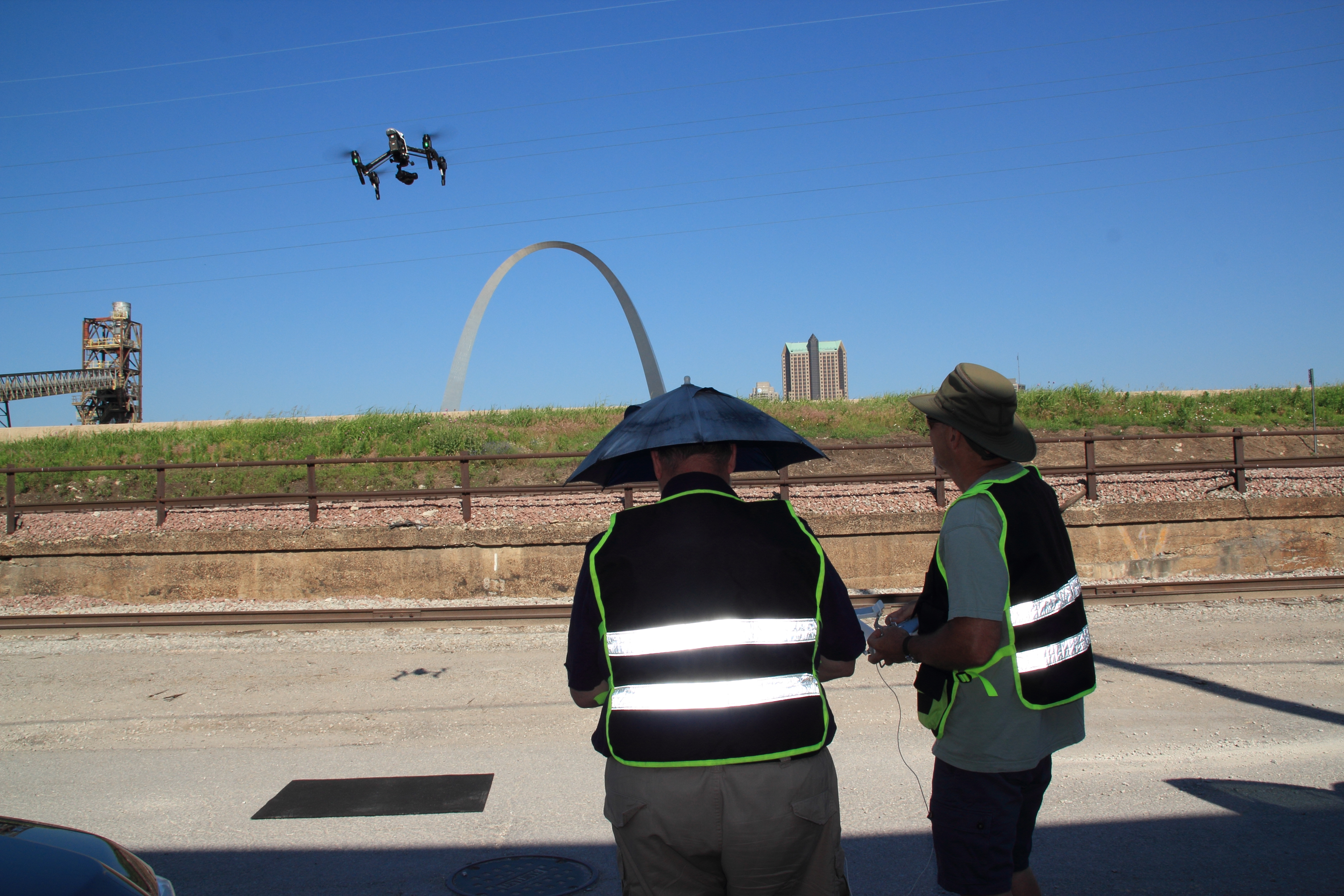
We provide everything—from concept to capture to final cut. Our services include studio and location video and photography, editing, post-production, and licensed drone work. We use the latest in AI-enhanced editing to ensure every project gets a modern, compelling finish. Our private studio offers custom lighting and a quiet environment ideal for interviews or narrative scenes, and we even fly drones indoors when needed to elevate your production value.

If you’re looking to create professional video content with people who aren’t used to the spotlight, St Louis Video Production Studio is the team that makes it happen—with comfort, creativity, and confidence.


Let’s tell your story the right way.
Contact us today to schedule your next successful shoot.

Rob Haller 314-604-6544

saintlouismostudios@gmail.com

Guidelines to Boosting Engagement in Training Videos

In today’s fast-paced business environment, training videos have become an essential tool for educating employees, engaging clients, and sharing company processes. However, to truly be effective, training videos must do more than just present information—they must engage viewers, facilitate learning, and promote retention. As an experienced videographer and photographer at St. Louis Video Production Studio, we understand that the key to creating engaging training videos lies in following a set of best practices that elevate the viewer experience and improve outcomes. Below are some guidelines to boost engagement in your next training video.

Keep your content dynamic by using varying shot compositions, scene transitions, and editing techniques.

1. Keep it Focused and Concise

When it comes to training videos, brevity is crucial. Viewers often have limited attention spans, and lengthy, drawn-out content can result in disengagement. Focus on delivering key information in bite-sized segments. Aim for videos that are concise, with each segment targeting one specific learning objective. Break down larger topics into multiple videos to prevent overwhelming your audience, and make it easy for them to navigate to the information that matters most.

2. Incorporate Visuals to Reinforce Key Concepts

Humans process visual information faster than text, so incorporating visuals into your training videos is a powerful strategy. Use high-quality images, infographics, and on-screen text to reinforce the points being made in your narration. Additionally, animations or screen captures can help break down complex information, making it more digestible for viewers. The use of compelling visuals not only enhances learning but also helps keep the audience engaged throughout the video.

3. Tell a Story

One of the best ways to keep viewers engaged is to incorporate storytelling into your training videos. People are naturally drawn to stories, and weaving in relatable scenarios helps make abstract concepts more concrete. Whether it’s a success story, a problem-solving scenario, or a case study, storytelling engages emotions, making the learning experience both enjoyable and memorable.

4. Interactive Elements

Consider adding interactive elements to your training videos. These could be in the form of quizzes, polls, or decision-based branching scenarios. Interactive videos create a more engaging experience by inviting the viewer to actively participate, rather than passively watch. This can significantly enhance learning, as viewers are more likely to retain information they’ve actively engaged with.

5. High-Quality Audio and Visuals

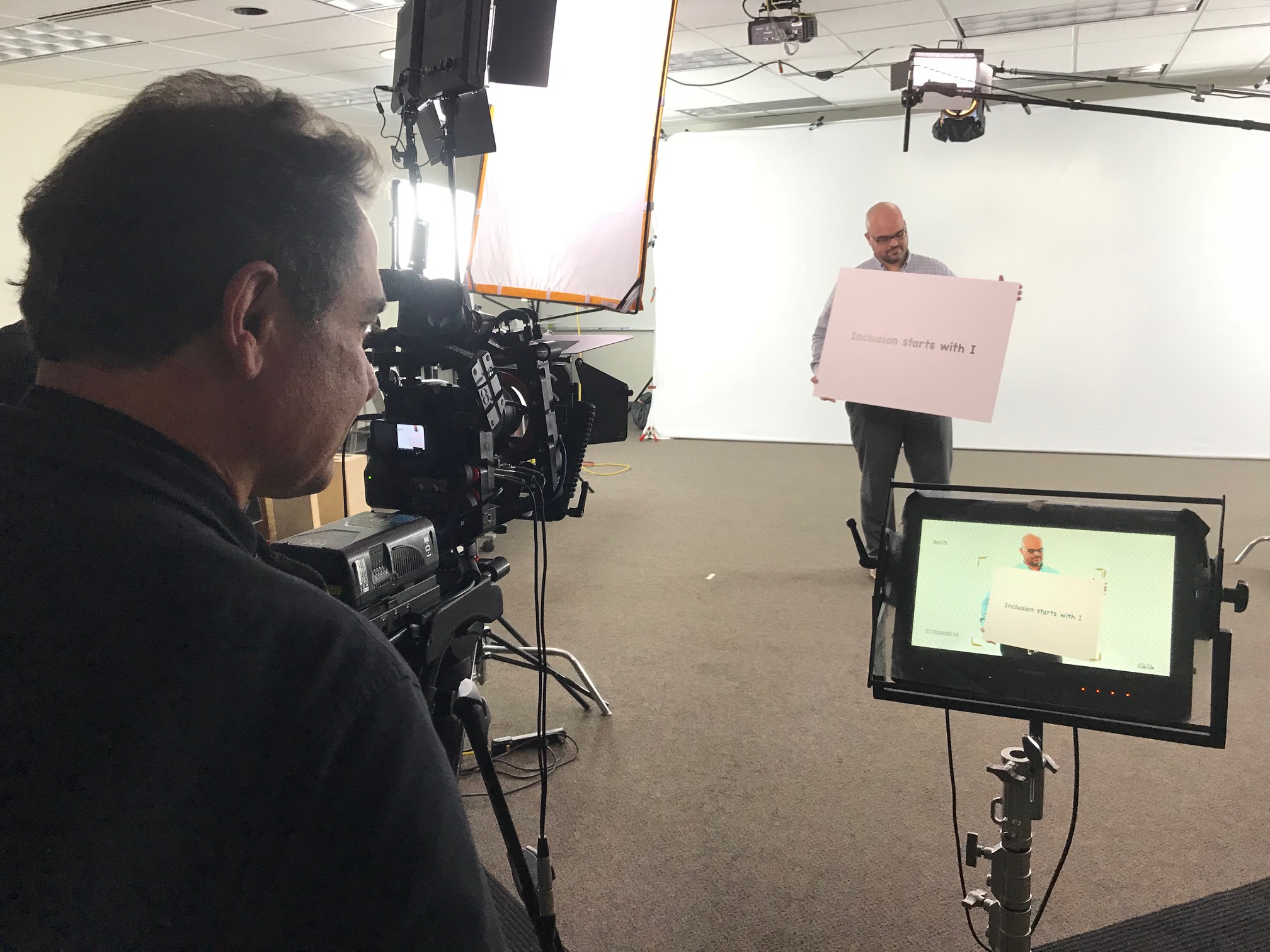
One of the most important aspects of any video is its quality. Poor video or audio quality can quickly turn off viewers, making them less likely to absorb the material presented. Ensure your video is shot in high definition, with proper lighting and sound. Our private studio lighting setup at St. Louis Video Production Studio is designed to create professional-quality visuals, ideal for small productions and interview scenes. Clear, crisp audio, along with clean visuals, sets the stage for an immersive and effective training experience.

6. Keep the Pace Moving

A slow-paced video can quickly become boring, while a fast-paced one can leave viewers struggling to keep up. The key to engagement is maintaining a rhythm that allows viewers to absorb information without losing their interest. Keep your content dynamic by using varying shot compositions, scene transitions, and editing techniques. A combination of close-ups, wide shots, and smooth transitions will keep the video flowing naturally, making it more enjoyable for the viewer.

7. Use Real-Life Examples and Demonstrations

Theory can often be dry and difficult for viewers to relate to. By using real-life examples and practical demonstrations, you can help the audience understand how the training applies to their own work. Hands-on examples help ground the material, making it more relatable and engaging. A strong example will also help reinforce key concepts and show how they can be applied in real-world situations.

8. Provide Clear Instructions and Summaries

At the start of the video, provide an outline of the objectives so viewers know what to expect. After each section, summarize the main takeaways, and ensure the conclusion clearly recaps the overall lesson. This reinforces the key points, helping viewers retain information more effectively.

9. Repurpose Your Content for Better Reach

One of the biggest advantages of training videos is their ability to be repurposed. Repurpose your training videos into smaller clips or create supplementary materials, like infographics or slideshows, to reinforce the learning. You can also share shorter excerpts or highlights on social media to increase engagement and reach a wider audience. At St. Louis Video Production Studio, we specialize in repurposing video and photography content to optimize engagement and ensure that it reaches the right people at the right time.

10. Provide a Personal Touch

One of the most powerful ways to engage viewers is by making the training feel personal. Consider incorporating interviews or testimonials from employees, leadership, or subject matter experts to add depth and authenticity. Personalized videos where the instructor addresses the viewer directly also create a connection, making the experience feel more interactive.


Why St. Louis Video Production Studio is Your Partner for Engaging Training Videos

Creating engaging training videos requires more than just following guidelines; it requires the right tools and expertise. At St. Louis Video Production Studio, we are a full-service professional commercial photography and video production company with decades of experience. Since 1982, we have been working with businesses, marketing firms, and agencies in the St. Louis area, helping them produce high-quality training videos that resonate with audiences.

Our team includes experienced sound and camera operators, directors, and an entire creative crew capable of bringing your vision to life. With our private studio lighting and setup, we can cater to small productions and interview scenes with ease. We offer a variety of services, from location video and photography to editing and post-production. We also have licensed drone pilots, capable of flying specialized drones indoors, adding a unique touch to your production.

At St. Louis Video Production Studio, we are well-versed in all file types and media styles, and we work with the latest software to ensure your content looks its best across all platforms. Whether you need a custom interview studio setup, sound and camera equipment, or a tailored production plan, we have the expertise to deliver. Our ability to repurpose your video and photography branding helps your content gain more traction and reach the right audience. Trust us to make your next training video production both engaging and successful.

Let us help you elevate your training materials with professionally produced, engaging videos that not only inform but also inspire action. Contact St. Louis Video Production Studio today to begin your journey toward better, more impactful training videos.

314-604-6544

saintlouismostudios@gmail.com