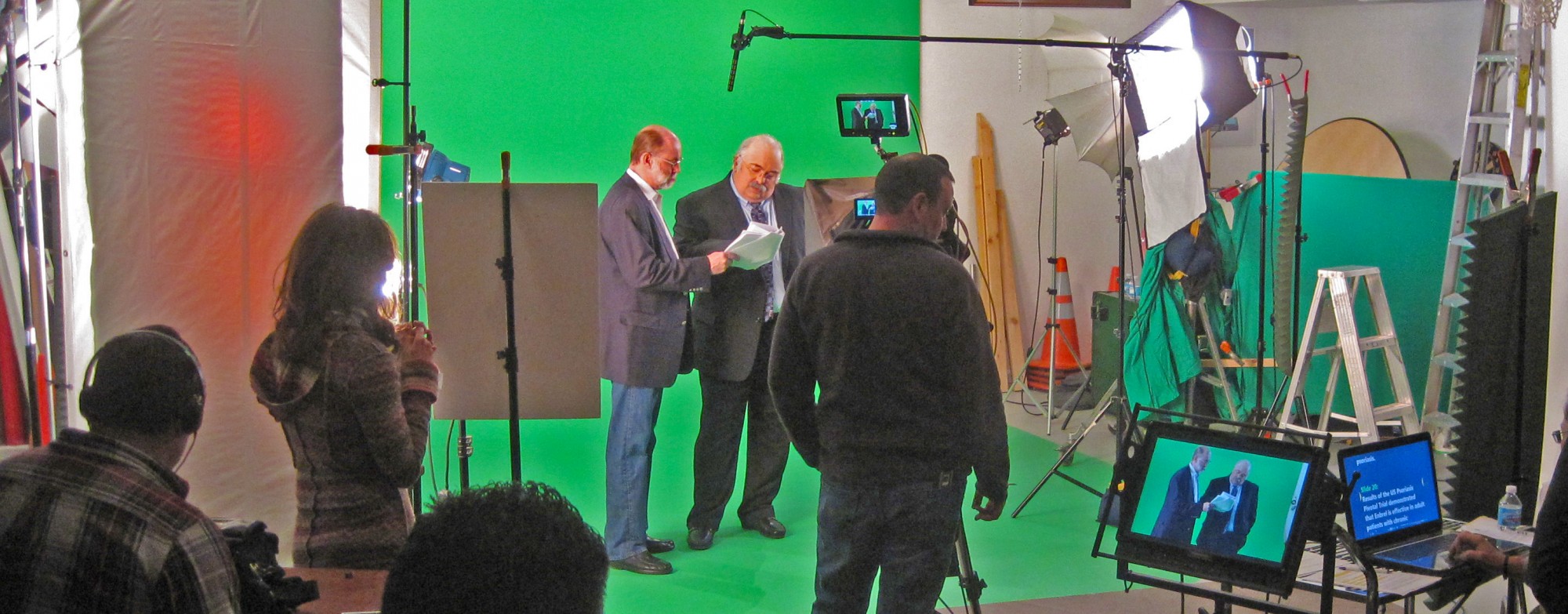
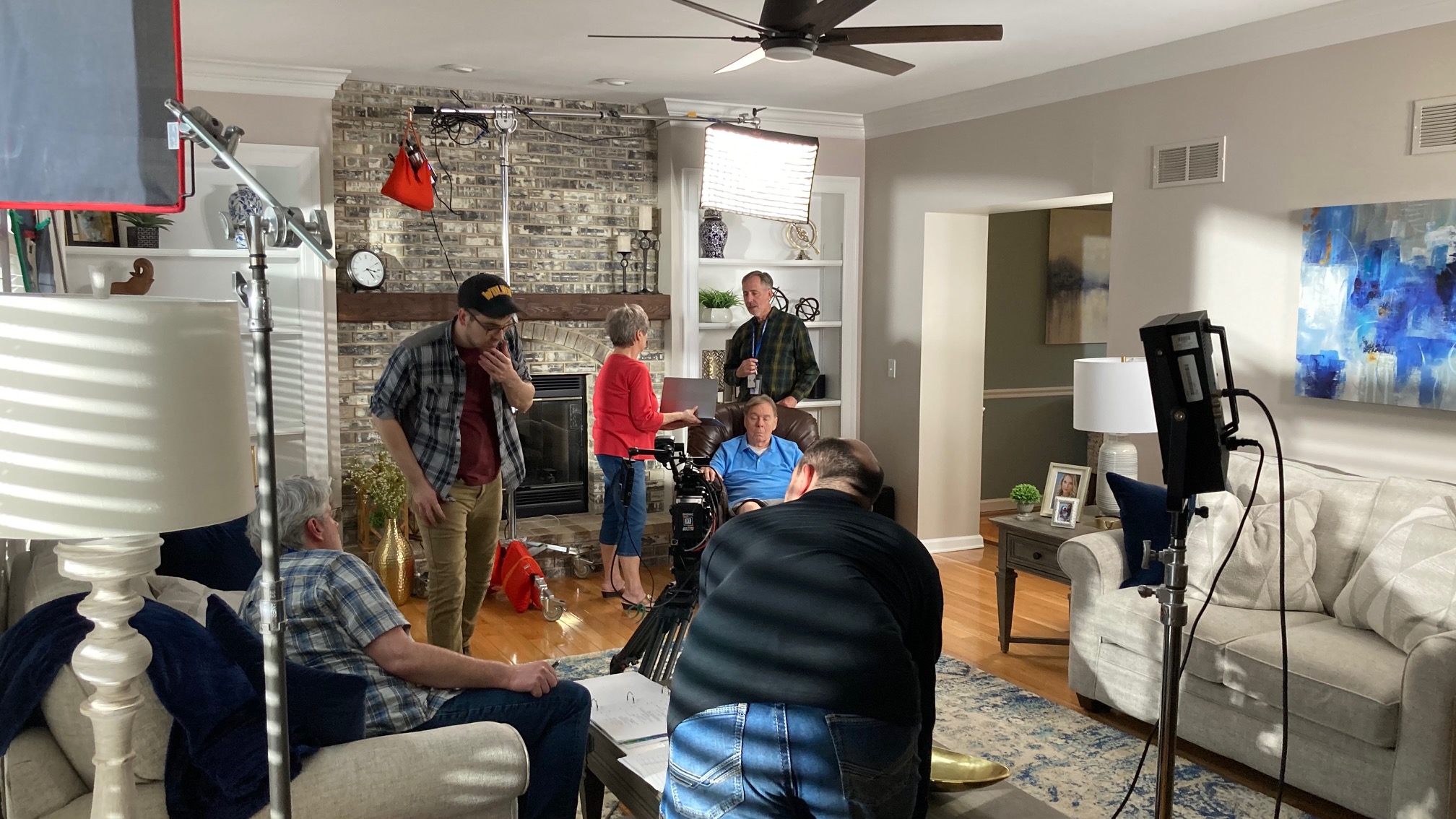
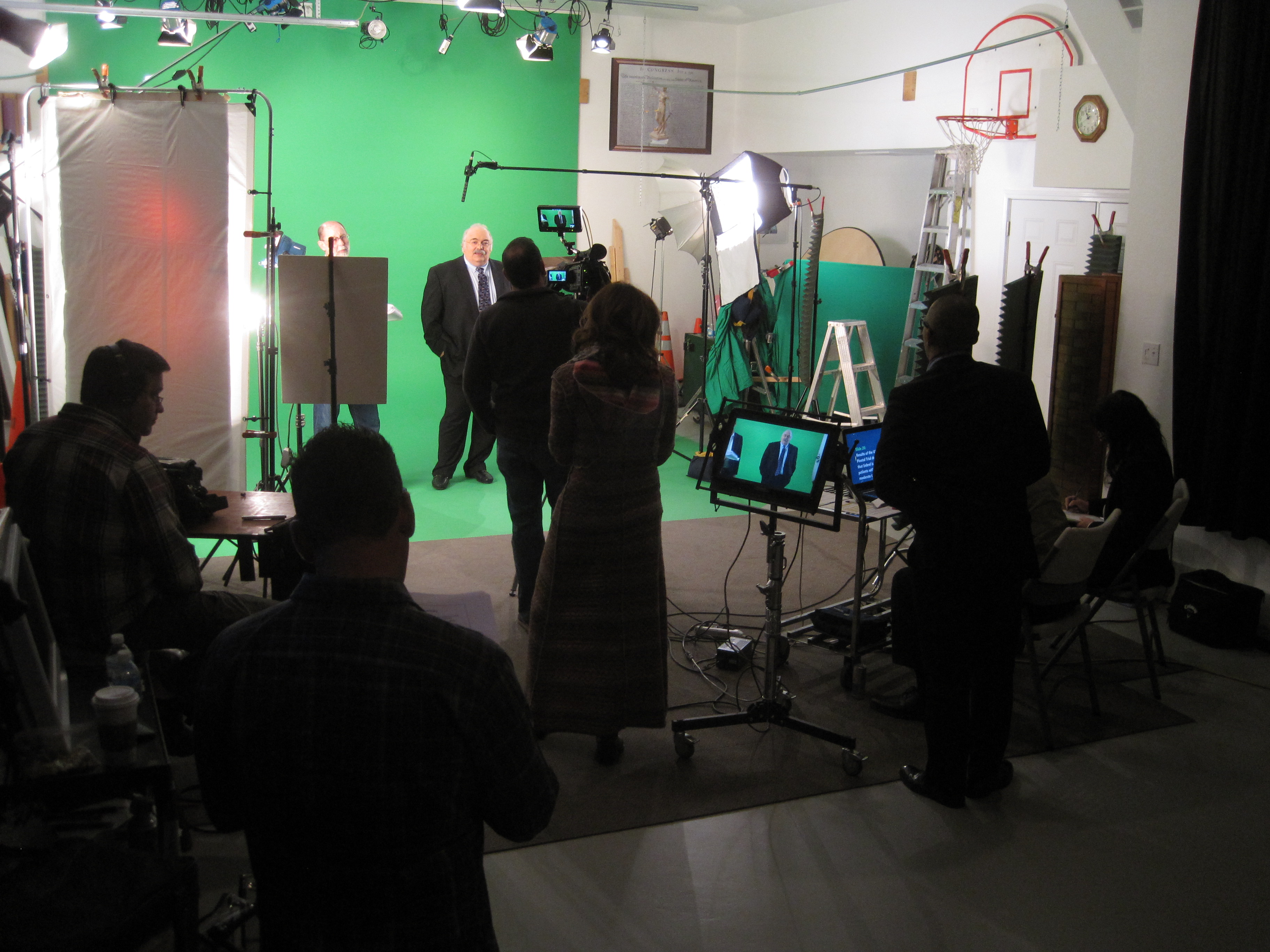
St louis video production at your location or in our studio.
Scripting
We work with you to develop the right story for your brand.
Producer
We’ve got an experienced producer on staff to organize your video shoot and keep the project running on time.
Directing
We take your script from words on a page to on-camera action.
Taping
We capture all the action with all the necessary gear. Professional-grade cameras, lenses, and rigs.
Editing
We take raw video footage and process it into a cohesive, engaging video using the latest digital industry standard editing software.
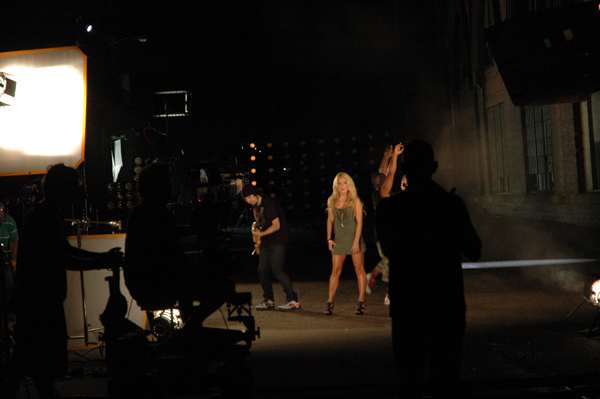
We work with clients to create very unique, visually stunning communication videos that have a proven track record.
We create web marketing videos, corporate and commercial videos, product how-to videos and television ads. We are dedicated to help you inform and inspire your target audience.
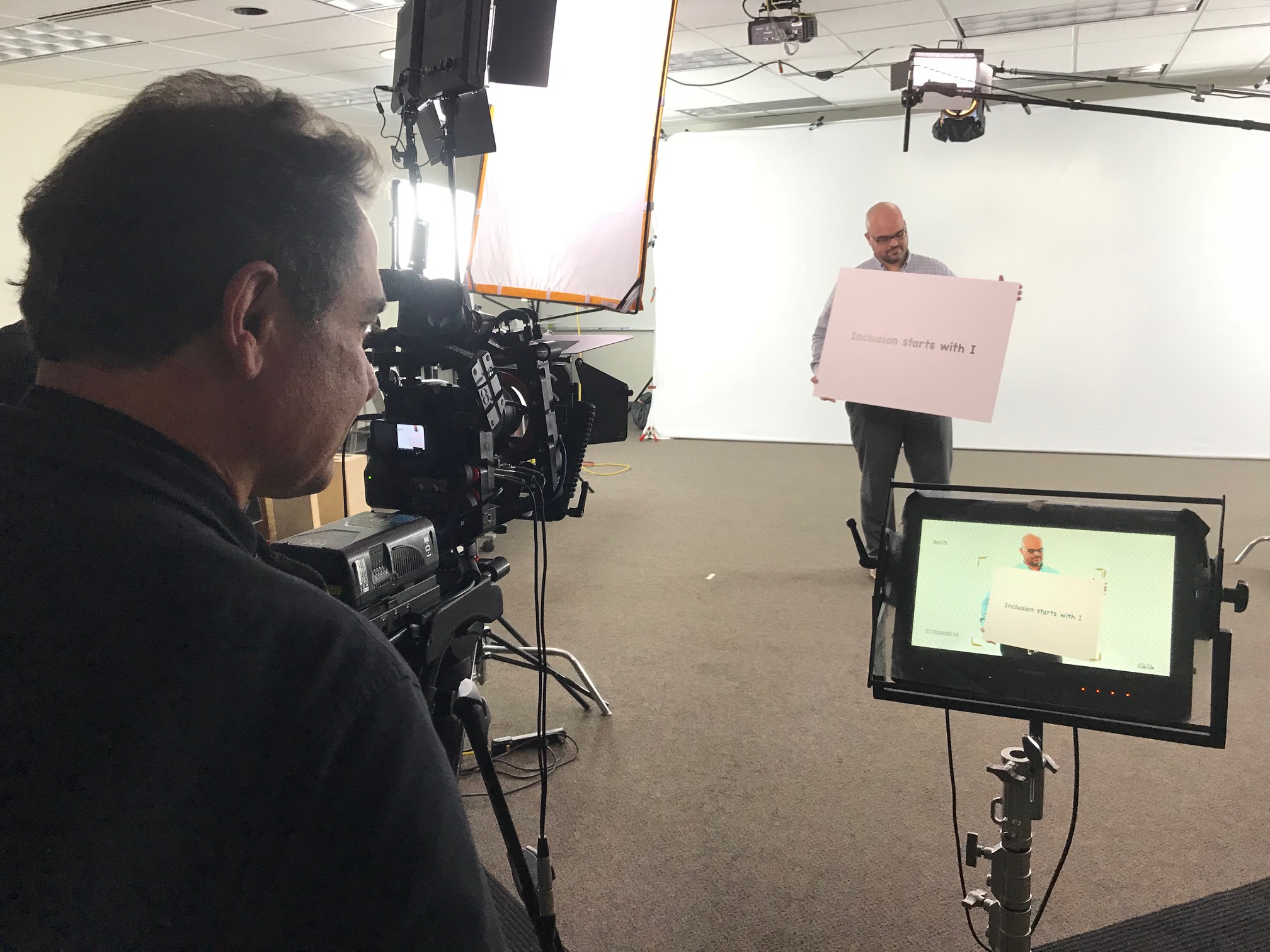
We use top of the line high definition video production cameras with professional lighting and sound.
You’ll also have a professional staff of creative video services – editors, producers and videographers utilizing the entire team at St. louis video production.
How to Prepare Beforehand & Make the Most of Your Time with a Teleprompter.
When it comes to delivering a speech or presentation, using a teleprompter can be a great way to help ensure that you are giving your best performance. By preparing and rehearsing beforehand, and making the most of your time with the teleprompter during the actual presentation, you can make sure that you’re making the most out of your experience.
Before you start working on your presentation, take some time to plan out exactly what you’re going to say in each part of it. This will not only help you make sure that all the important information is covered, but also give you an idea of how long you should spend on each section, which is an important consideration when working with a teleprompter. Rehearsing your speech before going in front of the teleprompter is also a great habit to get into—it helps ensure that if something unexpected comes up, like technical difficulties or losing your place in the script, it won’t throw off your whole performance.
Once it’s time for the big day, there are key things to keep in mind when using a teleprompter so as to use its full potential. First thing’s first: before starting up the prompter itself make sure there are someone present who can monitor and run it while they read along with what is being said. A successful teleprompter experience also relies on proper timing—which means speaking clearly and slowly enough so as not to overtake what’s written on screen as well as speeding up as necessary if more time is needed for content or questions from audience members. Finally posturing matters too—when taking a pause or emphasizing certain points try not looking away from camera so viewers will stay engaged throughout.
What is a Teleprompter?
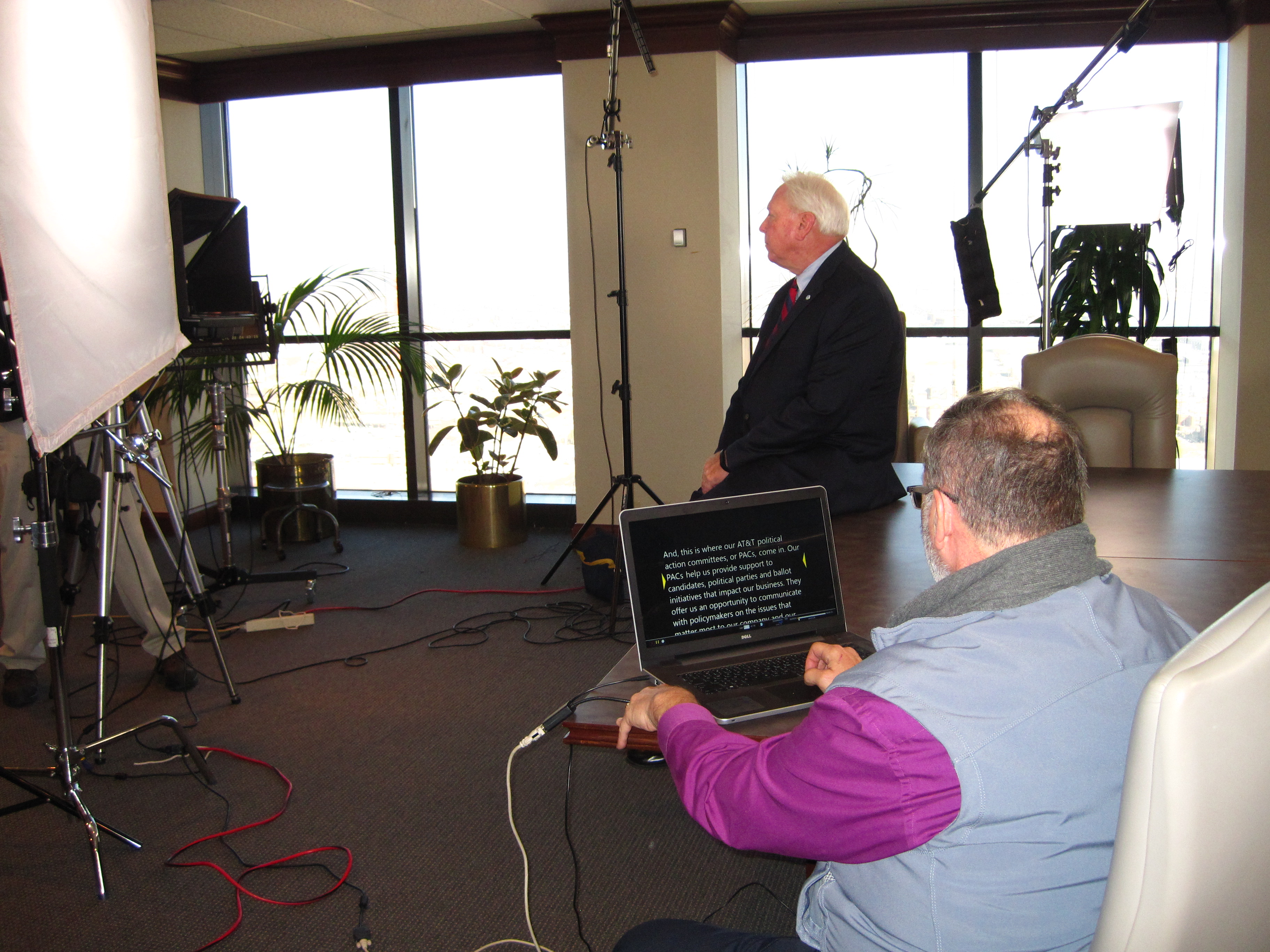
A teleprompter is a device used to display lines of text or script during a presentation, promotional video or speech. It uses a beam splitter mirror to reflect the text in the glass, which is viewable by an individual standing at the lectern while they speak or perform. Using technology such as laptops, tablets and smartphones, people are now able to use these same principles when recording themselves in their own personal filming setup.
Teleprompters help individuals by eliminating the problem of forgetting their lines or fumbling over words due to nerves or pressure. Since presenters and actors seldom have time to rehearse for their media appearances more than once, having access to a teleprompter allows them to remain organized throughout the production process and ultimately save time during filming.
By prepping your materials ahead of time with typed-up scripts, you can make sure that your output runs smoothly when using a teleprompter. Additionally, take some time before recording your presentation so you can become comfortable with what you will be saying and how each line sounds – this ensures that once you place yourself in front of the camera and get started on cue from the teleprompter operator, there’s no hesitation or stumbles on any particular phrase or statement. This step will prove immensely helpful if you need to re-record any takes as it is much easier to simply declare “Let’s try it again” rather than start from scratch if something was not quite right during practice run-throughs before hand.
Benefits of Using a Teleprompter
When working with a teleprompter, there are a number of benefits to making the most of your time. Teleprompters act as an interactive multi-functional device that can help to promote the production’s creative flow by saving time and reducing technical errors. The key to getting the most out of these machines is by preparing well in advance.
Using a teleprompter can make it much easier on those involved in the production, allowing them to focus their energy on the tasks at hand like perfecting sound or shooting angles. This type of preparation also helps when it comes to ensuring that your actors have the best possible performance. By preparing upfront, actors will have more time for staging and adjusting both their visuals and dialogue delivery as needed.
Teleprompters are also a great aid for creating visual storyboards or scripting out automated visuals if any animation or motion graphics needs to be implemented. A teleprompter’s script editor allows you change text within an individual scene without changing all other scenes — something that would have required several different versions of a script otherwise.
By using a teleprompter you’re able to better keep actors and presenters on track in terms of pacing and staying on target with every scene or event they appear in so that everything runs smoothly and seamlessly, while also providing helpful visual promos throughout your production’s development process.
Preparing for a Teleprompter Session
Before beginning a teleprompter session it is important to be prepared. This means having your script reviewed, organized in a way that works for you, and ensuring that the material adheres to time restraints if necessary. Obtaining an initial practice run with the teleprompter operator is essential in order to understand cues and timing. It’s best to keep to the subject or tone when reading from the teleprompter without adding filler words or unnecessary pauses.
The purpose of a teleprompter session should be understood before getting started in order to maximize use of time and resources used during recording. When talking points are clear, it allows for a smoother workflow. Being able to view the presentation beforehand can help reduce mistakes as every word does not need memorizing thus saves on time during recording as well.
Using handwriting as an internal tool before entering a teleprompter session allows one’s thought process to stay organized and focused on flow throughout speaking points. Remaining mindful of potential slips of attention or tongue during speaking can also help with maintaining uninterrupted delivery during these sessions. Additionally, posture and facial expressions should match content being presented in order for the desired meaning behind message being conveyed come across clearly on screen.
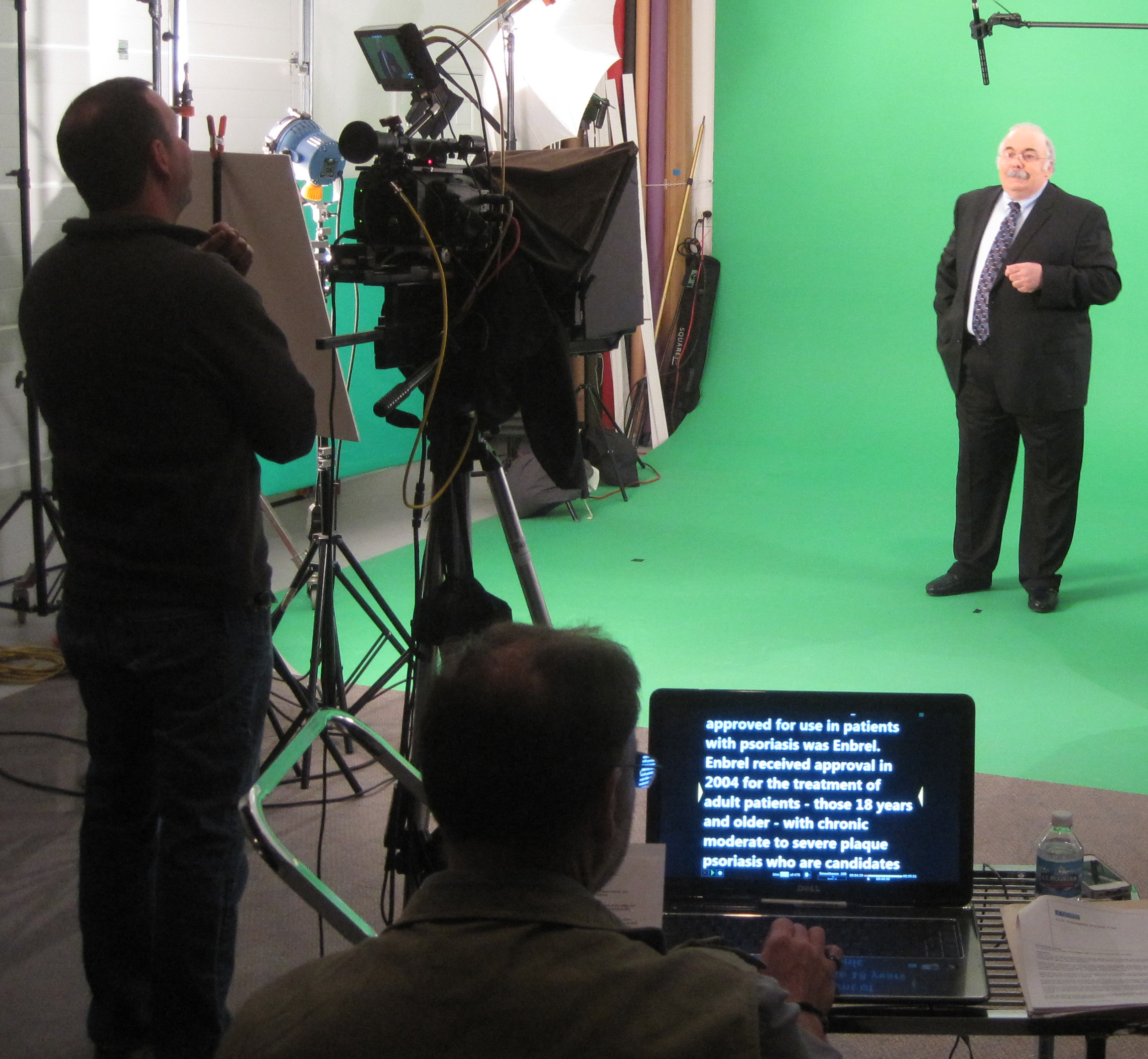
Tips for Operating a Teleprompter
Successful teleprompting requires accurate timing and a well-prepared script. Here are some tips for ensuring that you have a successful teleprompter experience:
• Prepare yourself in advance. Before you operate a teleprompter, make sure to practice the material out loud and gain an inherent understanding of the content. If the script is too long or complicated, it is best to break it up into smaller chunks that are easier to manage on the day of shooting.
• Check your equipment set-up ahead of time. Make sure that each piece of equipment necessary for teleprompting is properly connected and working smoothly prior to shooting. Be aware of any potential technical problems that could arise and look out for indications that there might be compatibility issues between different pieces of equipment.
• Establish an appropriate scrolling speed based on your level of proficiency with the content – if someone has no experience with their lines, don’t scroll too quickly; but if they have memorized their lines and have experience speaking from a script, you can increase the speed slightly.
• Do a soundcheck before rolling camera. Make sure your voice levels are appropriate for incoming/outgoing audio levels by performing a few test runs with the talent prior to rolling any footage within range. This will ensure clear audio arrives in post production without unwanted noise from background sources such as fans or HVAC systems. Additionally, this will help benchmark troubleshooting solutions should befall any technical issues during program delivery such as fading audio or jumpy visuals due to slow system performance, low battery power etc…
• Minimize distractions while reading the prompter text – try not to become over focused on a particular word or phrase as this could disrupt natural flow when reading aloud; keep pauses short and focus on pacing when speaking your lines in order maintain story continuity on air at all times!
How to Make the Most of Your Time with a Teleprompter
When practicing with or using a teleprompter, proper preparation will help you make the most of your time and ensure you deliver a successful performance. Before beginning, there are four important things to do:
1. Become familiar with the equipment: Whether it’s through doing a test run or reviewing the setup manual, learning how to use each feature is essential for mastering the basics. If possible, allow yourself some practice time before your performance to gain proficiency.
2. Make sure your text is formatted correctly: Depending on the setup of your teleprompter system, text must be properly formatted for it to run smoothly without glitches. Pay attention to spacing and punctuation marks which can make all the difference when you’re working with a teleprompter set up.
3. Check audio levels: All devices need to be properly lined up with one another so that they work together fluidly and sound good on playback or streaming video. Test microphones and speakers make sure that volume levels stay constant as your script scrolls by on the monitor/TV screen so you don’t have any major audio surprises!
4. Practice beforehand: As tempting as it may be to just focus on memorizing words within seconds before going live, this is precisely why taking time before showtime to go over your script can give you an edge in staying top of mind while delivering the message effectively too!
Common Mistakes When Using a Teleprompter
When delivering an important presentation or address, a teleprompter can come in handy as it allows delivery of the speech without missing any key points. However, using a teleprompter can be challenging and if you don’t properly prepare beforehand and practice, your presentation may suffer. Here are some common mistakes to avoid when using a teleprompter:
-Not having a dress rehearsal: If you have never used a teleprompter before, it is important to take extra time at the beginning of your actual presentation to get used to the prompts. A dry run with the running text will help you develop greater eye-hand coordination and comfort.
-Forgetting the importance of eye contact with the audience: Although it is easy to become involved with reading from the teleprompter, remember that part of giving a great speech is making eye contact with your audience. Don’t forget that although you are reading from the teleprompters, every now and then make sure to look up into the crowd and continue this throughout your delivery.
-Reading too fast or too slow: It is important not be intimidated by long speeches on short time constraints — try not to rush through your words as you want each point in the speech to be heard clearly. But at the same time do not let yourself become overwhelmed by finding yourself stuck on one slide for too long — find your natural pace in presenting and stick to it throughout your speech!
-Not properly rehearsing: While understanding what needs to be done in each portion of an address is essential when using a teleprompter its also important that practice sessions occur beforehand so that they are delivered effectively during the performance. Ensure that all aspects such as language choice, word articulation and pauses within phrases should properly be practiced during the rehearsals in order for them muscle memory kick in during delivery.
At the end of the day, trusting and utilizing a teleprompter for your next presentation will save you time and make you look more professional.
Even if you’re not a seasoned public speaker, using a teleprompter will help you be more confident on camera while saving time in post-production. Although it may take some getting used to, when used correctly, the results are invaluable.
By properly preparing your material ahead of time and practicing with the teleprompter device, you can easily make sure that your presentation goes as smoothly as possible. Keep in mind that while practice makes perfect, it takes a combination of proper preparation and savvy tech skills to get the most out of your time in front of the camera. Best of luck!
Rob Haller
314-604-6544
saintlouismostudios@gmail.com
 st louis video production studio