Tag Archives: st louis video company

Don’t Be a Robot: Turn Teleprompter Reads into Natural Conversation

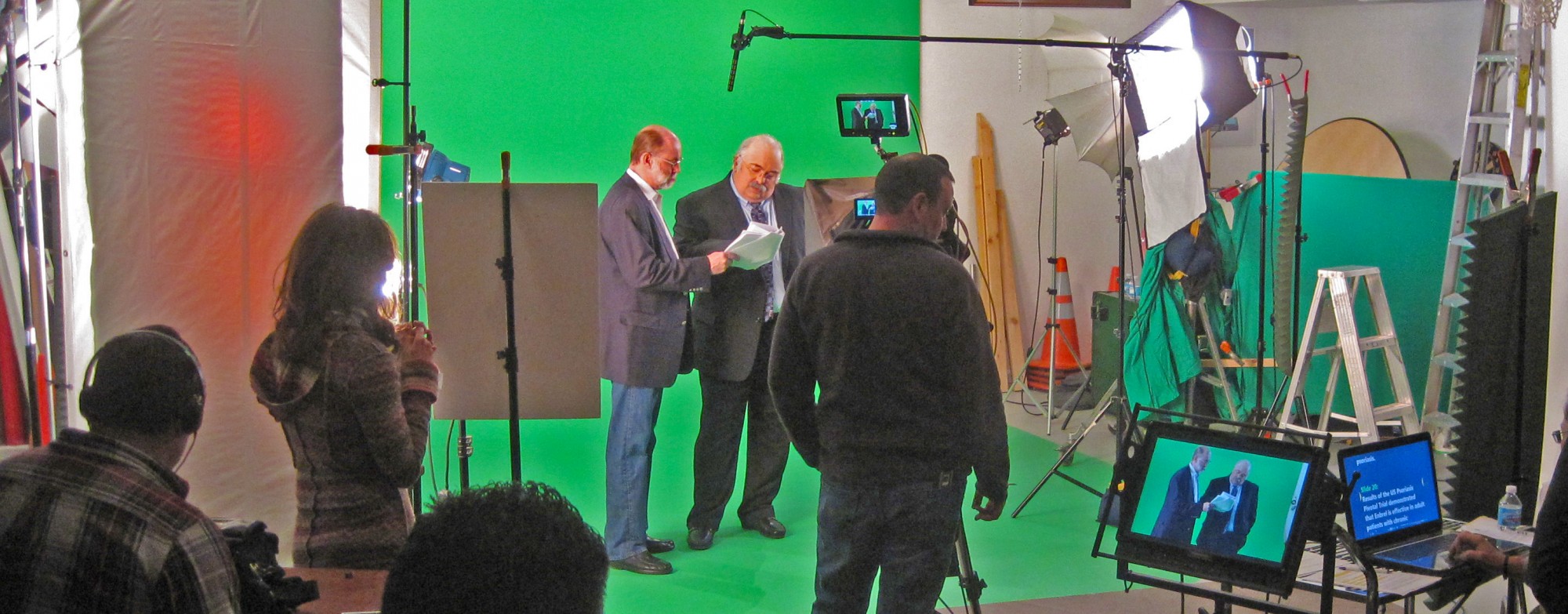
A teleprompter should make your leaders sound more human, not less. The trick isn’t “reading better”—it’s engineering the setup, script, scroll, and coaching so delivery feels like a hallway chat with perfect recall. Below is the studio-tested playbook we use to help executives and experts look relaxed, sound authoritative, and hit message + time—every time.


Outcomes That Matter to Decision Makers

  • Message control without wooden delivery: protect compliance language and brand voice while sounding spontaneous.
  • Throughput: more approved segments per day; fewer pickups; faster post.
  • Scalability: one message, consistent tone, multiple markets/languages.
  • Editorial efficiency: clean captions, transcripts, and translation pipelines.

1) Optics & Eye-Line: Authenticity by Design

Goal: keep the audience and the reader on the same visual axis.

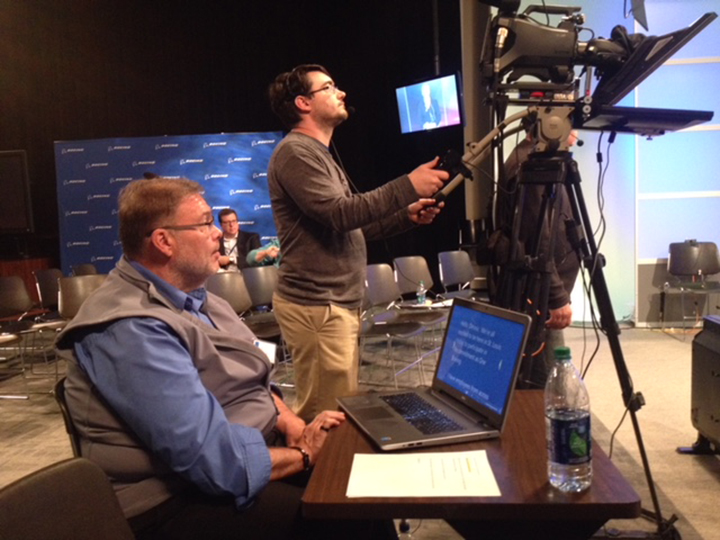
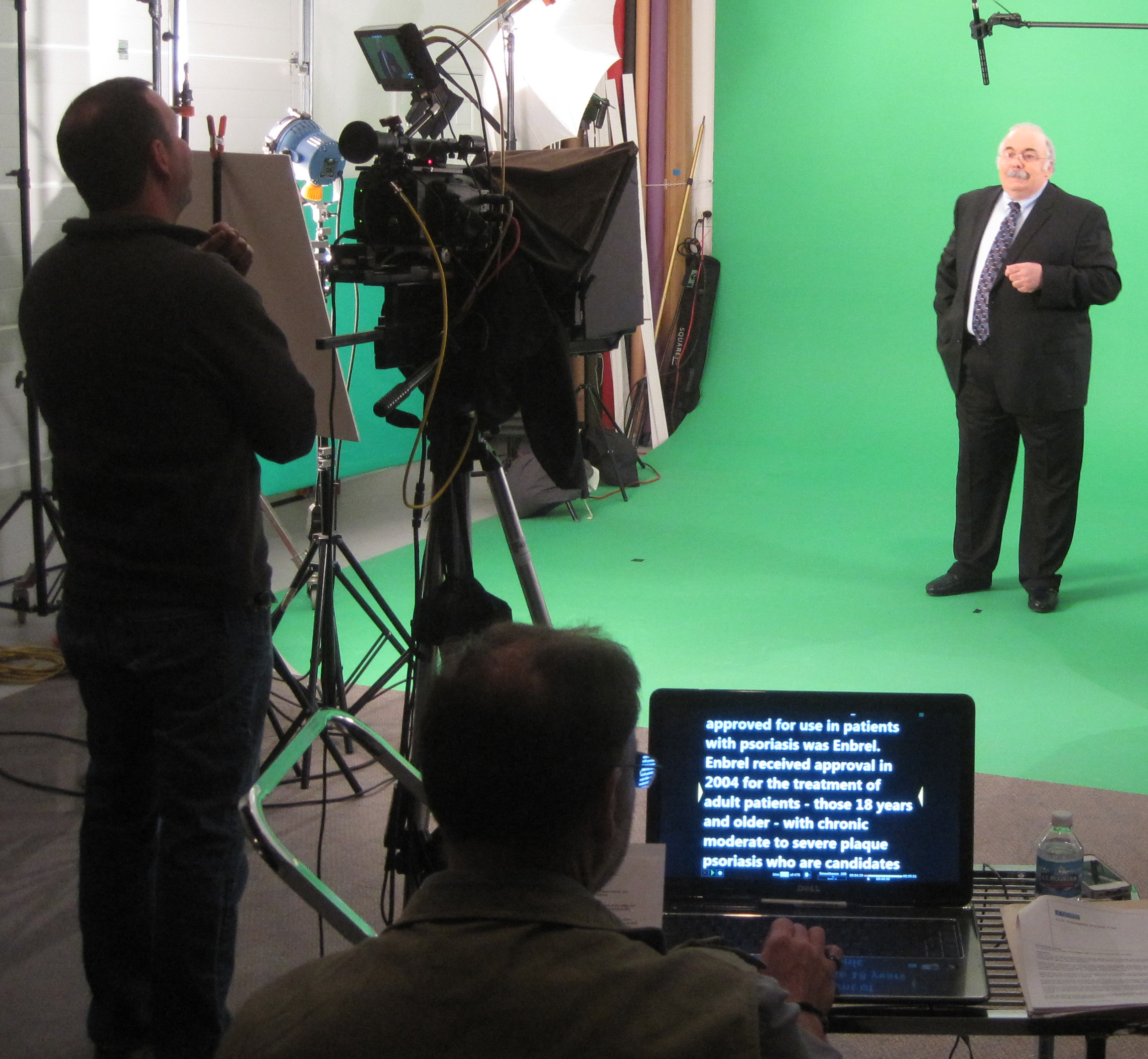
  • Prompter: Through-the-lens (beam splitter) for direct-to-camera pieces.
  • Lens: 50–85 mm (full-frame) for flattering compression and reduced visible eye travel.
  • Distance & type size: talent at ~5–10 ft; font typically 48–72 pt—large enough to avoid scanning.
  • Scroll window: keep the active line near the center; avoid top/bottom edges that trigger saccades.
  • Glasses & glare: slightly raise the key light, tilt the glass a few degrees, add flags/hoods; matte frames help.

Walk-and-Talks
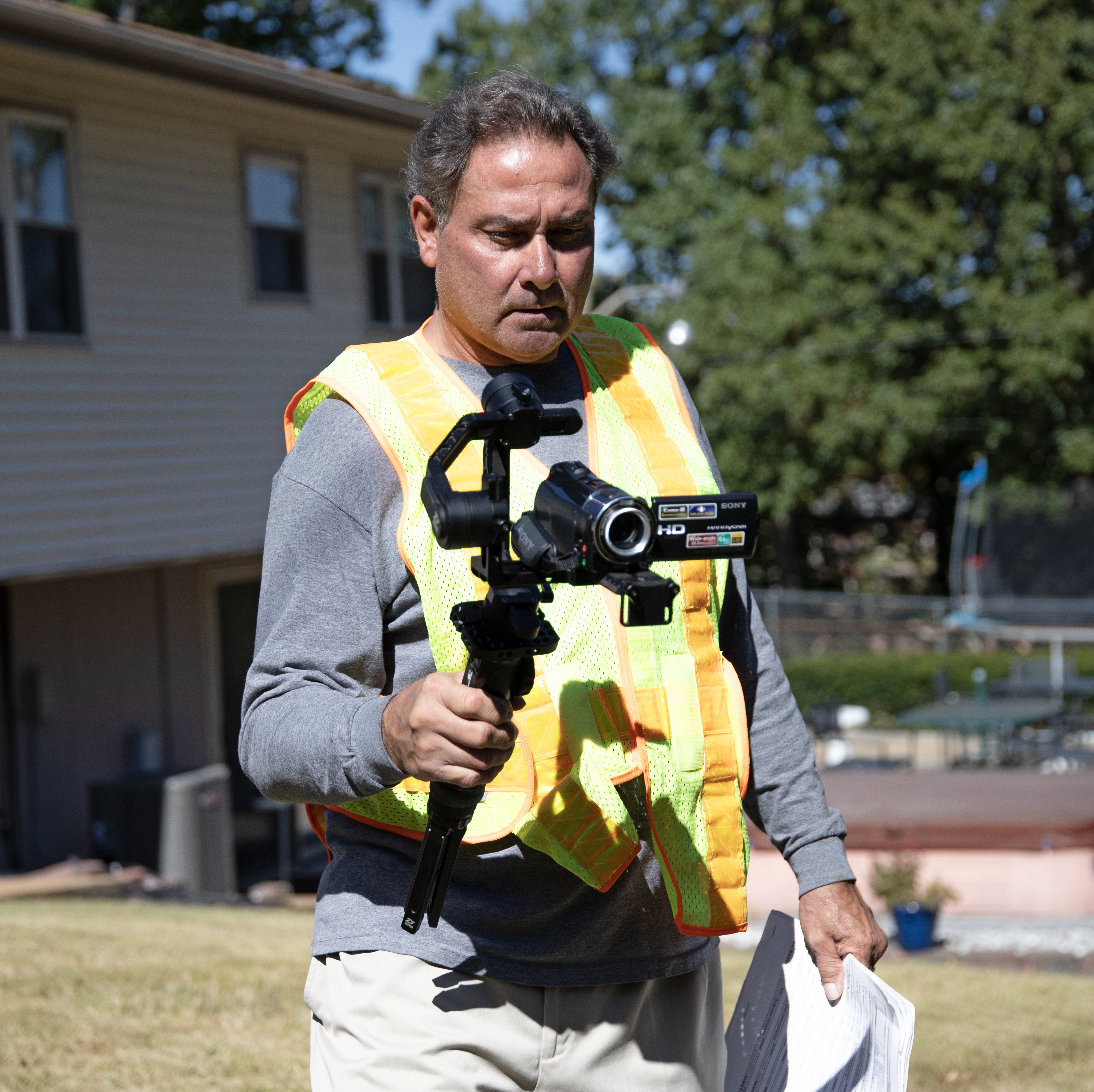
Compact prompter on a gimbal; pre-block stops/turns so the eye-line stays within a couple inches of the lens axis.

2) Script Engineering: Write for the Ear, Not the Page

Your copy should sound like it was born out loud.

  • Cadence target: 110–135 WPM for conversational corporate reads.
  • One idea per line: 12–18 words. Short clauses beat comma stacks.
  • Mark the “music”:
    • Cues: [PAUSE] [SMILE] [B-ROLL CUT] [GRAPHIC]
    • Phonetics inline for tricky names: kuh-TEG-uh-ree
    • Use emphasis sparingly; avoid ALL CAPS shouting.
  • Numbers that land: round when possible; put dense figures on graphics or VO over B-roll.
  • Version control: ExecUpdate_Q4_v9_APPROVED with a visible change log.

Before/After (Naturalization Pass)

  • Before: “Our strategic initiative leverages a robust ecosystem to drive efficiencies of 27.4 percent.”
  • After: “We’re cutting steps. On average, teams are working about a quarter faster.”

3) Scroll Craft: The Operator Follows the Speaker

A great operator is the difference between “reading” and sounding like yourself.

  • Follow, don’t force: speed matches the talent’s pace; use gentle accel/decel—no stair-steps.
  • Whitespace structure: blank lines between beats lower cognitive load and eye flicker.
  • Live edits: route all last-minute changes to a single owner—no dueling cursors.
  • Sightline hygiene: if eyes start to dart, enlarge type and re-center the active line.

4) Coaching Non-Actors: Small Levers, Big Gains

  • 90-second warm-up: hum on an “M,” then one throwaway read to settle pace.
  • Breath mapping: breathe at punctuation; commas = half-beat, periods = full beat.
  • Landing words: lengthen the key noun/verb a touch; let connector words glide.
  • Face & posture: feet planted, shoulders relaxed, chin level; carry a micro-smile through transitions.
  • Pickups: redo the entire sentence, not a fragment—editors need clean in/out points.
  • Wardrobe: avoid tight stripes, noisy jewelry; powder forehead/nose; keep the lav clear of necklaces.
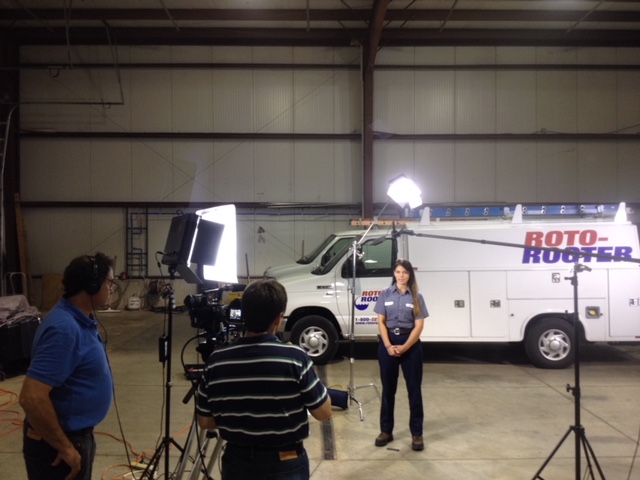
5) Multi-Cam, Panels, Remote

  • A/B cameras: match prompter size and distance across angles or you’ll chase eye-lines in post.
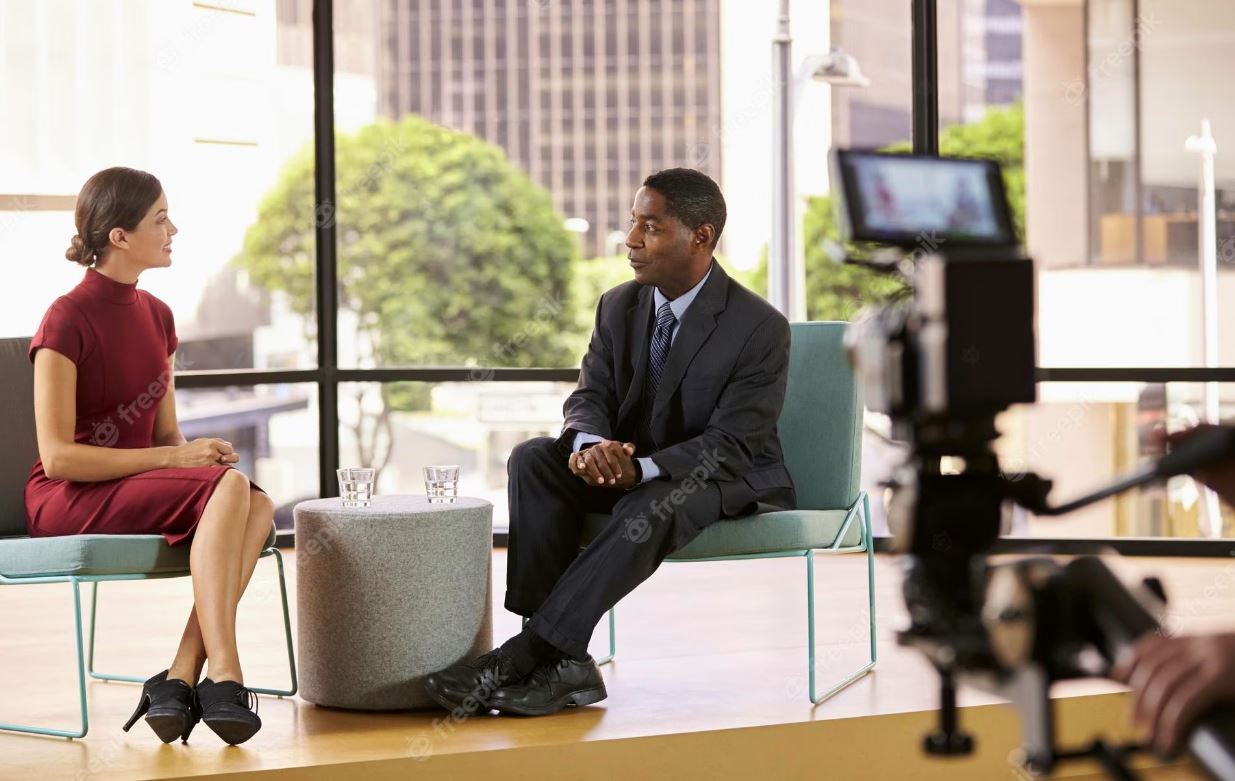
  • Panels/interviews: use confidence monitors with talking points, not full sentences, to preserve interplay.
  • Remote execs: place overlay within 1–2 inches of the webcam lens; use wired controllers and rehearse inside the actual meeting platform to check latency.

6) Shoot for the Edit

  • Plan cover: script [B-ROLL CUT] and [GRAPHIC] beats so pickups are invisible.
  • Handles: roll 5 seconds before/after each take for clean transitions and caption sync.
  • Script-based editing: align approved copy with transcripts for legal/compliance traceability.

7) Troubleshooting: Fast Fixes On Set

  • Eyes darting: bump font size, re-center active line, slow the scroll.
  • Flat tone: insert micro-pauses, front-load verbs, add one human example/story.
  • Glare: adjust light angle first, then tilt glass and flag spill.
  • Rushed ending: add [HOLD SMILE 2s] to the last line and capture a clean button.

8) Day-Before & Day-Of Checklists

Day-Before

  • Final script (shared doc + PDF), pronunciations verified
  • Shot list with planned B-roll/graphics
  • Prompter/laptop/controller tested, mirror-flip confirmed
  • Wardrobe guidance sent; location light/sound pre-check

Day-Of

  • TTL prompter + hood, backup unit, UPS/power distro
  • Lens set 50/85 mm, flags/matte box, anti-glare wipes
  • Eye-line test (10 s), speed calibration pass
  • Confirm time targets, landing words, CTA phrasing

Copy-Paste Script Skeleton (≈2:00, 240–260 words)

OPEN [SMILE]
I’m [Name], [Title]. Today, three updates designed to help your team move faster and make smarter decisions. [PAUSE]

BENEFIT HEADLINE
First: [Feature/Program] cuts steps in [workflow], so your process is simpler, safer, and easier to scale. [B-ROLL CUT]

PROOF
Teams like [Client] saw results in weeks—not months—and reduced [metric] by [X%]. [PAUSE]

WHAT’S NEW
Second: [Feature] adds [capability], so admins spend less time on manual tasks.
Third: [Feature] improves [process] with clearer approvals and better visibility. [GRAPHIC]

CALL TO ACTION
If you’re on [plan], these roll out [date]. To learn more, visit your admin panel or talk with your account team. [SMILE]

CLOSE [HOLD 2s]
Thanks for choosing us to help you do more with less. [HOLD SMILE]

Why This Works

You’re not “reading” a script—you’re performing your own thoughts with precision. When optics, copy, scroll, and coaching are aligned, the teleprompter disappears and viewers hear a person, not a device.


Work With a Studio That Makes Prompters Invisible

St Louis Video Production Studio is a full-service professional commercial photography and video production company with the right equipment and creative crew service experience for successful image acquisition. We offer full-service studio and location video and photography, as well as editing, post-production and licensed drone pilots. St Louis Video Production Studio can customize your productions for diverse types of media requirements. Repurposing your photography and video branding to gain more traction is another specialty. We are well-versed in all file types and styles of media and accompanying software. We use the latest in Artificial Intelligence for all our media services. Our private studio lighting and visual setup is perfect for small productions and interview scenes. Our studio is large enough to incorporate props to round out your set. We support every aspect of your production—from setting up a private, custom interview studio to supplying professional sound and camera operators, as well as providing the right equipment—ensuring your next video production is seamless and successful. We can fly our specialized drones indoors. As a full-service video and photography production corporation, since 1982, St Louis Video Production Studio has worked with many businesses, marketing firms and creative agencies in the St. Louis area for their marketing photography and video.

314-604-6544

saintlouismostudios@gmail.com

What It Takes to Produce Broadcast-Quality Interviews Remotely and In-Studio: A Guide for Marketing and Communications Teams

In today’s competitive media landscape, interviews remain one of the most powerful tools for authentic brand storytelling. Whether you’re capturing client testimonials, executive messaging, or subject-matter expertise, the quality of your interview production can make or break audience trust and engagement. Producing interviews that meet broadcast-quality standards—both in controlled studio environments and remote locations—requires a strategic approach, professional equipment, and experienced crew coordination.

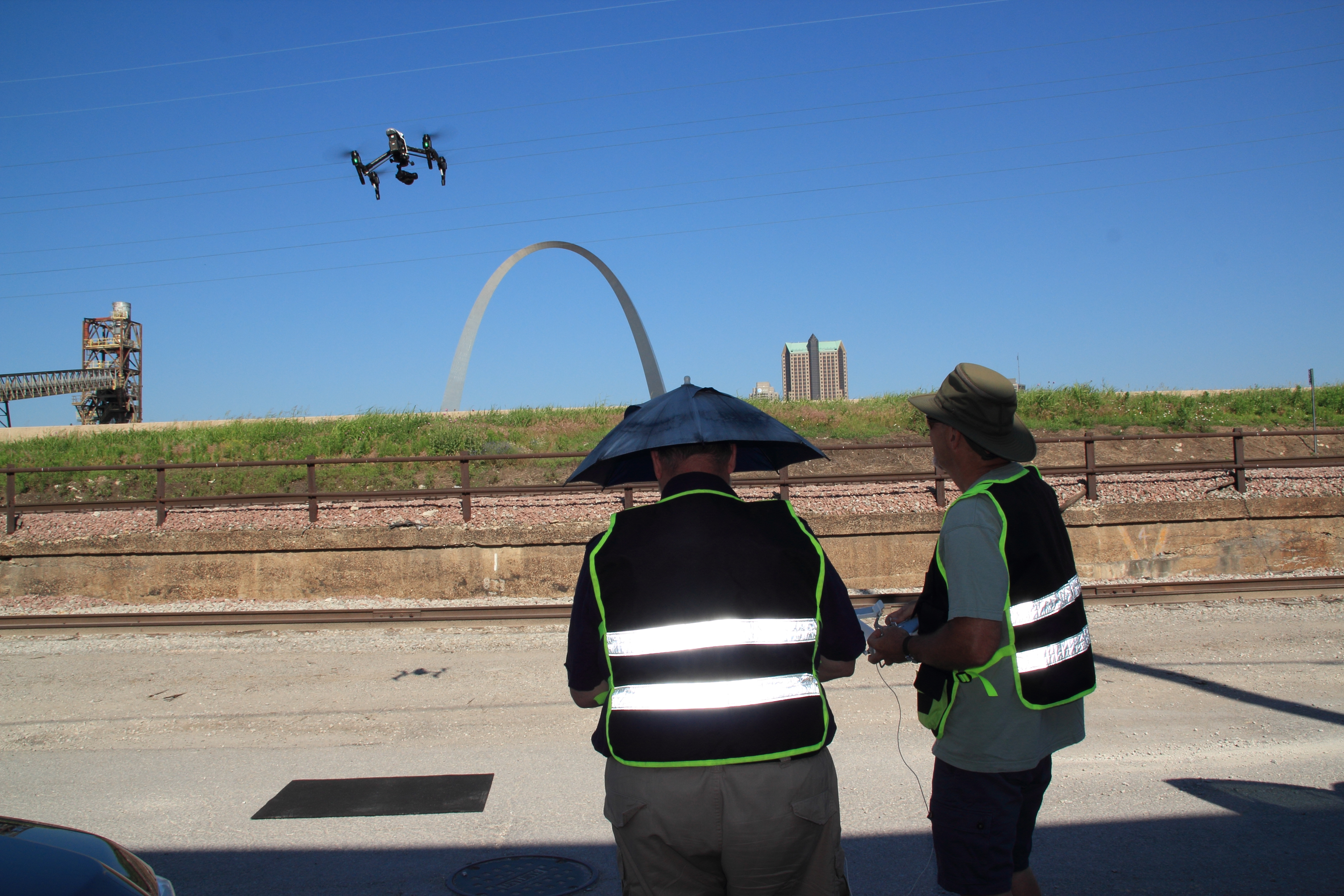
Drone night shoot for stadium lighting installation marketing.

At St Louis Video Production Studio, we’ve spent decades perfecting the art and science of interview production. Below, we’ll walk through the key considerations and technical elements that ensure polished, professional results in any setting.


Remote vs. In-Studio Interviews: Understanding the Challenges and Advantages

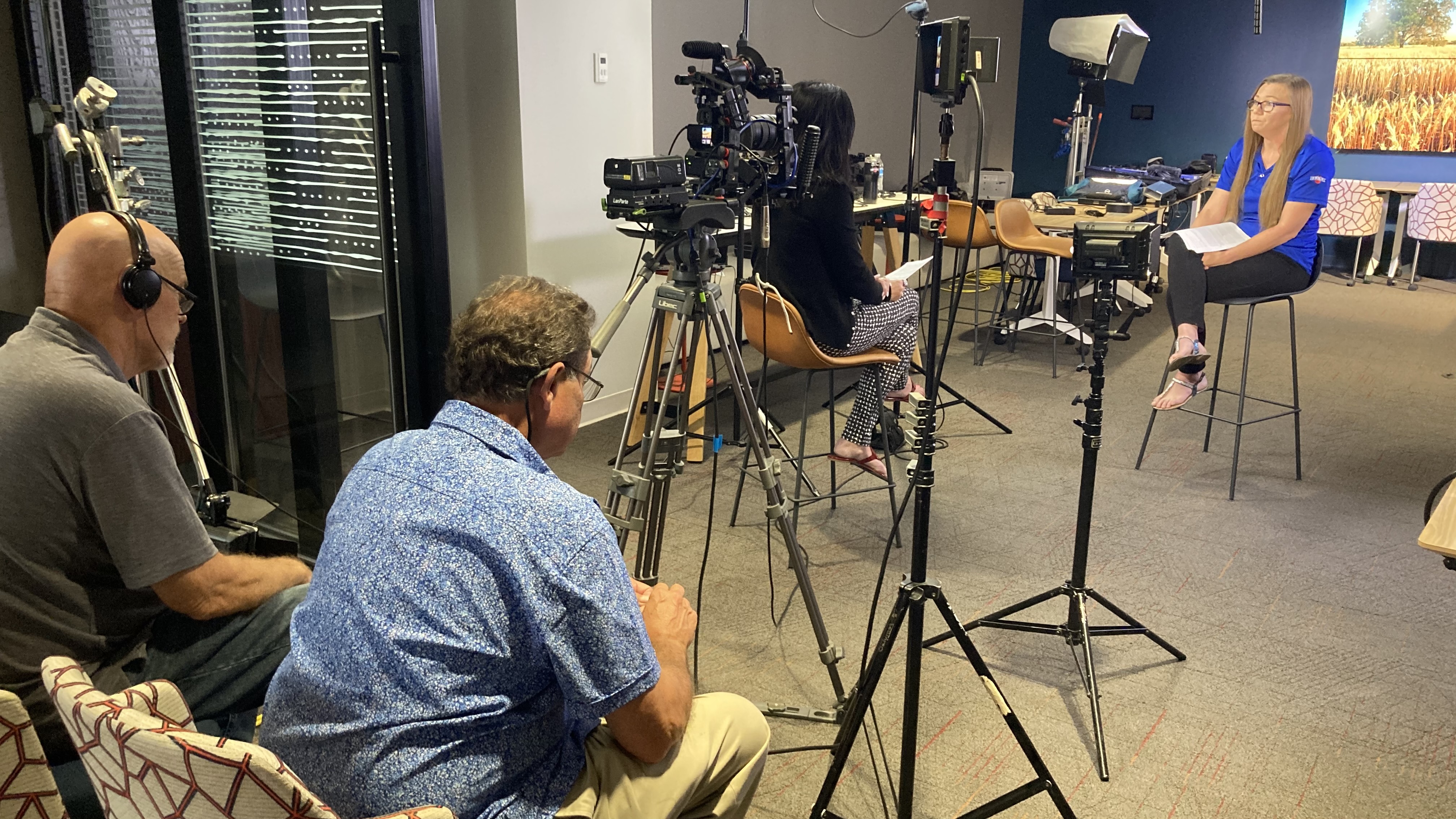
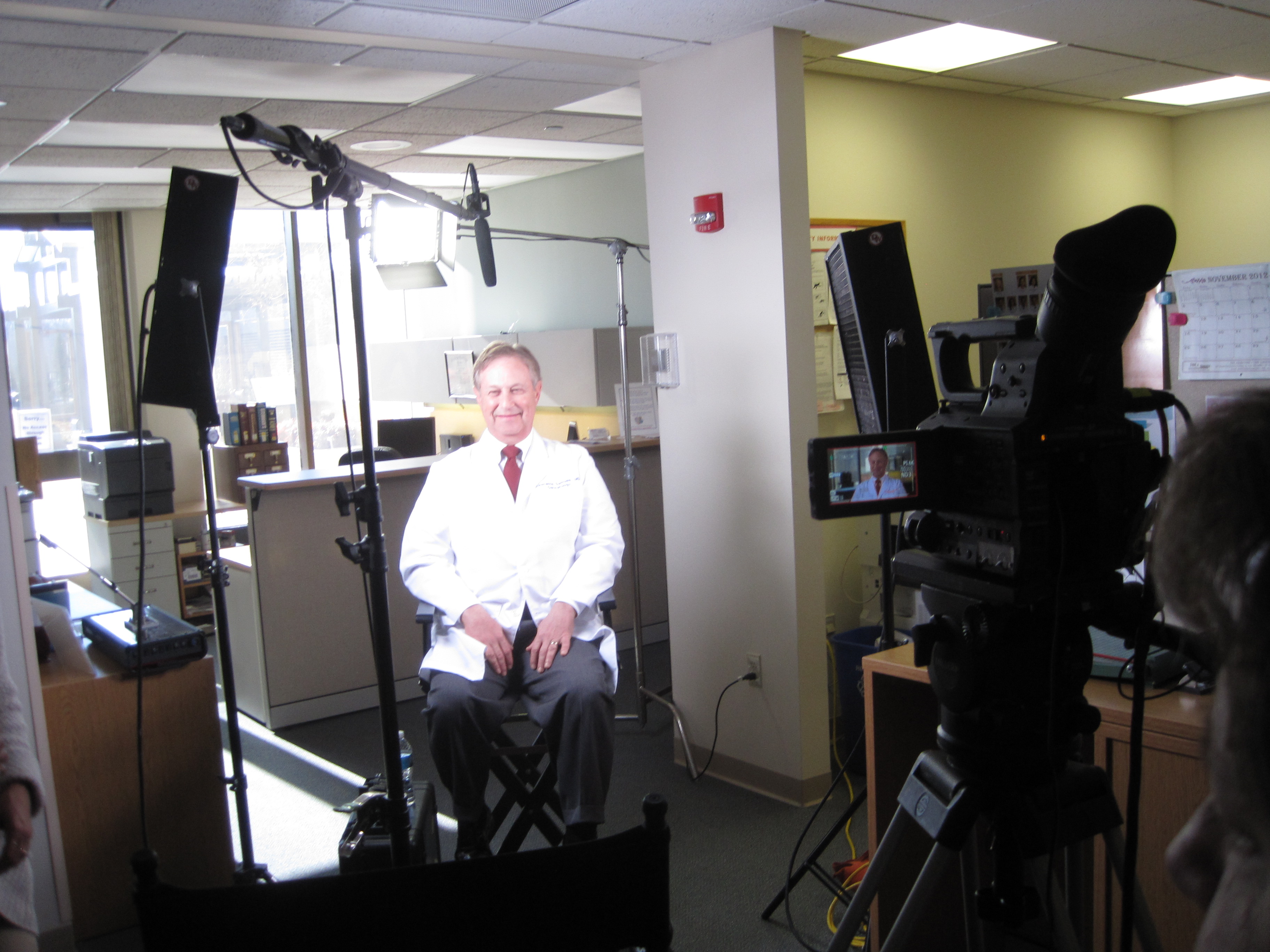
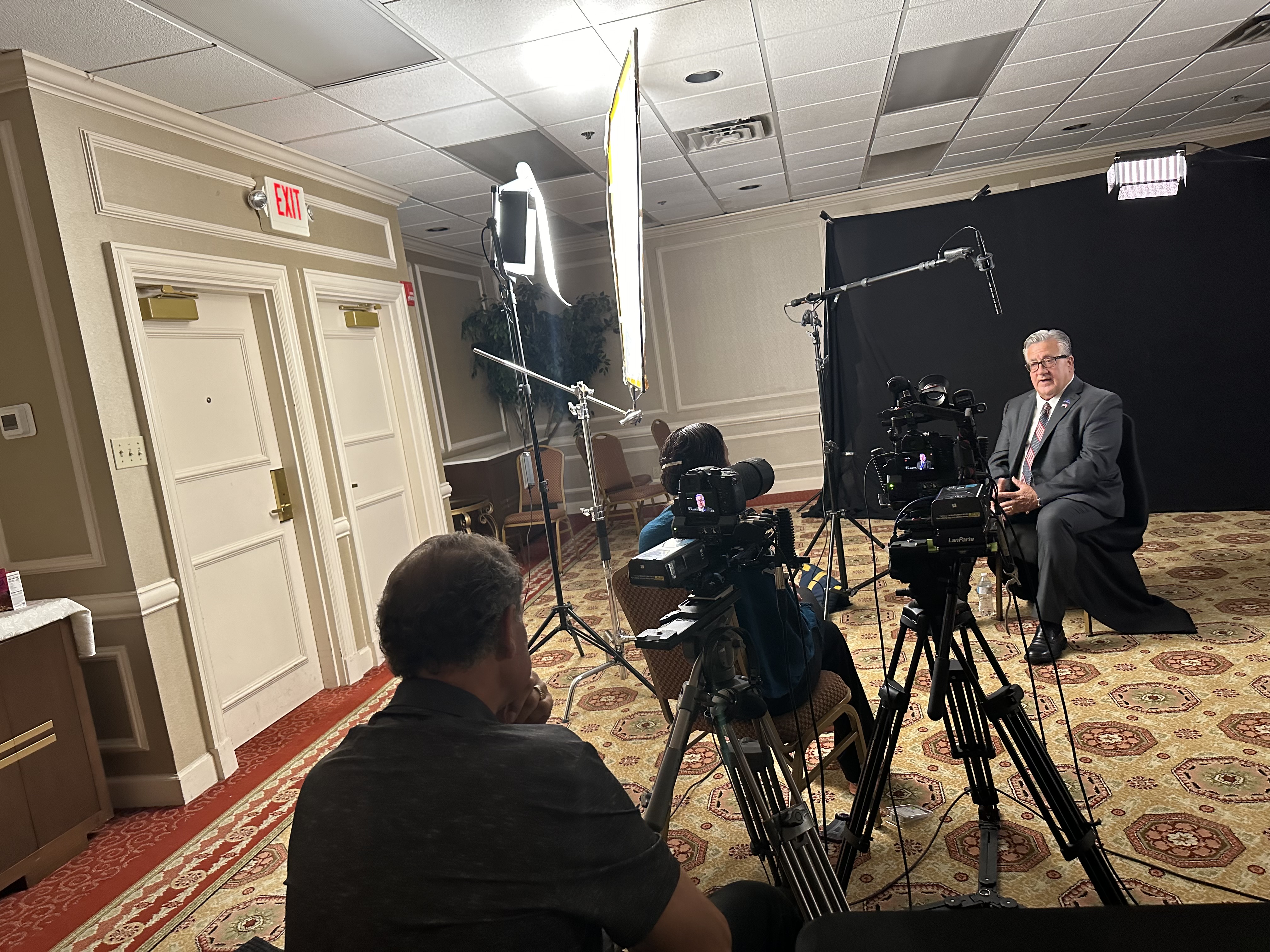
In-Studio Interviews offer a highly controlled environment. Lighting, acoustics, camera placement, and set design can be perfected to align with your brand. Interviews captured in-studio often have a crisp, cinematic look with impeccable audio—ideal for corporate overviews, case studies, and formal messaging.

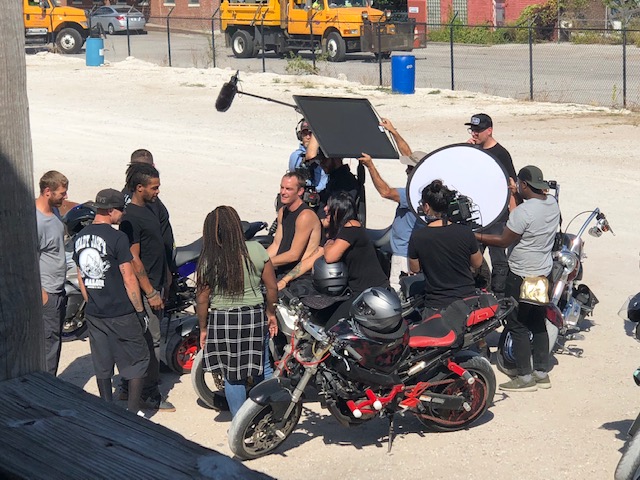
Remote Location Interviews, by contrast, require logistical agility. Factors like natural light shifts, ambient sound, and power access must be anticipated and mitigated. But with the right crew and equipment, remote interviews deliver unmatched authenticity, especially when showcasing clients in their real work environments.


Key Elements of Broadcast-Quality Interview Production

1. Camera and Lens Choice

We use cinema-grade cameras and lenses to create shallow depth-of-field compositions, drawing focus to the subject and eliminating distractions. Multicam setups allow for dynamic editing options and professional visual flow.

2. Lighting for Mood and Clarity

In our studio, we use soft key lights, backlighting, and practicals to shape faces and add depth to the frame. On location, our portable LED lighting kits mimic natural light or supplement it to maintain consistency and tone.

3. Pro-Level Audio Capture

Clean, crisp audio is non-negotiable. We deploy lavaliers, booms, or dual-mic setups with backup recorders to ensure we always have usable sound. Echo and background noise are managed with isolation tools and location scouting.

4. Framing and Composition

We follow proven composition guidelines like the rule of thirds, eye-line matching, and camera height consistency. Our studio backgrounds are designed to reflect your brand, or we’ll custom-build sets that match your visual identity.

5. Set Design and Branding

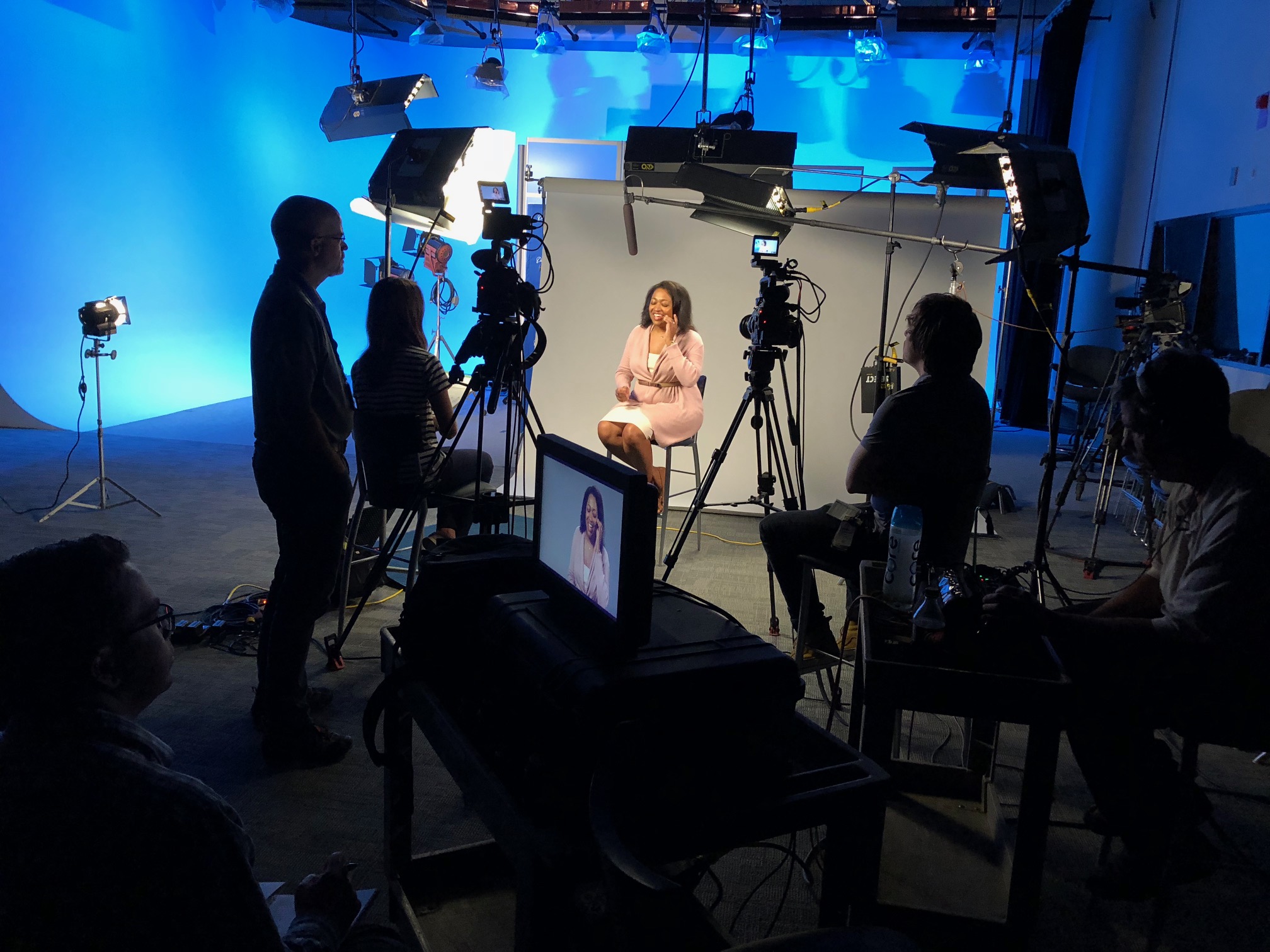
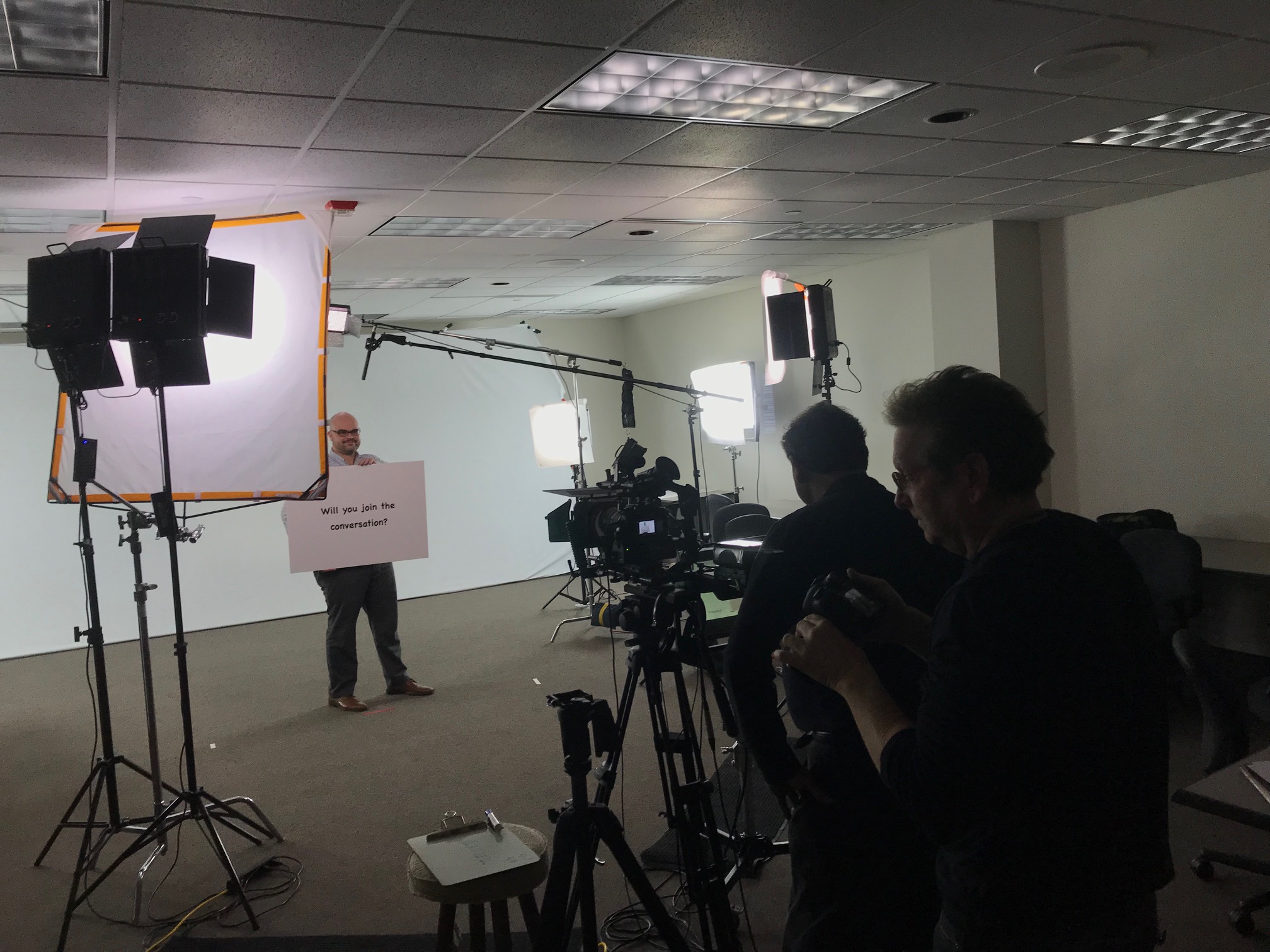
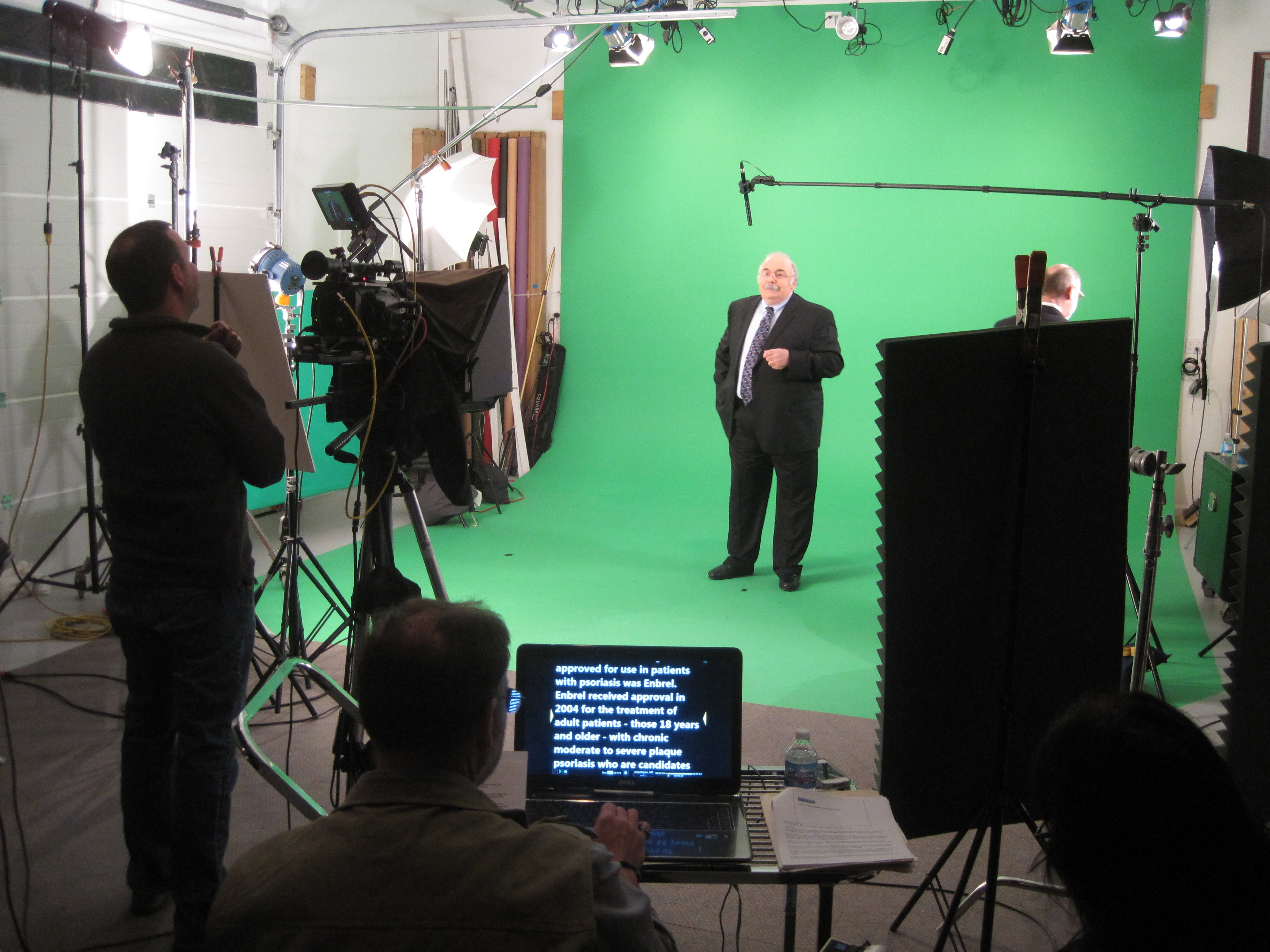
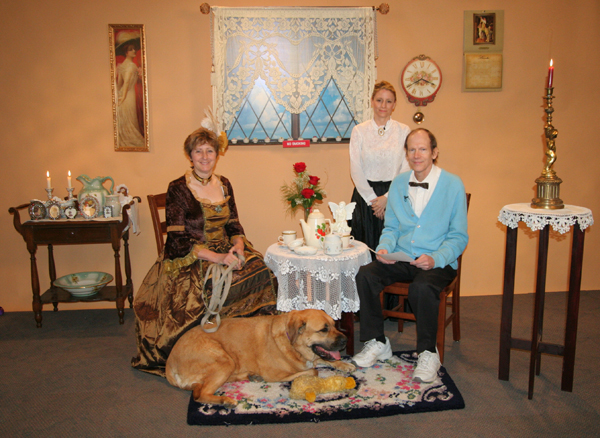
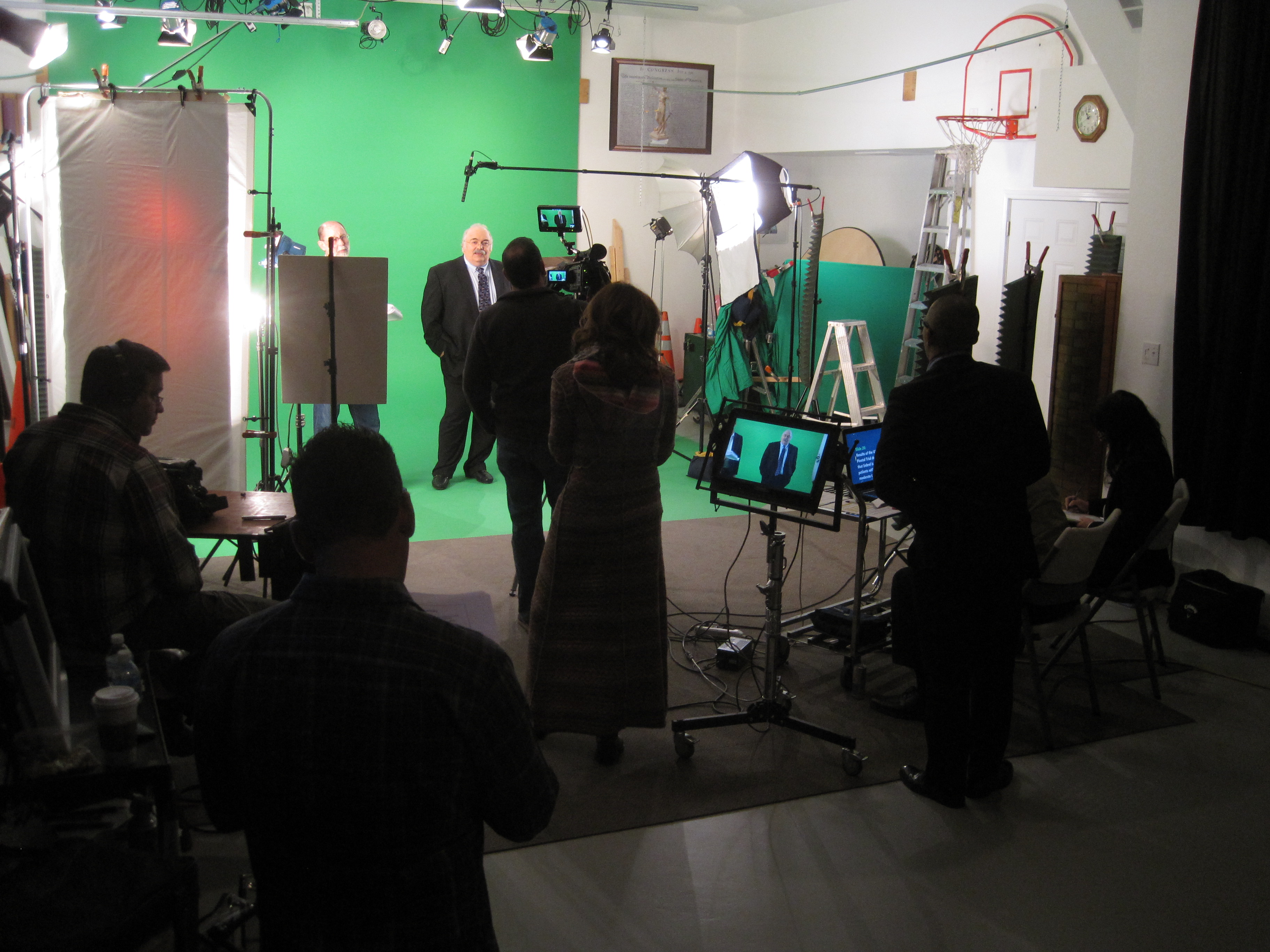
A plain backdrop doesn’t tell your story. We offer prop staging, logo placement, branded furniture, and controlled color schemes—whether on a white cyc, green screen, or lifestyle-style studio setup.

6. Crew and Direction

A professional crew makes all the difference. From camera operators and lighting techs to sound engineers and producers, we coordinate the right team to handle everything—including helping your on-camera talent feel confident and at ease.


Remote Interview Production: What Makes It Work

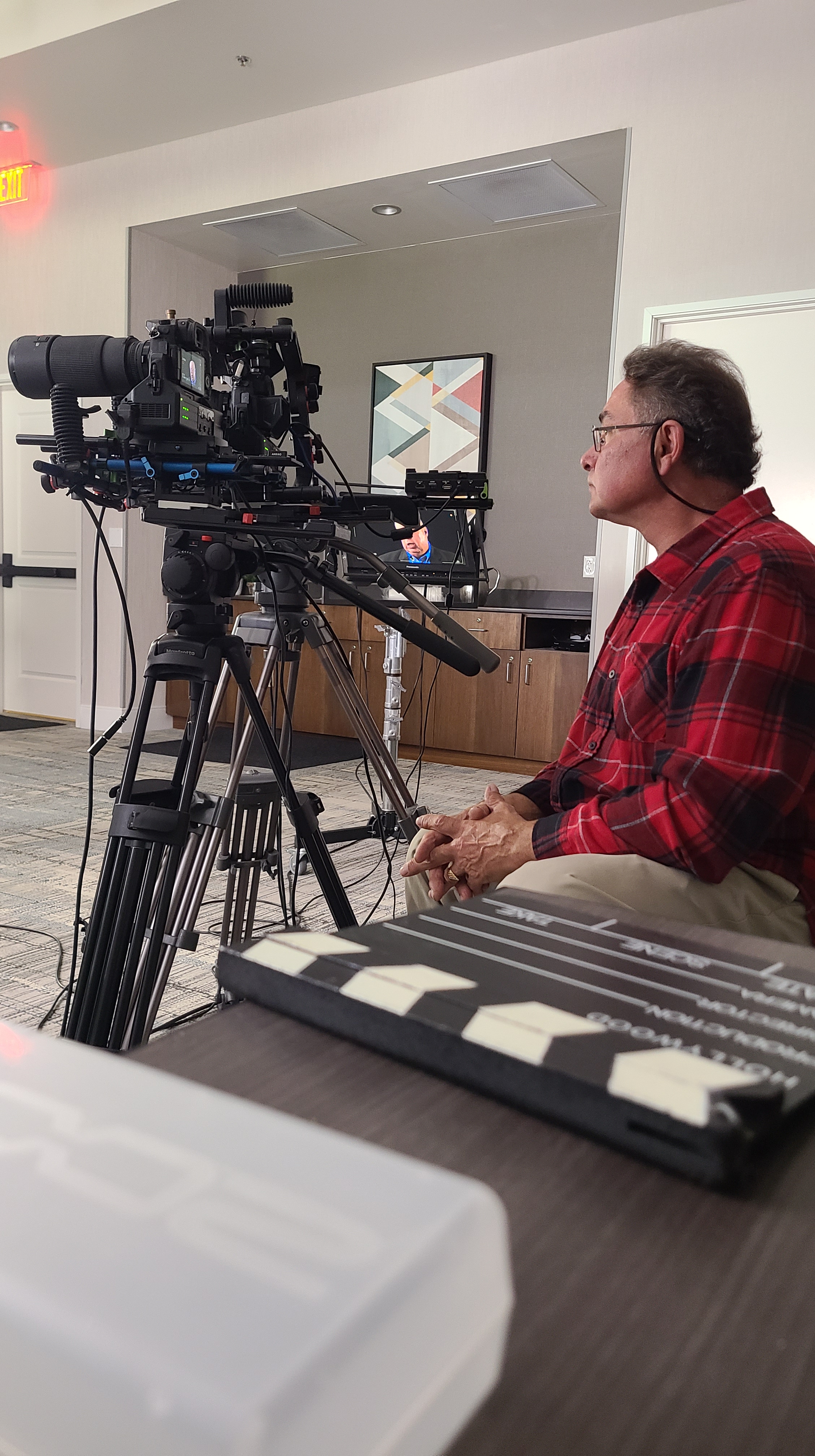
Producing interviews outside of the studio demands pre-production planning, backup systems, and a detailed shot list. We handle everything from location scouting and permitting to logistics like generator power, portable lighting, and wireless audio monitoring. We also offer mobile teleprompter setups and director feeds for remote oversight during the shoot.

Our team uses AI-powered video tools to assist with color matching, background cleanup, and even real-time transcription—ensuring a fast and accurate post-production pipeline.


Why Interview Videos Still Matter for Business

Interview content is among the most versatile marketing assets you can produce. A single, well-shot interview can be repurposed into:

  • Web and social content
  • Sizzle reels
  • Training and internal messaging
  • Press kits and event material
  • Podcast visuals or B-roll support

With the right framing and quality, these videos extend your brand’s personality and professionalism far beyond a single campaign.


Why Partner with St Louis Video Production Studio

Since 1982, St Louis Video Production Studio has been the go-to resource for businesses, creative agencies, and marketing firms needing high-quality interviews and branded video content. We’re a full-service commercial video and photography production company offering:

  • Complete studio and location video services
  • Editing, post-production, and color grading
  • Licensed drone pilots (yes—we can even fly drones indoors)
  • Custom-built sets and private studio interview rooms
  • AI-enhanced media optimization
  • Expertise with all file types, formats, and industry platforms

We specialize in repurposing video and photography branding to increase engagement across platforms and campaigns. Whether you’re building a series of sit-down interviews or filming a single subject in a remote facility, we provide the crew, creative insight, and technical gear to get it done right.

Let’s create something exceptional—wherever the story takes us.

314-604-6544

saintlouismostudios@gmail.com

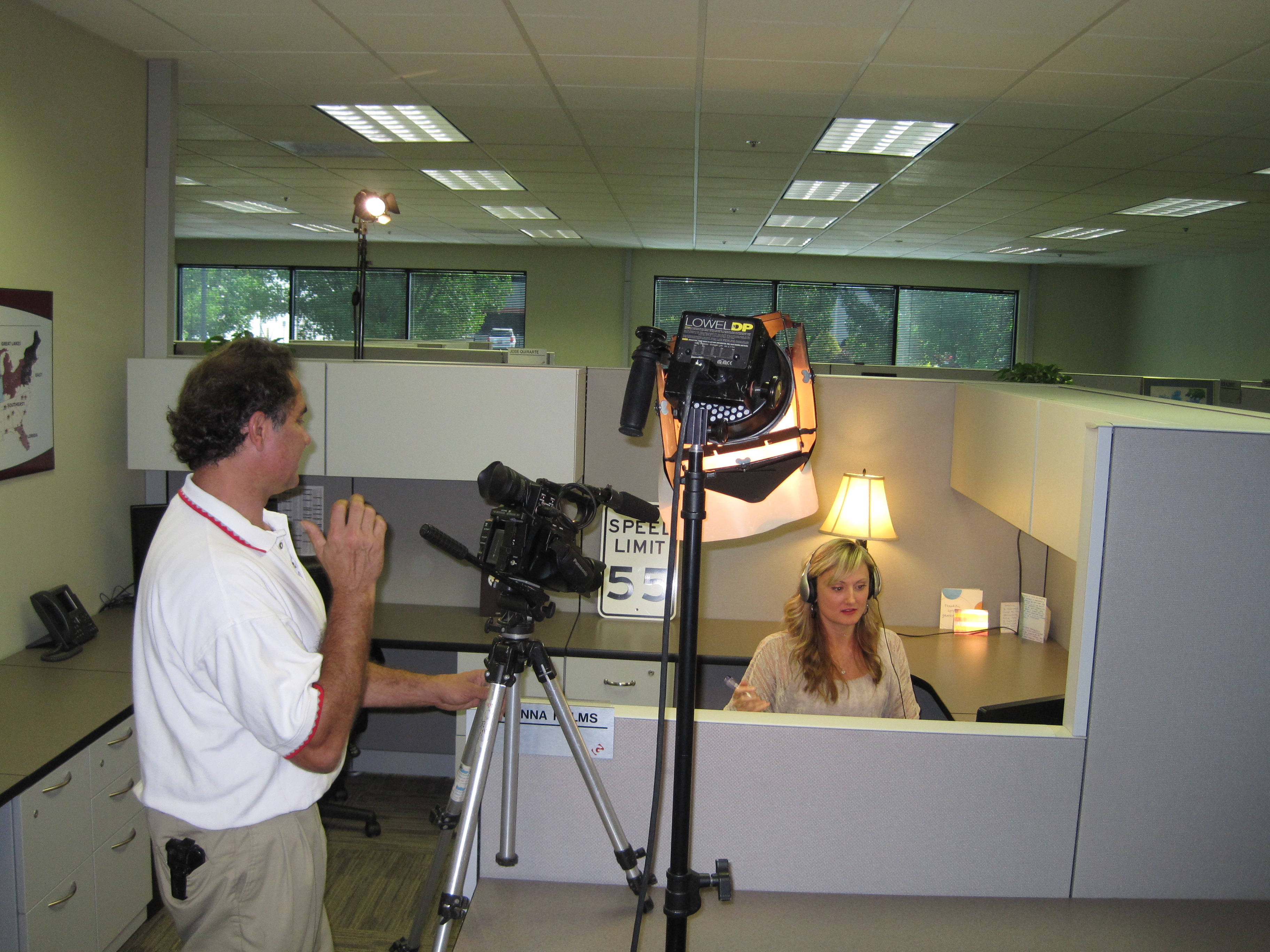
Setting Up Your Service Business Office for Professional Videotaping

In today’s digital age, visual content has become an indispensable tool for businesses and organizations to communicate their message effectively. Whether it’s for marketing, training, or internal communication purposes, high-quality photography and videography can significantly enhance your brand image and engagement with your target audience. As decision-makers looking to invest in photography and video production services for your service business, it’s crucial to understand how to set up your office space to ensure professional and seamless videotaping sessions.

Consider the acoustics of the space to minimize background noise and enhance audio quality.

Importance of Professional Videotaping

Professional videography can elevate your brand presence and convey your message with clarity and impact. Whether you’re showcasing your services, conducting interviews, or creating instructional videos, the quality of your visual content reflects the professionalism and credibility of your business. Therefore, investing in professional videography services is essential to maintain a competitive edge in today’s market.

Choosing the Right Location

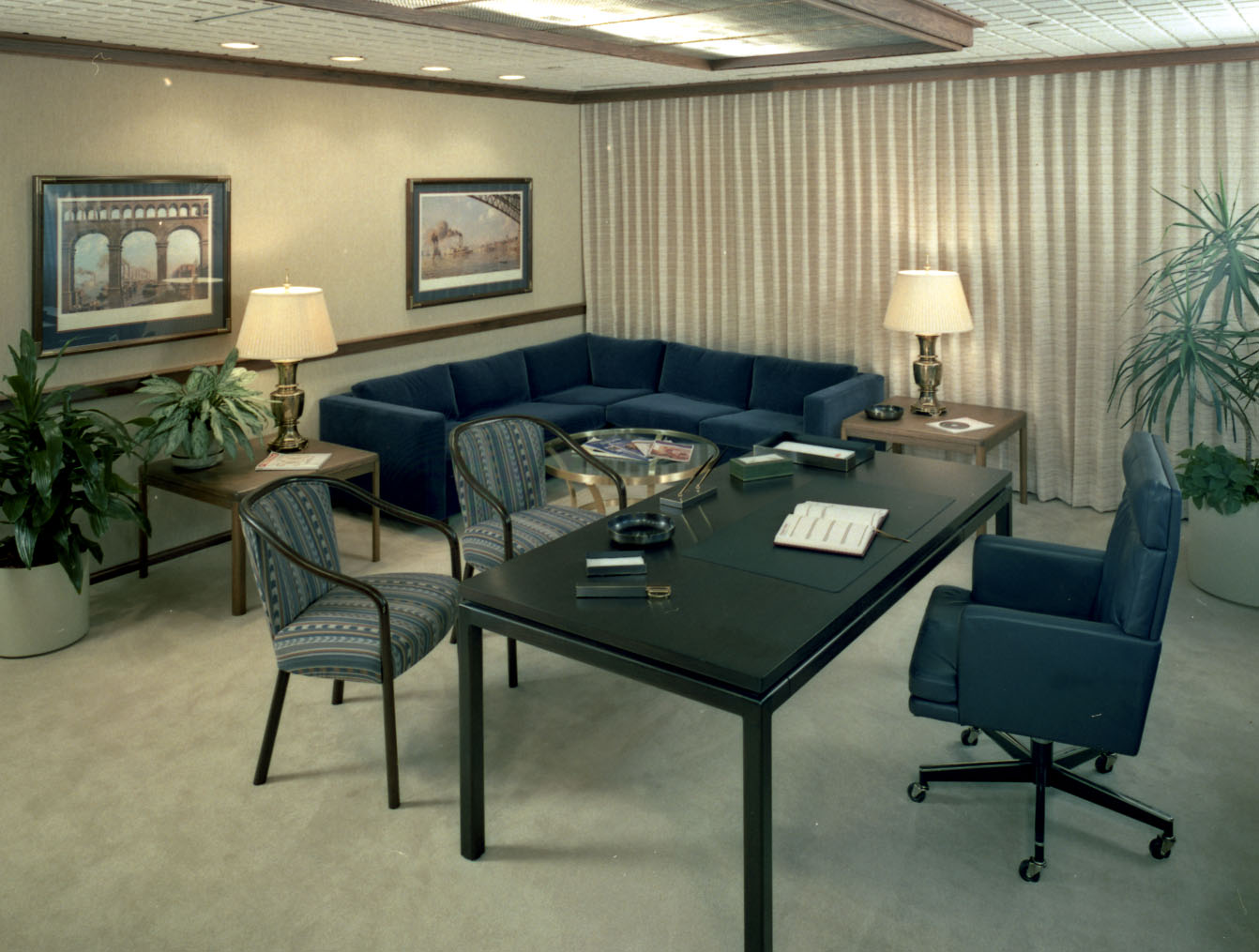
Selecting the appropriate location within your office space is paramount for successful videotaping sessions. Ideally, opt for a room with ample natural light to avoid harsh shadows and ensure clear visibility of subjects. Additionally, consider the acoustics of the space to minimize background noise and enhance audio quality. If natural light is insufficient, invest in professional lighting equipment to achieve optimal results.

Setting the Stage

Creating an aesthetically pleasing and functional setting is crucial for professional videotaping. Arrange furniture and props strategically to frame the shot and convey your intended message effectively. Pay attention to details such as branding elements, signage, and décor to reinforce your brand identity and create a cohesive visual experience for viewers.

Utilizing Technology and Equipment

Investing in high-quality cameras, lenses, and audio equipment is essential for producing professional-grade videos. Ensure that your equipment is well-maintained and up-to-date to capture crisp visuals and clear audio. Additionally, familiarize yourself with the technical aspects of your equipment to maximize its potential and achieve the desired results.

Engaging Professional Services

While DIY videography may seem tempting, partnering with experienced professionals can streamline the process and ensure superior outcomes. Professional videographers possess the expertise, creativity, and technical skills to transform your vision into compelling visual content. By entrusting your videography needs to experts, you can focus on your core business activities while reaping the benefits of professional-grade videos.

Conclusion

As decision-makers seeking to enhance your brand presence through professional videography, it’s imperative to set up your service business office for optimal filming conditions. By selecting the right location, creating an inviting setting, leveraging technology and equipment, and engaging professional services, you can elevate the quality of your visual content and effectively communicate your message to your target audience.

Call to Action: As a full-service video and photography production company, St Louis Video Production Studio has worked with many businesses, marketing firms, and agencies in the St. Louis area for their corporate photography and video. Contact us today to learn how we can customize your productions to meet diverse media requirements and elevate your brand image through professional-grade visual content.
Remember, investing in professional videography is an investment in the success and credibility of your service business. By following these guidelines and partnering with experienced professionals, you can effectively harness the power of visual storytelling to engage your audience and achieve your business objectives.

 314-604-6544

saintlouismostudios@gmail.com

How to write a video script for your small business.

A well-crafted video can convey your brand message, engage your audience, and drive conversions. However, the key to a successful video lies in the script. Writing a compelling video script is an art that requires careful planning, creativity, and a deep understanding of your business goals. As an experienced corporate videographer at St. Louis Video Production Studio, I’m here to guide you through the process of writing a winning video script that will elevate your small business to the next level.

Consider how your script will translate into visuals and audio. Think about the background music, on-screen graphics, and any actors or spokespersons you plan to use.

Why Is a Video Script Important?

Before diving into the nitty-gritty of scriptwriting, let’s understand why a video script is crucial for your small business.

1. Clarity and Consistency

A well-structured script ensures that your message is clear, concise, and consistent. It helps you avoid rambling or going off-topic, ensuring that your audience stays engaged from start to finish.

2. Storytelling

Great videos tell a story. Your script serves as the backbone of that story, helping you create a narrative that resonates with your viewers on an emotional level. This connection can be a powerful tool for building brand loyalty.

3. Time Efficiency

Time is precious, and you don’t want to waste your viewers’ time with a disorganized video. A script helps you plan the duration of your video, ensuring that you cover all essential points without dragging on.

4. ROI

A well-executed video can provide an excellent return on investment (ROI). A strong script increases the likelihood of your video achieving its intended goals, whether that’s boosting sales, raising brand awareness, or educating your audience.

Steps to Writing an Effective Video Script

Now that you understand the importance of a video script let’s break down the process of creating one for your small business.

1. Define Your Goals and Target Audience

Before you put pen to paper (or fingers to keyboard), it’s crucial to have a clear understanding of what you want to achieve with your video. Are you promoting a new product, explaining a complex process, or simply trying to connect with your audience on a personal level?

Furthermore, identify your target audience. What are their demographics, interests, and pain points? Tailoring your script to your audience ensures that your message resonates with the right people.

2. Craft a Compelling Story

Every great video tells a story. Start by creating a narrative that aligns with your business goals and engages your audience emotionally. Remember, people connect with stories, so try to find a relatable angle that showcases your product or service in a compelling way.

3. Outline Your Video

Begin by outlining the key points you want to cover in your video. This outline will serve as the foundation of your script. Think of it as a roadmap that guides you through the video-making process. Make sure your outline includes:

  • Introduction: Hook your viewers with a captivating opening that sets the tone for your video.
  • Problem Statement: Identify the problem your product or service solves.
  • Solution: Explain how your offering addresses the problem.
  • Benefits: Highlight the benefits of choosing your product or service.
  • Call to Action (CTA): Encourage your viewers to take a specific action, such as visiting your website or making a purchase.
  • Closing: Wrap up your video with a memorable conclusion.

4. Write the Script

Now it’s time to put your words onto paper. When writing your script, keep the following tips in mind:

  • Conversational Tone: Use a conversational tone to connect with your audience on a personal level. Avoid overly technical jargon or complex language.
  • Short Sentences: Keep your sentences short and concise to maintain viewer engagement.
  • Visual Descriptions: Describe any visuals, scenes, or animations that will accompany your script. This ensures that your video aligns with your vision.
  • Emotional Appeal: Incorporate emotional triggers that resonate with your target audience. Whether it’s humor, empathy, or excitement, emotions can drive viewer engagement.
  • Revisions: Don’t be afraid to revise and refine your script. Sometimes, it takes multiple drafts to achieve perfection.

5. Focus on Visuals and Audio

While the script is essential, remember that video is a visual medium. Consider how your script will translate into visuals and audio. Think about the background music, on-screen graphics, and any actors or spokespersons you plan to use. All these elements should complement your script and enhance the viewer’s experience.

6. Practice and Rehearse

Once you have a finalized script, practice delivering it. If you’re not comfortable in front of the camera, consider hiring a professional spokesperson. The delivery of your script is just as important as the content itself.

7. Shoot and Edit Your Video

Now that your script is ready, it’s time to bring your video to life. Depending on your budget and resources, you can shoot your video with a smartphone or hire a professional videographer like St. Louis Video Production Studio to ensure the highest quality production.

During the editing process, ensure that your script aligns seamlessly with the visuals and audio. Pay attention to pacing and timing to keep the viewer engaged.

8. Optimize for SEO

If you plan to publish your video online, optimize it for search engines (SEO). This includes using relevant keywords in your video title, description, and tags. SEO optimization can help your video reach a broader audience and improve its visibility on platforms like YouTube.

Examples of Effective Video Scripts

To further illustrate the principles of scriptwriting, let’s take a look at a few examples of effective video scripts:

1. Explainer Video

Introduction:
“Are you tired of spending hours searching for the perfect gift? We understand the struggle. That’s why we created GiftFinder, the ultimate gift recommendation app.”

Problem Statement:
“Finding the right gift can be overwhelming and time-consuming. You often end up with generic presents that don’t truly capture the recipient’s personality and preferences.”

Solution:
“With GiftFinder, we take the guesswork out of gifting. Our algorithm analyzes the recipient’s interests, hobbies, and past preferences to recommend personalized gift ideas.”

Benefits:

  • “Save time and stress.”
  • “Impress your loved ones with thoughtful gifts.”
  • “Never give a generic present again.”

CTA:
“Download GiftFinder today and make every gift count!”

Closing:
“Join thousands of happy customers who have discovered the joy of stress-free gifting with GiftFinder.”

2. Product Demo Video

Introduction:
“Introducing the all-new SuperClean Vacuum—your ultimate cleaning companion.”

Problem Statement:
“Traditional vacuums struggle with deep cleaning, leaving behind dirt and allergens.”

Solution:
“SuperClean Vacuum uses advanced technology to deep clean carpets, hardwood floors, and even upholstery, ensuring a healthier and cleaner home.”

Benefits:

  • “Breathe easier with reduced allergens.”
  • “Save time and effort with powerful cleaning.”
  • “Enjoy a cleaner and healthier living space.”

CTA:
“Upgrade your cleaning routine with the SuperClean Vacuum today!”

Closing:
“Experience the difference with SuperClean Vacuum—the future of home cleaning.”

Conclusion

Writing an effective video script for your small business is a vital step in creating compelling and engaging video content. Remember to define your goals, connect with your target audience through storytelling, and pay attention to visuals and audio to ensure your script comes to life seamlessly.

As a full-service video production company, St. Louis Video Production Studio has worked with many businesses and agencies in the St. Louis area for their corporate photography and video. Our extensive experience, state-of-the-art equipment, and creative crew are here to help you bring your video script to life. Whether you need studio or location video and photography, editing, or post-production services, we have the expertise to customize your production to meet diverse media requirements. Repurposing your branding for greater traction is another one of our specialties. We are well-versed in all file types and styles of media, along with the accompanying software tools to deliver successful video productions that drive results.
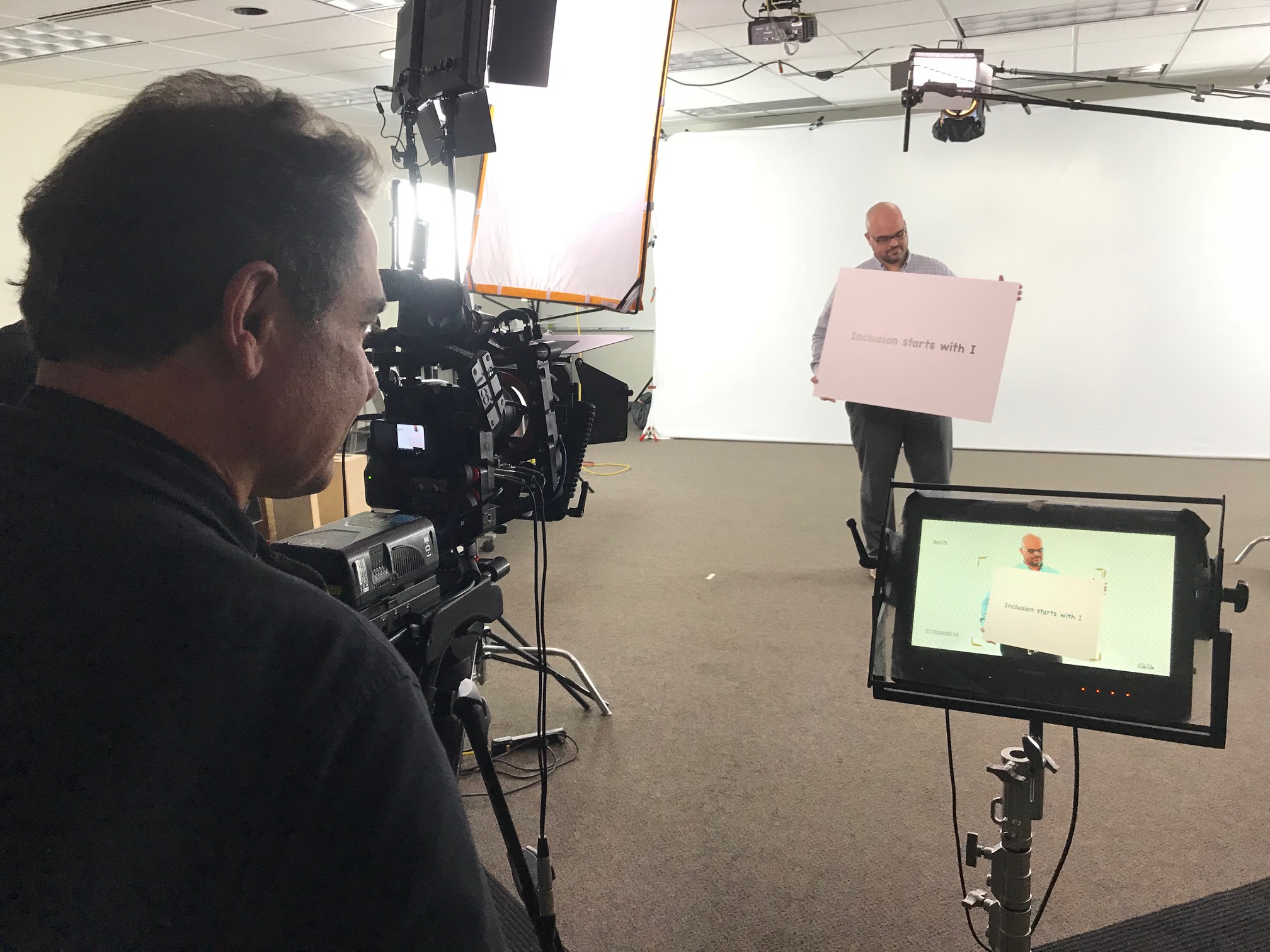
Don’t underestimate the power of a well-crafted video script. It’s the foundation of a successful video marketing campaign that can elevate your small business and help you achieve your goals. Contact St. Louis Video Production Studio today to discuss how we can bring your vision to life and create a video that captivates your audience and drives results. Your business deserves the best, and we’re here to deliver it.

314-604-6544

saintlouismostudios@gmail.com

Optimizing Your Video Production Workflow for Seamless Interview Shoots In The Studio

In the world of video production, interviews are a fundamental tool for conveying information, sharing stories, and connecting with your audience. Whether you’re creating corporate videos, documentaries, promotional content, or any other type of video project, interviews are often a key component. As an experienced video director at St Louis Video Production Studio, I’ve had the privilege of working on numerous interview shoots, both in our studio and on location. In this comprehensive guide, I’ll share insights and best practices to help you optimize your video production workflow for seamless interview shoots in the studio.

Acoustics: Pay attention to the studio’s acoustics to minimize echo and background noise. Our studio is designed to provide excellent sound quality.

The Importance of a Well-Planned Interview Shoot

Before we dive into the nitty-gritty details of optimizing your interview shoot, it’s crucial to understand why interviews are such a powerful tool in video production. Interviews offer several advantages:

  1. Human Connection: Interviews allow you to put a face and voice to your message, creating a human connection with your audience.
  2. Expertise Showcase: They provide an opportunity to showcase the expertise and insights of your interviewees, which can enhance the credibility of your content.
  3. Storytelling: Interviews are a fantastic way to tell stories, share experiences, and evoke emotions, making your content more engaging.
  4. Information Delivery: They are an effective means of delivering information, whether it’s explaining a complex concept or promoting a product or service.

Setting the Stage: Studio Selection and Setup

1. Choose the Right Studio Space

The first step in optimizing your interview shoot is selecting the right studio space. At St Louis Video Production Studio, we offer a full-service studio equipped with the latest technology. When choosing a studio, consider the following factors:

  • Size: Ensure that the studio can comfortably accommodate your crew, equipment, and interviewees.
  • Acoustics: Pay attention to the studio’s acoustics to minimize echo and background noise. Our studio is designed to provide excellent sound quality.
  • Lighting: Opt for a studio with adjustable lighting options to create the desired ambiance and highlight your interviewees effectively.

2. Set Up the Equipment

The success of your interview shoot greatly depends on the equipment you use. At St Louis Video Production Studio, we take pride in our state-of-the-art equipment, which includes high-quality cameras, microphones, and lighting. Here’s a checklist for setting up your equipment:

  • Cameras: Use professional cameras that can capture high-resolution video. Ensure they are mounted on stable tripods for steady shots.
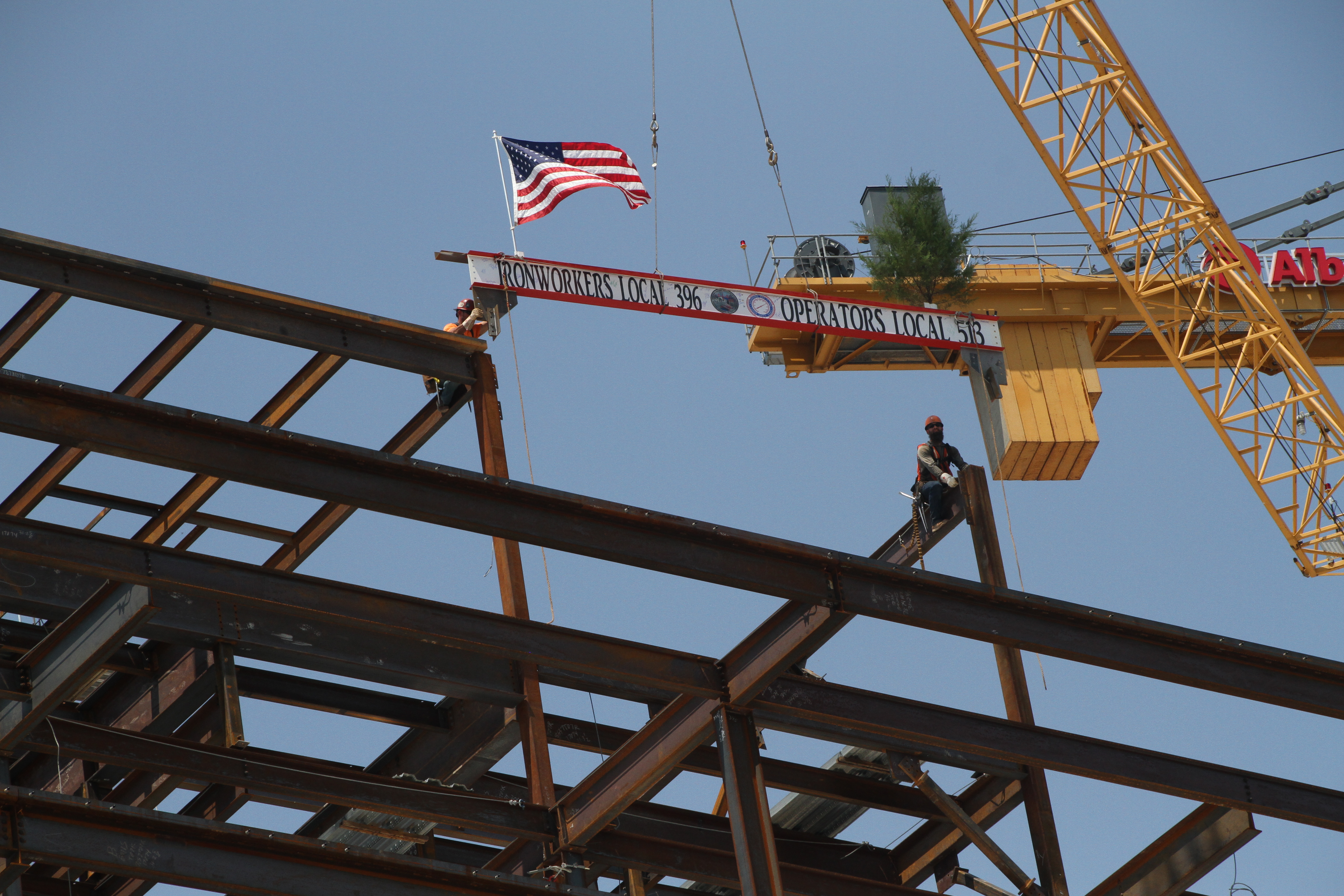
  • Microphones: Invest in quality microphones to capture clear and crisp audio. Lavalier microphones or shotgun microphones are popular choices for interviews.
  • Lighting: Proper lighting is essential for a polished look. Set up softbox lights or LED panels to illuminate your interviewees evenly and eliminate harsh shadows.
  • Backdrop: Choose an appropriate backdrop or set design that complements your brand or message. At St Louis Video Production Studio, we offer customizable backdrops to suit your needs.

Crafting a Flawless Interview

3. Pre-Production Preparation

Before the interview shoot, thorough pre-production planning is essential. This includes:

  • Script and Questions: Prepare a script or a list of interview questions in advance. This helps guide the conversation and ensures you cover all the necessary topics.
  • Release Forms: If you plan to use the interview footage for commercial purposes, ensure you have signed release forms from your interviewees.
  • Scheduling: Coordinate the schedule with your interviewees and crew to avoid any conflicts or delays.

4. Conducting the Interview

During the interview itself, consider the following tips:

  • Put Interviewees at Ease: Create a comfortable and relaxed environment for your interviewees. This will help them open up and deliver more natural responses.
  • Eye Contact: Maintain eye contact with the interviewee to establish a connection. If you have a host or interviewer, make sure they do the same.
  • Active Listening: Listen actively to the responses and ask follow-up questions to delve deeper into interesting points.
  • Take Multiple Shots: Capture multiple takes of key responses to ensure you have options during the editing phase.

Enhancing Post-Production

5. Post-Production Editing

The post-production phase is where your interview shoot truly comes together. St Louis Video Production Studio specializes in post-production editing and offers a range of services:

  • Video Editing: Our skilled editors can assemble your interview footage into a compelling narrative, ensuring smooth transitions and visual coherence.
  • Audio Enhancement: We use advanced audio editing tools to clean up the audio, remove background noise, and enhance clarity.
  • Graphics and Visual Effects: If needed, we can add graphics, animations, and visual effects to make your interview more engaging.
  • Color Correction: Our team can ensure consistent and professional color grading for a polished look.

6. Repurposing Your Content

One of the strengths of St Louis Video Production Studio is our ability to repurpose your interview content for different platforms and purposes. Here are some ways you can leverage your interview footage:

  • Social Media: Create short clips or teasers from the interview to share on social media platforms and engage your audience.
  • Website: Feature the full interview or key excerpts on your website to provide valuable content for visitors.
  • Email Marketing: Use snippets of the interview in email marketing campaigns to grab the attention of your subscribers.
  • Webinars and Workshops: Transform interviews into educational webinars or workshops to further showcase your expertise.

St Louis Video Production Studio: Your Full-Service Video Partner

As a full-service video creation company, St Louis Video Production Studio has worked with many businesses in the St. Louis area to create some rather remarkable marketing tools. Our experienced videographers and producers are dedicated to creating impactful studio images that captivate your audience.

From studio interviews to on-location shoots, we have the right equipment and crew to handle all your video production needs. Our extensive experience allows us to customize video productions for diverse creative requirements, ensuring that your message resonates effectively with your target audience.

We are well-versed in all file types and styles of media, guaranteeing a seamless workflow from shooting to editing and distribution. When you choose St Louis Video Production Studio, you’re choosing a partner committed to excellence in video production and post-production.

If you’re ready to take your video marketing to the next level, contact us today to discuss your project. Let us show you how we can turn your vision into a powerful video that leaves a lasting impression.

Contact St Louis Video Production Studio today to elevate your video production game!


At St Louis Video Production Studio, we have a rich history of delivering exceptional video production and post-production services to businesses and organizations in the St. Louis area. Our team of experienced professionals, combined with top-of-the-line equipment, ensures that every project is executed to perfection. Whether you need studio interviews, location shoots, or photography services, we have the expertise and resources to exceed your expectations. Don’t miss the opportunity to partner with a full-service video production company that can help you create impactful marketing communications. Contact us today, and let’s bring your vision to life!

314-604-6544

saintlouismostudios@gmail.com

Using Your Corporate Event Video to Boost Employee Engagement and Retention.

Putting money in meaningful video content can be a useful tool for growing employee engagement and sticking around – here’s how it works!

Corporate event videos are essential for strong relationships between employees and the company.

Introduction

The use of corporate event videos is becoming more popular. Capturing footage of meetings, seminars and award ceremonies, businesses can make a lasting impression on their employees. It can help build loyalty and team cohesion. The videos also provide an ongoing resource to inspire and motivate employees.

A well-constructed corporate event video should show the energy and enthusiasm of the event. It should represent the business’s values and mission. Event videos are great for connecting with employees. They can be used for onboarding, training or simply as entertainment. Done properly, these videos can foster positive connections and greater employee engagement and loyalty.

Benefits of Using Corporate Event Videos

The advantages of corporate event videos are many. From boosting employee morale and engagement to improving recruitment and retention, video content captures events and emotions far better than live events. Capturing your company’s celebrations, triumphs, and culture on video can have a lasting impact on engagement levels. Here are some of the benefits:

-Strengthened Company Culture: When the event is captured on video, it’s easier to show values like collaboration and creativity. Viewers can get an understanding of the work culture when employees share footage with family and friends.

-Team Recognition: Awards ceremonies or any other recognition program are more impactful when recorded on video. Affirmations from upper management or CEO can be public through event videos, making sure high performers are acknowledged.
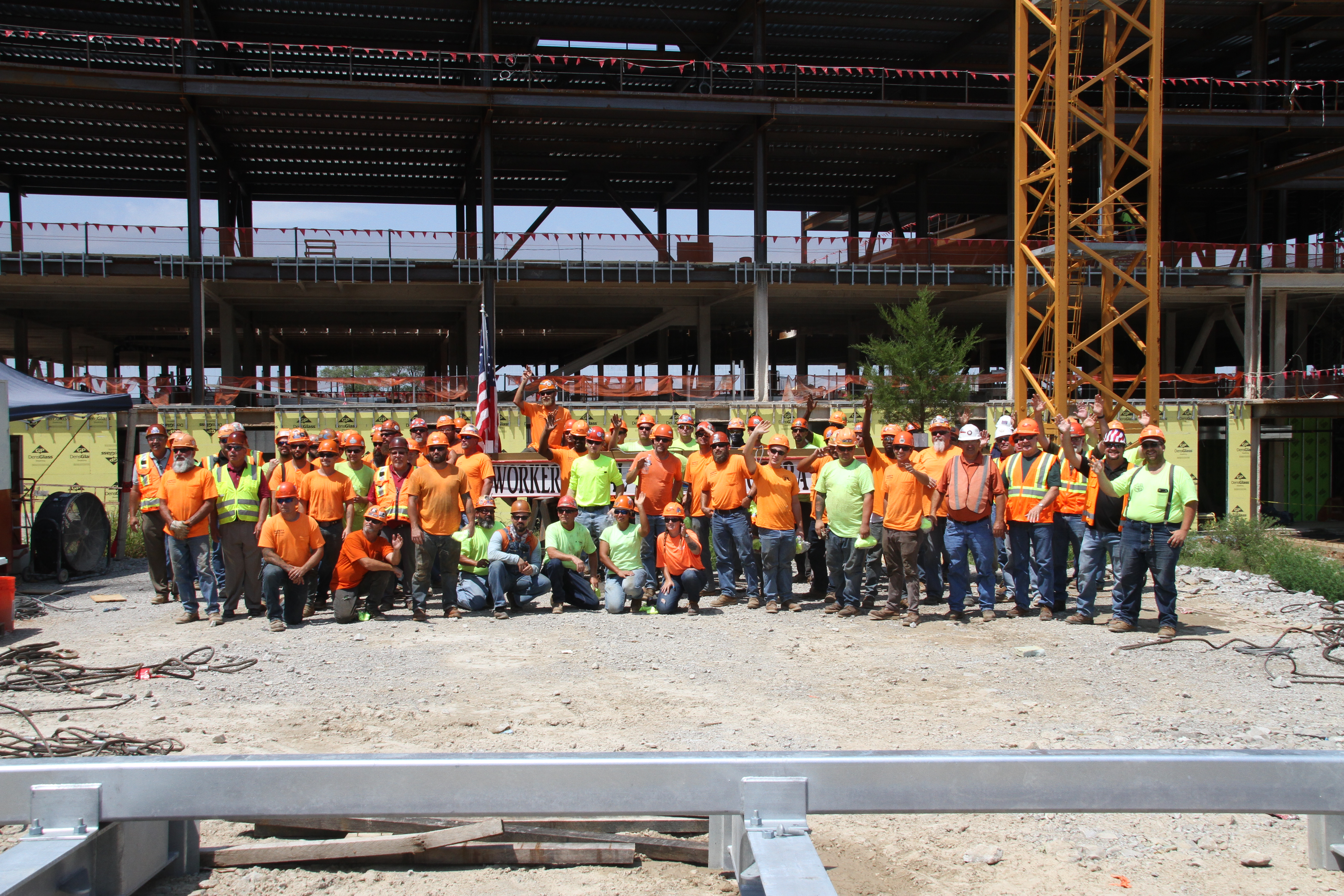
-Improved Employee Engagement: Corporate event videos can be used to give employees a window into activities in their establishment. Whether it be training, development programs, or special occasions, sharing these events organically fosters engagement and collective goals.

How to Create Engaging Corporate Event Videos

Creating effective corporate event videos can help with employee engagement and retention. Capture the energy of the event, key speeches and moments to create a powerful message. As a company, you should use this as an effective internal communication tool.

Edit carefully to retain viewer interest. Keep it short (1-3 minutes) for short attention spans. Use an aesthetically pleasing color palette, captivating music and inspiring words for emotional impact.

This could increase employee satisfaction, productivity levels and retention. It may also enhance brand presence when shared externally!

Strategies to Maximize Employee Engagement with Corporate Event Videos

Employees benefit from corporate event videos, like better engagement and loyalty. Employers should make strategies to use videos to get these results. Here are 3 strategies to try:

1. Promote company culture. Corporate event videos show employees the values, vision and aspirations of the organization. Invite employees to share their stories through video content, so everyone can understand each other better.

2. Innovate learning. Offer employees interactive resources, like quizzes and surveys, to stay engaged in their growth. Ditch the lecture-style video content.

3. Strengthen relationships. People are more productive when they build relationships with colleagues. Employ video conferencing and screencasts to help foster collaboration among co-workers.

How to Use Corporate Event Videos to Retain Employees

Corporate events such as holiday parties, team off-sites, and employee appreciation days are great for fostering camaraderie. Capturing them on video keeps those good vibes going! Companies can use the footage for newsletters, social media, or intranets to boost employee engagement and morale. Well-crafted corporate event videos can even increase retention.

Making a corporate event video isn’t as easy as pointing and shooting. You need to plan and have the right equipment. Experienced personnel should handle all aspects of production for best results. Post-production shouldn’t be neglected either. Editing together b-roll footage with archival clips makes for an engaging viewing experience.

Using corporate event videos is a great way for businesses to create positive experiences and maintain morale. With proper filming and post-production stages, companies can make sure their videos look good and showcase their values – helping them retain quality staff.

Tips for Improving Employee Retention Through Corporate Events

Promote corporate events widely to boost employee retention rates. Strategically plan the event & ensure that it has an overall purpose. Hire a professional videographer to capture quality video. Edit the video to focus on success & highlight awards. Follow up with attendees & share the video online. This will help keep everyone engaged & inspire conversations about next year’s event!
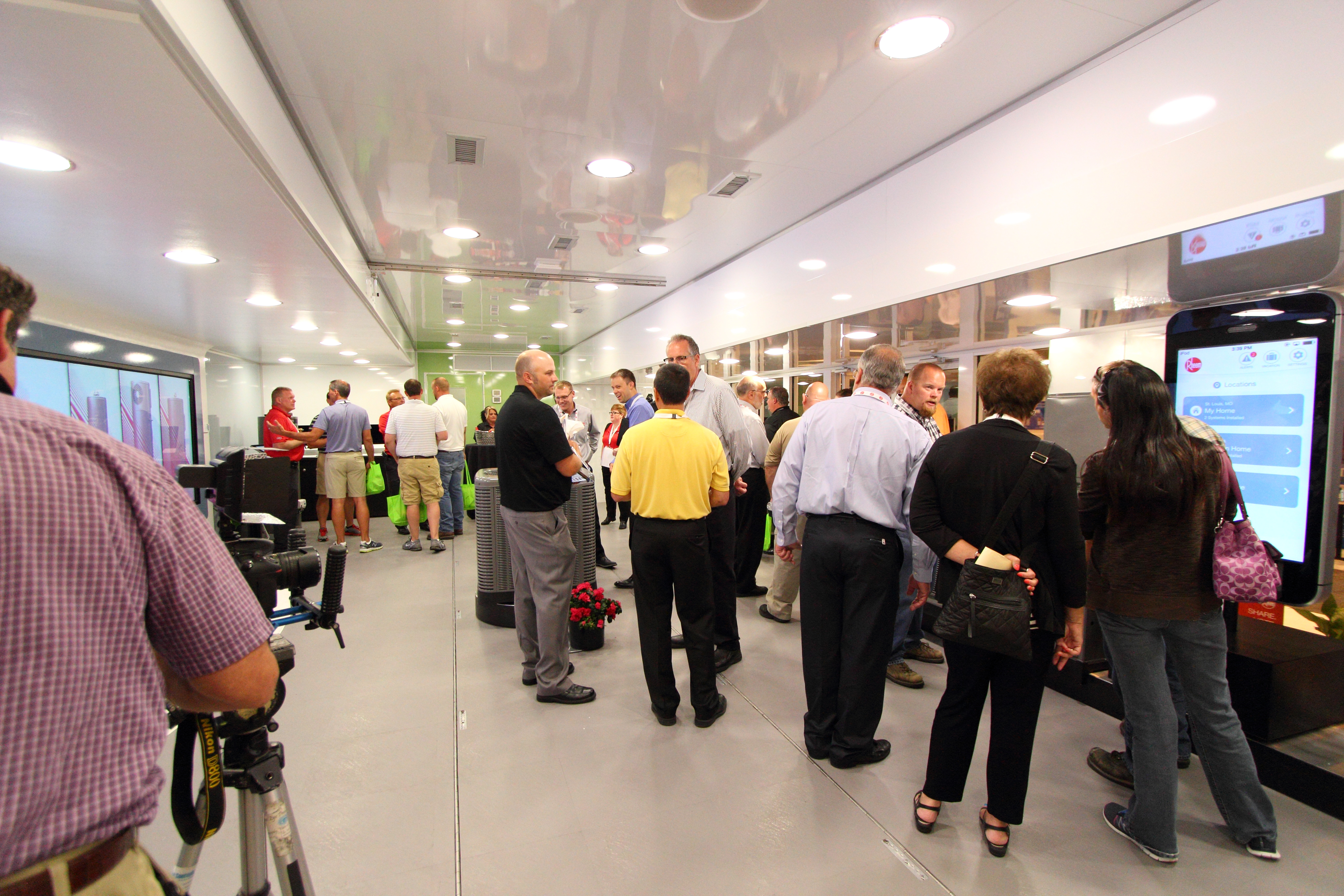
Best Practices for Utilizing Corporate Event Videos

Using videos to promote corporate events is a great way to get employees more engaged. It allows them to experience events first-hand. Here are some tips on how to use corporate event videos to support your business goals:

1. Provide info about the event: Create clips to explain what people should expect. Promote the event before it happens and create clips for those who can’t make it.

2. Showcase pics and memorable moments: Include images from the event so viewers can really get a sense of what it was like. Highlight moments you want people to remember.

3. Include info about your company: Interview staff and executives to show how your company is making a difference.

4. Make videos accessible for employees: Make sure all team members, including virtual employees, have access to the content. Create short snippets for social media that can be easily shared.

5. Gauge employee engagement levels: Use surveys and polls after featuring an event video. Address any areas for improvement.

Conclusion

So, we can see that corporate event videos are essential for strong relationships between employees and the company. They can engage and excite the team by showcasing successes and celebrations. This can build a culture of unity and motivation, aiding employee retention.

Planning an event with video in mind is not easy. But with good planning, a communications strategy and the right production team, you can capture authenticity and emotion with your post-event video. This is the best way to increase employee engagement, as it promotes emotion connections with each team member.

Rob Haller
314-604-6544
saintlouismostudios@gmail.com

Crafting Brand Testimonials with Emotion and Honesty: A Guide to Creating Meaningful Videos in Your Production Studio.
Crafting Brand Testimonials with Emotion and Honesty: A Guide to Creating Meaningful Videos in Your Production Studio.

Testimonials are one of the most powerful tools for marketing, providing valuable insight into how customers feel about a product or service. But crafting a compelling, honest, and emotional video testimonial can be a challenge. Creating meaningful video testimonials in your production studio is a great way to engage and authentically portray your brand story. With this guide, you’ll learn the best practices for crafting a powerful video testimonial that resonates with your target audience. From exploring the right creative elements to using storytelling techniques, this guide will help you create a video testimonial that captures the emotion and honesty behind your brand. Whether you’re a first-time video producer or a seasoned professional, this guide will provide you with the tools you need to make a truly memorable video experience for your customers.

Benefits of Video Testimonials

Before we begin discussing the best practices for creating meaningful video testimonials, let’s first examine the benefits of video testimonials. Video testimonials provide a more immersive experience for the viewer, which can help you better connect with your audience. They can also be a particularly effective way to engage customers who may be skeptical or unfamiliar with your brand. Customers are likely to be more receptive to a video testimonial from a “real person” than they would be to a testimonial from your brand’s CEO. With video testimonials, you can also reduce the impact of any cognitive dissonance that your customers may feel as a result of the “fake” nature of traditional testimonial videos. Video testimonials can be particularly valuable if your brand is new or unfamiliar to potential customers. They can also be a great way to respond to negative reviews from customers who had a less-than-positive experience with your business. Video testimonials can also help you avoid being charged with false advertising. If you rely on certain claims about your product, for example, a certain weight loss promise, you may be held liable for false advertising if you fail to deliver on your promises. A video testimonial can be a great legal defense against false advertising claims. Video testimonials are also particularly effective at helping your customers connect to your brand story. This can be especially useful if your business is selling a product that comes with a difficult or complicated story behind it, like medical equipment. With video testimonials, customers can see the impact your product has had on other people’s lives, which can help them understand why they need it as well.

Creative Considerations for Video Testimonials

Now that we’ve explored some of the benefits of video testimonials, let’s discuss the creative considerations for creating a compelling video testimonial. First, it’s important to select the right person to film a video testimonial. Ideally, you’ll want to select someone who has used or interacted with your product or service. Ideally, they’ll have either a positive or negative experience with it. This way, they’ll be able to more authentically convey their feelings about the product. Next, you’ll want to choose the proper setting for your video testimonial. It’s important to create an environment that will be most conducive to your customer feeling relaxed and comfortable. The last thing you want is for your customer to be stressed out while filming their testimonial. You should also select the proper lighting for the setting. Natural lighting is usually best for creating a relaxed and comfortable setting for your customer. Finally, you should select the proper camera for your video testimonial. Ideally, you’ll want to select a camera that’s easy to use and will help your customer feel as comfortable as possible while filming. You should also make sure that your camera can film in HD so you can create a high-quality video testimonial in your production studio.

Crafting Your Video Testimonial Script

Now that you’ve selected the right creative elements for your video testimonial, you’ll want to begin crafting your script. For starters, you’ll want to begin by establishing the right tone for your video testimonial. While you want to be authentic and honest in your video, you don’t want to come across as being unprofessional. It’s best to use a conversational, friendly tone. Then, you’ll want to outline the story that you want your customer to tell. While your video testimonial doesn’t have to be a full-blown story, it should have a beginning, middle, and end. It should also be short and concise, lasting no longer than three minutes. Now that you’ve outlined your story, you can begin writing your script. Paper is a great way to start, especially if you’re not an experienced writer. Once you have a script you’re happy with, you can move onto the next step.

Select the proper camera for your video testimonial, you’ll want to select a camera that’s easy to use and will help your customer feel as comfortable as possible.

Using Storytelling Techniques in Your Video Testimonial

Once you’ve crafted your script, you’ll want to begin using storytelling techniques to make your video testimonial even more compelling. First, you’ll want to hook your audience as quickly as possible, which is why it’s best to start your video testimonial with a hook. You can start off by having your customer introduce themselves. Then, ask them to describe their experience with your product or service. You can also ask them what their goals or motivations are. Then, you’ll want to introduce a problem. What problem does your customer encounter? What’s their struggle? How do they feel about their struggle? This is where you’ll want to begin talking about your product or service. How does it solve their problem? How does it address their struggle? This is where you’ll want to transition into a call to action.

Capturing Authenticity and Emotion in Your Video Testimonial

Now that you’ve used storytelling techniques to create a compelling video testimonial, you’ll want to make sure that your video is authentic and honest. Start by making sure that your customer is comfortable and relaxed. Make sure that their environment is conducive to them feeling relaxed. Next, you’ll want to make sure that your customer is authentic in their video testimonial. You can do this by asking your customer questions such as “What do you like about our product/service?”, and “What does our product/service do for you?” You can also ask your customer to share personal stories that are relevant to your product/service. Finally, make sure that your video testimonial is honest. You can do this by making sure that your customer doesn’t overstate their feelings about your product or service. You don’t want to come across as being dishonest in any way.

Editing and Finalizing Your Video Testimonial

Once you’ve finished filming your video testimonial, you’ll want to begin editing it. The first thing you’ll want to do is trim the fluff. Get to the point as quickly as possible. You don’t want your video testimonial to drag on. Next, you’ll want to add relevant B-roll. B-roll is supplementary footage that you add to your video testimonial. It’s an excellent way to break up the monotony of a static video. You can use B-roll to show your customer using your product, talking about their experience, etc. Finally, you’ll want to add relevant sound effects and music to your video testimonial. Choose music that is appropriate for your video testimonial, as well as sound effects that convey the emotion and topic of your video.

Distributing Your Video Testimonial

Now that you’ve finished filming and editing your video testimonial, you’ll want to get it distributed. You can post your video testimonial on your website, as well as on social media. You can also reach out to publications that cover topics related to your business and see if they’d be interested in publishing your video testimonial. You can also submit your video testimonial to review websites and apps, such as Trustpilot and Trustlink, as well as other customer review websites. Finally, you can also consider hosting a launch party. During a launch party, you can show your video testimonial and host a Q&A session. This is an excellent way to connect with your customers, as well as build excitement for your product or service.

Rob Haller
314-604-6544
saintlouismostudios@gmail.com

What Are Explainer Videos and Why Should You Invest In Them?

An explainer video production is a terrific method to quickly introduce a product, service, or even your company. They’re often a terrific way to describe how a new idea/philosophy functions. We amplify the strength of digital cinema to create custom explainer videos.

Defining an Explainer Video

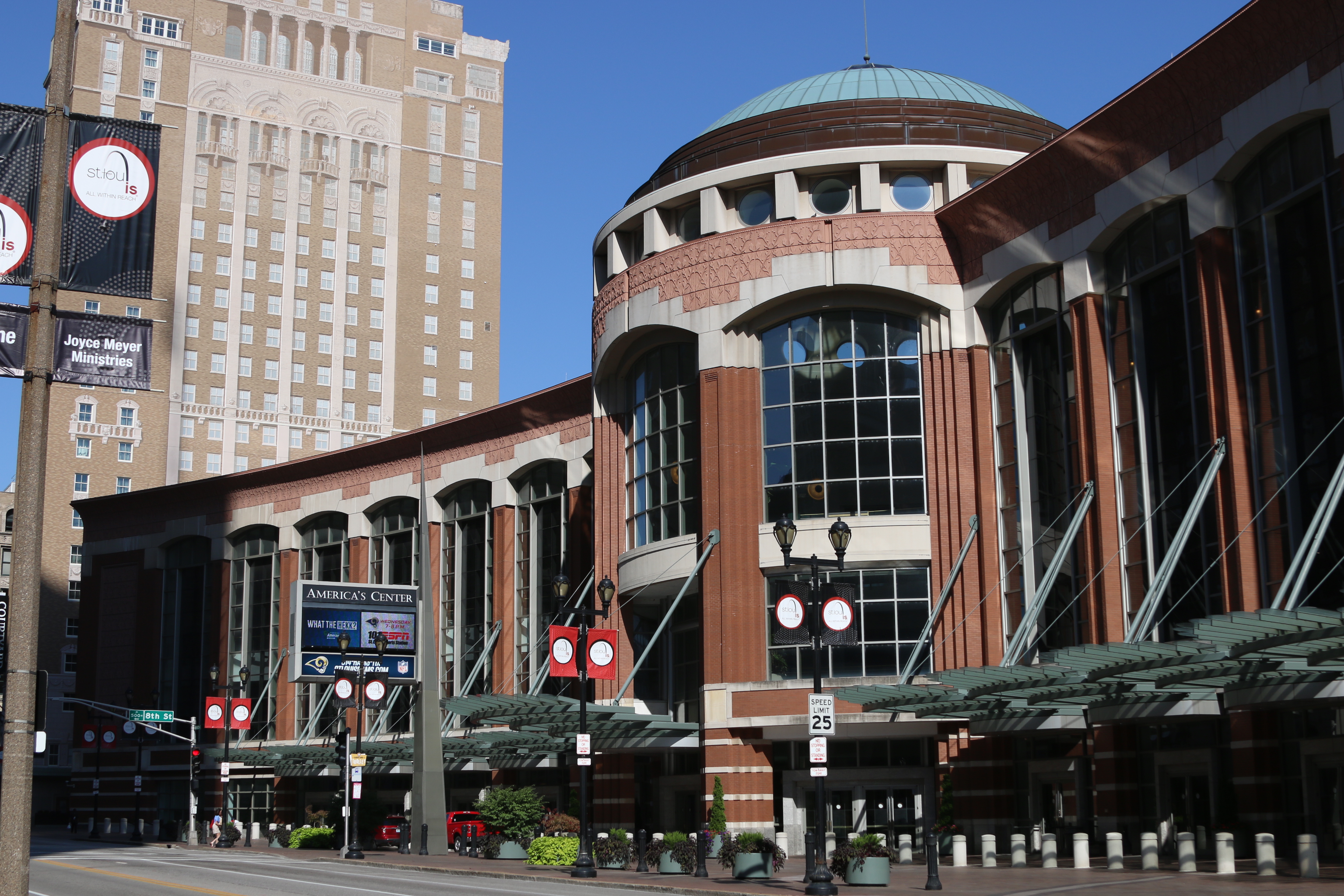
We shoot all throughout St. Louis

An explainer video is like an elevator pitch. What would you say to a prospect if you only had 60-90 seconds to tell them about your fantastic product or service? Typically, explainer videos are scripted messaging and expressed through voice narration and onscreen text and graphics. Most businesses will include an explainer video on their homepage or marketing pages to introduce their product or service to their customers. If you’re interested in creating an explainer video but aren’t sure what it is, here’s a quick definition: an explainer video is a short video that explains what your business does. Explainer videos are a video format that is specifically designed to help your target audience understand your product or service. They can be 30 seconds or 10 minutes long, but they all have the same goal: help your customers understand what you offer and why it’s useful to them.

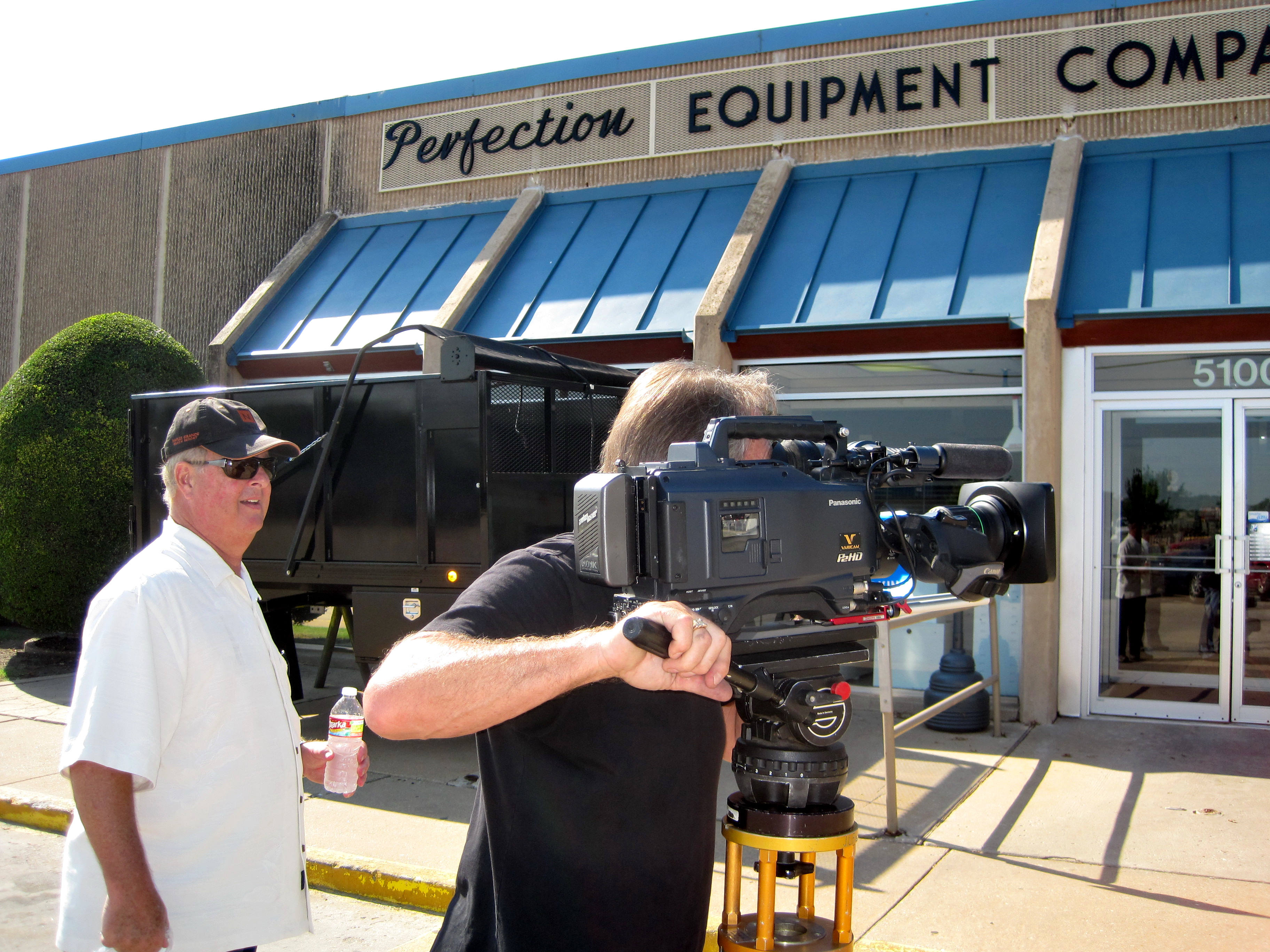
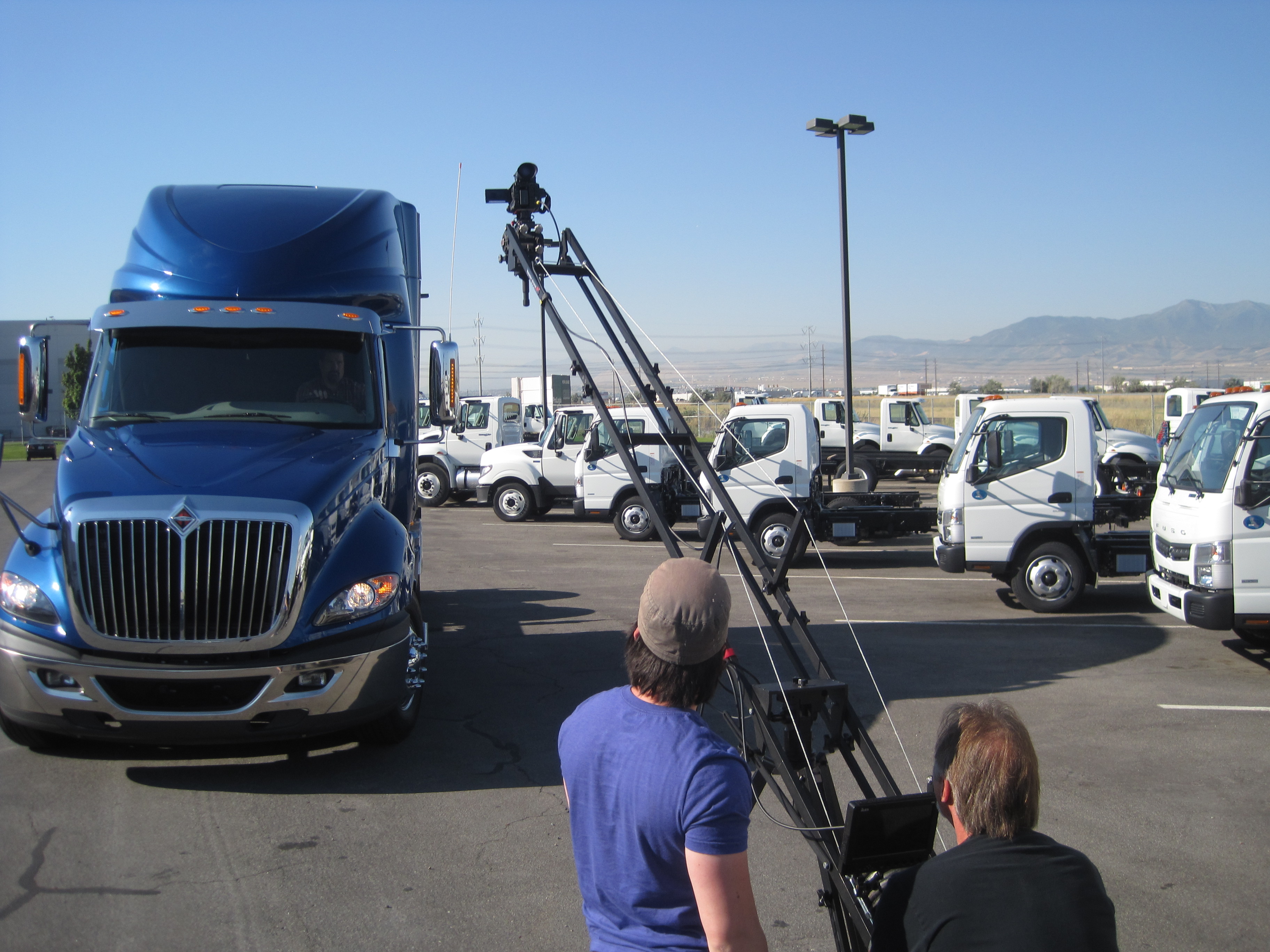
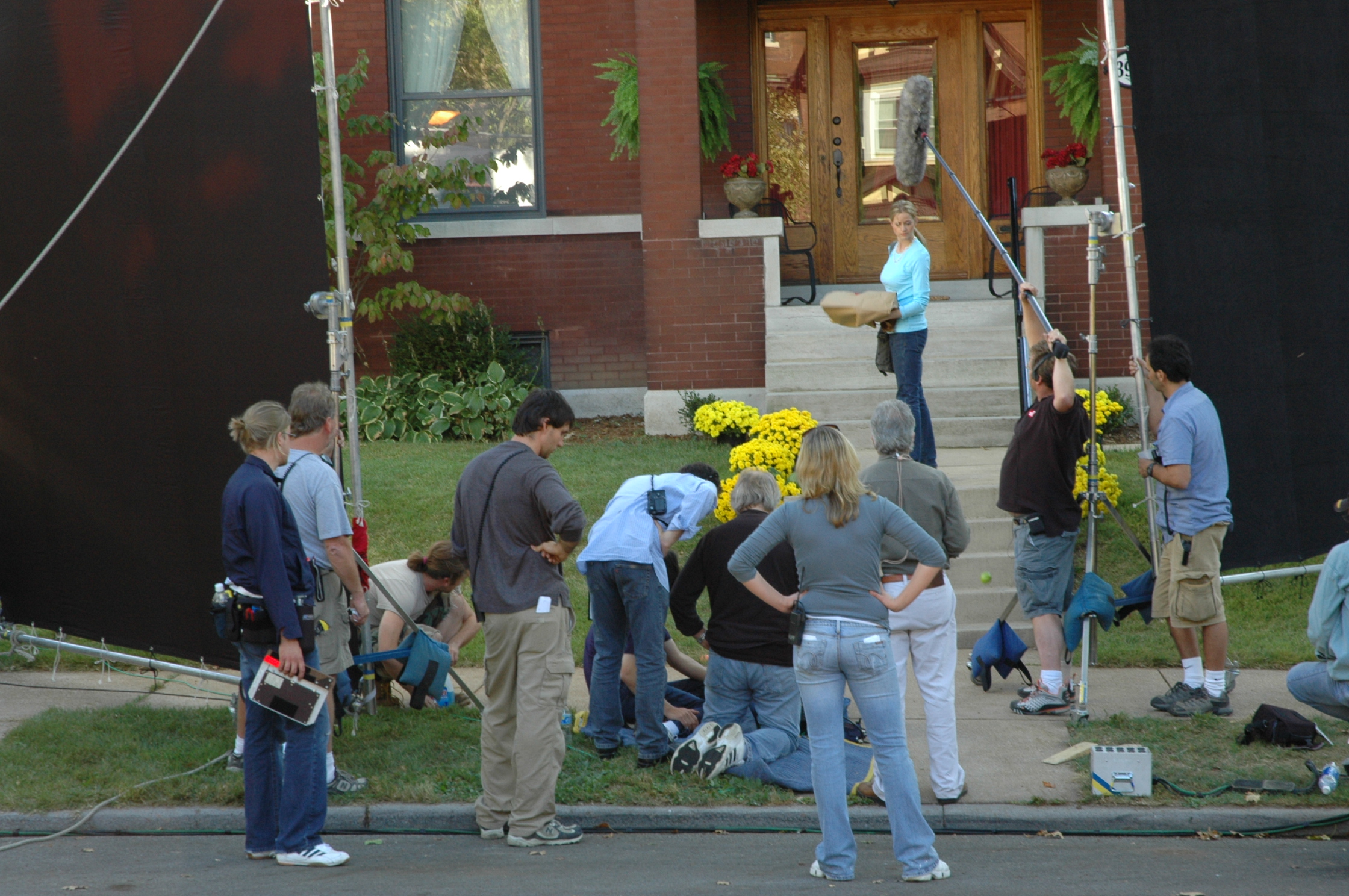
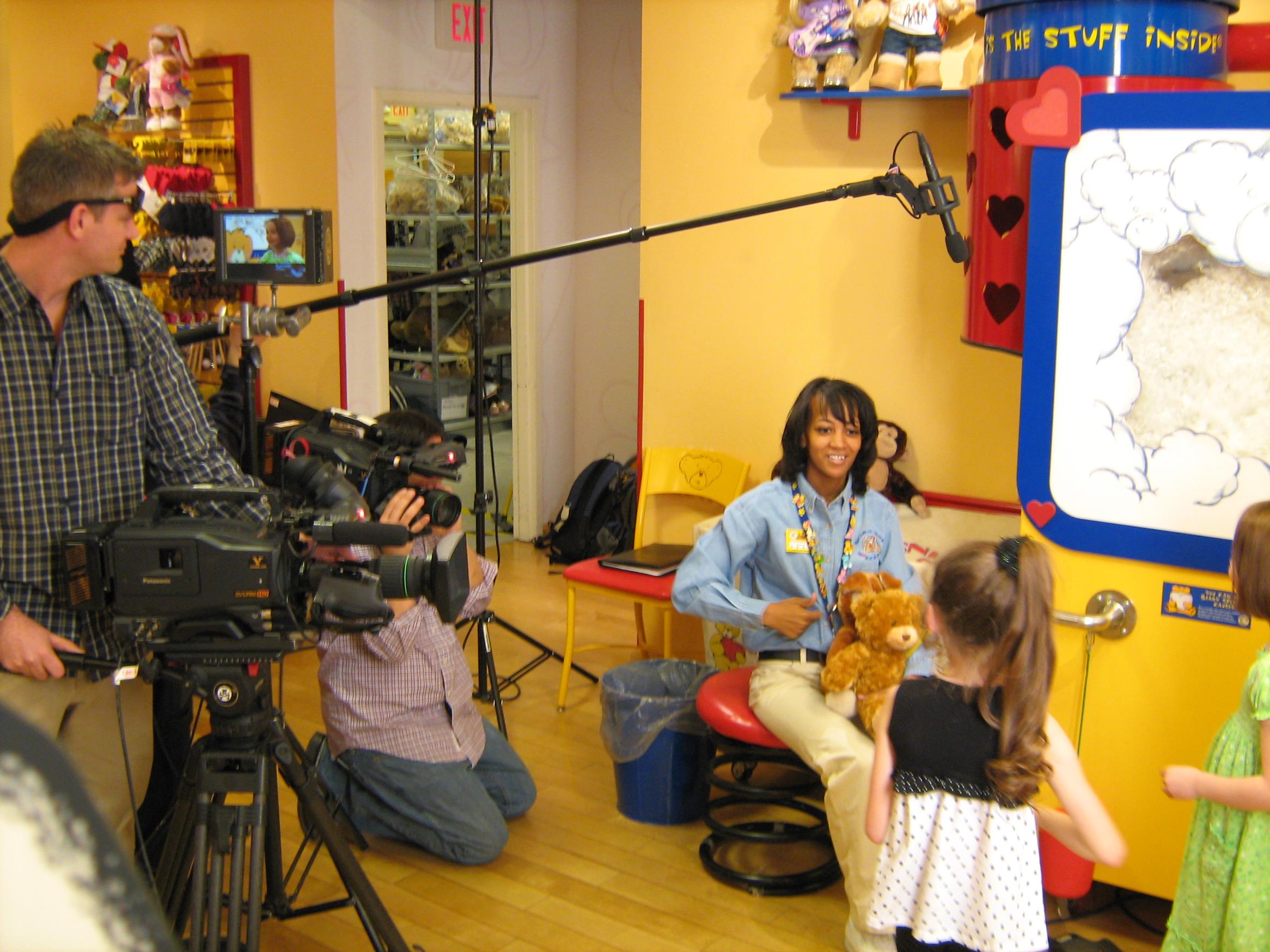
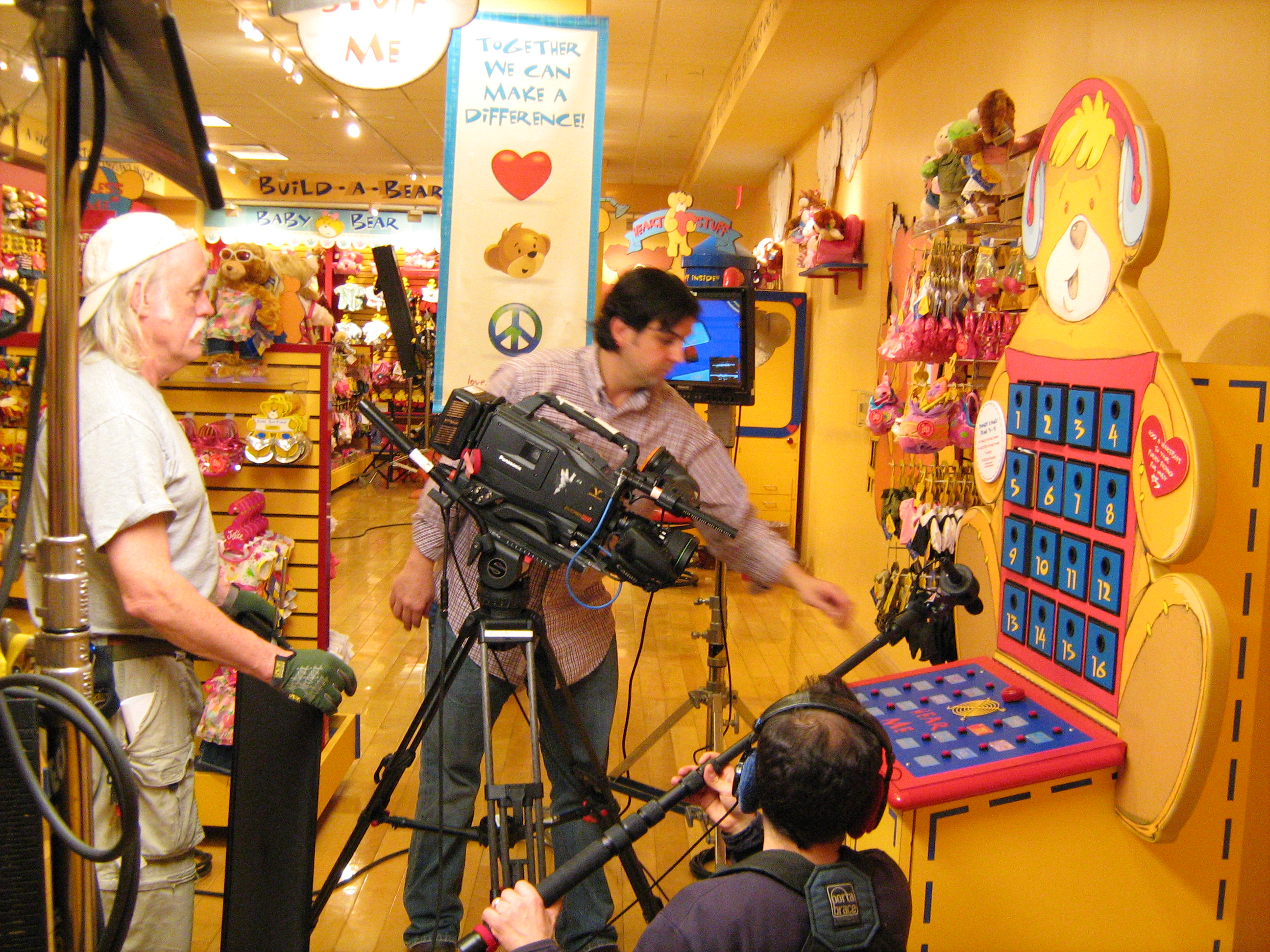
Location production with video crew

Why Are Explainer Videos So Effective?
There are a few reasons why explainer videos are so effective. The first is that they’re visual – visuals are processed 60,000 times more quickly in the brain than written information. This makes it much easier for your customers to understand what your product or service does. Another reason is that they’re accessible to everyone. While you might have the time and budget to create a high-quality video, not everyone does. Explainer videos are perfect for those who can’t afford a high-quality production, but who still need a way to introduce their product to their customers. One more reason why explainer videos are so effective is that they’re interactive, meaning that your customers can engage with them in a way that they can’t with static visuals or written explanations. This makes your product or service more personal and appealing to your customers.

St Louis studio production

How to Create an Explainer Video
If you’re convinced that an explainer video is right for your business, here are a few tips to help you get started creating one. First, outline your script and storyboard. You may be tempted to jump into creating your video, but having an outline for your script and storyboard will help you stay on track and make sure you don’t miss an important point. Next, find a voice actor. If you’d prefer to record your script yourself, make sure you find a voice actor who has the same tone and personality as you. Your voice should be welcoming and friendly, but not too chummy. Next, record your video. You may want to record your script in segments if you’re recording in front of a computer screen. Lastly, edit your video. Even though videos are visual, you still want them to flow smoothly. You can do this by editing out any unnecessary pauses, deleting any mistakes, and including graphics and text if necessary.

Two Important Takeaways
Explainer videos are a quick and easy way to introduce your business and product to new customers. They’re an affordable way to create an engaging video that will help your customers understand what you do, even if they’re new to your industry. Now that you know what explainer videos are and why they’re so effective, it’s time to create your own video. Start by outlining your script, finding a voice actor, and recording your video. Editing your video and incorporating it into your marketing strategy will help you attract more customers.

Rob Haller
314-604-6544
saintlouismostudios@gmail.com

Remote and Studio Video Crews

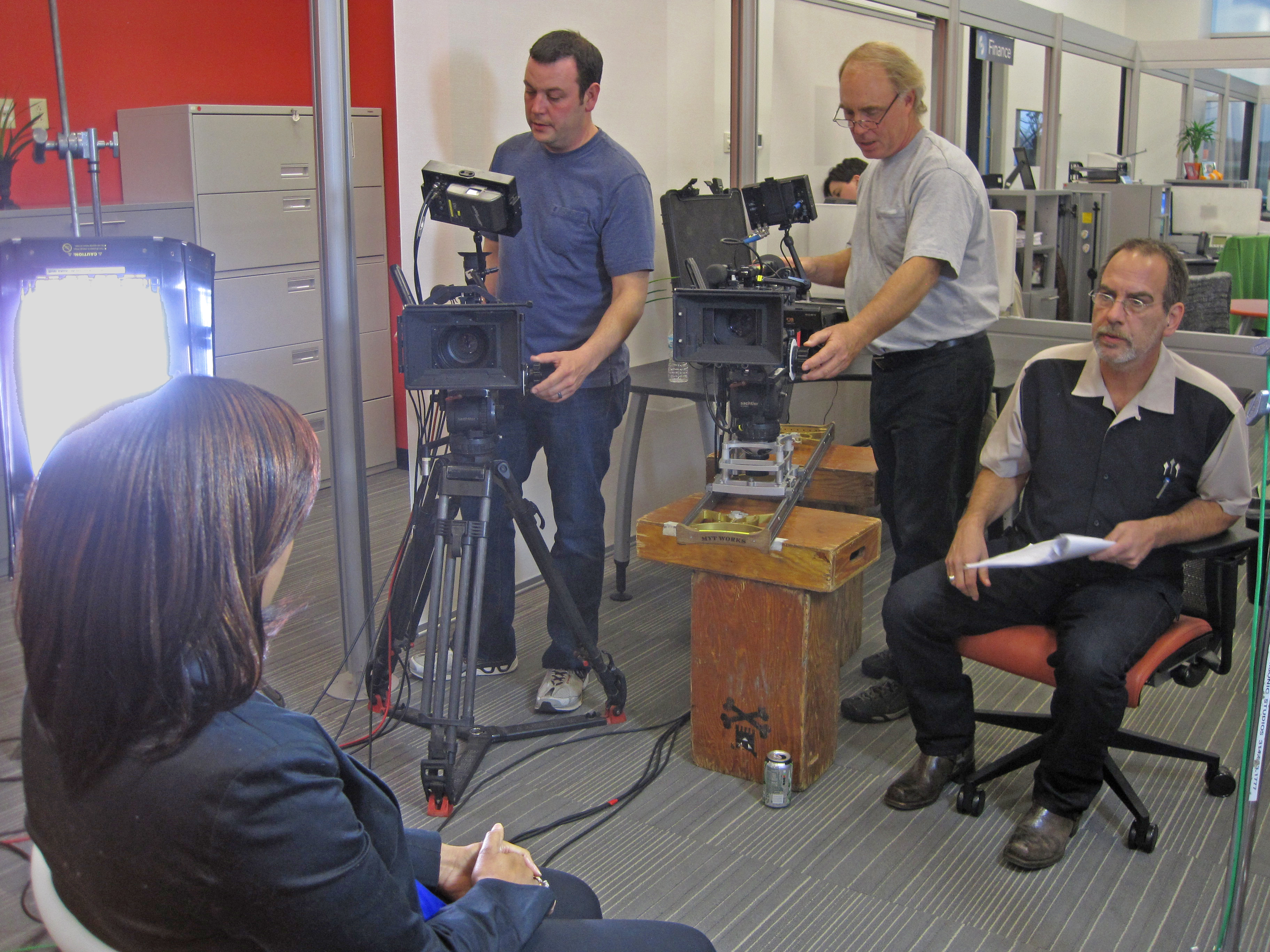
We have a large network of qualified corporate video production crews, including editors, video camera operators, and drone photographers to fit your specific needs. Whatever the requirement, we can provide the hard working people and equipment to do the job right!

As a digital business development and strategic communications firm, St Louis Video Production Studio utilizes video production as an important channel for helping our clients create and communicate their brand message. Whether the communication is targeted for an external audience such as consumers and customers or an internal audience such as employees, vendors, and contractors, we work closely with our clients to create effective and targeted messaging that gets the desired results. We are able to adapt to the unique needs of each client to create custom strategies to fit distinct messaging needs.

Rob Haller
314-604-6544
saintlouismostudios@gmail.com

Financial Advisers Marketing and Communication Video Production

Today’s financial market demands video.


With video, you can connect with your audience in a more personal way. It lets you show off your brand voice and company values to remind your customers that they come first. Not only can you use explainer videos to communicate your unique value, but educational videos to help customers feel more confident with their financial decisions, and company story videos to share your history and mission.

If you’re a bank, an investment firm, a fintech startup or a technology company with financial services clients, video can work in your content strategy to build relationships and standout in the industry.

Rob Haller
314-604-6544
saintlouismostudios@gmail.com

St Louis Video Production Studio

Imagine having the ability to deliver a video message across the world and, with that, the power to profoundly change the course of people’s lives.

You could provide new opportunities that would ultimately help foster your economic growth. Now, imagine an environment in which you could secure financial stability for your family and future generations. Well, that’s what is constantly running through our imaginations every single day when we walk into our studio facility. It’s the reason we wake up in the morning. It’s the reason we are in St Louis!

St Louis Video Production Studio.

St Louis Video Production Studio.

Rob Haller
314-604-6544
saintlouismostudios@gmail.com

video production st louis missouri

st louis video production studio

st louis video production studio

St Louis Video Production Studio provides professional video production and studio production for corporate, marketing, training and various other promotional productions with professional video production crews.

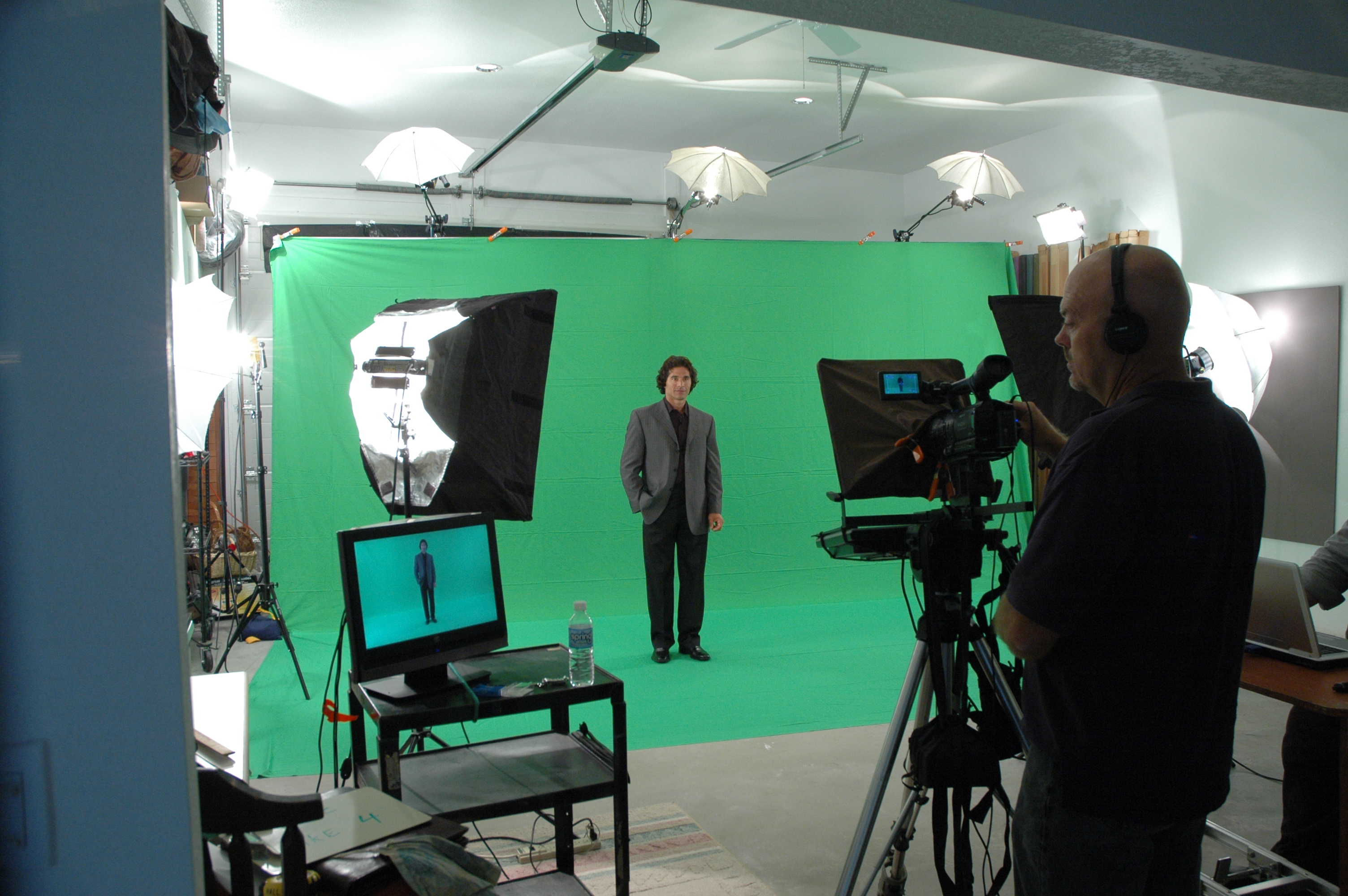
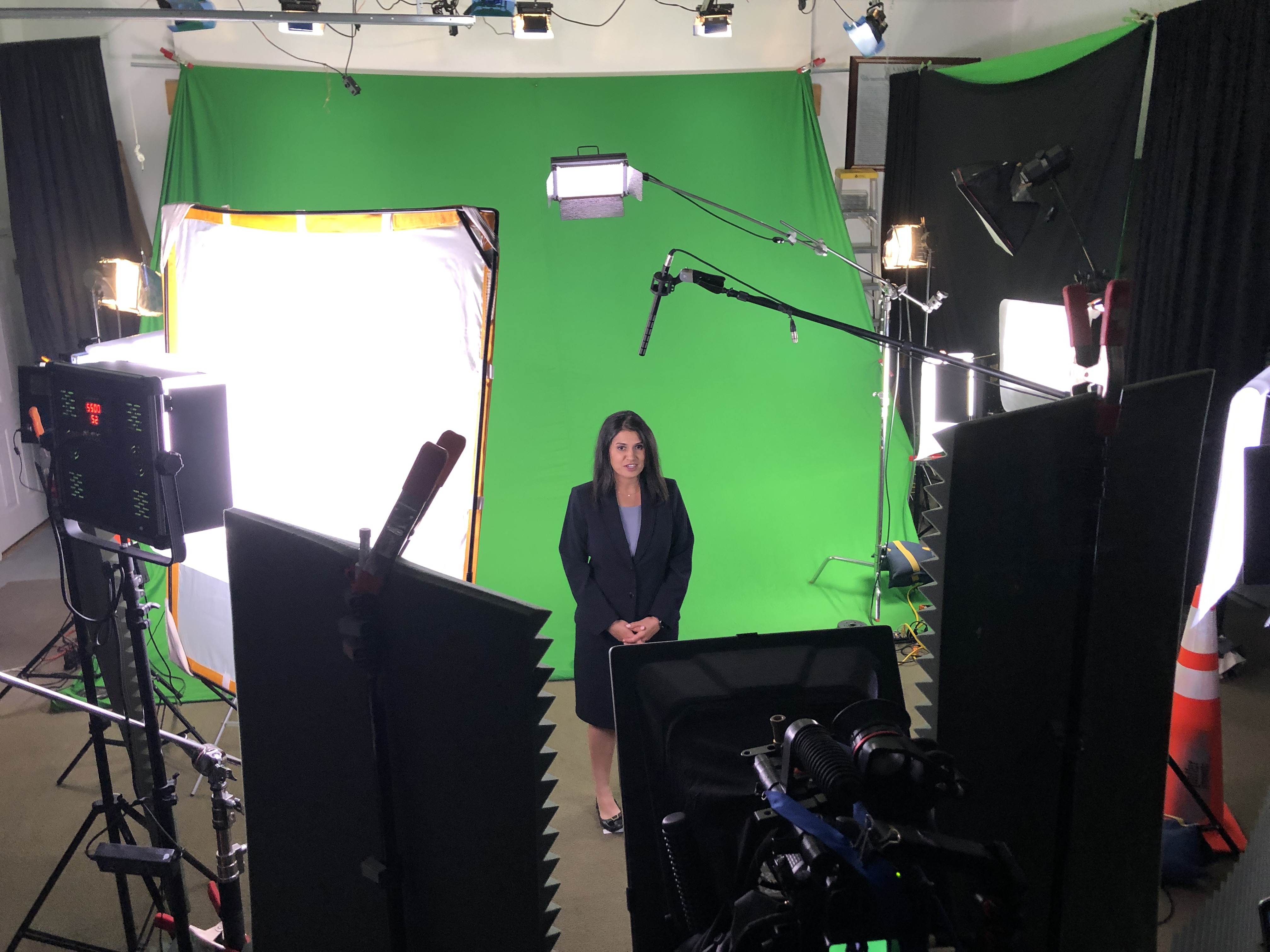
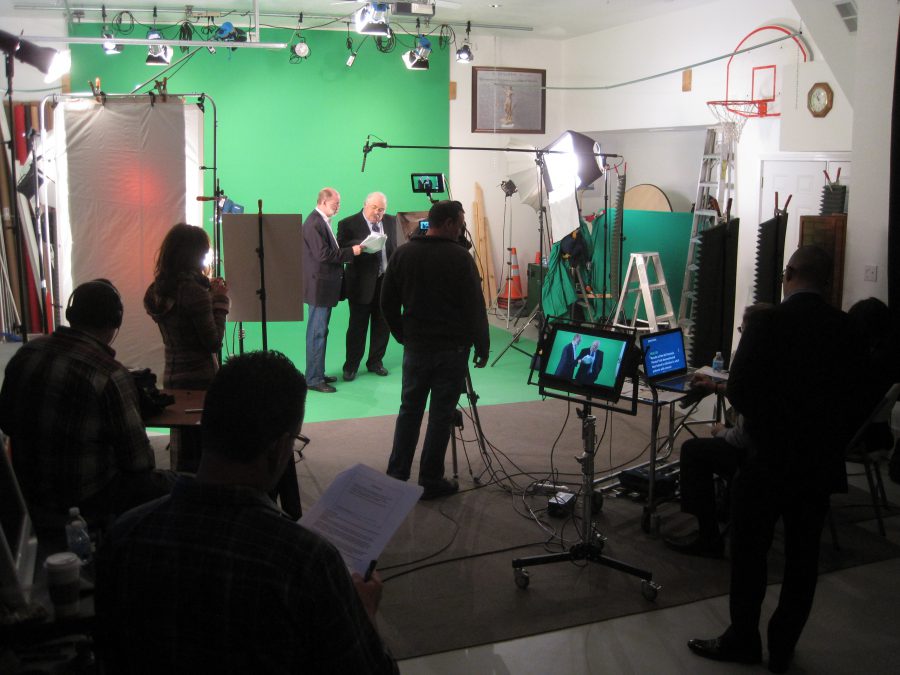
Our green screen studio can transform any background for your video production.

Randy Oldendorph, St Louis Producer

314-892-1233

saintlouismostudios@gmail.com