In the realm of corporate communications and marketing, client video testimonials are a powerful tool. They provide authentic, relatable, and persuasive content that can significantly enhance your brand’s credibility and appeal. However, one of the most common questions decision-makers face is: How long should these testimonials be? The answer depends on several factors, including your audience, the platform where the video will be shared, and the message you want to convey.
Encourage clients to express their satisfaction and the impact on their business or personal life.
Understanding Your Audience
The length of your client video testimonial should primarily be determined by your audience’s attention span and preferences. In today’s fast-paced digital world, audiences often have limited time and a shorter attention span. For most business-related content, keeping videos concise and to the point is crucial.
Short Attention Spans: Studies have shown that viewers tend to lose interest in videos that are too long. A general guideline is to keep testimonial videos between 1 to 3 minutes. This duration is long enough to provide valuable insights and keep the viewer engaged without overwhelming them.
Platform Considerations: Different platforms have varying optimal video lengths. For example:
Social Media (Facebook, Instagram, LinkedIn): Aim for 30 seconds to 1 minute. These platforms cater to users who scroll quickly through content.
YouTube: Videos can be slightly longer, ranging from 2 to 3 minutes, as users on this platform are more inclined to watch longer content.
Website: For embedding on your company’s website, 1 to 2 minutes is often ideal. This provides enough time to convey the testimonial’s message while maintaining viewer interest.
Crafting the Message
The content of your client video testimonial is as important as its length. Here are some key elements to include to ensure your video is both impactful and engaging:
Clear Introduction: Start with a brief introduction of the client, their business, and their relationship with your company. This sets the context and establishes credibility.
Specific Benefits: Encourage clients to speak about specific benefits they have experienced from your product or service. Detailed, real-world examples resonate more than vague praises.
Problem-Solution Narrative: Highlight the problem the client faced before working with you and how your solution effectively addressed it. This narrative structure is compelling and relatable.
Results and Outcomes: Quantifiable results and outcomes make testimonials more convincing. Ask clients to share any measurable improvements they have seen since using your service.
Emotional Appeal: Testimonials that convey genuine emotion and enthusiasm are more engaging. Encourage clients to express their satisfaction and the impact on their business or personal life.
Editing and Post-Production
Effective editing is crucial in ensuring your video testimonial is concise, clear, and professional. Here are some tips:
Cut Unnecessary Content: Trim any irrelevant or repetitive content to keep the video focused.
Add Visuals and Graphics: Use visuals, graphics, and on-screen text to reinforce key points and make the video more visually appealing.
Maintain High Quality: Ensure high-quality audio and visuals. Poor production quality can distract from the message and reduce credibility.
The Expertise of St Louis Video Studio
At St Louis Video Studio, we understand the nuances of creating impactful client video testimonials. Our experience as a full-service professional commercial photography and video production company equips us with the right equipment and creative crew service experience for successful image acquisition. We offer full-service studio and location video and photography, as well as editing, post-production, and licensed drone pilots.
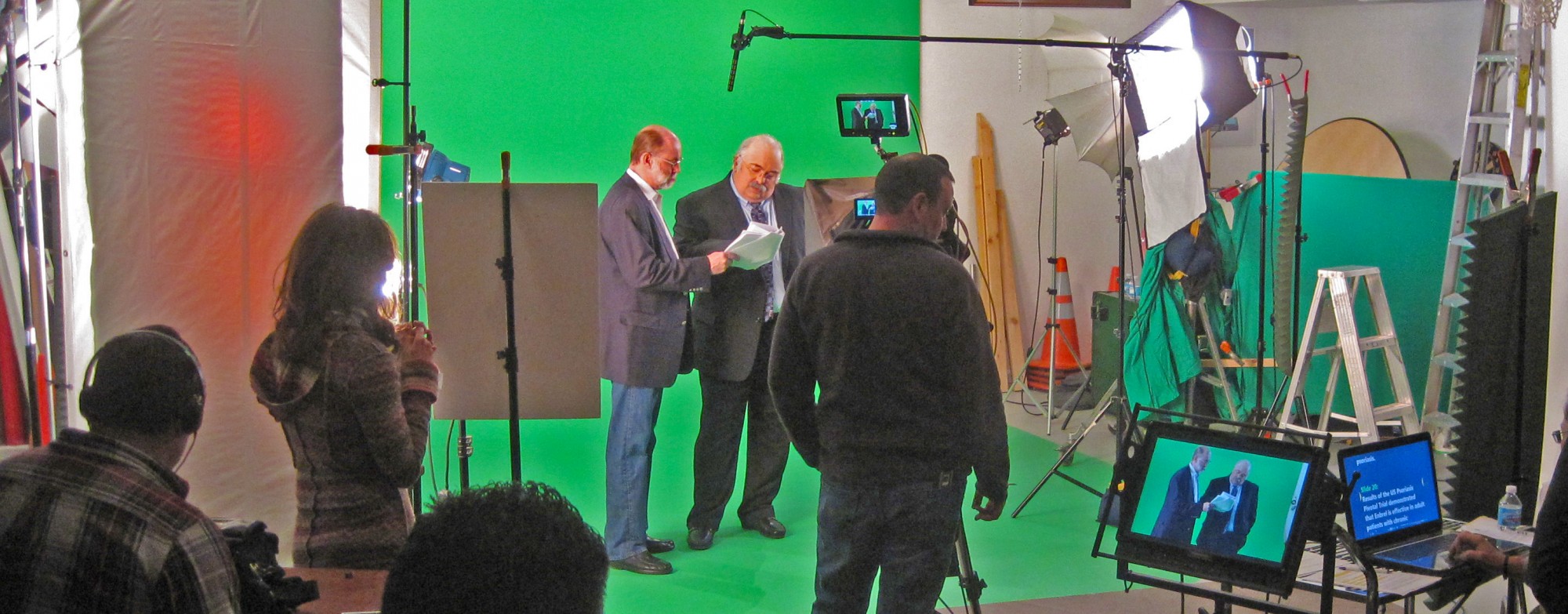
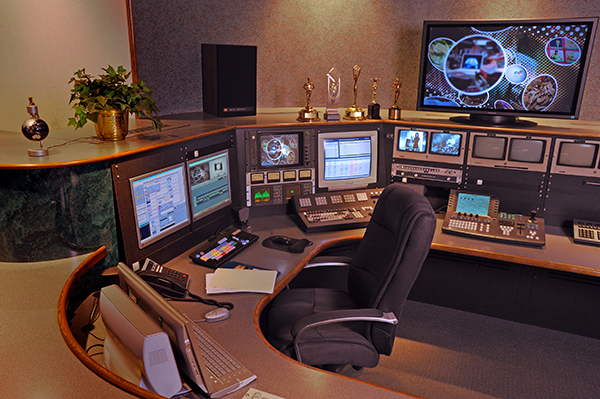
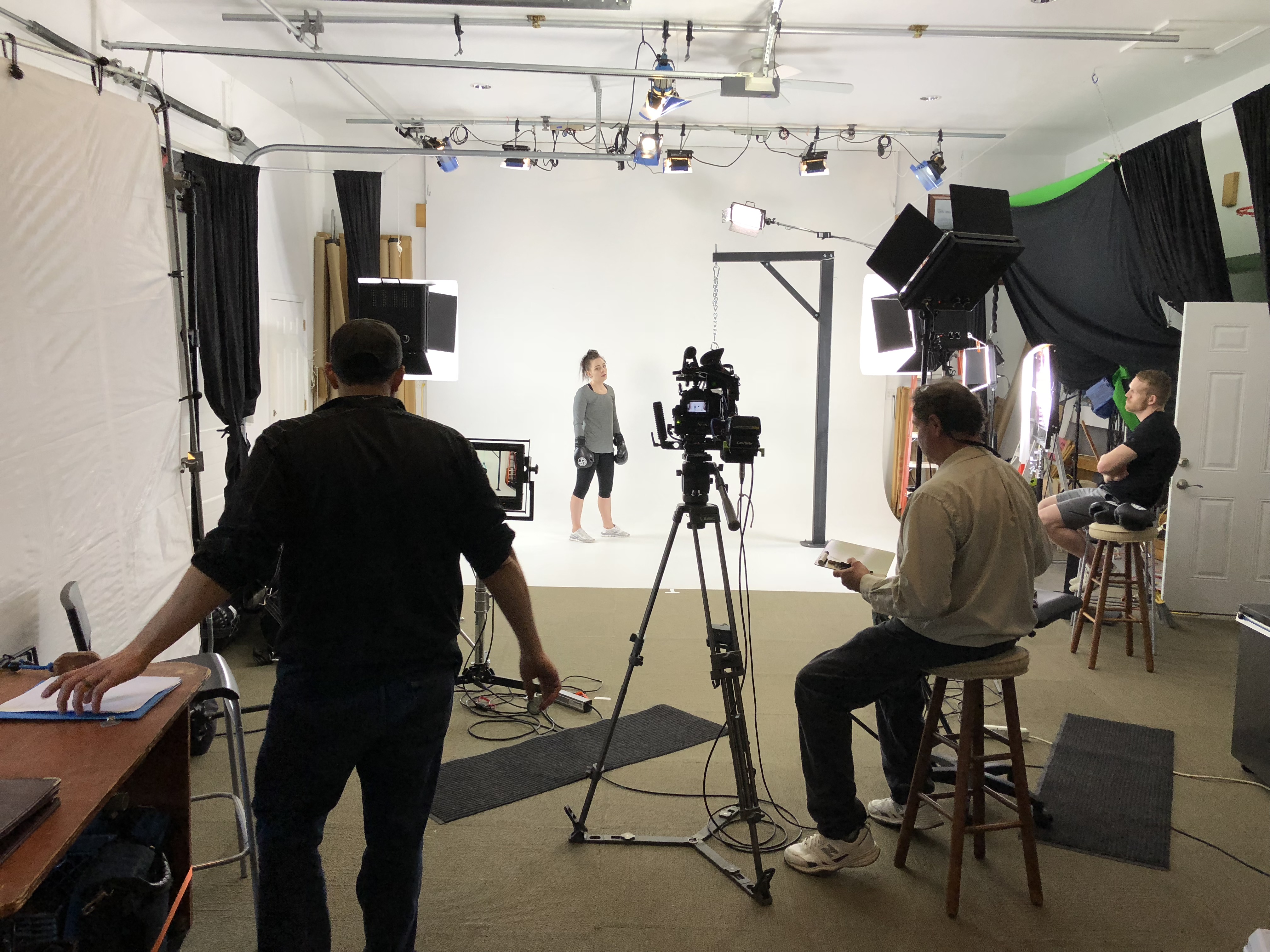
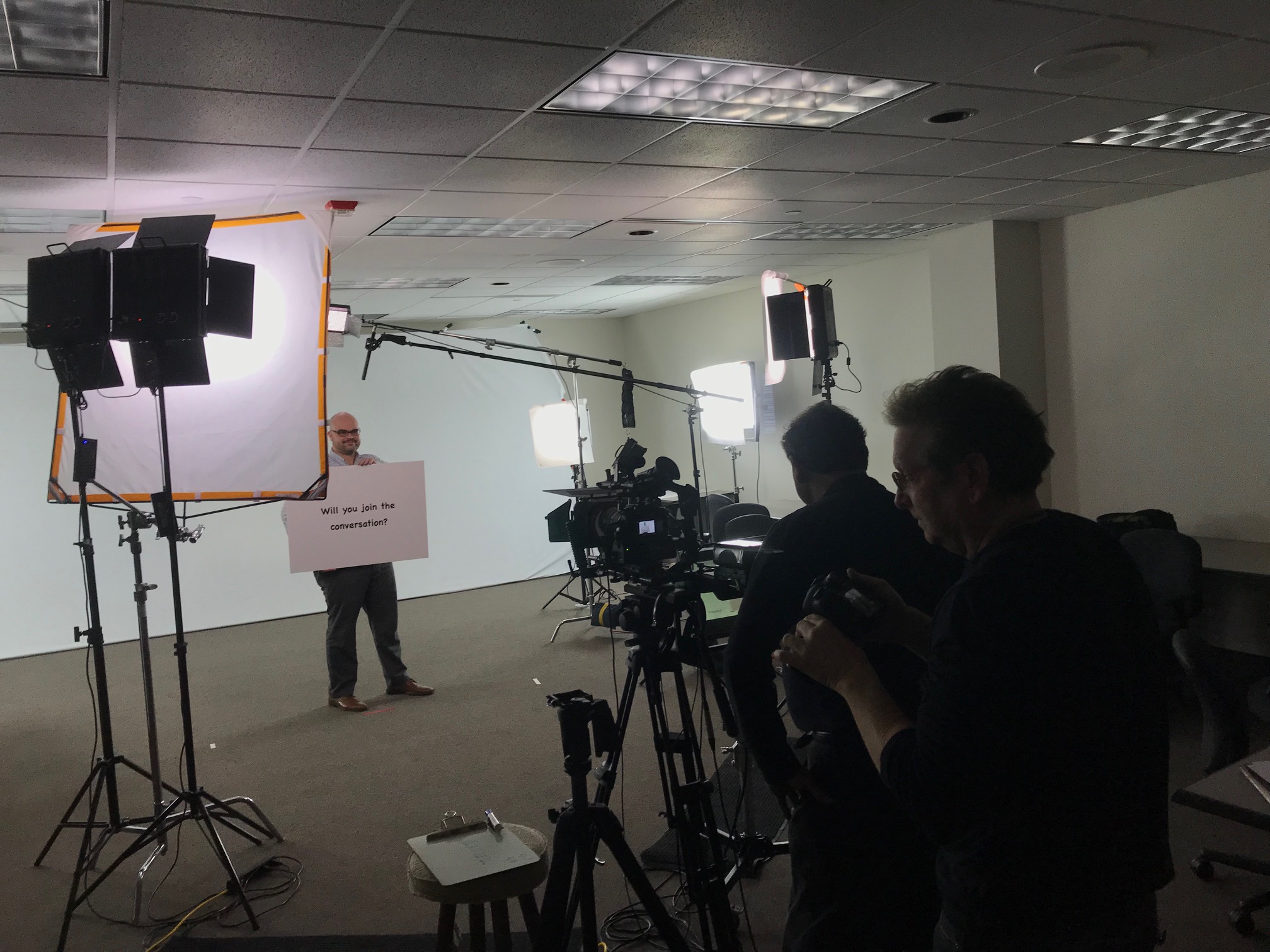
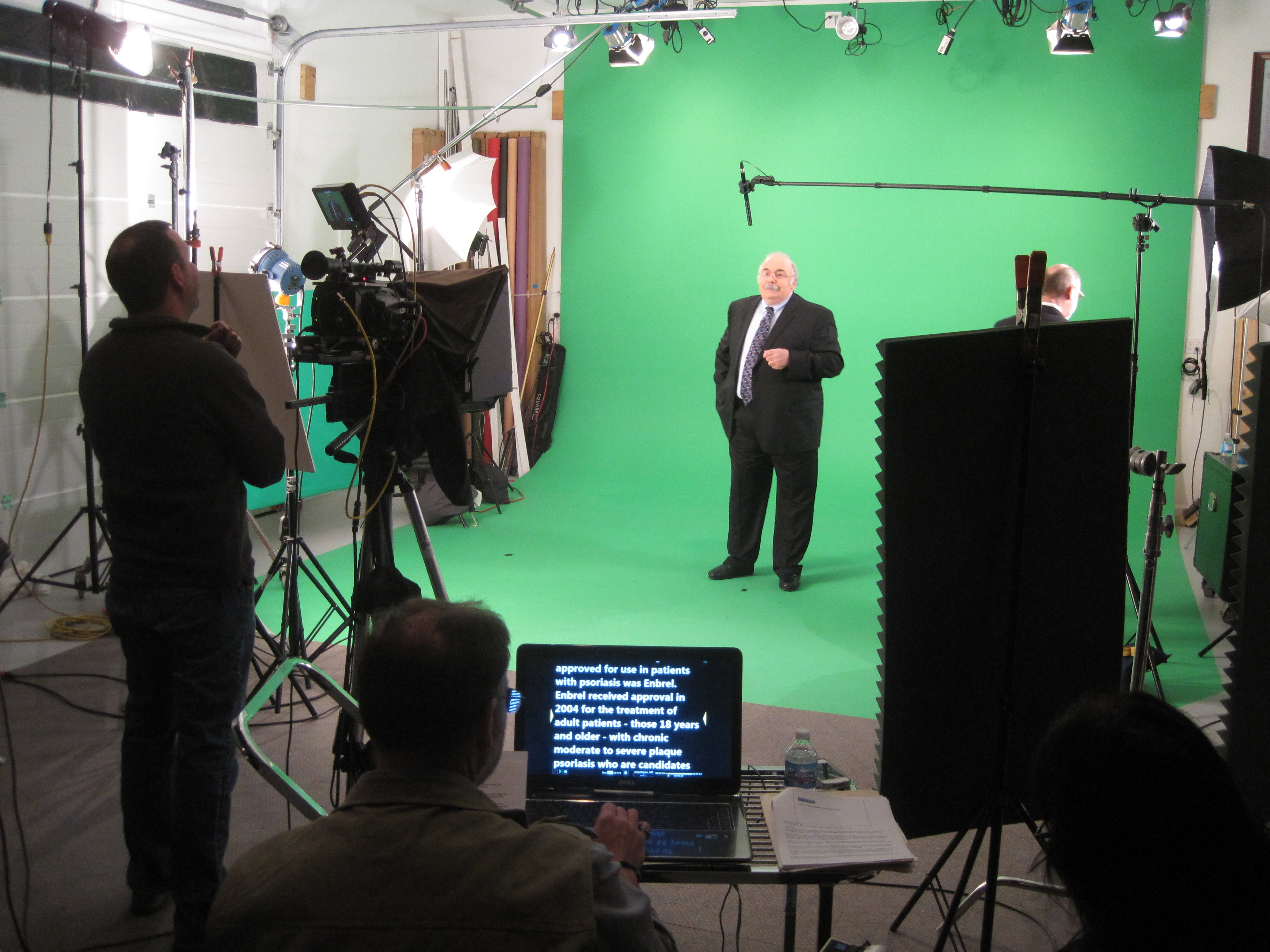
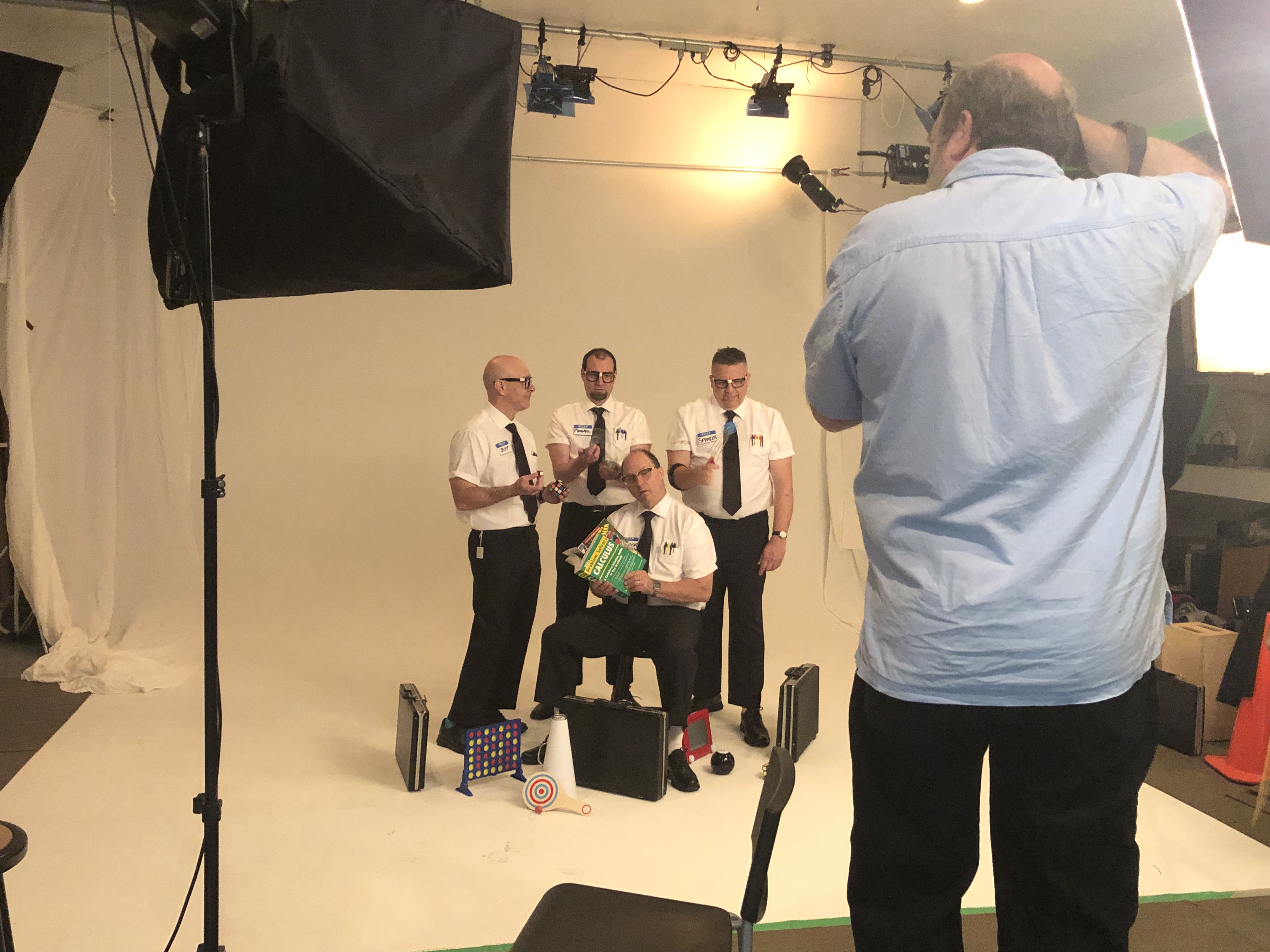
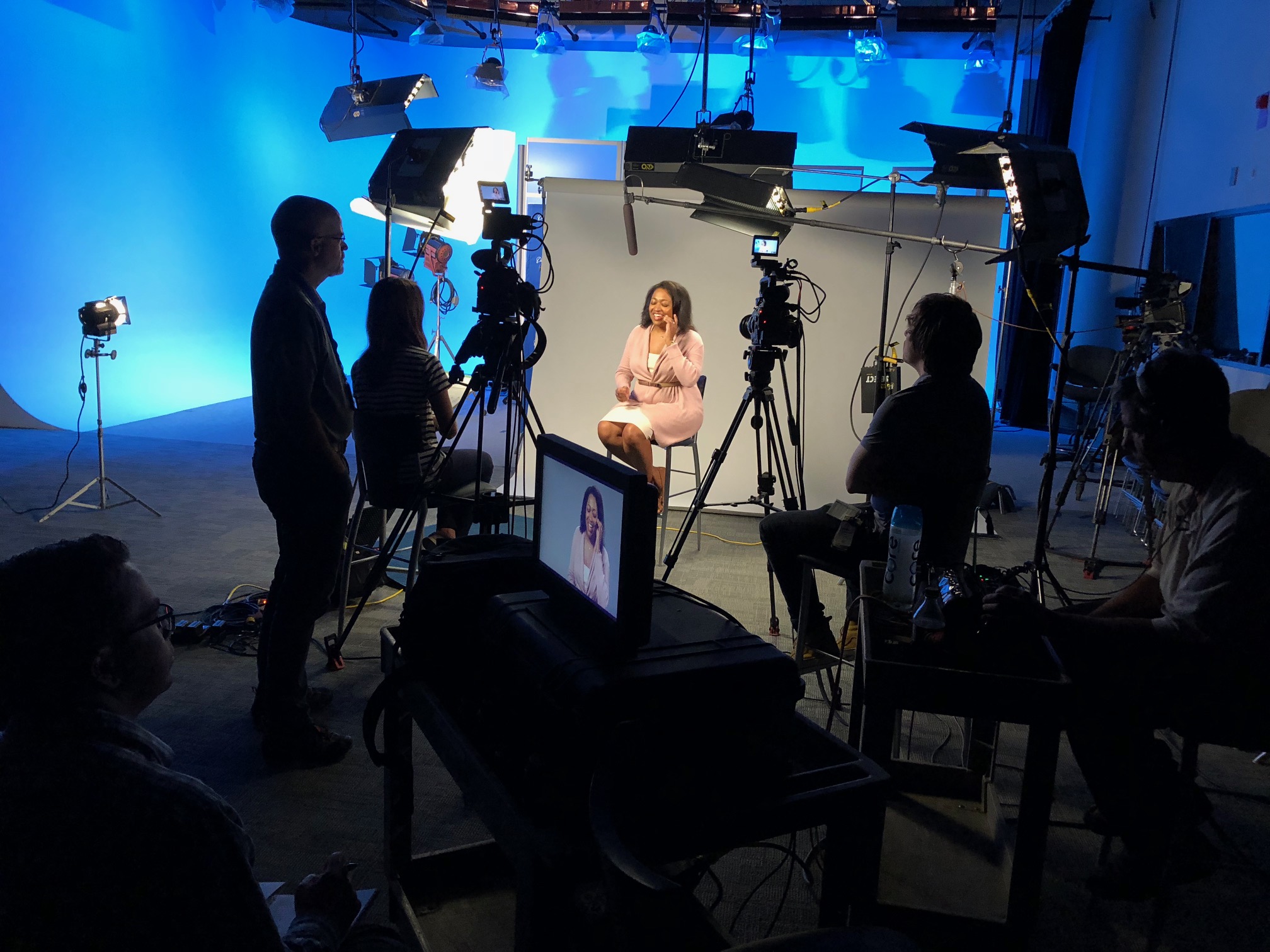
We can customize your productions for diverse types of media requirements, ensuring your photography and video branding gain maximum traction. Our team is well-versed in all file types and styles of media and accompanying software. Our private studio lighting and visual setup is perfect for small productions and interview scenes, while our studio is large enough to incorporate props to round out your set.
From a private custom interview studio setup to providing sound and camera operators and equipment, we have everything needed to make your next video production perfect. Our specialized drones can even fly indoors, adding a unique perspective to your shoots. Since 1982, St Louis Video Studio has worked with numerous businesses, marketing firms, and agencies in the St. Louis area for their corporate photography and video needs.
By choosing St Louis Video Studio, you are partnering with a team of experienced professionals dedicated to delivering high-quality visual content that meets your specific needs. Let us help you create compelling client video testimonials that effectively communicate your brand’s success stories and build trust with your audience.
In today’s competitive business landscape, high-quality visual content is crucial for effective communication, marketing, and branding. Whether you’re looking to create compelling promotional videos, dynamic corporate presentations, or engaging social media content, choosing the right video production studio can make all the difference. Here are the top 10 questions decision-makers typically ask about video production studios, along with expert insights to help you make informed decisions.
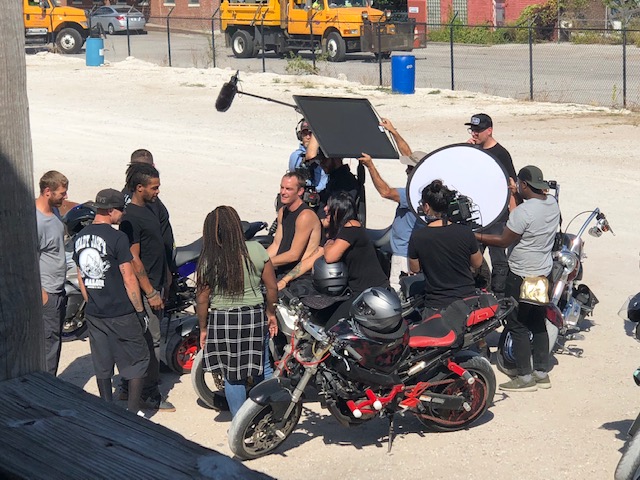
Flexibility in shooting locations can add value to your production. We offer location video and photography services.
1. What Services Do You Offer?
A comprehensive video production studio should offer a range of services, including pre-production planning, scriptwriting, storyboarding, location scouting, filming, editing, post-production, and even distribution. At St Louis Video Production Studio, we provide full-service studio and location video and photography, as well as editing, post-production, and licensed drone pilots to ensure your project is handled professionally from start to finish.
2. What Kind of Equipment Do You Use?
The quality of the equipment used can significantly impact the final product. We utilize state-of-the-art cameras, lighting, sound equipment, and editing software to ensure the highest production values. Our studio is equipped with specialized drones capable of flying indoors, providing unique and creative shots.
3. Can You Provide Examples of Previous Work?
Reviewing a studio’s portfolio is essential to understanding their capabilities and style. St Louis Video Production Studio has a diverse portfolio showcasing projects for various businesses, marketing firms, and agencies in the St. Louis area, highlighting our versatility and expertise.
4. How Do You Handle Different Types of Productions?
Different projects have unique requirements. Our team is experienced in customizing productions for various media, including corporate videos, commercials, training videos, and social media content. We also specialize in repurposing photography and video branding to maximize your content’s impact.
5. What is Your Process for Managing a Project?
A structured process ensures that projects stay on track and within budget. Our process includes detailed pre-production planning, efficient shoot scheduling, and thorough post-production review. We work closely with our clients at every stage to ensure their vision is realized.
6. Do You Provide Studio Space for Filming?
Having access to a well-equipped studio can be a significant advantage. Our private studio offers excellent lighting and visual setups ideal for small productions and interview scenes. The studio is large enough to incorporate props to enhance your set, ensuring a professional and polished final product.
7. How Do You Ensure High-Quality Sound?
Sound quality is as important as visual quality in video production. We provide professional sound operators and top-notch audio equipment to capture clear and crisp sound, enhancing the overall production value.
8. Can You Accommodate On-Location Shoots?
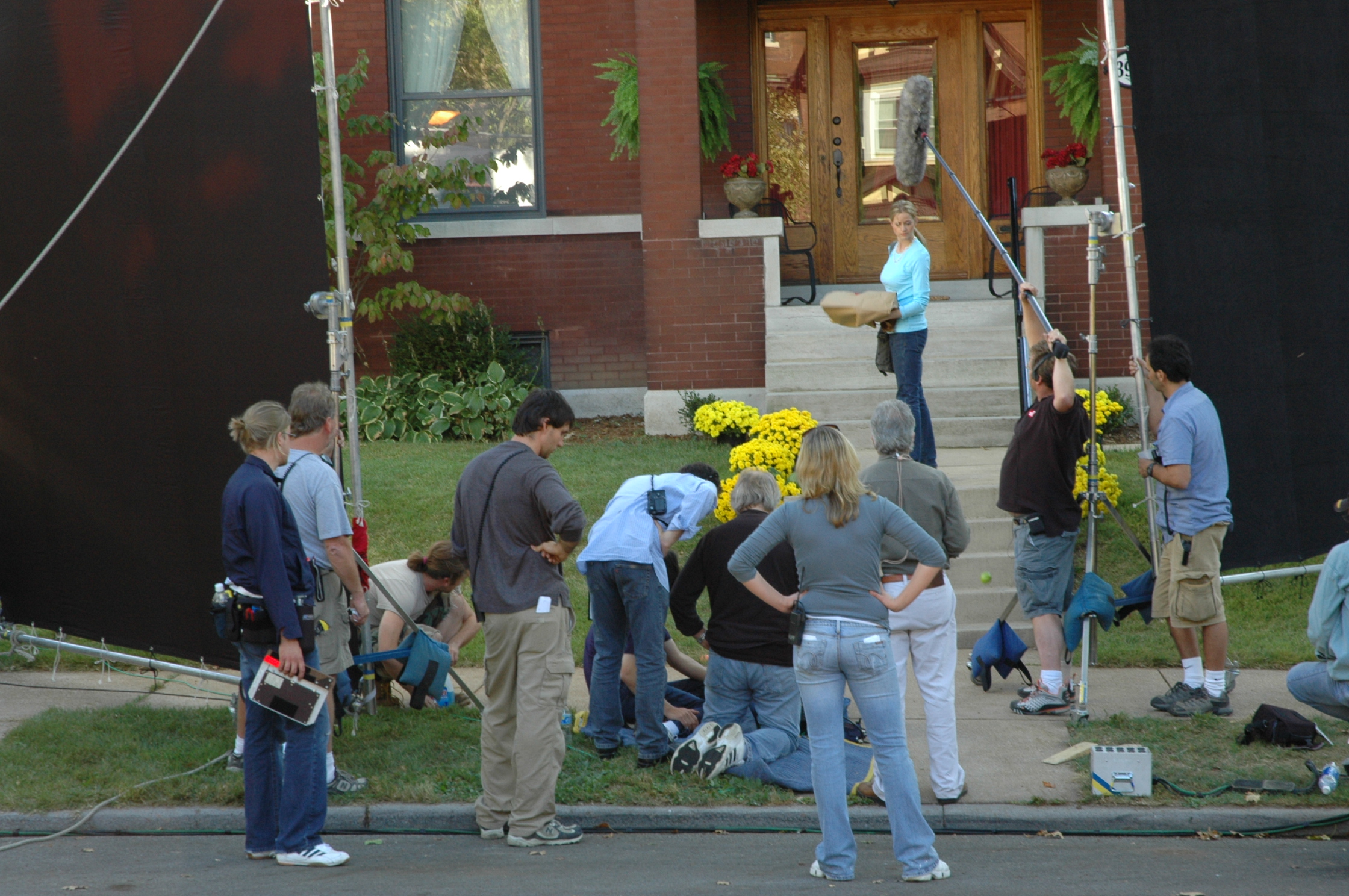
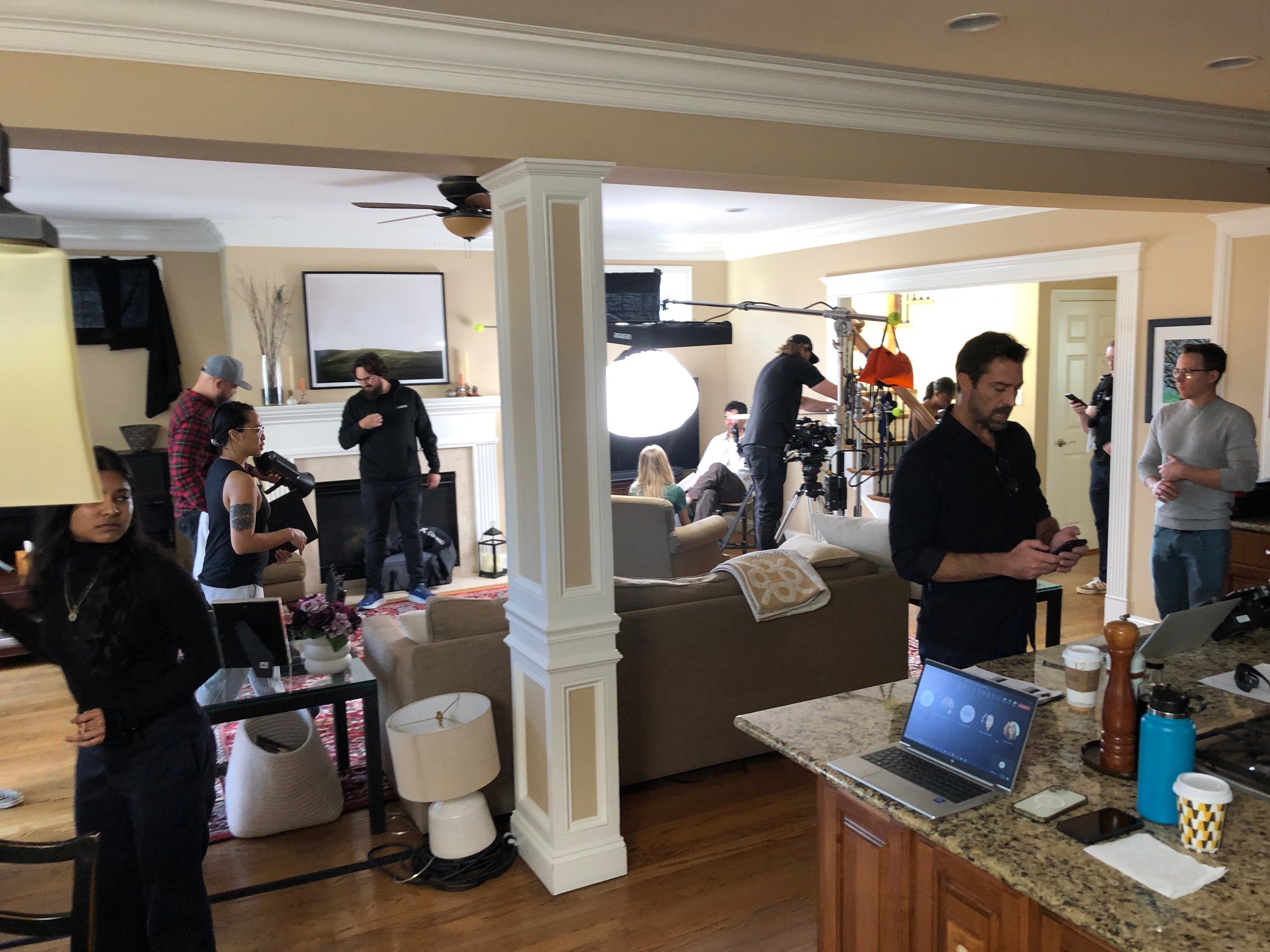
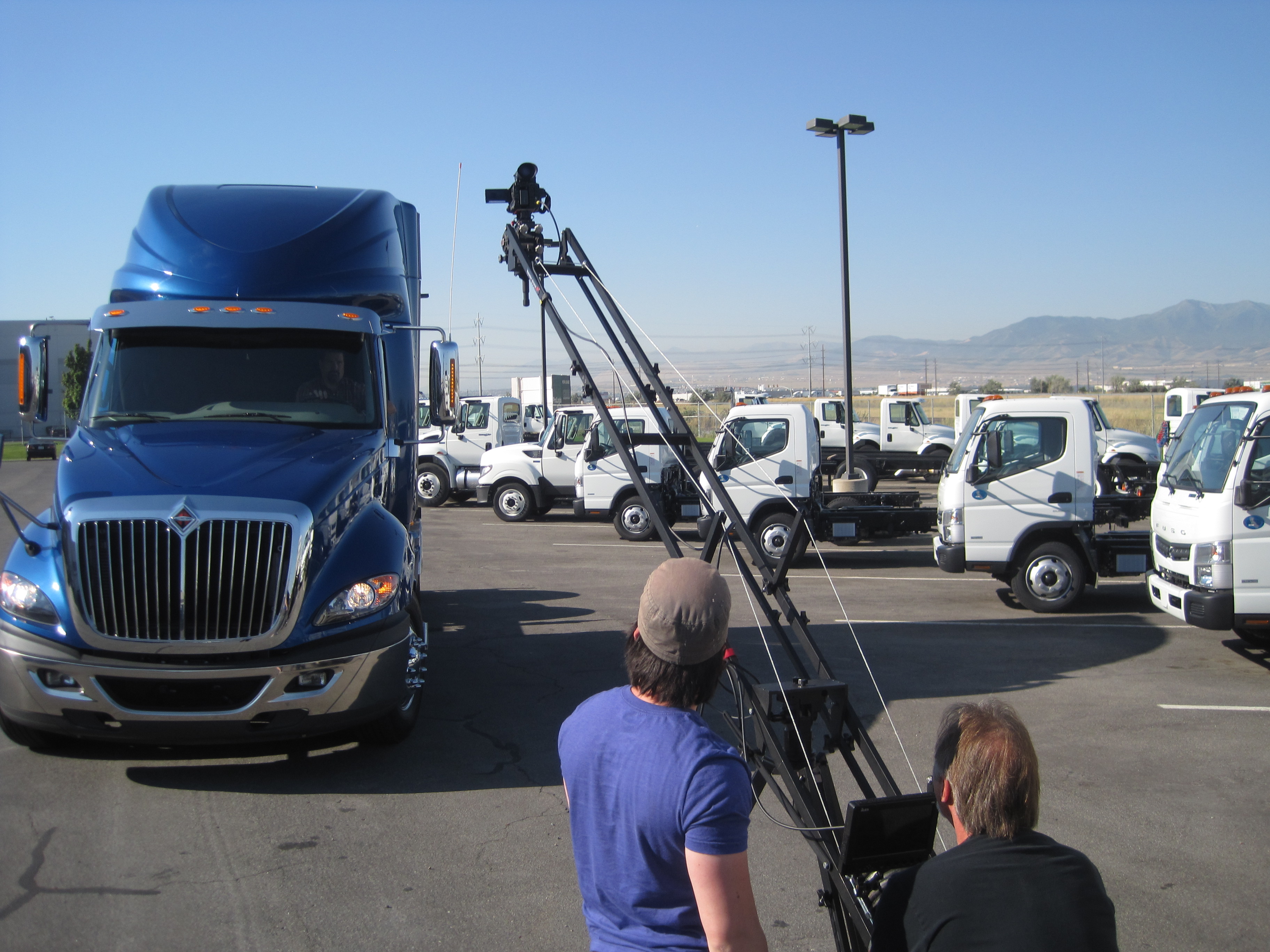
Flexibility in shooting locations can add value to your production. We offer location video and photography services, ensuring that we can capture your project in the best possible setting, whether it’s indoors or outdoors.
9. How Do You Handle Post-Production?
Post-production is where your project comes to life. Our expert editors use the latest software to handle everything from color correction and sound design to special effects and final cut editing, ensuring a seamless and engaging final product.
10. What Makes Your Studio Stand Out?
Choosing the right studio is about more than just services and equipment. At St Louis Video Production Studio, our creative crew, extensive experience, and commitment to excellence set us apart. We’ve worked with many businesses and agencies, delivering high-quality visual content that meets their unique needs.
Why Choose St Louis Video Production Studio?
St Louis Video Production Studio is a full-service professional commercial photography and video production company equipped with the right equipment and creative crew to ensure successful image acquisition. We offer full-service studio and location video and photography, as well as editing, post-production, and licensed drone pilots. Our team can customize productions for diverse media requirements and repurpose your photography and video branding to gain more traction. We are well-versed in all file types and styles of media and accompanying software. Our private studio lighting and visual setup is perfect for small productions and interview scenes, and we have the capacity to incorporate props to round out your set.
From custom interview studio setups to providing sound and camera operators, we have everything to make your next video production perfect. As a full-service video and photography production company, St Louis Video Production Studio has collaborated with numerous businesses, marketing firms, and agencies in the St. Louis area for their corporate photography and video needs. Let us help bring your vision to life with our expertise and dedication to quality.
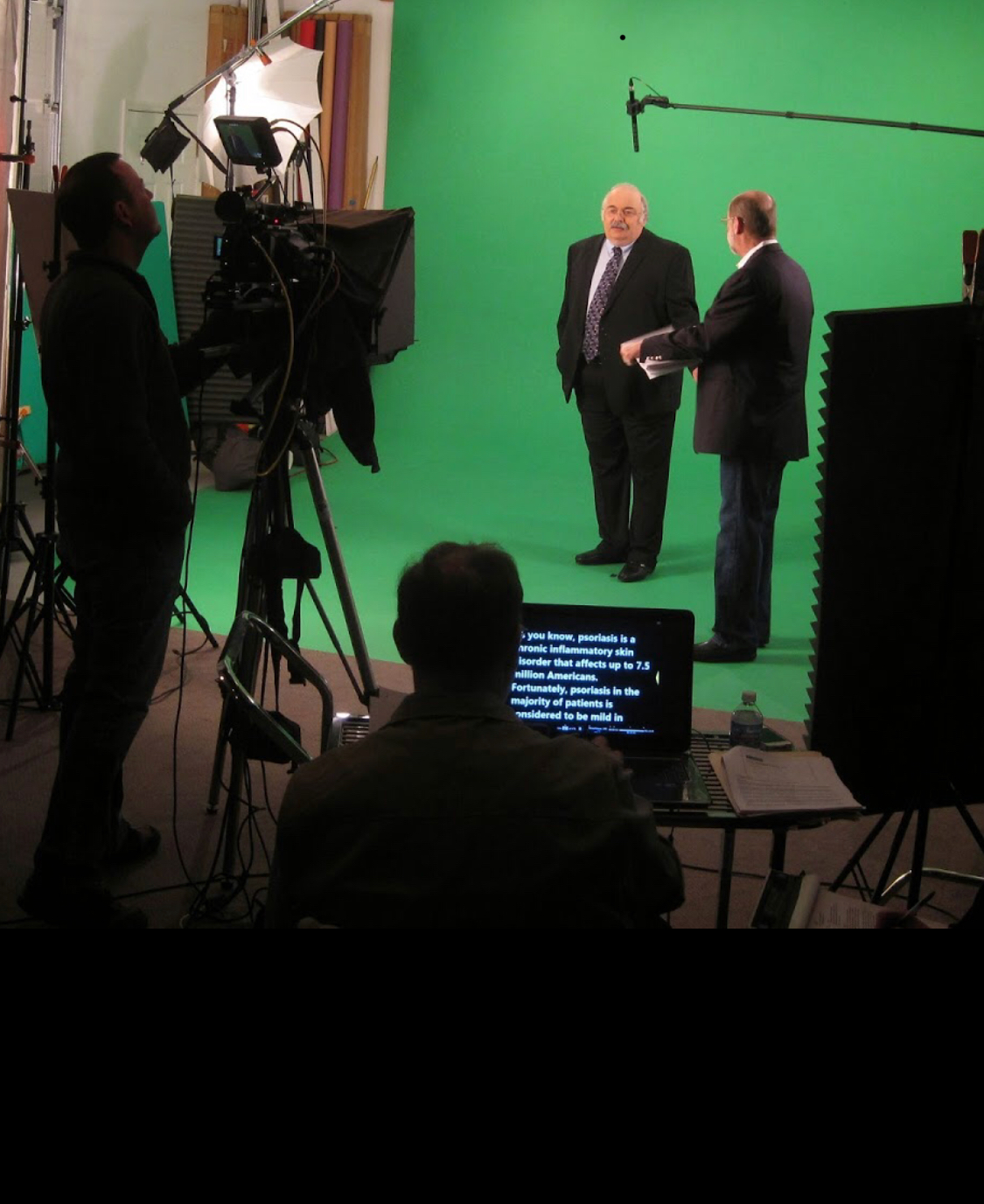
In today’s digital age, visual content reigns supreme in capturing audience attention and conveying your brand’s message effectively. When it comes to representing your company, whether for marketing materials, internal communications, or promotional videos, selecting the right spokesperson is crucial. A video studio interview presents a prime opportunity to showcase your brand’s personality and expertise. Here are some expert tips on organizing your company’s spokesperson for a successful studio interview.
Encourage your spokesperson to listen attentively to the interviewer’s questions before formulating their responses.
1. Identify Your Ideal Spokesperson
Selecting the right spokesperson is paramount. They should embody your brand’s values, have in-depth knowledge about your products or services, and possess excellent communication skills. Consider factors such as charisma, credibility, and relatability when choosing the individual who will represent your company in front of the camera.
2. Conduct Thorough Preparation
Preparation is key to a polished performance. Provide your spokesperson with detailed information about the interview’s purpose, target audience, and key talking points. Encourage them to rehearse their responses but avoid sounding rehearsed. Emphasize the importance of authenticity and genuine engagement with the interviewer and audience.
3. Dress Appropriately
Appearance matters in video interviews. Ensure your spokesperson dresses appropriately for the occasion and aligns with your brand’s image. Opt for professional attire that reflects your company’s culture and values. Avoid distracting patterns or overly casual clothing that may detract from the message.
4. Practice Active Listening
Effective communication involves active listening. Encourage your spokesperson to listen attentively to the interviewer’s questions before formulating their responses. This demonstrates respect and enhances the quality of their answers. Remind them to maintain eye contact with the interviewer and speak clearly and confidently.
5. Manage Body Language
Body language can speak volumes in a video interview. Coach your spokesperson on maintaining open and confident posture throughout the session. Encourage natural gestures that complement their verbal communication. Avoid fidgeting or distracting mannerisms that may detract from their message.
6. Stay Calm Under Pressure
Studio interviews can be nerve-wracking, even for seasoned professionals. Help your spokesperson manage pre-interview jitters by emphasizing the importance of relaxation techniques such as deep breathing or visualization. Remind them to stay calm and composed, even in the face of challenging questions or technical difficulties.
7. Emphasize Key Messaging
Ensure your spokesperson delivers your brand’s key messaging consistently throughout the interview. Highlight the unique value propositions, benefits, and features of your products or services. Encourage storytelling and anecdotes to humanize your brand and resonate with your audience on a deeper level.
8. Review and Reflect
After the interview, take the time to review the footage with your spokesperson. Provide constructive feedback on their performance, focusing on areas of improvement and strengths. Encourage ongoing learning and development to refine their communication skills for future engagements.
By following these tips, you can effectively organize your company’s spokesperson for a video studio interview that leaves a lasting impression on your audience. Remember, preparation, authenticity, and effective communication are the keys to success in front of the camera.
As a full-service video and photography production company, St Louis Video Production Studio has worked with many businesses, marketing firms, and agencies in the St. Louis area for their corporate photography and video. With our expertise in organizing spokespersons for studio interviews, coupled with our state-of-the-art equipment and creative crew, we can help you create compelling visual content that elevates your brand’s presence. Contact us today to discuss your photography and video production needs and discover how we can bring your vision to life.
In today’s fast-paced business world, effective employee onboarding is more critical than ever. It’s not just about getting new hires up to speed but also ensuring that they become integral members of your team as quickly as possible. Traditional onboarding methods, such as lengthy orientation sessions and printed manuals, are becoming outdated and inefficient. That’s where onboarding videos come into play.
Consider creating a leadership and culture video that introduces new hires to the company’s top executives and provides insights into the organization’s values and long-term vision.
As an experienced photographer and videographer at St. Louis Video Production Studio, I’ve witnessed the power of onboarding videos in transforming the way companies train their employees. In this comprehensive guide, I’ll delve into the world of onboarding videos, explaining why they are essential, how to create them effectively, and how to leverage them to streamline your employee training process.
Table of Contents
Why Onboarding Videos Matter
The Benefits of Onboarding Videos
Key Elements of an Effective Onboarding Video
Steps to Create an Outstanding Onboarding Video
Leveraging Onboarding Videos for Different Roles
Measuring the Success of Onboarding Videos
Repurposing Onboarding Videos for Ongoing Training
Choosing the Right Equipment and Crew
Conclusion: St. Louis Video Production Studio – Your Partner in Onboarding Videos
Why Onboarding Videos Matter
Before we dive into the nitty-gritty of creating onboarding videos, let’s understand why they matter. Traditional onboarding processes can be time-consuming and often fail to engage new employees effectively. Onboarding videos, on the other hand, offer a dynamic and engaging way to deliver essential information, making the onboarding experience memorable and informative.
The Benefits of Onboarding Videos
1. Consistency
One of the primary advantages of onboarding videos is consistency. When you have a standardized video that covers essential information, you can be sure that every new hire receives the same message and training. This consistency ensures that no critical information is missed, reducing the risk of misunderstandings or knowledge gaps among employees.
2. Time-Efficiency
Traditional onboarding methods often involve lengthy in-person sessions, which can be time-consuming for both new hires and trainers. Onboarding videos allow new employees to access the required information at their own pace, reducing the time spent on training sessions and freeing up trainers for more strategic tasks.
3. Cost-Effective
Creating onboarding videos may require an initial investment, but they pay off in the long run. Once produced, these videos can be reused for multiple onboarding sessions without incurring additional costs. This cost-effectiveness makes onboarding videos an attractive option for businesses of all sizes.
4. Engagement
Video is a highly engaging medium. By incorporating visuals, animations, and interactive elements into your onboarding videos, you can capture the attention of new employees and ensure they remain engaged throughout the training process. Engaged employees are more likely to retain information and become productive team members sooner.
Key Elements of an Effective Onboarding Video
To create a compelling onboarding video, you need to pay attention to certain key elements:
1. Clear Structure
Start with a clear and logical structure for your video. Begin by introducing your company’s mission, values, and culture. Then, proceed to cover specific topics such as company policies, procedures, and job responsibilities. End with a call to action, encouraging employees to reach out with any questions or concerns.
2. Engaging Content
Use engaging visuals, animations, and real-life scenarios to make your onboarding video interesting and relatable. Storytelling can be a powerful tool to convey important messages and create an emotional connection with new hires.
3. Accessibility
Ensure that your onboarding videos are accessible to all employees, including those with disabilities. Provide closed captions and transcripts for the hearing impaired, and make sure your videos are compatible with screen readers for the visually impaired.
4. Interactivity
Consider incorporating interactive elements into your videos, such as quizzes or knowledge checks. This can help reinforce the information presented and allow employees to test their understanding.
5. Professional Production
Invest in high-quality production to make your onboarding videos look and sound professional. Poorly produced videos can detract from the message and diminish their impact.
Steps to Create an Outstanding Onboarding Video
Now that we’ve covered the key elements, let’s explore the steps to create an outstanding onboarding video:
1. Identify Your Audience
Before you start creating your video, it’s essential to understand your audience. Consider the background, expectations, and preferences of your new hires. Tailor your video content to meet their needs and provide relevant information.
2. Scripting and Storyboarding
Create a detailed script that outlines the content and flow of your video. Consider the pacing, tone, and style that will resonate with your audience. Once you have a script, create a storyboard to visualize the visuals and scenes that will accompany the narration.
3. Production
This is where the expertise of a professional video production studio like St. Louis Video Production Studio comes into play. Ensure that you have the right equipment and crew to shoot high-quality footage. Lighting, sound, and camera work all play crucial roles in producing a visually appealing video.
4. Editing
Editing is where you bring all the elements together. Trim unnecessary footage, add graphics and animations, and incorporate any interactive elements you’ve planned. A well-edited video is key to maintaining engagement and clarity.
5. Testing and Feedback
Before rolling out your onboarding video to all new hires, conduct a pilot test with a small group and gather feedback. Use this feedback to make necessary improvements and ensure that your video effectively conveys the information.
6. Distribution
Once your onboarding video is ready, determine how you’ll distribute it to new hires. You can host it on a secure company portal, share it via a link, or even provide physical copies if needed.
Leveraging Onboarding Videos for Different Roles
Onboarding videos can be customized to cater to various roles within your organization. By tailoring the content to specific job functions, you can make the onboarding experience even more relevant and effective.
1. Department-Specific Videos
Create separate onboarding videos for different departments or teams. This allows you to focus on the specific policies, procedures, and tools that are relevant to each group. For example, the onboarding needs of your sales team may differ significantly from those of your IT department.
2. Role-Specific Videos
Go a step further and create role-specific videos within departments. This ensures that employees in similar positions receive targeted training that directly relates to their job responsibilities. For instance, a customer service representative’s onboarding video may differ from that of a product manager.
3. Leadership and Culture
Consider creating a leadership and culture video that introduces new hires to the company’s top executives and provides insights into the organization’s values and long-term vision. This can help instill a sense of belonging and purpose among employees from day one.
Measuring the Success of Onboarding Videos
To gauge the effectiveness of your onboarding videos, consider the following metrics:
1. Engagement Metrics
Track how many employees complete the onboarding video and how much time they spend watching it. High completion rates and longer viewing times indicate that your video is engaging and informative.
2. Knowledge Retention
Conduct quizzes or assessments after employees have watched the video to test their understanding. Monitor their performance and identify any areas where further training or clarification may be needed.
3. Employee Feedback
Collect feedback from new hires regarding the onboarding video. Ask about its clarity, relevance, and overall effectiveness. Use this feedback to make improvements for future onboarding videos.
Repurposing Onboarding Videos for Ongoing Training
Onboarding videos don’t have to be a one-time investment. You can repurpose them for ongoing training and development. Here are some ways to do that:
1. Refresher Training
As employees progress in their roles, offer refresher training by revisiting key sections of the onboarding video. This can help reinforce important concepts and ensure that employees stay up-to-date with company policies and procedures.
2. New Product or Policy Updates
When your company introduces new products, services, or policies, create short video updates that can be added to the onboarding video library. This keeps employees informed and ensures they are aligned with the latest changes.
3. Advanced Training
Consider creating advanced training modules that build upon the foundational knowledge provided in the onboarding videos. These modules can cater to employees looking to expand their skills and take on more responsibilities.
Choosing the Right Equipment and Crew
As mentioned earlier, professional production quality is crucial for creating effective onboarding videos. At St. Louis Video Production Studio, we understand the importance of the right equipment and an experienced crew. We have the tools and expertise to ensure your onboarding videos are top-notch.
Our studio is equipped with state-of-the-art cameras, lighting setups, and sound recording equipment to capture the highest quality footage. Our experienced videographers and production team have a wealth of knowledge in crafting engaging and informative videos.
Whether you require studio shoots or on-location filming, our team can accommodate your needs. We are well-versed in all file types and styles of media and accompanying software, ensuring your onboarding videos meet the highest standards.
Conclusion: St. Louis Video Production Studio – Your Partner in Onboarding Videos
In conclusion, onboarding videos are a powerful tool for streamlining your employee training process. They offer consistency, engagement, and cost-effectiveness that traditional methods often lack. By following the steps outlined in this guide and leveraging the expertise of a professional video production studio like St. Louis Video Production Studio, you can create outstanding onboarding videos that set your new hires up for success.
As a full-service video and photography production company, St. Louis Video Production Studio has worked with many businesses, marketing firms, and agencies in the St. Louis area for their corporate photography and video. We have the right equipment and creative crew service experience to ensure successful conference documentation and offer full-service studio and location video and photography, as well as editing and post-production. We can customize your productions for diverse types of media requirements and specialize in repurposing your photography and video branding to gain more traction. Trust us to deliver high-quality onboarding videos that make a difference in your employee training process.
Don’t miss out on the benefits of onboarding videos. Contact St. Louis Video Production Studio today to take your employee training to the next level and experience the difference a professional production company can make. Your success is our priority.
Contact us now to get started on creating impactful onboarding videos for your organization.
A well-crafted video can convey your brand message, engage your audience, and drive conversions. However, the key to a successful video lies in the script. Writing a compelling video script is an art that requires careful planning, creativity, and a deep understanding of your business goals. As an experienced corporate videographer at St. Louis Video Production Studio, I’m here to guide you through the process of writing a winning video script that will elevate your small business to the next level.
Consider how your script will translate into visuals and audio. Think about the background music, on-screen graphics, and any actors or spokespersons you plan to use.
Why Is a Video Script Important?
Before diving into the nitty-gritty of scriptwriting, let’s understand why a video script is crucial for your small business.
1. Clarity and Consistency
A well-structured script ensures that your message is clear, concise, and consistent. It helps you avoid rambling or going off-topic, ensuring that your audience stays engaged from start to finish.
2. Storytelling
Great videos tell a story. Your script serves as the backbone of that story, helping you create a narrative that resonates with your viewers on an emotional level. This connection can be a powerful tool for building brand loyalty.
3. Time Efficiency
Time is precious, and you don’t want to waste your viewers’ time with a disorganized video. A script helps you plan the duration of your video, ensuring that you cover all essential points without dragging on.
4. ROI
A well-executed video can provide an excellent return on investment (ROI). A strong script increases the likelihood of your video achieving its intended goals, whether that’s boosting sales, raising brand awareness, or educating your audience.
Steps to Writing an Effective Video Script
Now that you understand the importance of a video script let’s break down the process of creating one for your small business.
1. Define Your Goals and Target Audience
Before you put pen to paper (or fingers to keyboard), it’s crucial to have a clear understanding of what you want to achieve with your video. Are you promoting a new product, explaining a complex process, or simply trying to connect with your audience on a personal level?
Furthermore, identify your target audience. What are their demographics, interests, and pain points? Tailoring your script to your audience ensures that your message resonates with the right people.
2. Craft a Compelling Story
Every great video tells a story. Start by creating a narrative that aligns with your business goals and engages your audience emotionally. Remember, people connect with stories, so try to find a relatable angle that showcases your product or service in a compelling way.
3. Outline Your Video
Begin by outlining the key points you want to cover in your video. This outline will serve as the foundation of your script. Think of it as a roadmap that guides you through the video-making process. Make sure your outline includes:
Introduction: Hook your viewers with a captivating opening that sets the tone for your video.
Problem Statement: Identify the problem your product or service solves.
Solution: Explain how your offering addresses the problem.
Benefits: Highlight the benefits of choosing your product or service.
Call to Action (CTA): Encourage your viewers to take a specific action, such as visiting your website or making a purchase.
Closing: Wrap up your video with a memorable conclusion.
4. Write the Script
Now it’s time to put your words onto paper. When writing your script, keep the following tips in mind:
Conversational Tone: Use a conversational tone to connect with your audience on a personal level. Avoid overly technical jargon or complex language.
Short Sentences: Keep your sentences short and concise to maintain viewer engagement.
Visual Descriptions: Describe any visuals, scenes, or animations that will accompany your script. This ensures that your video aligns with your vision.
Emotional Appeal: Incorporate emotional triggers that resonate with your target audience. Whether it’s humor, empathy, or excitement, emotions can drive viewer engagement.
Revisions: Don’t be afraid to revise and refine your script. Sometimes, it takes multiple drafts to achieve perfection.
5. Focus on Visuals and Audio
While the script is essential, remember that video is a visual medium. Consider how your script will translate into visuals and audio. Think about the background music, on-screen graphics, and any actors or spokespersons you plan to use. All these elements should complement your script and enhance the viewer’s experience.
6. Practice and Rehearse
Once you have a finalized script, practice delivering it. If you’re not comfortable in front of the camera, consider hiring a professional spokesperson. The delivery of your script is just as important as the content itself.
7. Shoot and Edit Your Video
Now that your script is ready, it’s time to bring your video to life. Depending on your budget and resources, you can shoot your video with a smartphone or hire a professional videographer like St. Louis Video Production Studio to ensure the highest quality production.
During the editing process, ensure that your script aligns seamlessly with the visuals and audio. Pay attention to pacing and timing to keep the viewer engaged.
8. Optimize for SEO
If you plan to publish your video online, optimize it for search engines (SEO). This includes using relevant keywords in your video title, description, and tags. SEO optimization can help your video reach a broader audience and improve its visibility on platforms like YouTube.
Examples of Effective Video Scripts
To further illustrate the principles of scriptwriting, let’s take a look at a few examples of effective video scripts:
1. Explainer Video
Introduction: “Are you tired of spending hours searching for the perfect gift? We understand the struggle. That’s why we created GiftFinder, the ultimate gift recommendation app.”
Problem Statement: “Finding the right gift can be overwhelming and time-consuming. You often end up with generic presents that don’t truly capture the recipient’s personality and preferences.”
Solution: “With GiftFinder, we take the guesswork out of gifting. Our algorithm analyzes the recipient’s interests, hobbies, and past preferences to recommend personalized gift ideas.”
Benefits:
“Save time and stress.”
“Impress your loved ones with thoughtful gifts.”
“Never give a generic present again.”
CTA: “Download GiftFinder today and make every gift count!”
Closing: “Join thousands of happy customers who have discovered the joy of stress-free gifting with GiftFinder.”
2. Product Demo Video
Introduction: “Introducing the all-new SuperClean Vacuum—your ultimate cleaning companion.”
Problem Statement: “Traditional vacuums struggle with deep cleaning, leaving behind dirt and allergens.”
Solution: “SuperClean Vacuum uses advanced technology to deep clean carpets, hardwood floors, and even upholstery, ensuring a healthier and cleaner home.”
Benefits:
“Breathe easier with reduced allergens.”
“Save time and effort with powerful cleaning.”
“Enjoy a cleaner and healthier living space.”
CTA: “Upgrade your cleaning routine with the SuperClean Vacuum today!”
Closing: “Experience the difference with SuperClean Vacuum—the future of home cleaning.”
Conclusion
Writing an effective video script for your small business is a vital step in creating compelling and engaging video content. Remember to define your goals, connect with your target audience through storytelling, and pay attention to visuals and audio to ensure your script comes to life seamlessly.
As a full-service video production company, St. Louis Video Production Studio has worked with many businesses and agencies in the St. Louis area for their corporate photography and video. Our extensive experience, state-of-the-art equipment, and creative crew are here to help you bring your video script to life. Whether you need studio or location video and photography, editing, or post-production services, we have the expertise to customize your production to meet diverse media requirements. Repurposing your branding for greater traction is another one of our specialties. We are well-versed in all file types and styles of media, along with the accompanying software tools to deliver successful video productions that drive results.
Don’t underestimate the power of a well-crafted video script. It’s the foundation of a successful video marketing campaign that can elevate your small business and help you achieve your goals. Contact St. Louis Video Production Studio today to discuss how we can bring your vision to life and create a video that captivates your audience and drives results. Your business deserves the best, and we’re here to deliver it.
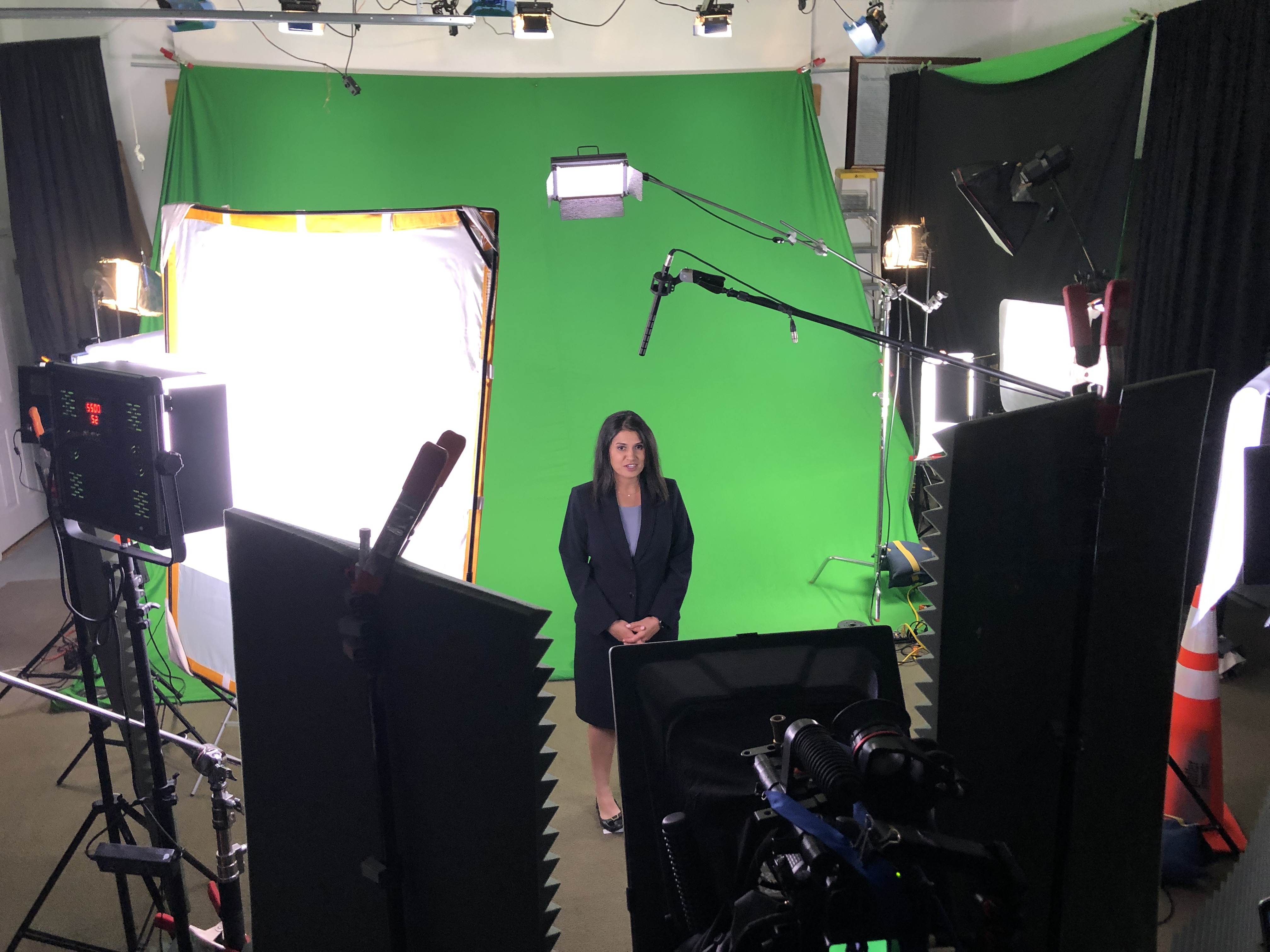
In the world of video production, interviews are a fundamental tool for conveying information, sharing stories, and connecting with your audience. Whether you’re creating corporate videos, documentaries, promotional content, or any other type of video project, interviews are often a key component. As an experienced video director at St Louis Video Production Studio, I’ve had the privilege of working on numerous interview shoots, both in our studio and on location. In this comprehensive guide, I’ll share insights and best practices to help you optimize your video production workflow for seamless interview shoots in the studio.
Acoustics: Pay attention to the studio’s acoustics to minimize echo and background noise. Our studio is designed to provide excellent sound quality.
The Importance of a Well-Planned Interview Shoot
Before we dive into the nitty-gritty details of optimizing your interview shoot, it’s crucial to understand why interviews are such a powerful tool in video production. Interviews offer several advantages:
Human Connection: Interviews allow you to put a face and voice to your message, creating a human connection with your audience.
Expertise Showcase: They provide an opportunity to showcase the expertise and insights of your interviewees, which can enhance the credibility of your content.
Storytelling: Interviews are a fantastic way to tell stories, share experiences, and evoke emotions, making your content more engaging.
Information Delivery: They are an effective means of delivering information, whether it’s explaining a complex concept or promoting a product or service.
Setting the Stage: Studio Selection and Setup
1. Choose the Right Studio Space
The first step in optimizing your interview shoot is selecting the right studio space. At St Louis Video Production Studio, we offer a full-service studio equipped with the latest technology. When choosing a studio, consider the following factors:
Size: Ensure that the studio can comfortably accommodate your crew, equipment, and interviewees.
Acoustics: Pay attention to the studio’s acoustics to minimize echo and background noise. Our studio is designed to provide excellent sound quality.
Lighting: Opt for a studio with adjustable lighting options to create the desired ambiance and highlight your interviewees effectively.
2. Set Up the Equipment
The success of your interview shoot greatly depends on the equipment you use. At St Louis Video Production Studio, we take pride in our state-of-the-art equipment, which includes high-quality cameras, microphones, and lighting. Here’s a checklist for setting up your equipment:
Cameras: Use professional cameras that can capture high-resolution video. Ensure they are mounted on stable tripods for steady shots.
Microphones: Invest in quality microphones to capture clear and crisp audio. Lavalier microphones or shotgun microphones are popular choices for interviews.
Lighting: Proper lighting is essential for a polished look. Set up softbox lights or LED panels to illuminate your interviewees evenly and eliminate harsh shadows.
Backdrop: Choose an appropriate backdrop or set design that complements your brand or message. At St Louis Video Production Studio, we offer customizable backdrops to suit your needs.
Crafting a Flawless Interview
3. Pre-Production Preparation
Before the interview shoot, thorough pre-production planning is essential. This includes:
Script and Questions: Prepare a script or a list of interview questions in advance. This helps guide the conversation and ensures you cover all the necessary topics.
Release Forms: If you plan to use the interview footage for commercial purposes, ensure you have signed release forms from your interviewees.
Scheduling: Coordinate the schedule with your interviewees and crew to avoid any conflicts or delays.
4. Conducting the Interview
During the interview itself, consider the following tips:
Put Interviewees at Ease: Create a comfortable and relaxed environment for your interviewees. This will help them open up and deliver more natural responses.
Eye Contact: Maintain eye contact with the interviewee to establish a connection. If you have a host or interviewer, make sure they do the same.
Active Listening: Listen actively to the responses and ask follow-up questions to delve deeper into interesting points.
Take Multiple Shots: Capture multiple takes of key responses to ensure you have options during the editing phase.
Enhancing Post-Production
5. Post-Production Editing
The post-production phase is where your interview shoot truly comes together. St Louis Video Production Studio specializes in post-production editing and offers a range of services:
Video Editing: Our skilled editors can assemble your interview footage into a compelling narrative, ensuring smooth transitions and visual coherence.
Audio Enhancement: We use advanced audio editing tools to clean up the audio, remove background noise, and enhance clarity.
Graphics and Visual Effects: If needed, we can add graphics, animations, and visual effects to make your interview more engaging.
Color Correction: Our team can ensure consistent and professional color grading for a polished look.
6. Repurposing Your Content
One of the strengths of St Louis Video Production Studio is our ability to repurpose your interview content for different platforms and purposes. Here are some ways you can leverage your interview footage:
Social Media: Create short clips or teasers from the interview to share on social media platforms and engage your audience.
Website: Feature the full interview or key excerpts on your website to provide valuable content for visitors.
Email Marketing: Use snippets of the interview in email marketing campaigns to grab the attention of your subscribers.
Webinars and Workshops: Transform interviews into educational webinars or workshops to further showcase your expertise.
St Louis Video Production Studio: Your Full-Service Video Partner
As a full-service video creation company, St Louis Video Production Studio has worked with many businesses in the St. Louis area to create some rather remarkable marketing tools. Our experienced videographers and producers are dedicated to creating impactful studio images that captivate your audience.
From studio interviews to on-location shoots, we have the right equipment and crew to handle all your video production needs. Our extensive experience allows us to customize video productions for diverse creative requirements, ensuring that your message resonates effectively with your target audience.
We are well-versed in all file types and styles of media, guaranteeing a seamless workflow from shooting to editing and distribution. When you choose St Louis Video Production Studio, you’re choosing a partner committed to excellence in video production and post-production.
If you’re ready to take your video marketing to the next level, contact us today to discuss your project. Let us show you how we can turn your vision into a powerful video that leaves a lasting impression.
Contact St Louis Video Production Studio today to elevate your video production game!
At St Louis Video Production Studio, we have a rich history of delivering exceptional video production and post-production services to businesses and organizations in the St. Louis area. Our team of experienced professionals, combined with top-of-the-line equipment, ensures that every project is executed to perfection. Whether you need studio interviews, location shoots, or photography services, we have the expertise and resources to exceed your expectations. Don’t miss the opportunity to partner with a full-service video production company that can help you create impactful marketing communications. Contact us today, and let’s bring your vision to life!
In the ever-evolving landscape of business events and expos, the advent of digital technology has ushered in a new era – one where trade shows and expos have gone virtual. With the rise of virtual expo streaming, businesses have been presented with exciting opportunities to connect with their target audience, showcase their products and services, and forge valuable connections, all without the need for a physical presence. As an experienced videographer at St. Louis Video Production Studio and Photography, I’m here to delve into the world of virtual expo streaming, explore its benefits, and shed light on how our company can play a crucial role in making your virtual expo a resounding success.
Virtual expo platforms offer extensive customization options, allowing businesses to create a branded and immersive experience for attendees.
The Virtual Expo Revolution
Traditionally, trade shows and expos have been physical gatherings where businesses set up booths, display their offerings, and engage with potential clients and partners. These events were pivotal for networking, lead generation, and brand exposure. However, with the rapid advancement of technology and the global shifts brought about by events like the COVID-19 pandemic, the concept of the virtual expo has gained immense popularity.
What Is Virtual Expo Streaming?
Virtual expo streaming refers to the practice of hosting a trade show or expo online, allowing attendees to access the event remotely through their computers, tablets, or smartphones. This digital format encompasses a wide range of elements, including virtual booths, live webinars, networking opportunities, and more.
The Benefits of Virtual Expo Streaming
As businesses adapt to the digital age, virtual expo streaming offers a multitude of benefits that make it an attractive alternative to traditional in-person events. Let’s explore these advantages in detail:
1. Global Reach
One of the most significant advantages of virtual expo streaming is the ability to reach a global audience. Unlike physical events that are often limited to a specific geographical location, virtual expos can be accessed by participants from around the world. This expanded reach opens up new markets and opportunities for businesses to connect with potential clients and partners they might not have reached otherwise.
2. Cost-Effective
Hosting a physical trade show or expo can be prohibitively expensive. From renting a venue and setting up booths to logistics and travel expenses, the costs can add up quickly. Virtual expo streaming eliminates many of these costs, making it a cost-effective option for businesses of all sizes. This means more budget can be allocated to other crucial aspects of your marketing strategy.
3. Convenience
Attending a virtual expo is incredibly convenient for both exhibitors and attendees. There’s no need to travel, book accommodations, or spend hours on the road. Participants can access the event from the comfort of their homes or offices, allowing them to manage their time more efficiently and participate in the event without the hassle of physical attendance.
4. Analytics and Data Insights
In the digital realm, tracking and analyzing attendee behavior is considerably easier. Virtual expo platforms offer robust analytics tools that provide insights into attendee engagement, booth visits, content consumption, and more. This valuable data can help businesses refine their marketing strategies and tailor their offerings to meet the needs of their target audience.
5. Reduced Environmental Impact
With sustainability becoming a growing concern, virtual expos offer a more eco-friendly alternative to traditional events. By eliminating the need for physical travel, booth construction, and printed materials, businesses can significantly reduce their carbon footprint.
6. Extended Event Duration
Virtual expos can be extended over a longer period, providing exhibitors with more time to engage with attendees. This extended duration allows for deeper connections and more meaningful interactions, enhancing the overall value of the event.
7. Greater Accessibility
Virtual expos are more accessible to individuals with disabilities. Features such as closed captioning, screen readers, and adjustable font sizes ensure that all participants can fully engage with the content and make the event more inclusive.
8. Customization and Branding
Virtual expo platforms offer extensive customization options, allowing businesses to create a branded and immersive experience for attendees. From booth designs to multimedia content, you have full control over how your brand is presented.
9. Networking Opportunities
While it may seem counterintuitive, virtual expos provide excellent networking opportunities. Attendees can connect with exhibitors, sponsors, and other participants through chat, video calls, and even virtual lounges. These interactions can lead to valuable business relationships.
10. Reduced Health Risks
Especially relevant in the post-pandemic world, virtual expo streaming eliminates health risks associated with large gatherings. Participants can engage in the event without worrying about potential exposure to illness.
How St. Louis Video Production Studio and Photography Can Elevate Your Virtual Expo Streaming
As a full-service video production company based in St. Louis, we are well-equipped to take your virtual expo streaming to the next level. Our extensive experience and state-of-the-art equipment ensure that your event will be a resounding success. Here’s how we can help:
1. High-Quality Video Production
At St. Louis Video Production Studio and Photography, we specialize in producing high-quality videos that captivate and engage your audience. Whether you need promotional videos, product demonstrations, or live streams, our team of experienced videographers and editors can deliver outstanding content that enhances your virtual expo.
2. Full-Service Studio and Location Production
We offer both studio and location video production services, giving you the flexibility to choose the setting that best suits your brand and message. Our studio is equipped with top-notch lighting, audio, and camera equipment, while our location production team can capture the essence of your business in diverse environments.
3. Customization and Branding
We understand the importance of branding in virtual expo streaming. Our team can work closely with you to customize all aspects of your video productions, ensuring that your brand identity shines through in every piece of content we create.
4. Streaming Video Recordings and Editing
We have the expertise to handle all aspects of streaming video recordings and editing. Whether you’re live-streaming your event or prerecording content, we’ll ensure that the final product is polished, professional, and perfectly suited for your virtual expo.
5. Extensive Equipment and Experience for Tradeshows
Our company is equipped with a wide range of production equipment to meet the unique demands of virtual expos. From multi-camera setups to professional lighting and audio equipment, we have the tools needed to deliver exceptional video content.
6. Proven Track Record
St. Louis Video Production Studio and Photography has a proven track record of working with businesses in the St. Louis area to create streaming videos that achieve their goals. Our portfolio showcases our versatility and ability to produce content across various industries.
7. End-to-End Support
We offer end-to-end support throughout the video production process, from concept development to post-production and distribution. Our team is committed to ensuring your virtual expo streaming experience is seamless and successful.
Conclusion
Virtual expo streaming has emerged as a game-changer for businesses looking to connect with their audience in the digital age. With benefits like global reach, cost-effectiveness, and convenience, it’s no wonder that more businesses are embracing this trend. St. Louis Video Production Studio and Photography, as a full-service video production company, is your ideal partner in harnessing the power of virtual expo streaming.
If you’re planning a virtual expo and want to make it a memorable and impactful event, look no further. Our team of experienced professionals is ready to collaborate with you to create engaging, customized video content that will elevate your virtual expo streaming experience. Contact us today to learn more about how we can bring your vision to life.
Contact us now and let’s take your virtual expo streaming to the next level. Your success is our priority.
Putting money in meaningful video content can be a useful tool for growing employee engagement and sticking around – here’s how it works!
Corporate event videos are essential for strong relationships between employees and the company.
Introduction
The use of corporate event videos is becoming more popular. Capturing footage of meetings, seminars and award ceremonies, businesses can make a lasting impression on their employees. It can help build loyalty and team cohesion. The videos also provide an ongoing resource to inspire and motivate employees.
A well-constructed corporate event video should show the energy and enthusiasm of the event. It should represent the business’s values and mission. Event videos are great for connecting with employees. They can be used for onboarding, training or simply as entertainment. Done properly, these videos can foster positive connections and greater employee engagement and loyalty.
Benefits of Using Corporate Event Videos
The advantages of corporate event videos are many. From boosting employee morale and engagement to improving recruitment and retention, video content captures events and emotions far better than live events. Capturing your company’s celebrations, triumphs, and culture on video can have a lasting impact on engagement levels. Here are some of the benefits:
-Strengthened Company Culture: When the event is captured on video, it’s easier to show values like collaboration and creativity. Viewers can get an understanding of the work culture when employees share footage with family and friends.
-Team Recognition: Awards ceremonies or any other recognition program are more impactful when recorded on video. Affirmations from upper management or CEO can be public through event videos, making sure high performers are acknowledged.
-Improved Employee Engagement: Corporate event videos can be used to give employees a window into activities in their establishment. Whether it be training, development programs, or special occasions, sharing these events organically fosters engagement and collective goals.
How to Create Engaging Corporate Event Videos
Creating effective corporate event videos can help with employee engagement and retention. Capture the energy of the event, key speeches and moments to create a powerful message. As a company, you should use this as an effective internal communication tool.
Edit carefully to retain viewer interest. Keep it short (1-3 minutes) for short attention spans. Use an aesthetically pleasing color palette, captivating music and inspiring words for emotional impact.
This could increase employee satisfaction, productivity levels and retention. It may also enhance brand presence when shared externally!
Strategies to Maximize Employee Engagement with Corporate Event Videos
Employees benefit from corporate event videos, like better engagement and loyalty. Employers should make strategies to use videos to get these results. Here are 3 strategies to try:
1. Promote company culture. Corporate event videos show employees the values, vision and aspirations of the organization. Invite employees to share their stories through video content, so everyone can understand each other better.
2. Innovate learning. Offer employees interactive resources, like quizzes and surveys, to stay engaged in their growth. Ditch the lecture-style video content.
3. Strengthen relationships. People are more productive when they build relationships with colleagues. Employ video conferencing and screencasts to help foster collaboration among co-workers.
How to Use Corporate Event Videos to Retain Employees
Corporate events such as holiday parties, team off-sites, and employee appreciation days are great for fostering camaraderie. Capturing them on video keeps those good vibes going! Companies can use the footage for newsletters, social media, or intranets to boost employee engagement and morale. Well-crafted corporate event videos can even increase retention.
Making a corporate event video isn’t as easy as pointing and shooting. You need to plan and have the right equipment. Experienced personnel should handle all aspects of production for best results. Post-production shouldn’t be neglected either. Editing together b-roll footage with archival clips makes for an engaging viewing experience.
Using corporate event videos is a great way for businesses to create positive experiences and maintain morale. With proper filming and post-production stages, companies can make sure their videos look good and showcase their values – helping them retain quality staff.
Tips for Improving Employee Retention Through Corporate Events
Promote corporate events widely to boost employee retention rates. Strategically plan the event & ensure that it has an overall purpose. Hire a professional videographer to capture quality video. Edit the video to focus on success & highlight awards. Follow up with attendees & share the video online. This will help keep everyone engaged & inspire conversations about next year’s event!
Best Practices for Utilizing Corporate Event Videos
Using videos to promote corporate events is a great way to get employees more engaged. It allows them to experience events first-hand. Here are some tips on how to use corporate event videos to support your business goals:
1. Provide info about the event: Create clips to explain what people should expect. Promote the event before it happens and create clips for those who can’t make it.
2. Showcase pics and memorable moments: Include images from the event so viewers can really get a sense of what it was like. Highlight moments you want people to remember.
3. Include info about your company: Interview staff and executives to show how your company is making a difference.
4. Make videos accessible for employees: Make sure all team members, including virtual employees, have access to the content. Create short snippets for social media that can be easily shared.
5. Gauge employee engagement levels: Use surveys and polls after featuring an event video. Address any areas for improvement.
Conclusion
So, we can see that corporate event videos are essential for strong relationships between employees and the company. They can engage and excite the team by showcasing successes and celebrations. This can build a culture of unity and motivation, aiding employee retention.
Planning an event with video in mind is not easy. But with good planning, a communications strategy and the right production team, you can capture authenticity and emotion with your post-event video. This is the best way to increase employee engagement, as it promotes emotion connections with each team member.
Rob Haller 314-604-6544 saintlouismostudios@gmail.com
Crafting Brand Testimonials with Emotion and Honesty: A Guide to Creating Meaningful Videos in Your Production Studio.
Testimonials are one of the most powerful tools for marketing, providing valuable insight into how customers feel about a product or service. But crafting a compelling, honest, and emotional video testimonial can be a challenge. Creating meaningful video testimonials in your production studio is a great way to engage and authentically portray your brand story. With this guide, you’ll learn the best practices for crafting a powerful video testimonial that resonates with your target audience. From exploring the right creative elements to using storytelling techniques, this guide will help you create a video testimonial that captures the emotion and honesty behind your brand. Whether you’re a first-time video producer or a seasoned professional, this guide will provide you with the tools you need to make a truly memorable video experience for your customers.
Benefits of Video Testimonials
Before we begin discussing the best practices for creating meaningful video testimonials, let’s first examine the benefits of video testimonials. Video testimonials provide a more immersive experience for the viewer, which can help you better connect with your audience. They can also be a particularly effective way to engage customers who may be skeptical or unfamiliar with your brand. Customers are likely to be more receptive to a video testimonial from a “real person” than they would be to a testimonial from your brand’s CEO. With video testimonials, you can also reduce the impact of any cognitive dissonance that your customers may feel as a result of the “fake” nature of traditional testimonial videos. Video testimonials can be particularly valuable if your brand is new or unfamiliar to potential customers. They can also be a great way to respond to negative reviews from customers who had a less-than-positive experience with your business. Video testimonials can also help you avoid being charged with false advertising. If you rely on certain claims about your product, for example, a certain weight loss promise, you may be held liable for false advertising if you fail to deliver on your promises. A video testimonial can be a great legal defense against false advertising claims. Video testimonials are also particularly effective at helping your customers connect to your brand story. This can be especially useful if your business is selling a product that comes with a difficult or complicated story behind it, like medical equipment. With video testimonials, customers can see the impact your product has had on other people’s lives, which can help them understand why they need it as well.
Creative Considerations for Video Testimonials
Now that we’ve explored some of the benefits of video testimonials, let’s discuss the creative considerations for creating a compelling video testimonial. First, it’s important to select the right person to film a video testimonial. Ideally, you’ll want to select someone who has used or interacted with your product or service. Ideally, they’ll have either a positive or negative experience with it. This way, they’ll be able to more authentically convey their feelings about the product. Next, you’ll want to choose the proper setting for your video testimonial. It’s important to create an environment that will be most conducive to your customer feeling relaxed and comfortable. The last thing you want is for your customer to be stressed out while filming their testimonial. You should also select the proper lighting for the setting. Natural lighting is usually best for creating a relaxed and comfortable setting for your customer. Finally, you should select the proper camera for your video testimonial. Ideally, you’ll want to select a camera that’s easy to use and will help your customer feel as comfortable as possible while filming. You should also make sure that your camera can film in HD so you can create a high-quality video testimonial in your production studio.
Crafting Your Video Testimonial Script
Now that you’ve selected the right creative elements for your video testimonial, you’ll want to begin crafting your script. For starters, you’ll want to begin by establishing the right tone for your video testimonial. While you want to be authentic and honest in your video, you don’t want to come across as being unprofessional. It’s best to use a conversational, friendly tone. Then, you’ll want to outline the story that you want your customer to tell. While your video testimonial doesn’t have to be a full-blown story, it should have a beginning, middle, and end. It should also be short and concise, lasting no longer than three minutes. Now that you’ve outlined your story, you can begin writing your script. Paper is a great way to start, especially if you’re not an experienced writer. Once you have a script you’re happy with, you can move onto the next step.
Select the proper camera for your video testimonial, you’ll want to select a camera that’s easy to use and will help your customer feel as comfortable as possible.
Using Storytelling Techniques in Your Video Testimonial
Once you’ve crafted your script, you’ll want to begin using storytelling techniques to make your video testimonial even more compelling. First, you’ll want to hook your audience as quickly as possible, which is why it’s best to start your video testimonial with a hook. You can start off by having your customer introduce themselves. Then, ask them to describe their experience with your product or service. You can also ask them what their goals or motivations are. Then, you’ll want to introduce a problem. What problem does your customer encounter? What’s their struggle? How do they feel about their struggle? This is where you’ll want to begin talking about your product or service. How does it solve their problem? How does it address their struggle? This is where you’ll want to transition into a call to action.
Capturing Authenticity and Emotion in Your Video Testimonial
Now that you’ve used storytelling techniques to create a compelling video testimonial, you’ll want to make sure that your video is authentic and honest. Start by making sure that your customer is comfortable and relaxed. Make sure that their environment is conducive to them feeling relaxed. Next, you’ll want to make sure that your customer is authentic in their video testimonial. You can do this by asking your customer questions such as “What do you like about our product/service?”, and “What does our product/service do for you?” You can also ask your customer to share personal stories that are relevant to your product/service. Finally, make sure that your video testimonial is honest. You can do this by making sure that your customer doesn’t overstate their feelings about your product or service. You don’t want to come across as being dishonest in any way.
Editing and Finalizing Your Video Testimonial
Once you’ve finished filming your video testimonial, you’ll want to begin editing it. The first thing you’ll want to do is trim the fluff. Get to the point as quickly as possible. You don’t want your video testimonial to drag on. Next, you’ll want to add relevant B-roll. B-roll is supplementary footage that you add to your video testimonial. It’s an excellent way to break up the monotony of a static video. You can use B-roll to show your customer using your product, talking about their experience, etc. Finally, you’ll want to add relevant sound effects and music to your video testimonial. Choose music that is appropriate for your video testimonial, as well as sound effects that convey the emotion and topic of your video.
Distributing Your Video Testimonial
Now that you’ve finished filming and editing your video testimonial, you’ll want to get it distributed. You can post your video testimonial on your website, as well as on social media. You can also reach out to publications that cover topics related to your business and see if they’d be interested in publishing your video testimonial. You can also submit your video testimonial to review websites and apps, such as Trustpilot and Trustlink, as well as other customer review websites. Finally, you can also consider hosting a launch party. During a launch party, you can show your video testimonial and host a Q&A session. This is an excellent way to connect with your customers, as well as build excitement for your product or service.
Rob Haller 314-604-6544 saintlouismostudios@gmail.com
Video is the fastest-growing content type on the internet, and for good reason. It’s an incredibly effective way to connect with your audience in an authentic and memorable way. Studies show that video content gets more views, shares, and likes than almost any other type of content. Our services include: Script to Screen Production – Video Script Writing, Location Scouting, casting, Videographer & Video Editors & production team management – Shoot days (interview days), Film days (non-interview days) and Edit days. We also offer a range of post-production services such as; Video Color Grading, Audio Mixing & {Final Cut Pro X} . If you are looking for a complete end to end video production service then you have come to the right place!
Pre-production: What is it?
Pre-production is the phase of the video production process where the creative and logistical decisions about the video are made. These decisions include the script, the locations, the props, the crew, and the schedule for the whole production process. Pre-production is crucial because it determines the outcome of the whole video production. If a client has a limited budget and you want to make a 4K video, you should suggest a creative idea that can be shot with the available budget. When a company wants to create a video, it should have a plan of what it wants to say and how it wants to say it. The key to a successful video production is planning. You must have a clear idea of what you want to achieve, and how you are going to do it.
Production: What is it?
Production is the phase of the video production process where the video is shot. It starts with a creative brief and ends with the client review. During production, the client can provide creative feedback to the crew and the creative brief can be modified if needed. During the production phase, a team of videographers, camera assistants, grips, and the client visit the locations of the video to scout, shoot, and record the video. During production, the video needs to be shot in the right order. For example, if the client wants a shot of the CEO in front of the office, the videographer should shoot it last because the office needs to be cleared and ready for the interview.
Post-production: What is it?
Post-production is the phase of the video production process in which the raw footage is edited into a final video. Editing is the most important phase of video production. It can make or break a video. During post-production, a creative editor assembles the raw footage and the audio recorded during production into the final video. Post-production involves:
Video Script Writing
The first step in the pre-production phase is writing a script. A script is the creative brief of the video and helps everyone involved in the video production process, from the videographer to the creative editor, understand the message of the video and know what to do. The script for a video is like an elevator pitch. It should be short, sweet, and to the point. The script for a video can be different depending on the type of video you want to make. There are many types of videos, including explainer videos, corporate videos, webinars, interviews, podcasts, and product reviews.
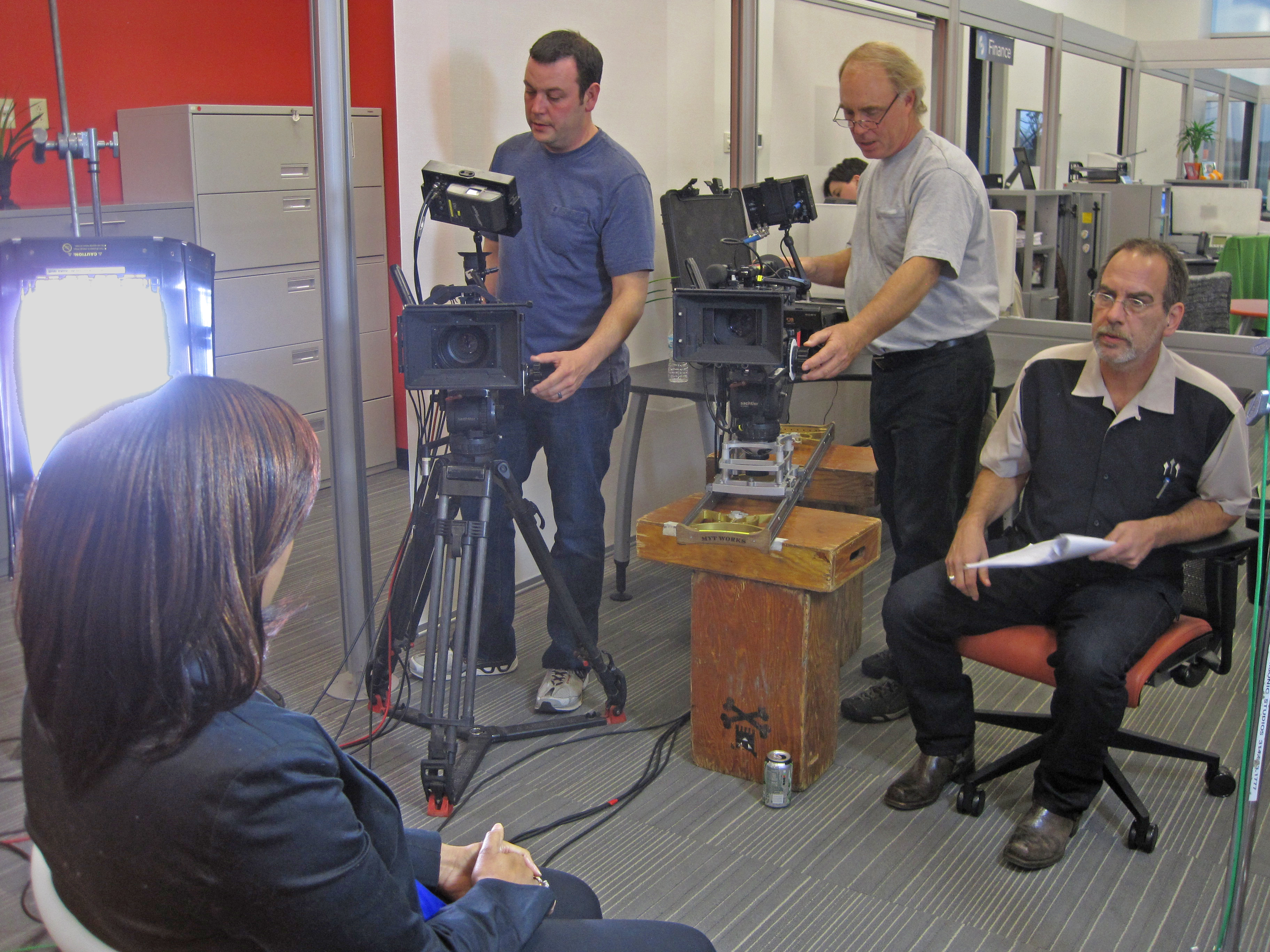
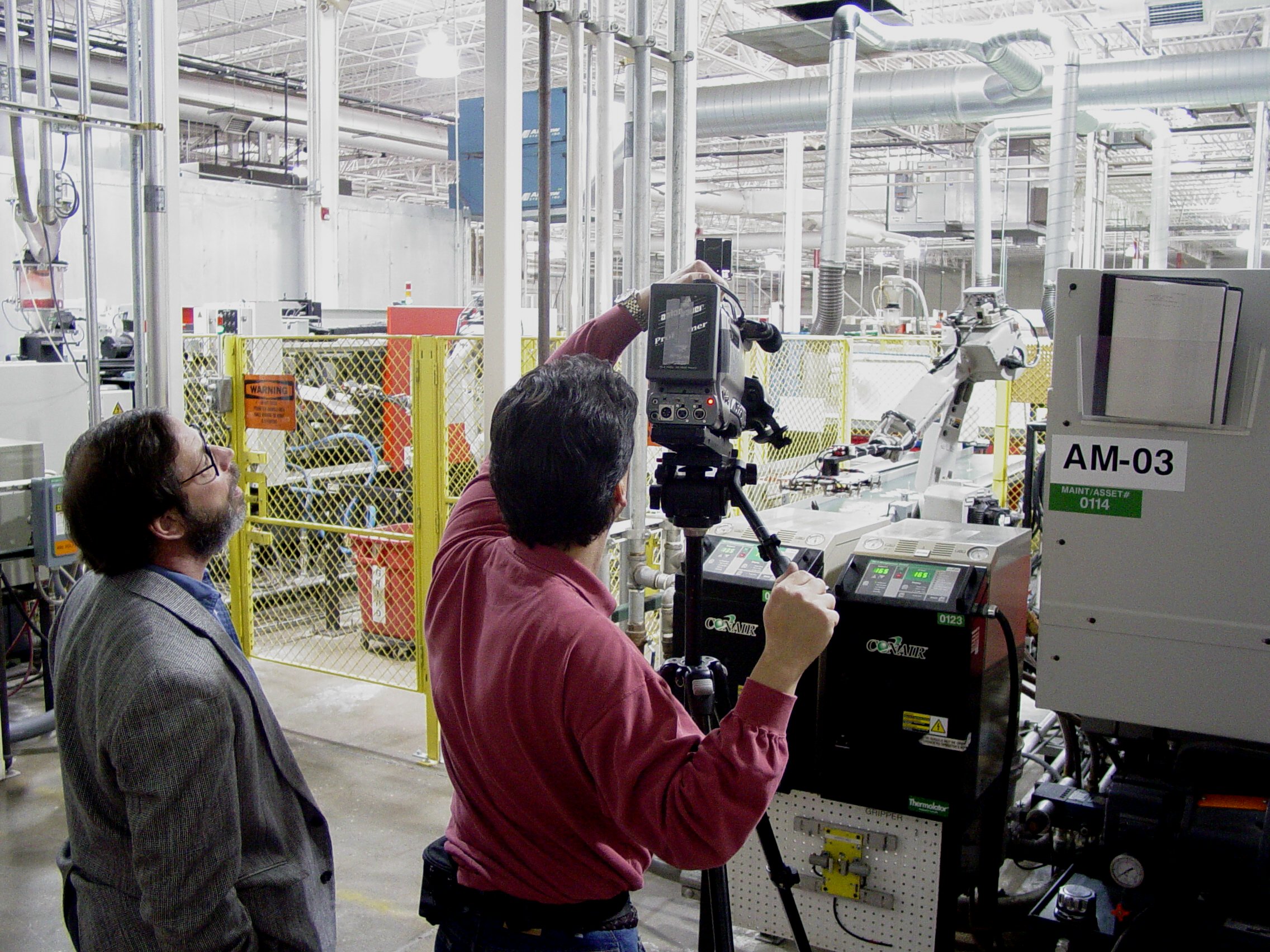
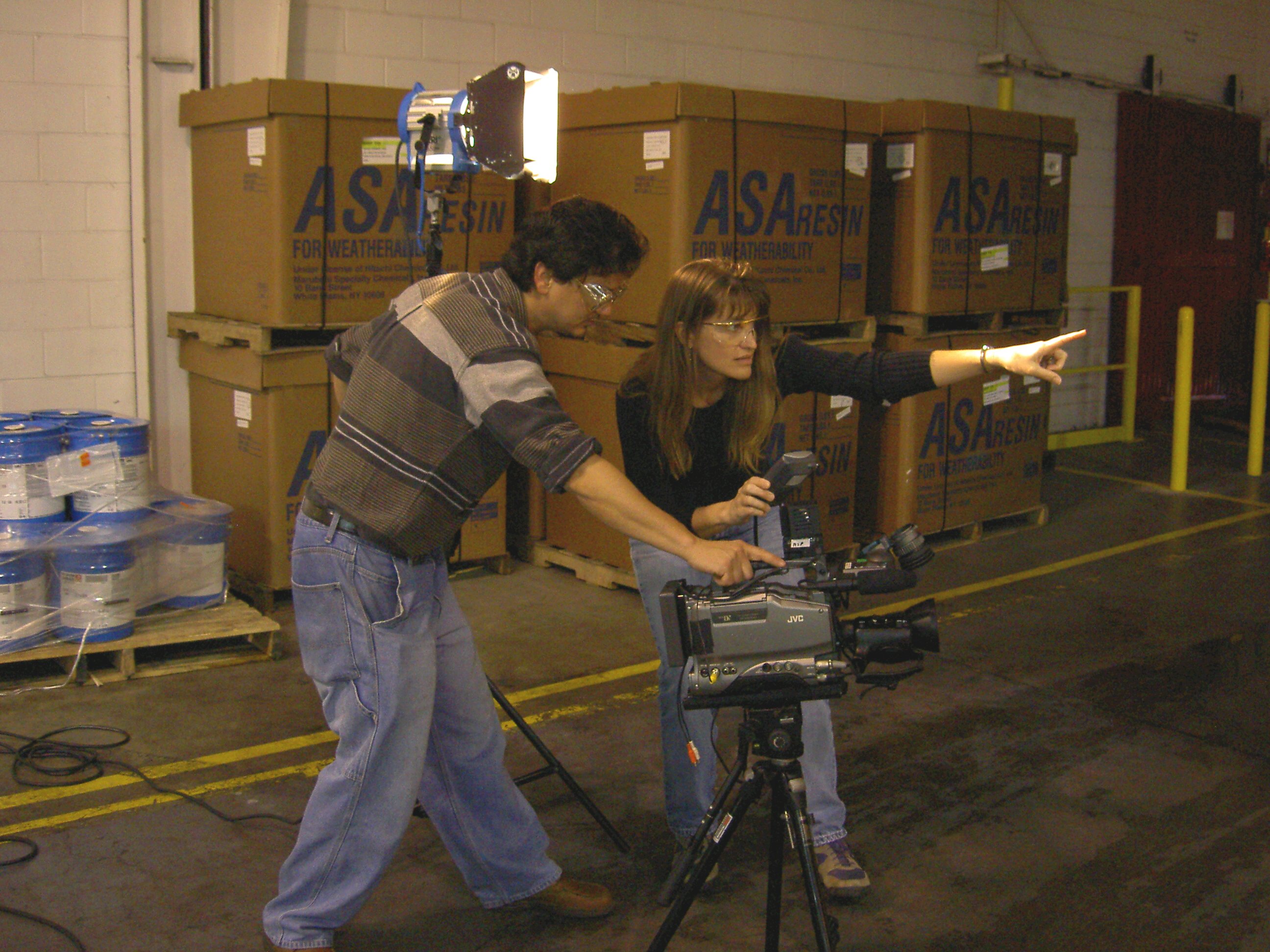
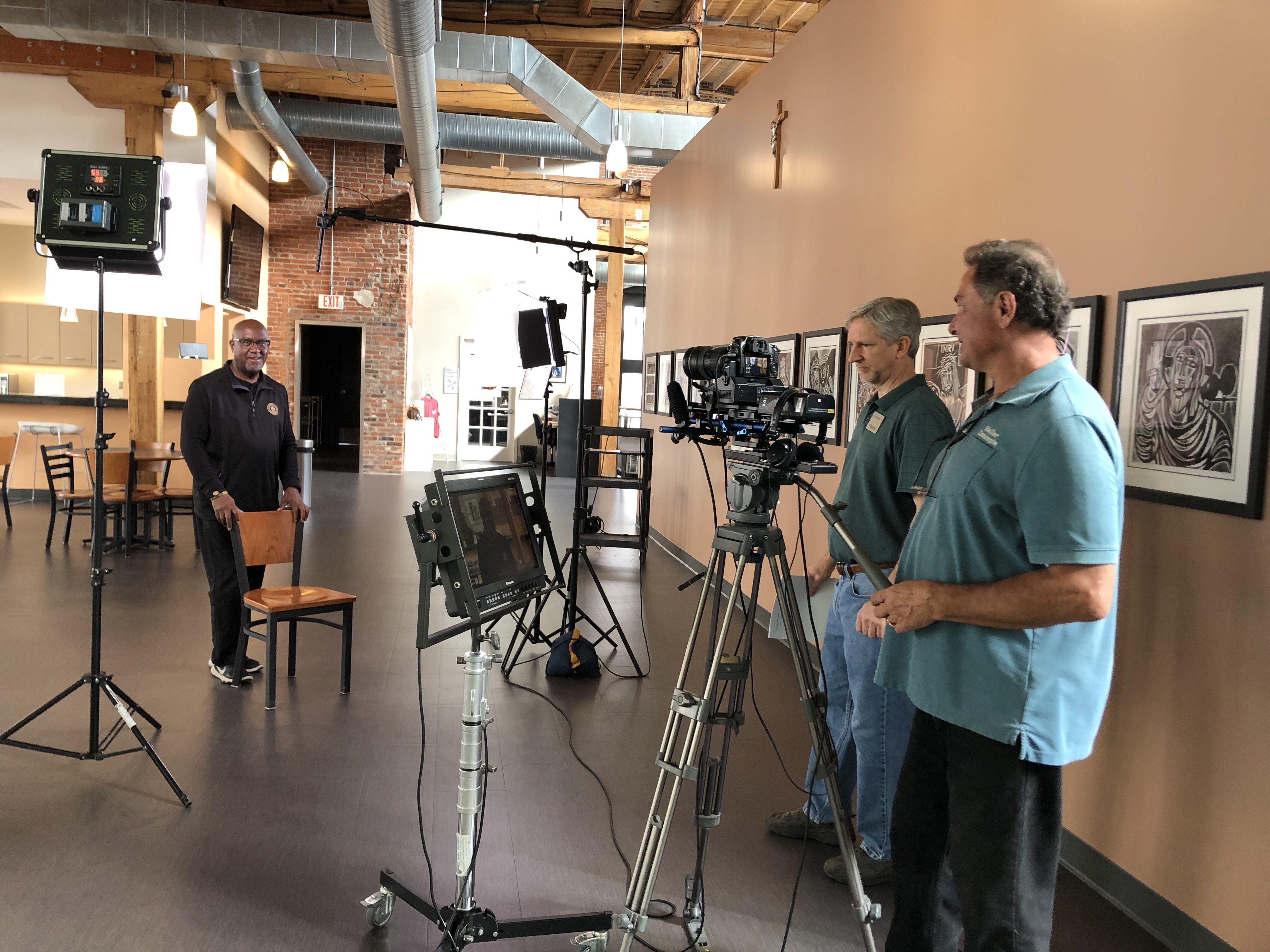
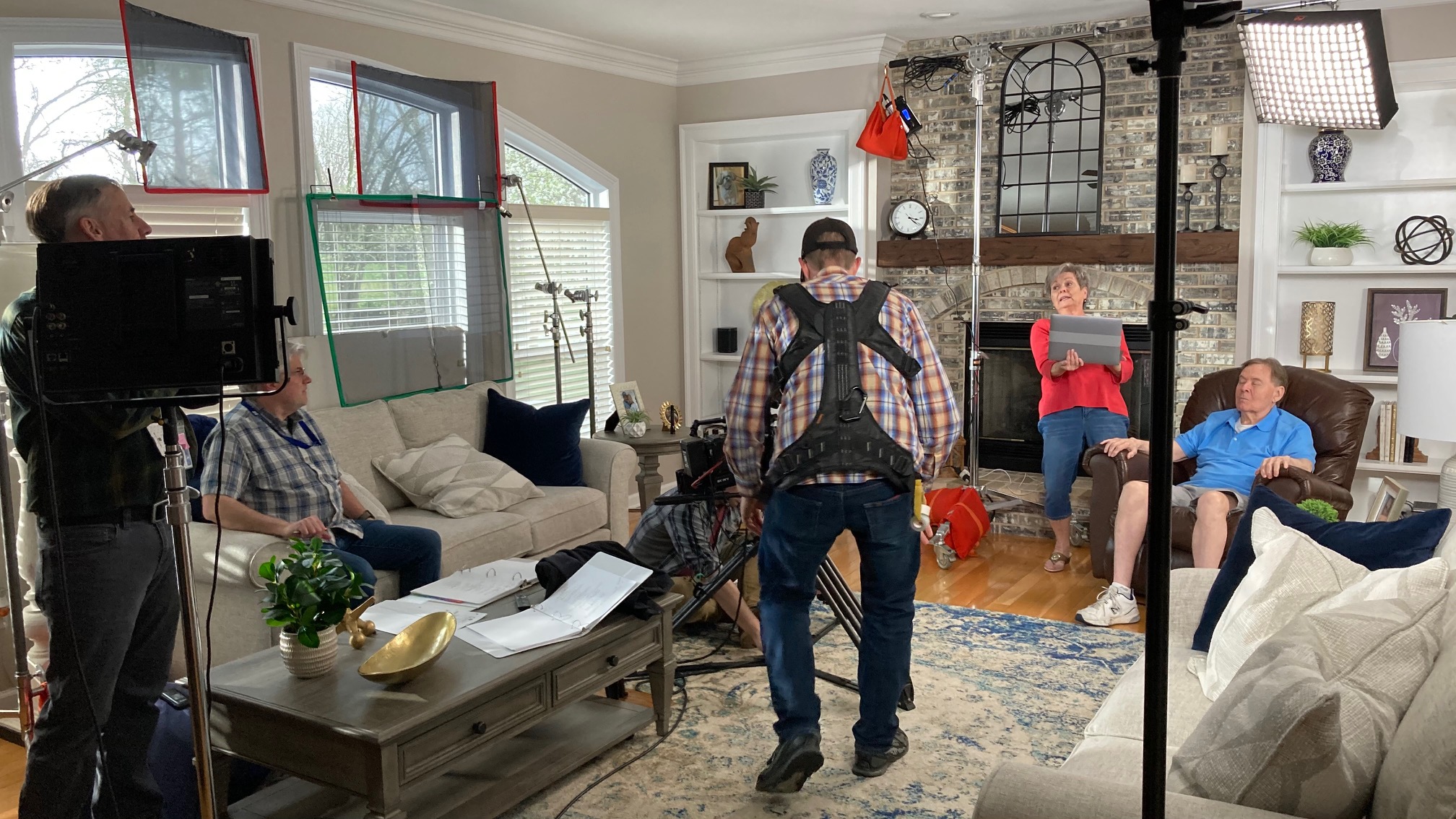
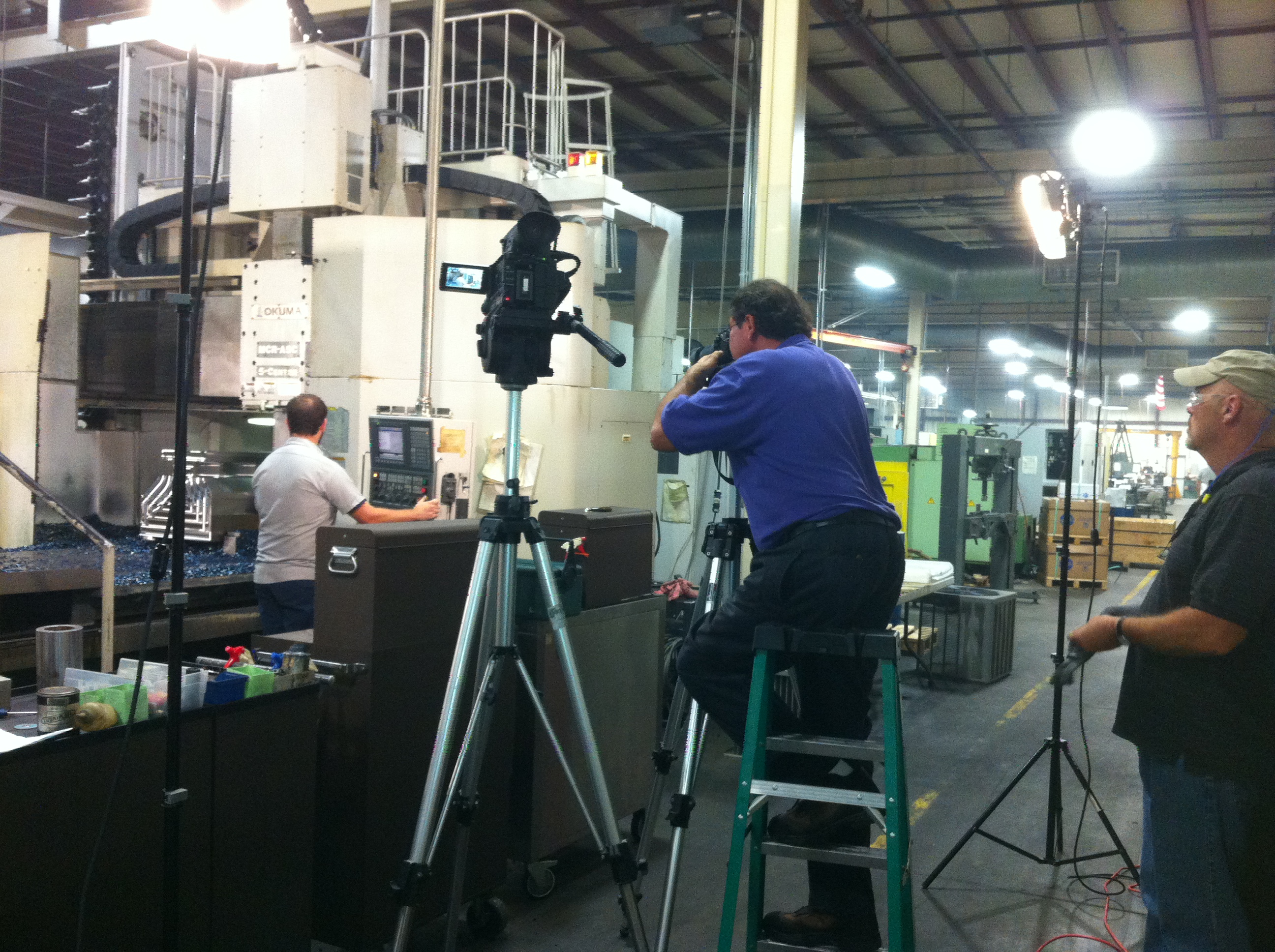
Camera operator, sound tech and talent setting up a recording on location
Location Scouting
The next step in the pre-production phase is to scout locations. The location where the video is shot is an important aspect of the video. It can make or break the video, so you need to make sure that you find the right location. Pre-production is all about planning, so you should have a clear idea of the type of setting you want for your video. You can research your options and shortlist a few places where you can shoot your video. Once you shortlist a few places, you can visit them and make a more informed decision.
Casting
Casting is the next step in the pre-production phase. If you are making an interview video, you need to hire an interview host/hostess. The host introduces the guest and asks questions during the interview. If you are making a corporate video, you need to hire actors who can play the roles in your video. You need to be creative and resourceful when you cast the actors for your video. A good way to find actors is to put up an ad on online casting websites. You can also ask your friends and family if they can recommend anyone. Casting is crucial because it can make or break your video. A wrong casting choice can ruin the whole video, so it’s very important to cast the right actors for your video.
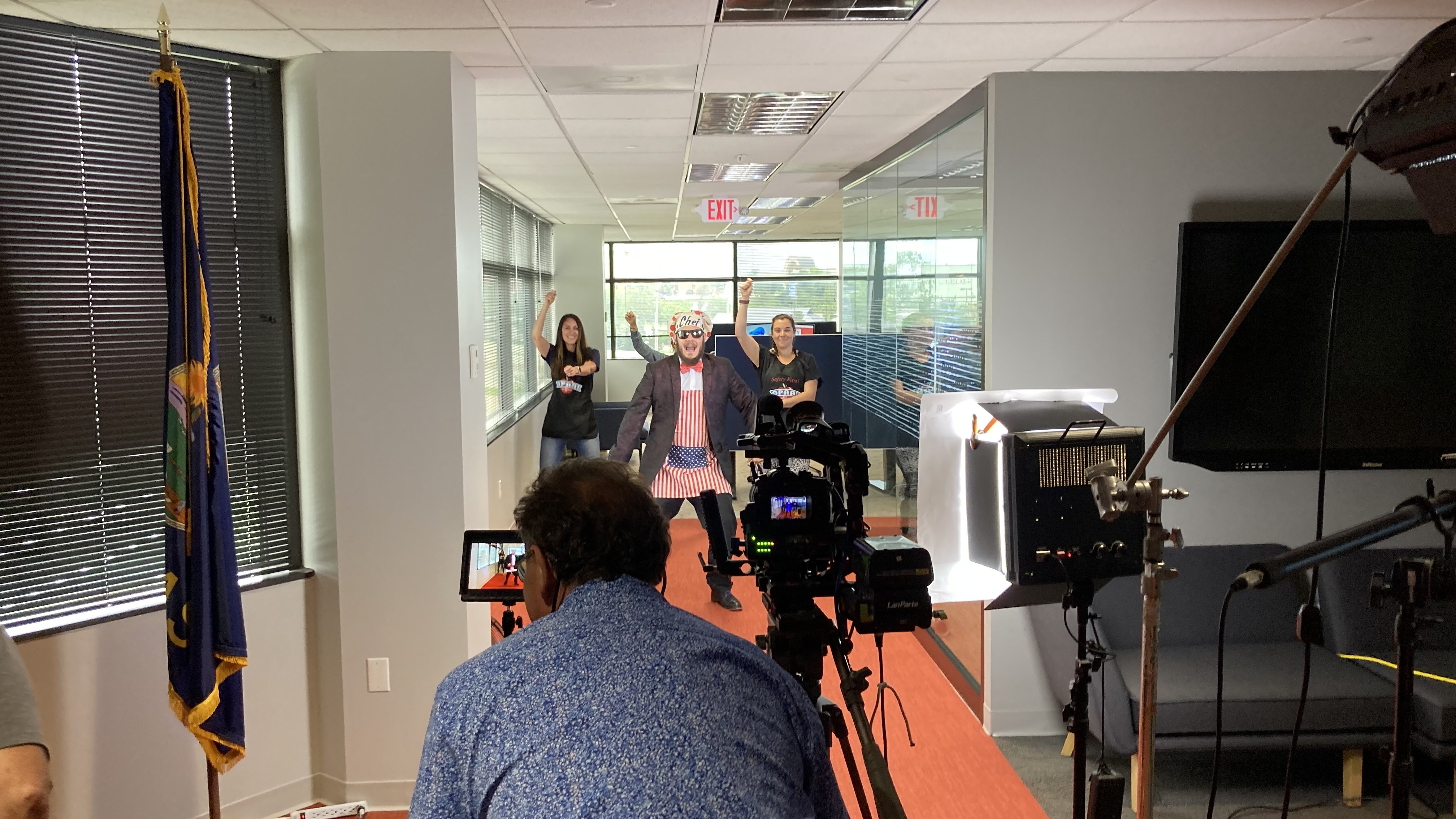
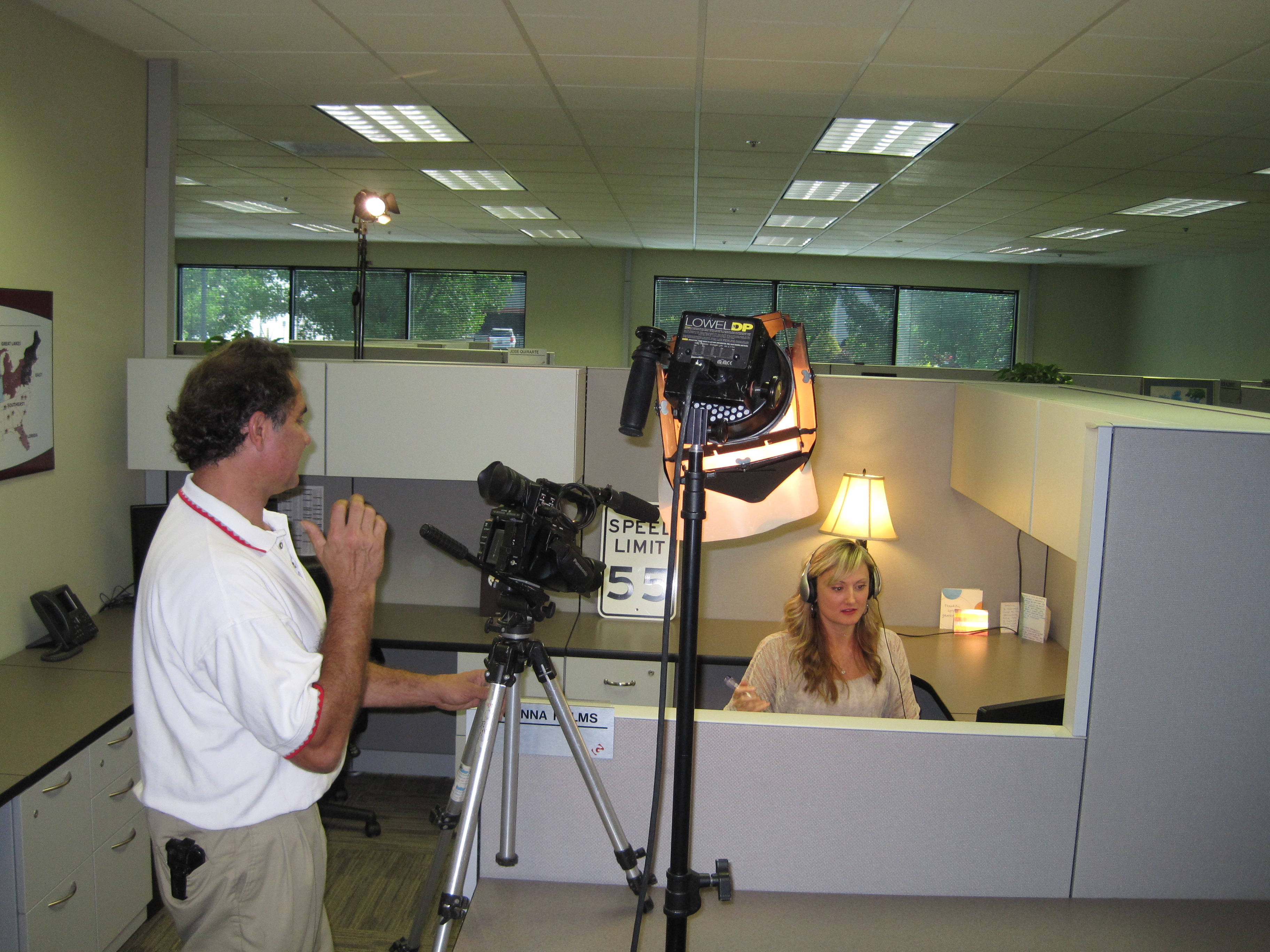
Setting up for a weekly webcast
Videographer and Crew Management
The next step in the pre-production phase is to manage the videographer and crew on the shoot days. As the client, you will be present on the shoot days to make sure everything goes according to plan. You need to have a good rapport with the videographer, so you can collaborate well and get the best out of the shoot days. The videographer will manage the camera and sound crew on the shoot days. As the client, you need to stay out of their way and let them do their job. Videographers are skilled and know what they are doing, so there’s no need for you to interfere with their job.
Grow your business with video. Call or email us today.
Rob Haller 314-604-6544 saintlouismostudios@gmail.com
An explainer video production is a terrific method to quickly introduce a product, service, or even your company. They’re often a terrific way to describe how a new idea/philosophy functions. We amplify the strength of digital cinema to create custom explainer videos.
Defining an Explainer Video
We shoot all throughout St. Louis
An explainer video is like an elevator pitch. What would you say to a prospect if you only had 60-90 seconds to tell them about your fantastic product or service? Typically, explainer videos are scripted messaging and expressed through voice narration and onscreen text and graphics. Most businesses will include an explainer video on their homepage or marketing pages to introduce their product or service to their customers. If you’re interested in creating an explainer video but aren’t sure what it is, here’s a quick definition: an explainer video is a short video that explains what your business does. Explainer videos are a video format that is specifically designed to help your target audience understand your product or service. They can be 30 seconds or 10 minutes long, but they all have the same goal: help your customers understand what you offer and why it’s useful to them.
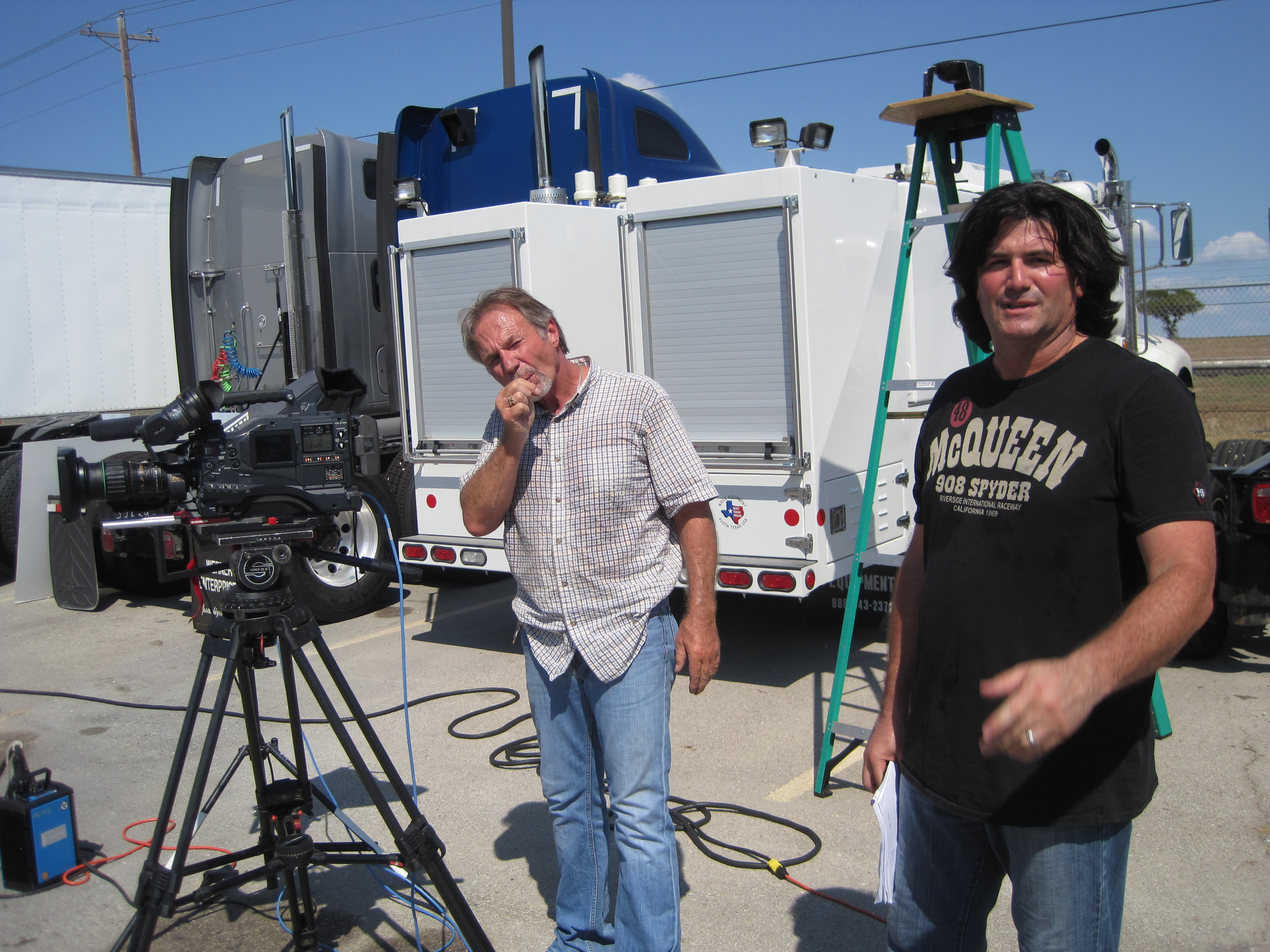
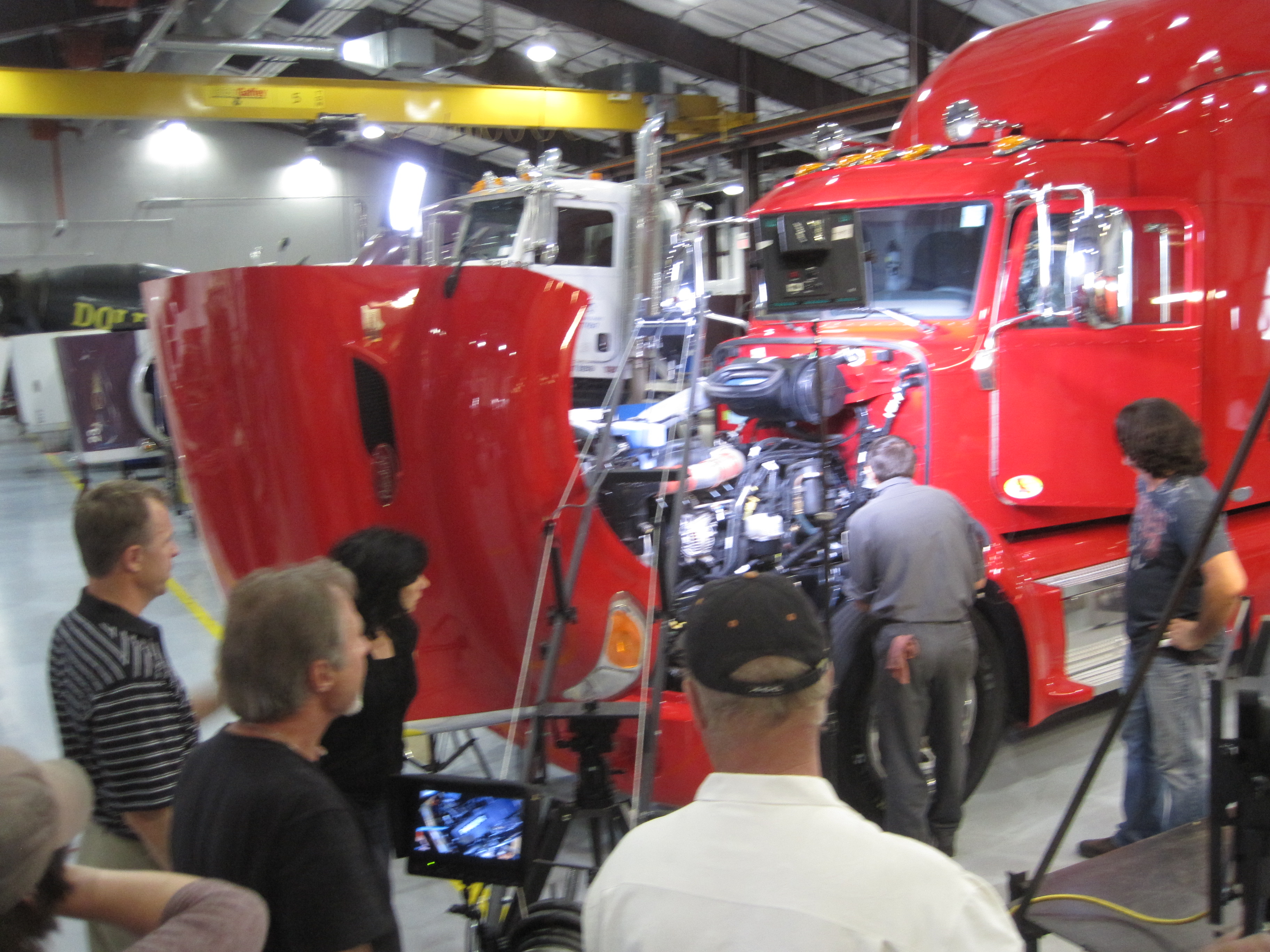
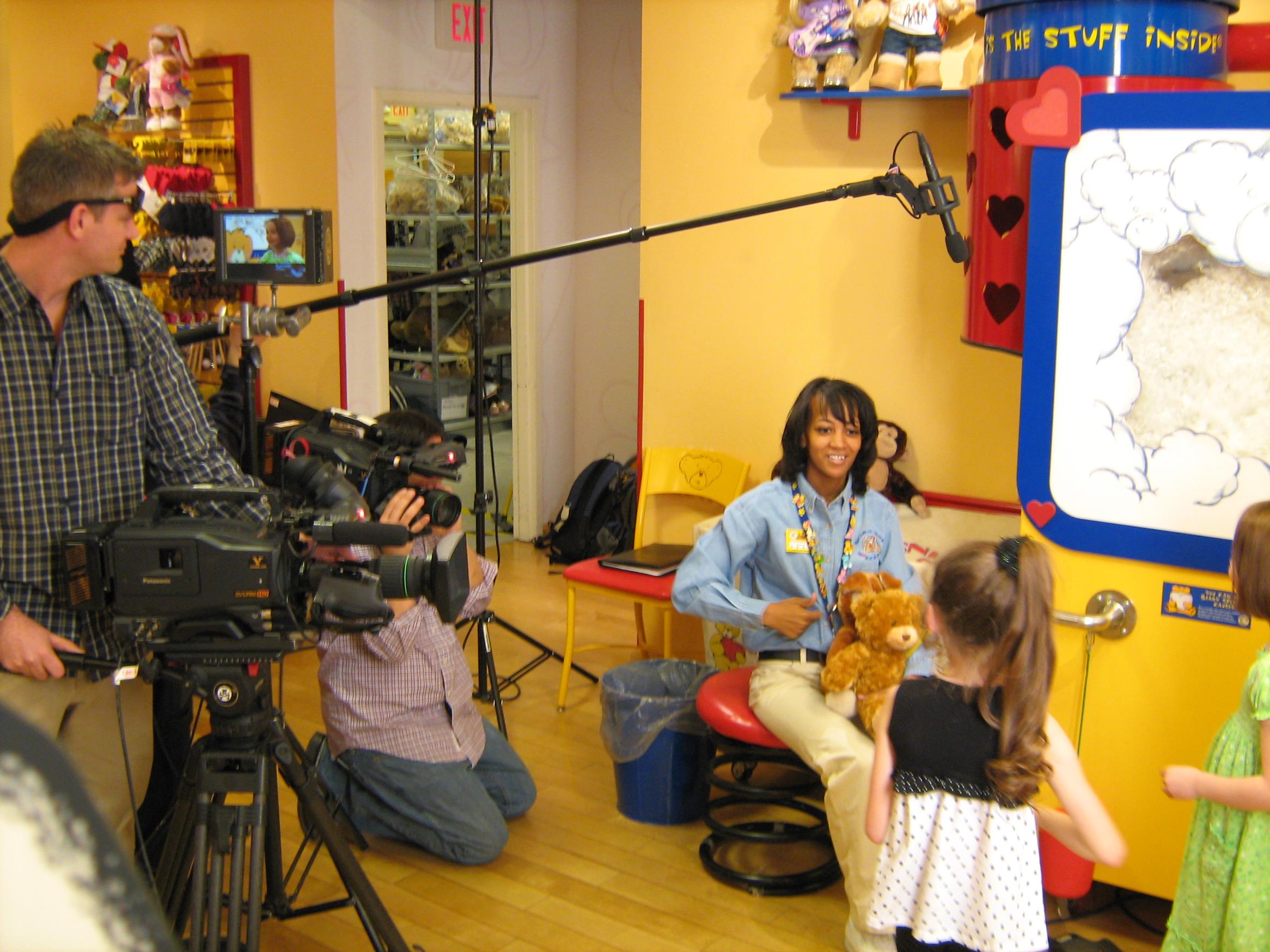
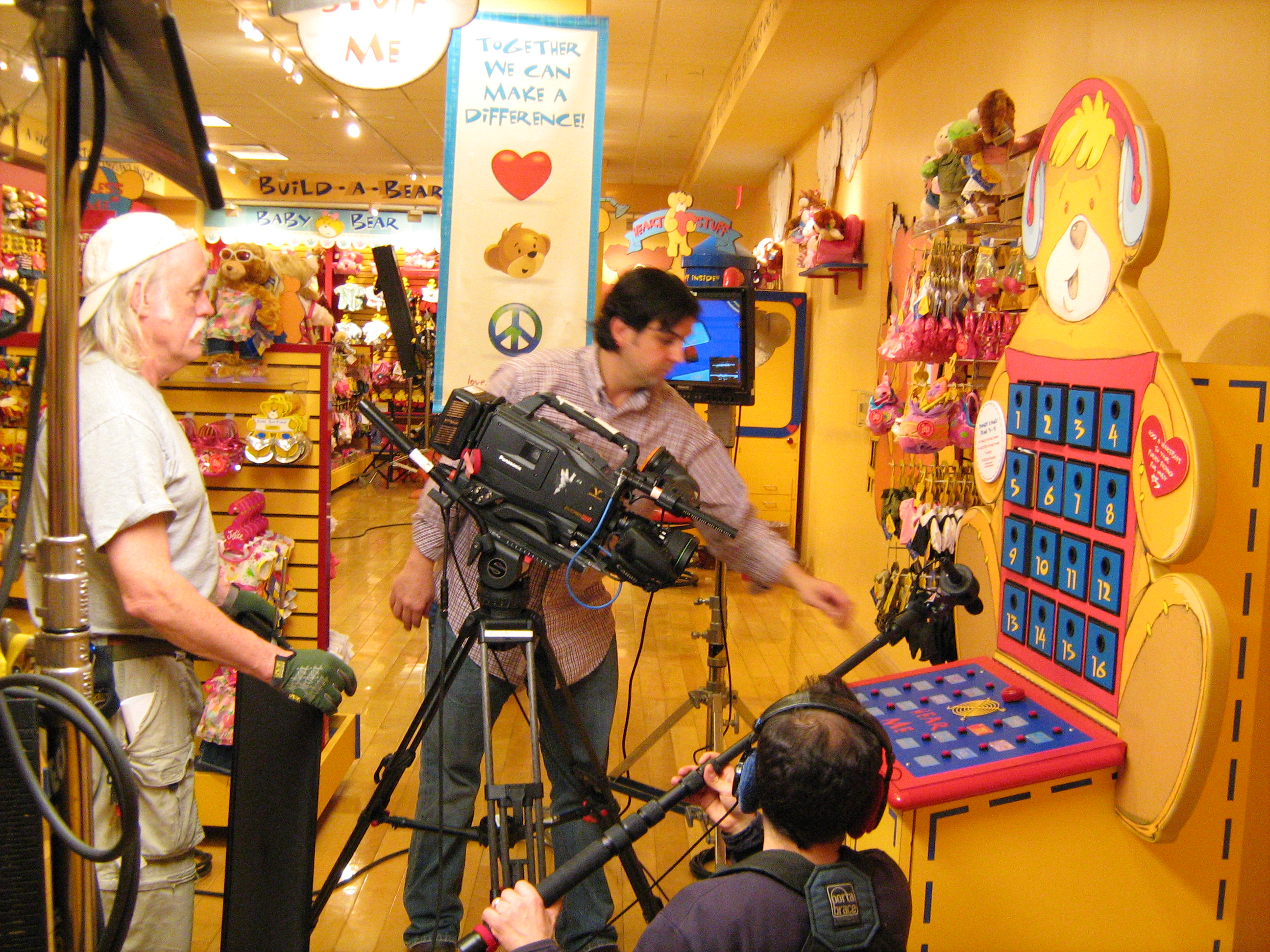
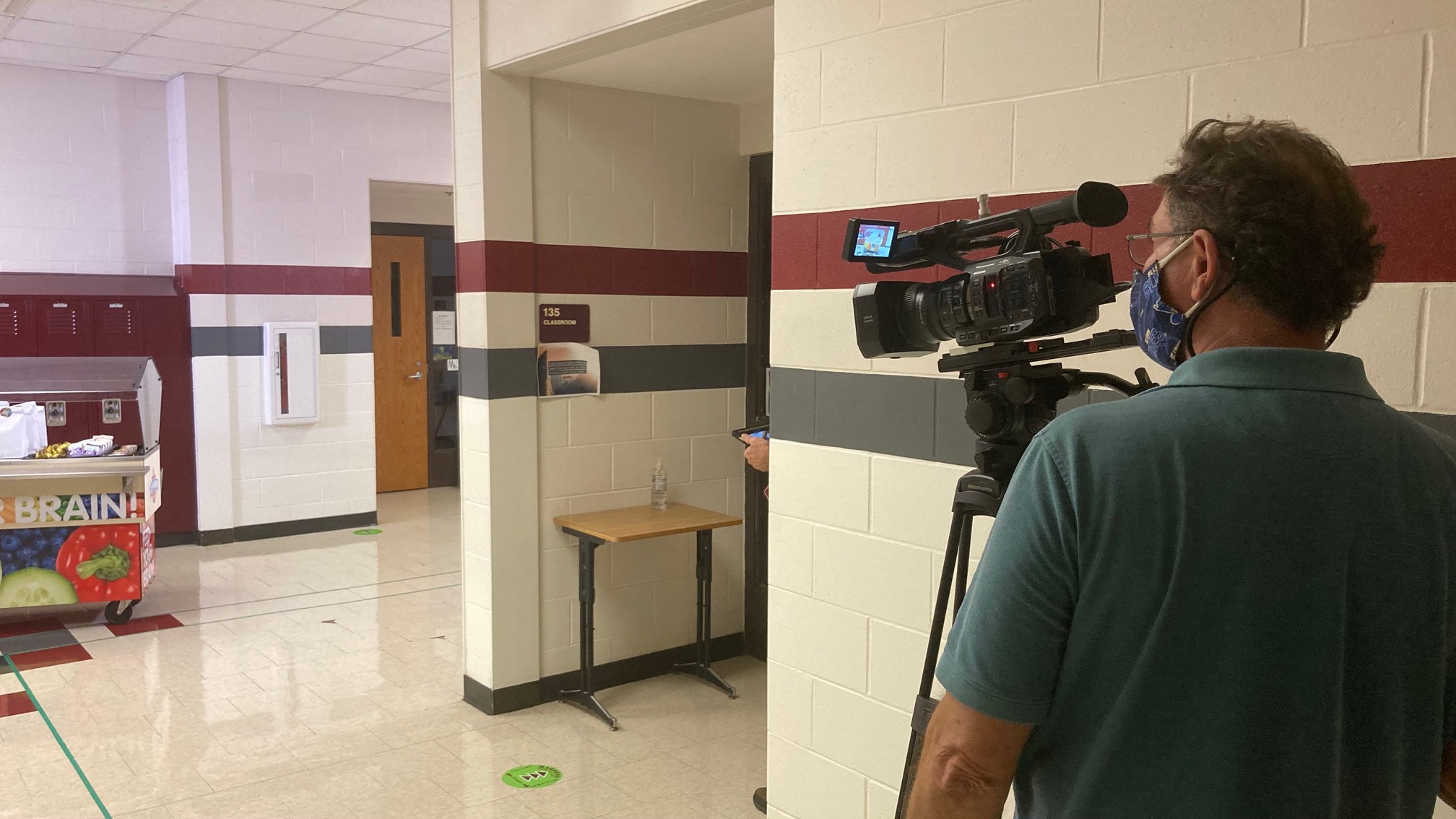
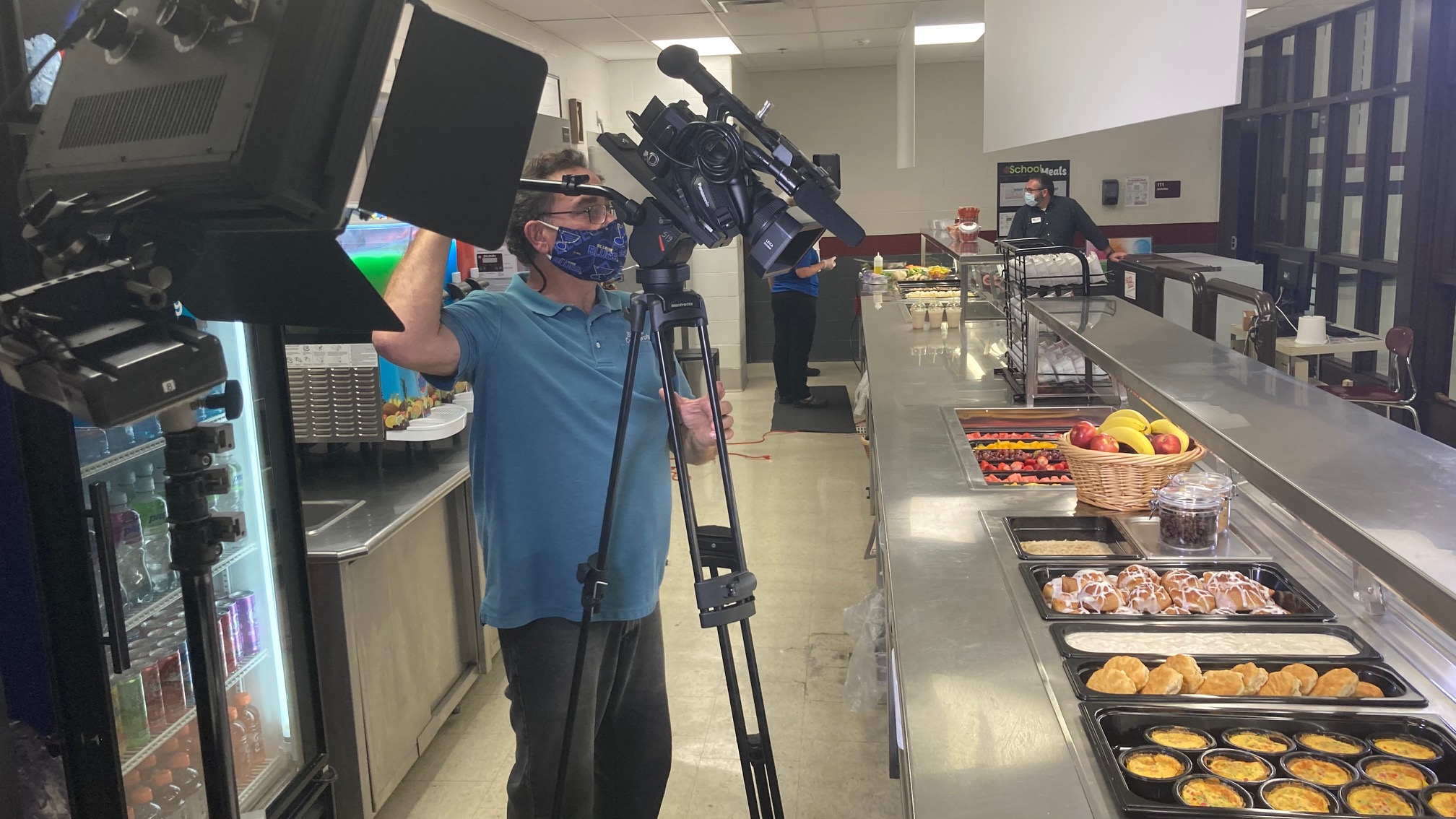
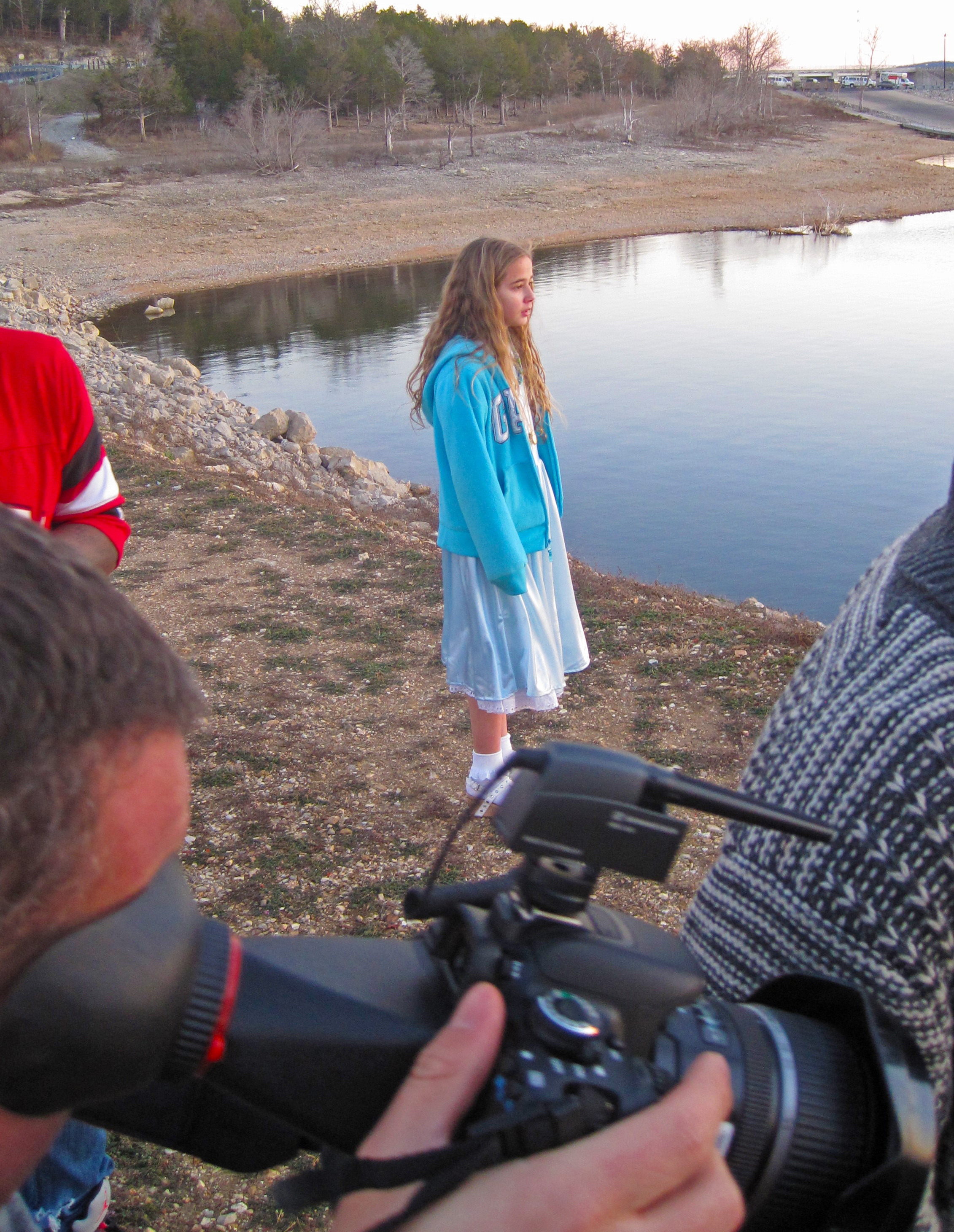
Location production with video crew
Why Are Explainer Videos So Effective? There are a few reasons why explainer videos are so effective. The first is that they’re visual – visuals are processed 60,000 times more quickly in the brain than written information. This makes it much easier for your customers to understand what your product or service does. Another reason is that they’re accessible to everyone. While you might have the time and budget to create a high-quality video, not everyone does. Explainer videos are perfect for those who can’t afford a high-quality production, but who still need a way to introduce their product to their customers. One more reason why explainer videos are so effective is that they’re interactive, meaning that your customers can engage with them in a way that they can’t with static visuals or written explanations. This makes your product or service more personal and appealing to your customers.
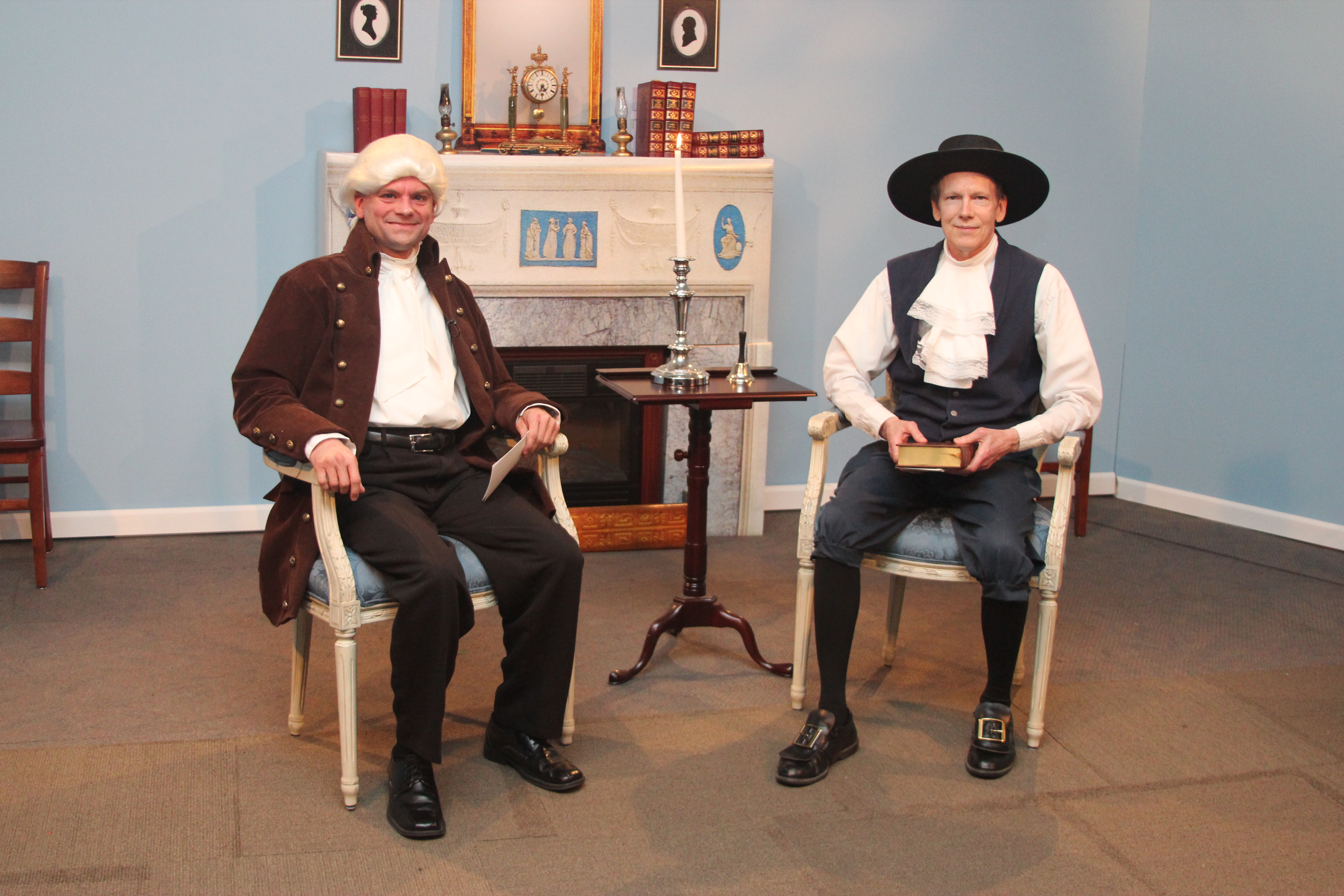
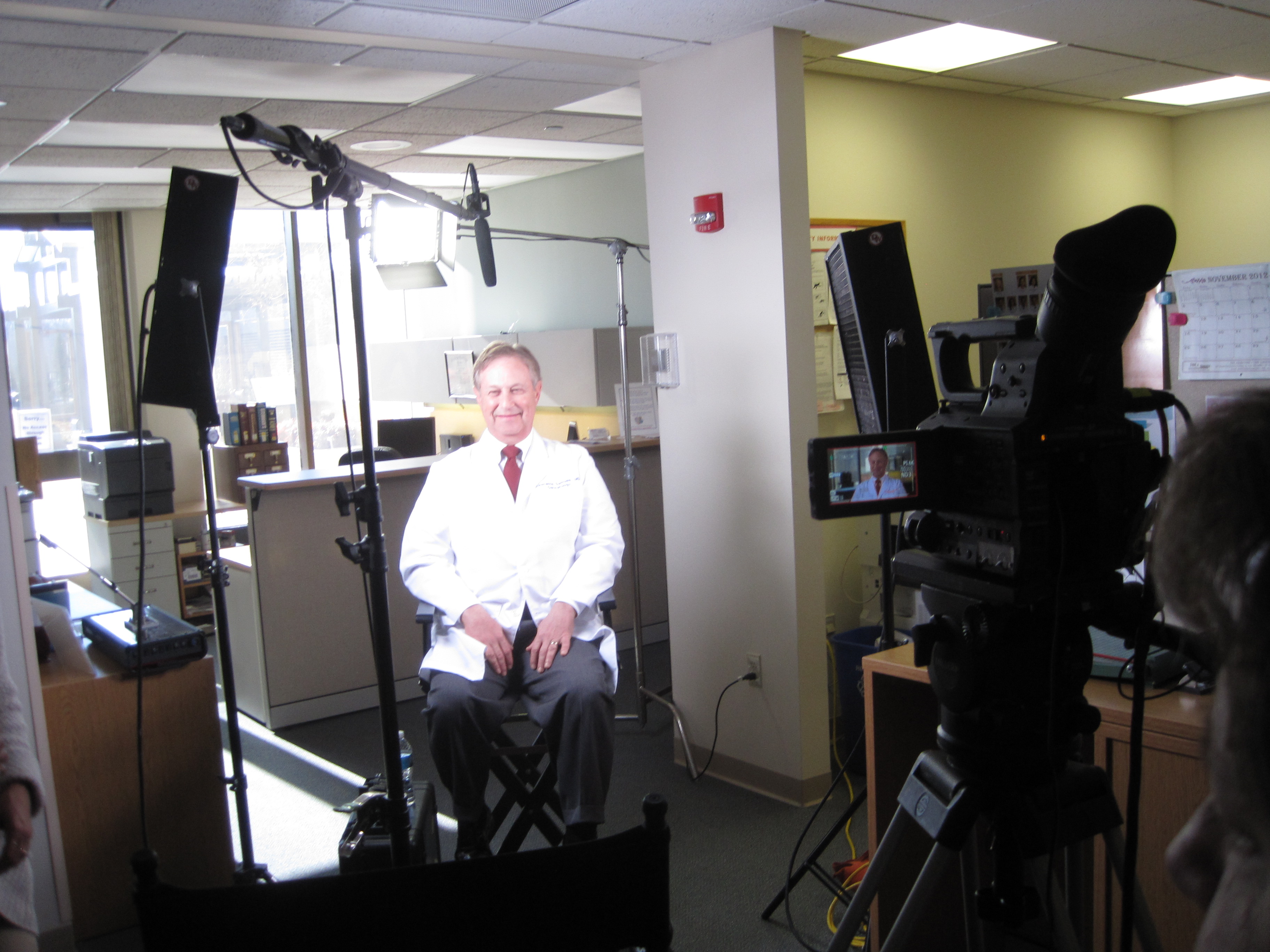
St Louis studio production
How to Create an Explainer Video If you’re convinced that an explainer video is right for your business, here are a few tips to help you get started creating one. First, outline your script and storyboard. You may be tempted to jump into creating your video, but having an outline for your script and storyboard will help you stay on track and make sure you don’t miss an important point. Next, find a voice actor. If you’d prefer to record your script yourself, make sure you find a voice actor who has the same tone and personality as you. Your voice should be welcoming and friendly, but not too chummy. Next, record your video. You may want to record your script in segments if you’re recording in front of a computer screen. Lastly, edit your video. Even though videos are visual, you still want them to flow smoothly. You can do this by editing out any unnecessary pauses, deleting any mistakes, and including graphics and text if necessary.
Two Important Takeaways Explainer videos are a quick and easy way to introduce your business and product to new customers. They’re an affordable way to create an engaging video that will help your customers understand what you do, even if they’re new to your industry. Now that you know what explainer videos are and why they’re so effective, it’s time to create your own video. Start by outlining your script, finding a voice actor, and recording your video. Editing your video and incorporating it into your marketing strategy will help you attract more customers.
Rob Haller 314-604-6544 saintlouismostudios@gmail.com
We have a large network of qualified corporate video production crews, including editors, video camera operators, and drone photographers to fit your specific needs. Whatever the requirement, we can provide the hard working people and equipment to do the job right!
As a digital business development and strategic communications firm, St Louis Video Production Studio utilizes video production as an important channel for helping our clients create and communicate their brand message. Whether the communication is targeted for an external audience such as consumers and customers or an internal audience such as employees, vendors, and contractors, we work closely with our clients to create effective and targeted messaging that gets the desired results. We are able to adapt to the unique needs of each client to create custom strategies to fit distinct messaging needs.
Rob Haller 314-604-6544 saintlouismostudios@gmail.com
















 st louis video production studio