Tag Archives: content-creation

The Power of Micro-Content from Recorded Sessions

Decision-makers responsible for their organization’s video production and marketing strategy are constantly seeking more effective ways to educate their teams and clients. The solution isn’t to stop recording your valuable training sessions—it’s to reimagine how you use the footage.

As experienced producers, videographers, and editors, we know that a single, hour-long recorded training session is a goldmine waiting to be refined. The key strategy for maximizing this asset is repurposing it into shorter, focused video clips, often referred to as “micro-content.” This method transforms a dense, one-time viewing experience into a versatile, digestible, and highly effective learning tool.


Why Shorter Clips Deliver Better Results

The move from long-form video to micro-content is driven by fundamental principles of modern digital consumption and learning science.
1. Boosted Engagement and Retention

Attention spans are shorter than ever. A dense 60-minute video can feel like a chore. By contrast, a two-to-five-minute clip focusing on a single topic, like “The Five Steps for Onboarding a New Client” or “How to Troubleshoot System X,” is instantly more appealing.

  • Targeted Learning: Viewers can quickly find and absorb only the information they need at that moment, increasing practical application.
  • Cognitive Load Reduction: Breaking down complex information into smaller chunks reduces the mental effort required, leading to better memory retention.

2. Versatility in Distribution

A lengthy training video typically lives in one spot: your Learning Management System (LMS). Shorter clips, however, are marketing chameleons.

  • Internal Communication: Easily embed clips into internal emails, team collaboration platforms (like Slack or Teams), or project management tools for just-in-time training.
  • External Marketing: Repurpose compliance, safety, or basic how-to segments into branded content for social media (LinkedIn, Instagram Reels) or your company website to showcase your expertise.
  • Hybrid Training: Use the micro-clips as pre-work assignments, allowing valuable in-person time to be dedicated to discussion and Q&A.

3. Increased Longevity and Searchability

When you break a training video into its constituent parts, you’re not just creating shorter videos—you’re creating structured, searchable knowledge assets.

  • Quick Updates: If one small detail in a procedure changes, you only need to update the two-minute clip covering that procedure, not re-record the entire hour-long training.
  • SEO Value: Each clip can be optimized with its own title, description, and keywords, making it easier for team members or prospects to find the precise solution they need via internal search or Google.

The Process: Turning Raw Footage into Polished Assets

This is where the expertise of a full-service production partner becomes invaluable. The transformation requires skilled editing, visual refinement, and an understanding of marketing objectives.

  1. Strategic Review & Outlining: We first review the full recording, identifying key thematic sections and marking the precise start and end times for each standalone concept.
  2. Precise Editing & Pacing: The goal is to remove all unnecessary fluff—long pauses, filler words, or transitional segments—to create a punchy, direct narrative for each clip.
  3. Visual Enhancement: Professional editing includes adding lower-third graphics, relevant on-screen text overlays, motion graphics, and B-roll footage to illustrate concepts and keep the viewer engaged.
  4. Branding Consistency: Each clip is finished with consistent color correction, professional sound sweetening, and your company’s branding elements (logo, intro/outro), ensuring a polished, professional look across all media.
  5. AI-Powered Optimization: Utilizing the latest in Artificial Intelligence allows us to quickly and accurately generate captions, transcripts, and alternative language voiceovers, further broadening the content’s reach and accessibility.
🌟 Your Full-Service Production Partner in St. Louis

For decision-makers seeking successful and strategic image acquisition, the process of turning raw footage into high-impact micro-content requires more than just software—it demands experience, the right gear, and creative insight.

St Louis Video Production Studio, a full-service professional commercial photography and video production company since 1982, offers the deep well of experience, the right equipment, and the creative crew service required for successful image acquisition.

  • Comprehensive Services: We offer full-service studio and location video and photography, as well as editing, post-production, and licensed drone pilots—even the ability to fly our specialized drones indoors.
  • Customization and Repurposing: We customize your productions for diverse types of media requirements, and we specialize in repurposing your photography and video branding to gain more traction. We are well-versed in all file types and styles of media and accompanying software, utilizing the latest in Artificial Intelligence for all our media services.
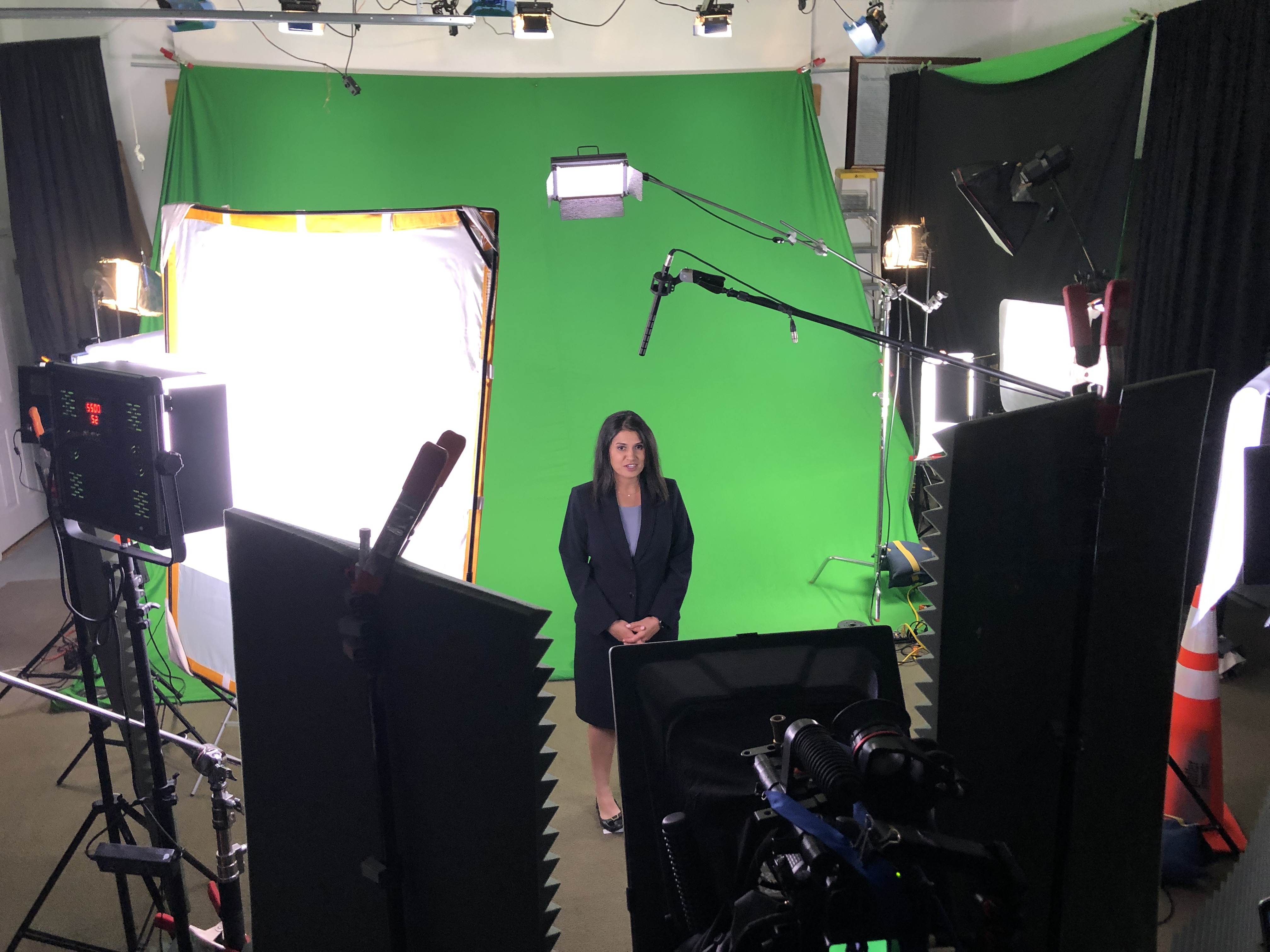
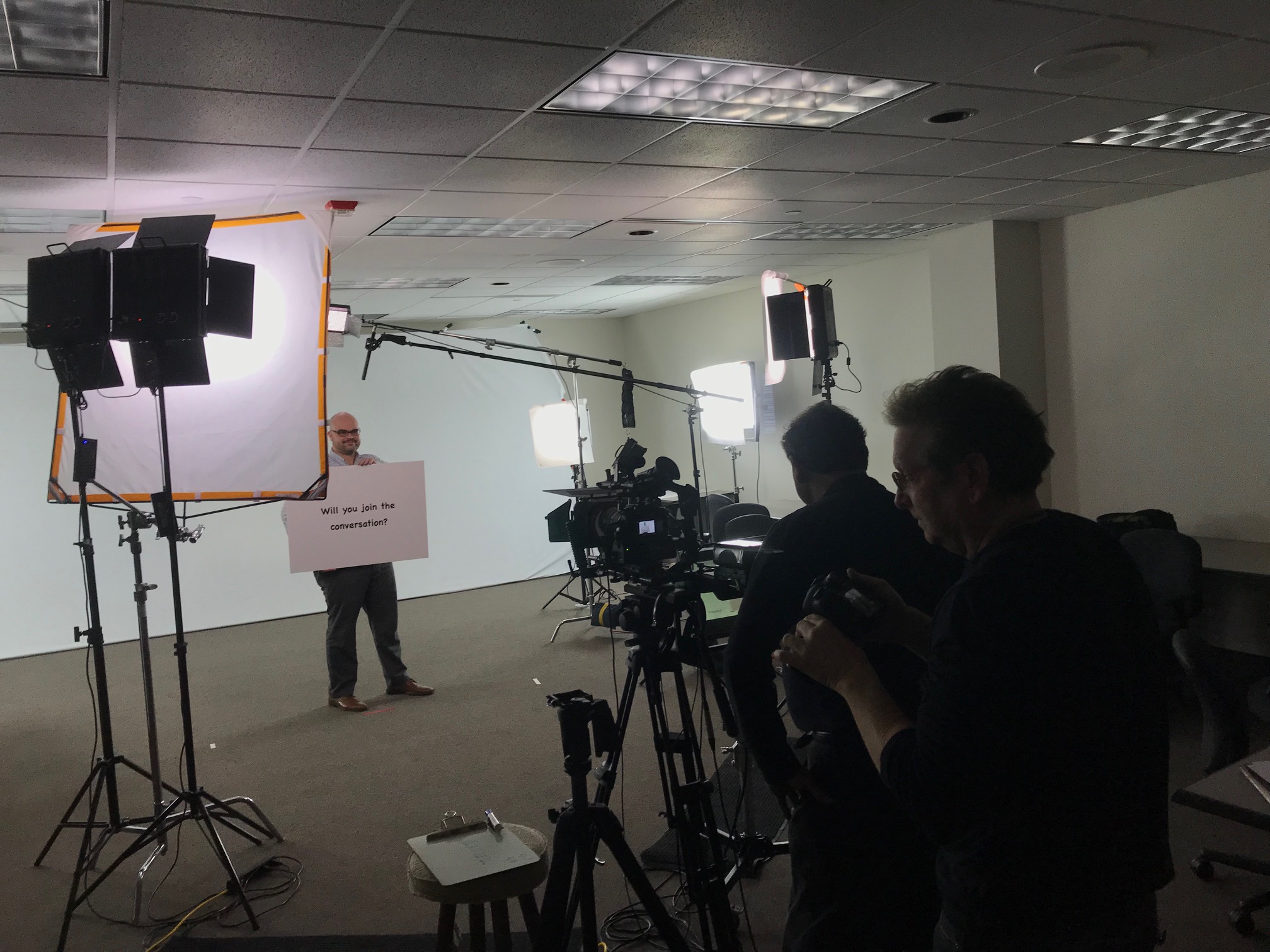
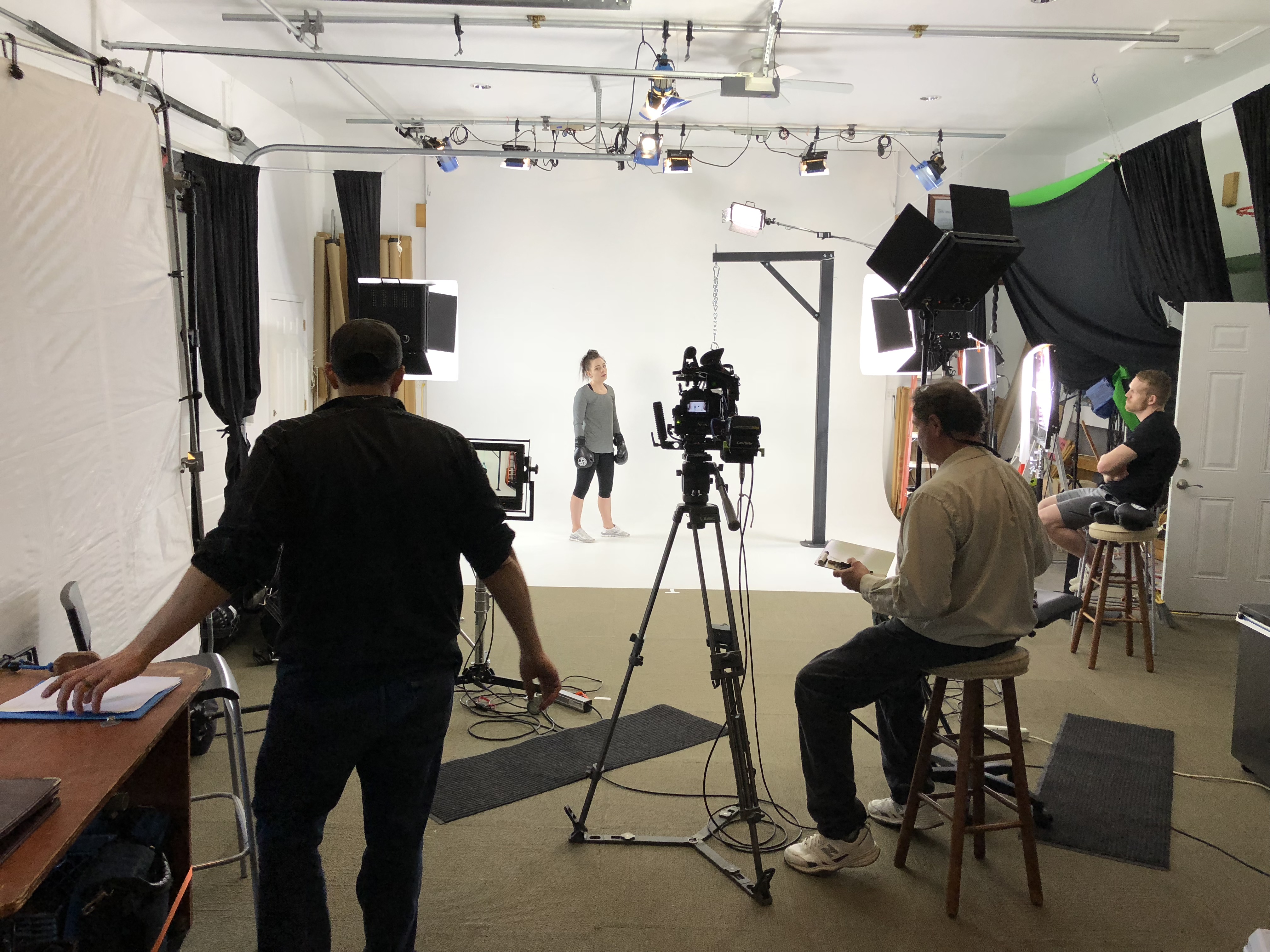
  • Professional Studio Space: Our private studio lighting and visual setup is perfect for small productions and interview scenes and is large enough to incorporate props to round out your set.
  • Seamless Production Support: We support every aspect of your production—from setting up a private, custom interview studio to supplying professional sound and camera operators, as well as providing the right equipment—ensuring your next video production is seamless and successful.

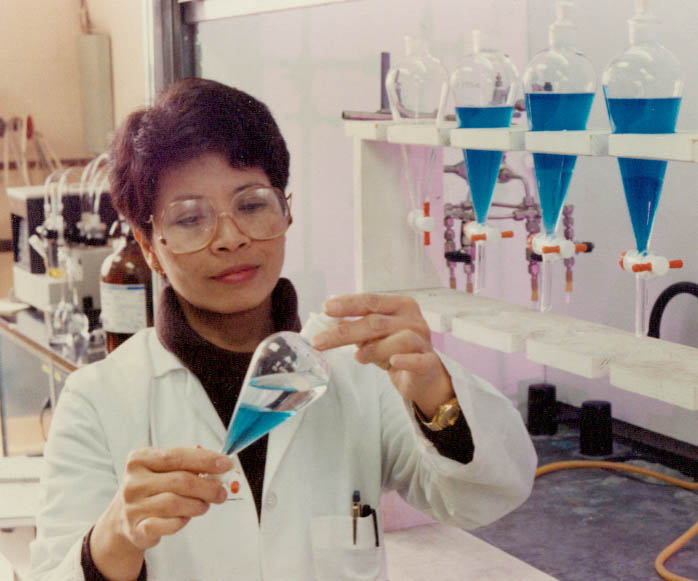
As a full-service video and photography production corporation, St Louis Video Production Studio has worked with many businesses, marketing firms, and creative agencies in the St. Louis area for their marketing photography and video needs, delivering expert results that drive business success.


 314-604-6544

saintlouismostudios@gmail.com

Breathe New Life into Your Training: Repurposing Old Safety Clips for Modern Impact

As decision-makers in photography, marketing, and video production, you understand the critical role visual content plays in effective communication. This is especially true when it comes to vital areas like employee safety training. Yet, many organizations find themselves with a library of outdated safety videos – clips gathering digital dust that, while once effective, now feel stale and perhaps even irrelevant to a modern workforce.

But what if those “old” clips weren’t obsolete at all? What if, with a strategic approach and a creative eye, you could breathe fresh life into them, transforming them into engaging, impactful training materials that resonate with today’s employees? At St. Louis Video Production Studio, we firmly believe in the power of repurposing, and safety training is a prime candidate for this transformative process.

Why Repurpose? The Undeniable Advantages

Before diving into the “how,” let’s consider the compelling reasons to repurpose your existing safety video assets:

  • Cost-Effectiveness: Producing new video content from scratch is a significant investment of time and resources. Repurposing leverages your existing assets, drastically reducing production costs.
  • Time Efficiency: Editing and re-contextualizing existing footage is inherently faster than planning, shooting, and editing entirely new content.
  • Consistency in Messaging: Your core safety messages likely haven’t changed. Repurposing allows you to maintain consistent messaging while updating the delivery.
  • Environmental Responsibility: In a world increasingly focused on sustainability, reusing and repurposing digital assets aligns with environmentally conscious practices.
  • Agility in Content Creation: The ability to quickly adapt and refresh content means your training can remain current with evolving regulations, equipment, or company policies.

Ideas for Transforming Your Legacy Safety Footage

Here are several expert strategies for repurposing your old safety clips into fresh, engaging training modules:

  1. Micro-Learning Modules:
    • Concept: Break down longer, older videos into short, digestible “micro-lessons,” each focusing on a single safety concept or procedure. Think 30-second to 2-minute clips.
    • Execution: Isolate key demonstrations, warnings, or best practices from your existing footage. Add new, concise on-screen text overlays, animated graphics, or voiceovers to highlight critical information.
    • Impact: Micro-learning is perfect for today’s busy workforce, allowing for quick consumption during breaks or before specific tasks. It’s also highly effective for mobile learning.
  2. Scenario-Based Quizzes & Interactive Training:
    • Concept: Use old clips as the basis for “what would you do?” scenarios.
    • Execution: Extract specific moments where a safety violation or a best practice is demonstrated. Integrate these clips into interactive learning platforms where users choose the correct action or identify the hazard. You can add new voiceovers to pose questions and follow up with explanations.
    • Impact: This hands-on approach actively engages learners, improving retention and critical thinking skills far more than passive viewing.
  3. “Before & After” or “Do’s & Don’ts” Segments:
    • Concept: Juxtapose old footage showing incorrect procedures with new or re-edited clips demonstrating the proper way.
    • Execution: Select clips illustrating unsafe actions. Pair them with existing (or newly shot, if necessary) footage of the correct procedure. Use split screens, clear on-screen labeling, and updated narration to emphasize the contrast.
    • Impact: Visual comparisons are incredibly powerful for illustrating consequences and best practices, making the learning memorable.
  4. Animated Explainer Videos (Hybrid Approach):
    • Concept: Combine snippets of your old live-action footage with modern animation.
    • Execution: For complex or abstract safety concepts, use animation to simplify explanations. Integrate short live-action clips from your archive to ground the training in real-world scenarios or to show specific equipment.
    • Impact: Animation can make dry subjects more engaging and help clarify concepts, while familiar live-action clips add a sense of realism and connection.
  5. Refreshed Narratives & Testimonials:
    • Concept: Re-edit existing footage with updated voiceovers, music, and perhaps new introductory/concluding remarks.
    • Execution: Keep the strong visual demonstrations but replace outdated narration with a fresh, contemporary voice. Consider interviewing current employees for short testimonials about the importance of safety, interspersing these new clips with the repurposed footage.
    • Impact: A new voice and personal stories can revitalize the emotional connection to the training, making it feel current and relevant.
  6. Gamified Safety Challenges:
    • Concept: Integrate short, repurposed clips into a gamified training environment.
    • Execution: Use clips as challenges or levels within a safety game. For example, “Identify the 5 hazards in this clip to earn points.”
    • Impact: Gamification boosts engagement, encourages friendly competition, and makes learning fun, leading to better participation and recall.

The Modern Toolkit: AI and Expert Touch

The good news is that these repurposing strategies are more accessible than ever, especially with the integration of cutting-edge technology. Artificial Intelligence (AI) can now assist with:

  • Content Identification: Quickly scanning through old footage to identify key actions, objects, or dialogue.
  • Automated Transcription: Generating accurate transcripts for easier script editing and subtitle creation.
  • Intelligent Editing Suggestions: AI-powered tools can suggest optimal cut points or highlight areas for enhancement.
  • Upscaling and Enhancement: Improving the resolution and quality of older, lower-resolution footage to match modern display standards.

However, technology is only part of the equation. The true magic happens when AI is coupled with the experience and creative insight of seasoned professionals.

St. Louis Video Production Studio: Your Partner in Visual Excellence

At St. Louis Video Production Studio, we understand the nuances of successful image acquisition and impactful storytelling. Since 1982, we’ve been a full-service professional commercial photography and video production company, equipped with the right tools, state-of-the-art equipment, and a highly creative crew. We’ve partnered with countless businesses, marketing firms, and creative agencies in the St. Louis area, helping them achieve their marketing and training objectives through compelling visuals.

Whether you need full-service studio or on-location video and photography, expert editing, post-production, or specialized aerial perspectives from our licensed drone pilots, we have the capabilities to customize your productions for diverse media requirements. We excel at repurposing your existing photography and video branding to gain more traction, ensuring your investment continues to pay dividends. We are well-versed in all file types and styles of media and accompanying software, and we leverage the latest in Artificial Intelligence across all our media services to enhance efficiency and creativity.

Our private studio offers the perfect lighting and visual setup for small productions and interview scenes, with ample space to incorporate props and round out your set. We support every aspect of your production – from setting up a private, custom interview studio to supplying professional sound and camera operators, as well as providing the right equipment – ensuring your next video production is seamless and successful. We can even fly our specialized drones indoors for unique perspectives.

Don’t let valuable safety content languish in obscurity. Let St. Louis Video Production Studio help you transform your old safety clips into fresh, engaging, and highly effective training that truly resonates with your workforce.

314-604-6544

saintlouismostudios@gmail.com

Don’t Be a Robot: Turn Teleprompter Reads into Natural Conversation

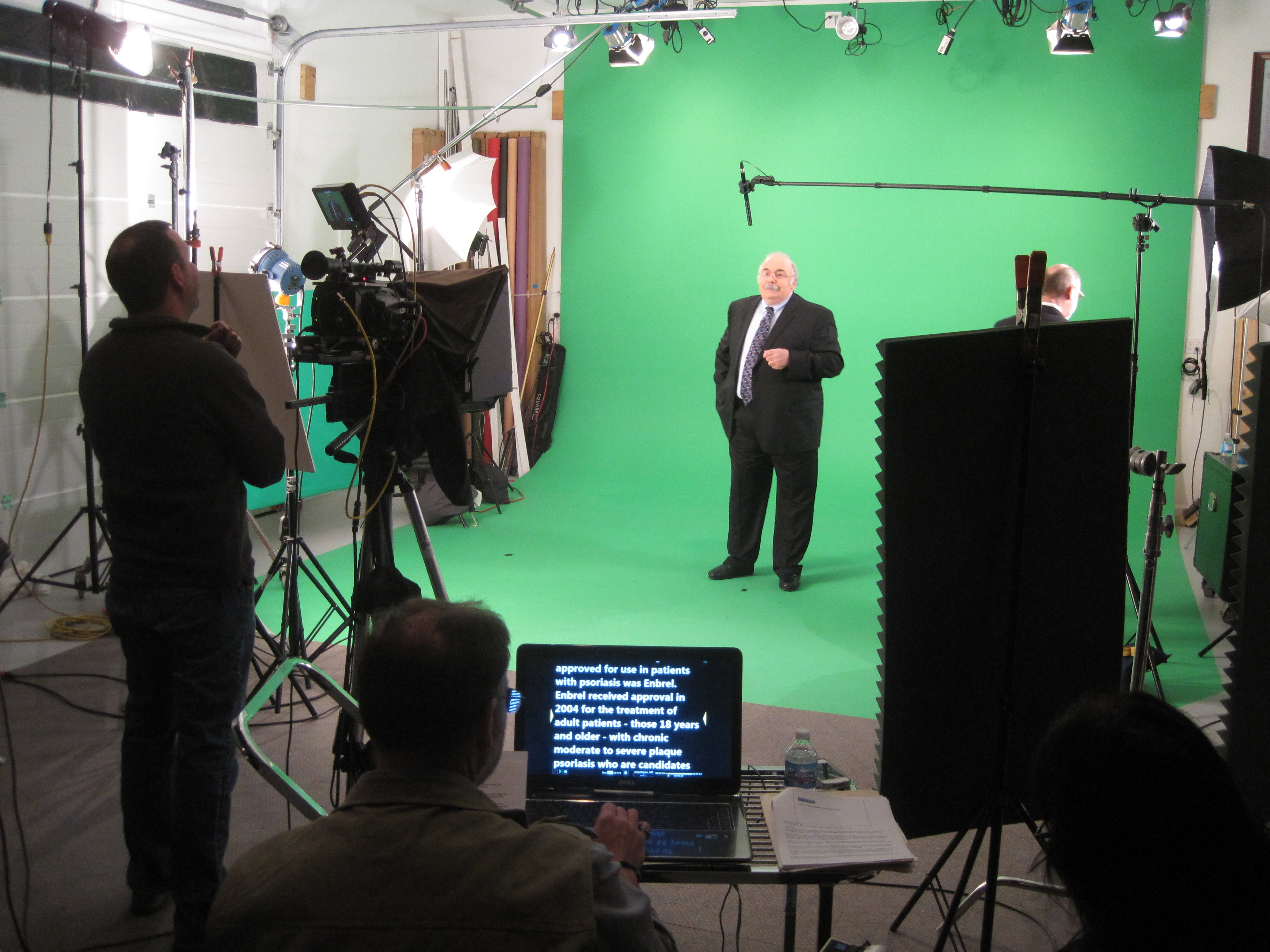
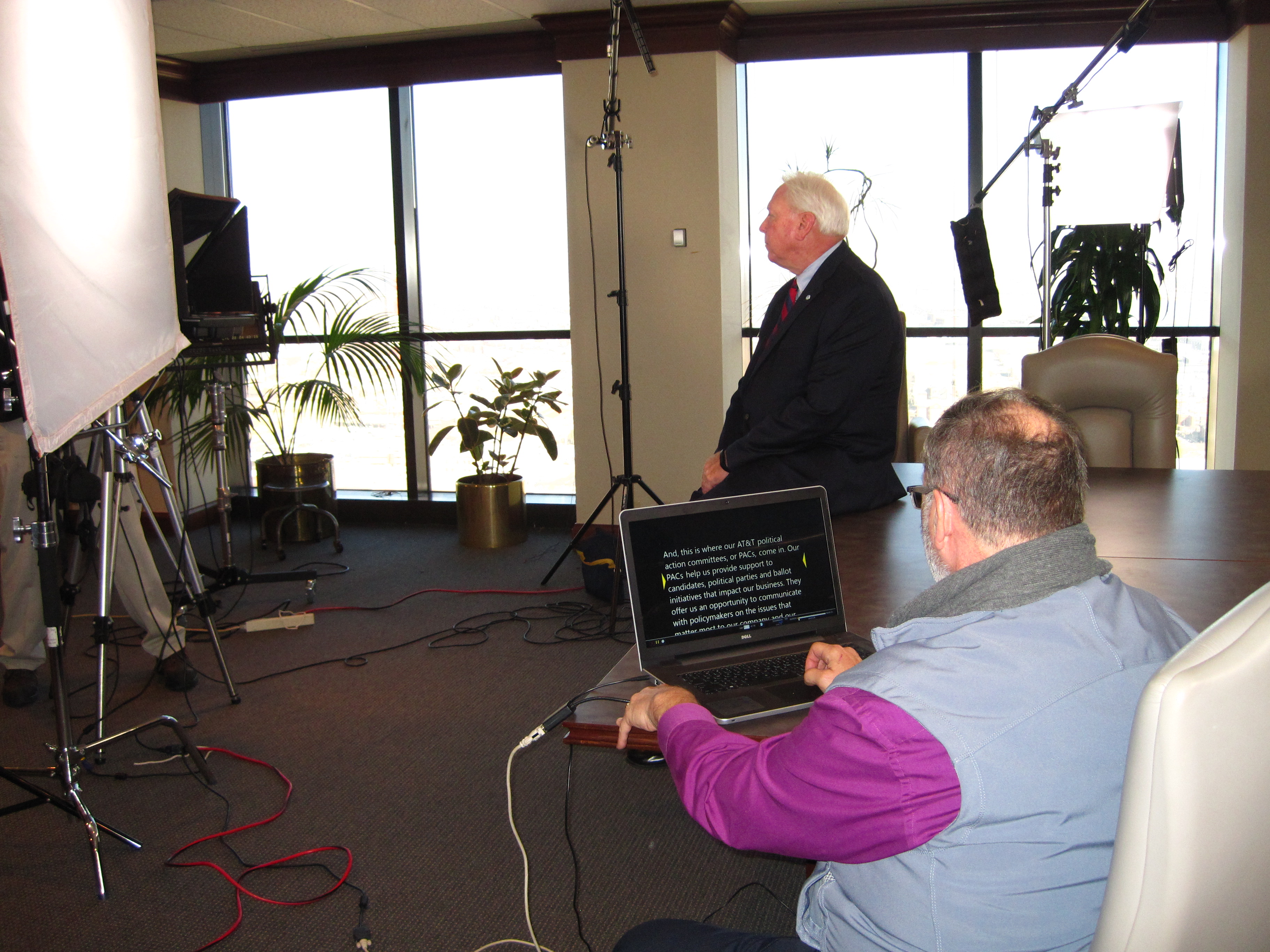
A teleprompter should make your leaders sound more human, not less. The trick isn’t “reading better”—it’s engineering the setup, script, scroll, and coaching so delivery feels like a hallway chat with perfect recall. Below is the studio-tested playbook we use to help executives and experts look relaxed, sound authoritative, and hit message + time—every time.


Outcomes That Matter to Decision Makers

  • Message control without wooden delivery: protect compliance language and brand voice while sounding spontaneous.
  • Throughput: more approved segments per day; fewer pickups; faster post.
  • Scalability: one message, consistent tone, multiple markets/languages.
  • Editorial efficiency: clean captions, transcripts, and translation pipelines.

1) Optics & Eye-Line: Authenticity by Design

Goal: keep the audience and the reader on the same visual axis.

  • Prompter: Through-the-lens (beam splitter) for direct-to-camera pieces.
  • Lens: 50–85 mm (full-frame) for flattering compression and reduced visible eye travel.
  • Distance & type size: talent at ~5–10 ft; font typically 48–72 pt—large enough to avoid scanning.
  • Scroll window: keep the active line near the center; avoid top/bottom edges that trigger saccades.
  • Glasses & glare: slightly raise the key light, tilt the glass a few degrees, add flags/hoods; matte frames help.

Walk-and-Talks
Compact prompter on a gimbal; pre-block stops/turns so the eye-line stays within a couple inches of the lens axis.


2) Script Engineering: Write for the Ear, Not the Page

Your copy should sound like it was born out loud.

  • Cadence target: 110–135 WPM for conversational corporate reads.
  • One idea per line: 12–18 words. Short clauses beat comma stacks.
  • Mark the “music”:
    • Cues: [PAUSE] [SMILE] [B-ROLL CUT] [GRAPHIC]
    • Phonetics inline for tricky names: kuh-TEG-uh-ree
    • Use emphasis sparingly; avoid ALL CAPS shouting.
  • Numbers that land: round when possible; put dense figures on graphics or VO over B-roll.
  • Version control: ExecUpdate_Q4_v9_APPROVED with a visible change log.

Before/After (Naturalization Pass)

  • Before: “Our strategic initiative leverages a robust ecosystem to drive efficiencies of 27.4 percent.”
  • After: “We’re cutting steps. On average, teams are working about a quarter faster.”

3) Scroll Craft: The Operator Follows the Speaker

A great operator is the difference between “reading” and sounding like yourself.

  • Follow, don’t force: speed matches the talent’s pace; use gentle accel/decel—no stair-steps.
  • Whitespace structure: blank lines between beats lower cognitive load and eye flicker.
  • Live edits: route all last-minute changes to a single owner—no dueling cursors.
  • Sightline hygiene: if eyes start to dart, enlarge type and re-center the active line.

4) Coaching Non-Actors: Small Levers, Big Gains

  • 90-second warm-up: hum on an “M,” then one throwaway read to settle pace.
  • Breath mapping: breathe at punctuation; commas = half-beat, periods = full beat.
  • Landing words: lengthen the key noun/verb a touch; let connector words glide.
  • Face & posture: feet planted, shoulders relaxed, chin level; carry a micro-smile through transitions.
  • Pickups: redo the entire sentence, not a fragment—editors need clean in/out points.
  • Wardrobe: avoid tight stripes, noisy jewelry; powder forehead/nose; keep the lav clear of necklaces.

5) Multi-Cam, Panels, Remote

  • A/B cameras: match prompter size and distance across angles or you’ll chase eye-lines in post.
  • Panels/interviews: use confidence monitors with talking points, not full sentences, to preserve interplay.
  • Remote execs: place overlay within 1–2 inches of the webcam lens; use wired controllers and rehearse inside the actual meeting platform to check latency.

6) Shoot for the Edit

  • Plan cover: script [B-ROLL CUT] and [GRAPHIC] beats so pickups are invisible.
  • Handles: roll 5 seconds before/after each take for clean transitions and caption sync.
  • Script-based editing: align approved copy with transcripts for legal/compliance traceability.

7) Troubleshooting: Fast Fixes On Set

  • Eyes darting: bump font size, re-center active line, slow the scroll.
  • Flat tone: insert micro-pauses, front-load verbs, add one human example/story.
  • Glare: adjust light angle first, then tilt glass and flag spill.
  • Rushed ending: add [HOLD SMILE 2s] to the last line and capture a clean button.

8) Day-Before & Day-Of Checklists

Day-Before

  • Final script (shared doc + PDF), pronunciations verified
  • Shot list with planned B-roll/graphics
  • Prompter/laptop/controller tested, mirror-flip confirmed
  • Wardrobe guidance sent; location light/sound pre-check

Day-Of

  • TTL prompter + hood, backup unit, UPS/power distro
  • Lens set 50/85 mm, flags/matte box, anti-glare wipes
  • Eye-line test (10 s), speed calibration pass
  • Confirm time targets, landing words, CTA phrasing

Copy-Paste Script Skeleton (≈2:00, 240–260 words)

OPEN [SMILE]
I’m [Name], [Title]. Today, three updates designed to help your team move faster and make smarter decisions. [PAUSE]

BENEFIT HEADLINE
First: [Feature/Program] cuts steps in [workflow], so your process is simpler, safer, and easier to scale. [B-ROLL CUT]

PROOF
Teams like [Client] saw results in weeks—not months—and reduced [metric] by [X%]. [PAUSE]

WHAT’S NEW
Second: [Feature] adds [capability], so admins spend less time on manual tasks.
Third: [Feature] improves [process] with clearer approvals and better visibility. [GRAPHIC]

CALL TO ACTION
If you’re on [plan], these roll out [date]. To learn more, visit your admin panel or talk with your account team. [SMILE]

CLOSE [HOLD 2s]
Thanks for choosing us to help you do more with less. [HOLD SMILE]


Why This Works

You’re not “reading” a script—you’re performing your own thoughts with precision. When optics, copy, scroll, and coaching are aligned, the teleprompter disappears and viewers hear a person, not a device.


Work With a Studio That Makes Prompters Invisible

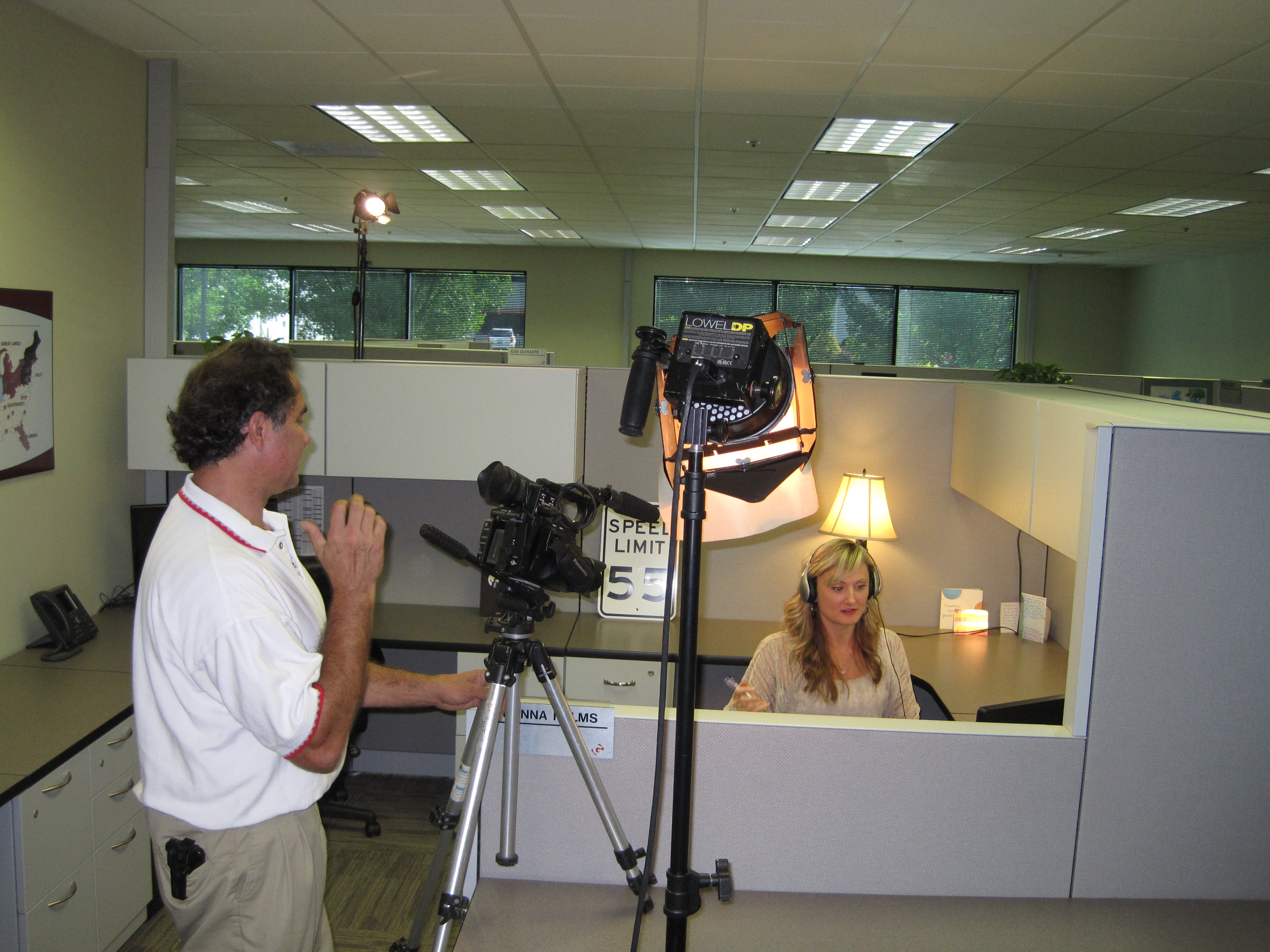
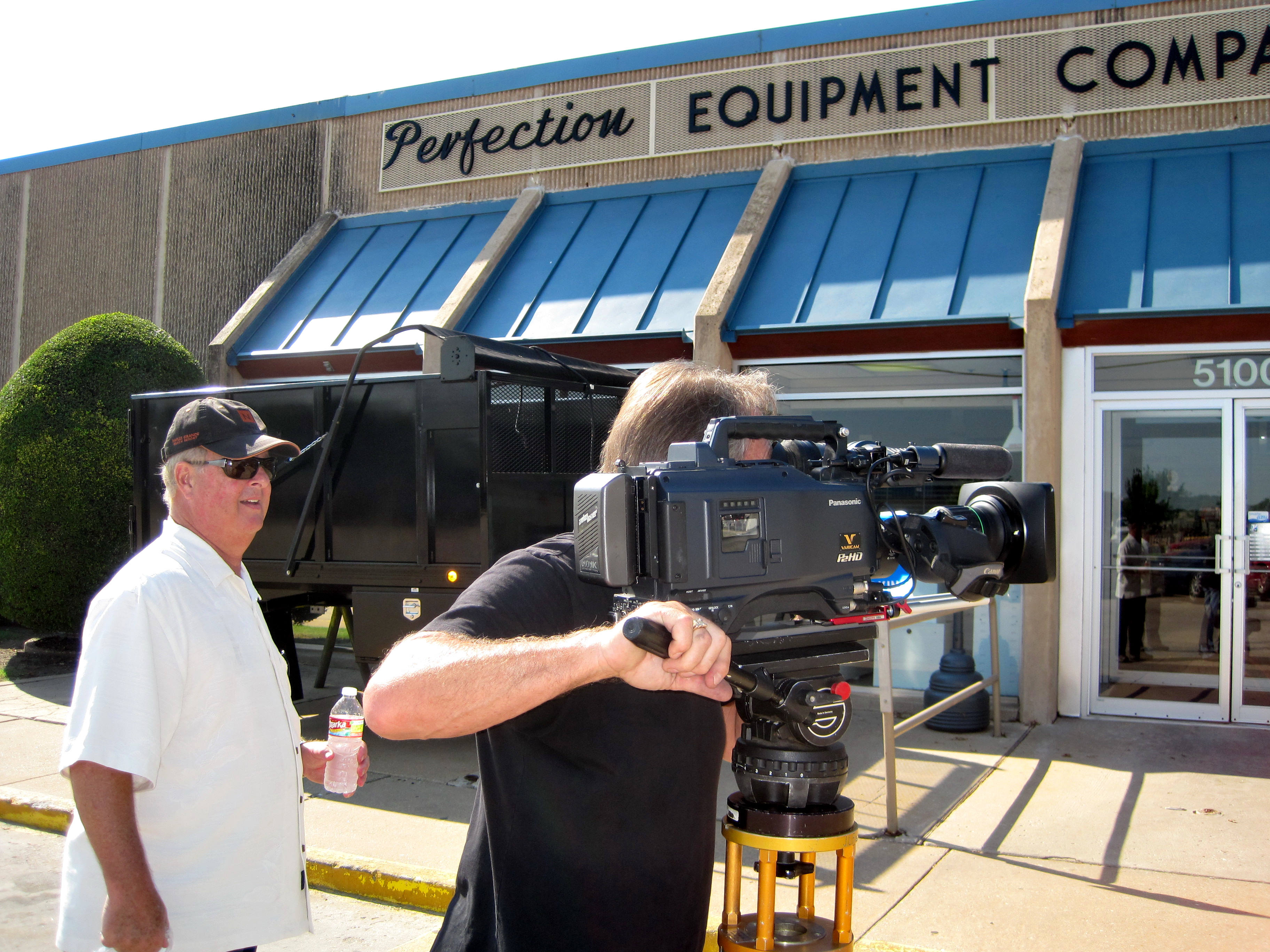
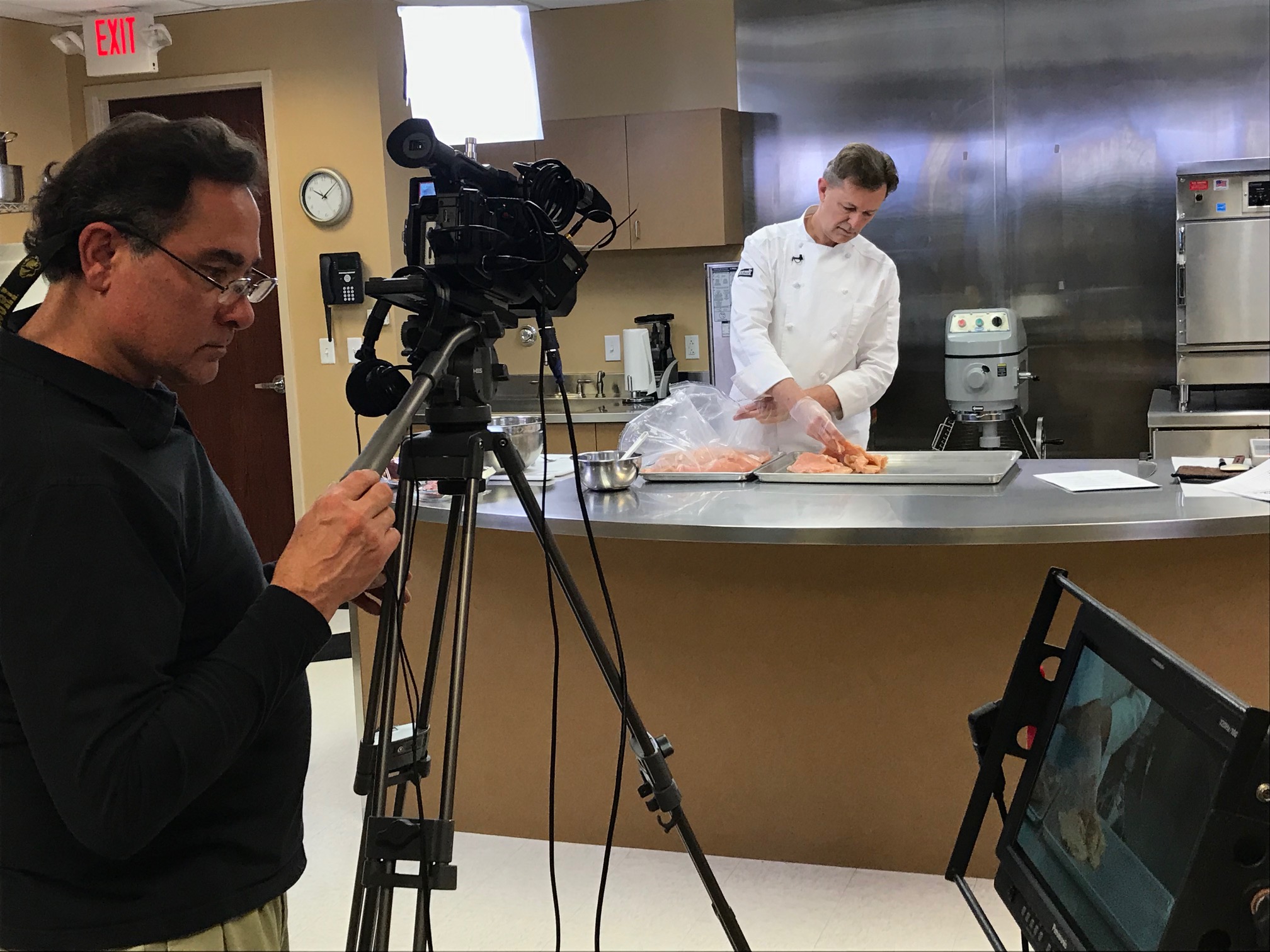
St Louis Video Production Studio is a full-service professional commercial photography and video production company with the right equipment and creative crew service experience for successful image acquisition. We offer full-service studio and location video and photography, as well as editing, post-production and licensed drone pilots. St Louis Video Production Studio can customize your productions for diverse types of media requirements. Repurposing your photography and video branding to gain more traction is another specialty. We are well-versed in all file types and styles of media and accompanying software. We use the latest in Artificial Intelligence for all our media services. Our private studio lighting and visual setup is perfect for small productions and interview scenes. Our studio is large enough to incorporate props to round out your set. We support every aspect of your production—from setting up a private, custom interview studio to supplying professional sound and camera operators, as well as providing the right equipment—ensuring your next video production is seamless and successful. We can fly our specialized drones indoors. As a full-service video and photography production corporation, since 1982, St Louis Video Production Studio has worked with many businesses, marketing firms and creative agencies in the St. Louis area for their marketing photography and video.
314-604-6544

saintlouismostudios@gmail.com

Sound Matters: Common Audio Mistakes to Avoid in Video Production (and How to Prevent Them)

In the world of professional video production, stunning visuals are only half the story. Audio—clear, balanced, and intentional—is equally vital to the success of your message. Yet audio is one of the most overlooked elements in corporate and marketing videos. For decision makers overseeing photography and video production services, understanding common audio pitfalls can be the difference between a polished final product and one that feels unprofessional or untrustworthy.

Here’s a breakdown of the most common audio mistakes—and how to avoid them—based on decades of hands-on experience at St Louis Video Production Studio.


1. Relying on Built-in Camera Microphones

While convenient, built-in microphones are not designed for professional production. They often pick up ambient noise, echo, and inconsistent vocal levels. Using them results in flat, hollow audio that undermines even the most visually compelling footage.

Pro Tip: Always use external microphones—lavalier mics for interviews, shotgun mics for directional capture, and boom mics for larger setups. Match the mic to the scene and speaker’s environment.


2. Poor Room Acoustics

Recording in a room with hard surfaces and minimal sound treatment causes echoes and reverberations that can ruin dialogue clarity. This is especially problematic in high-ceiling offices, lobbies, or empty conference rooms.

Pro Tip: Choose locations thoughtfully. Use sound blankets, acoustic panels, rugs, or furniture to soften sound reflections. For studio interviews, work with a facility that offers controlled environments with proper acoustic treatment—like ours.


3. Ignoring Ambient Noise

HVAC systems, nearby traffic, fluorescent lights, and hallway chatter can bleed into your audio and distract your audience. These background noises are often hard to detect in real time but become glaringly obvious during post-production.

Pro Tip: Monitor with quality headphones during the shoot. Capture room tone (a minute of ambient silence) to help with audio matching later. In post, noise reduction software can help—but it’s not a magic fix.


4. Mismatched Audio Levels

Inconsistent audio levels between speakers, scenes, or transitions can create an uncomfortable viewing experience. If viewers constantly adjust the volume, engagement drops and your message loses impact.

Pro Tip: Use proper gain staging during recording. In post-production, apply normalization and compression to ensure consistent audio dynamics across the timeline.


5. Lack of Redundancy in Recording

Single-source recording leaves no safety net. If one mic fails or picks up interference, that footage could become unusable—costing both time and money.

Pro Tip: Always run a backup audio source. Dual-system recording—where sound is captured separately from video—provides higher-quality and failsafe options for editing.


6. Overprocessing in Post

Too much noise reduction, EQ, or reverb correction can strip out the richness of voice recordings and make speech sound unnatural or robotic.

Pro Tip: Start with clean source audio to reduce the need for excessive processing. When editing, prioritize subtlety—use parametric EQ and gentle noise reduction, preserving the natural tonal qualities of speech.


Why Audio Quality Impacts Viewer Trust

Viewers subconsciously equate poor audio with lack of professionalism. Whether it’s a brand video, interview testimonial, or product walkthrough, bad sound undermines credibility. In contrast, crisp and intentional audio elevates your message, communicates confidence, and drives engagement.


Partner with Audio Professionals Who Understand Production Value

At St Louis Video Production Studio, we know how critical great sound is to great storytelling. Our experienced crew uses professional-grade audio gear—lavalier, shotgun, and boom microphones, wireless systems, multichannel field recorders, and industry-standard post-production software—to ensure your sound is just as impactful as your visuals.

We are a full-service commercial photography and video production company with decades of experience delivering top-tier results. Our capabilities include:

  • Studio and location video and photography
  • Editing and post-production
  • Licensed drone pilots (including specialized indoor drones)
  • Custom interview studio setups with private lighting and sound control
  • Creative crew support for every aspect of production

We’re experts at repurposing your visual content across platforms and optimizing your brand’s reach with AI-enhanced editing workflows. Our private studio offers space for small set builds and interview scenes, and our team is adept with all modern file formats and media styles.

Since 1982, St Louis Video Production Studio has been the trusted partner for marketing firms, agencies, and businesses throughout the St. Louis area.

Ready to elevate your next production with pristine audio and compelling visuals? Let’s make your message resonate.

314-604-6544

saintlouismostudios@gmail.com

What It Takes to Produce Broadcast-Quality Interviews Remotely and In-Studio: A Guide for Marketing and Communications Teams

In today’s competitive media landscape, interviews remain one of the most powerful tools for authentic brand storytelling. Whether you’re capturing client testimonials, executive messaging, or subject-matter expertise, the quality of your interview production can make or break audience trust and engagement. Producing interviews that meet broadcast-quality standards—both in controlled studio environments and remote locations—requires a strategic approach, professional equipment, and experienced crew coordination.

Drone night shoot for stadium lighting installation marketing.

At St Louis Video Production Studio, we’ve spent decades perfecting the art and science of interview production. Below, we’ll walk through the key considerations and technical elements that ensure polished, professional results in any setting.


Remote vs. In-Studio Interviews: Understanding the Challenges and Advantages

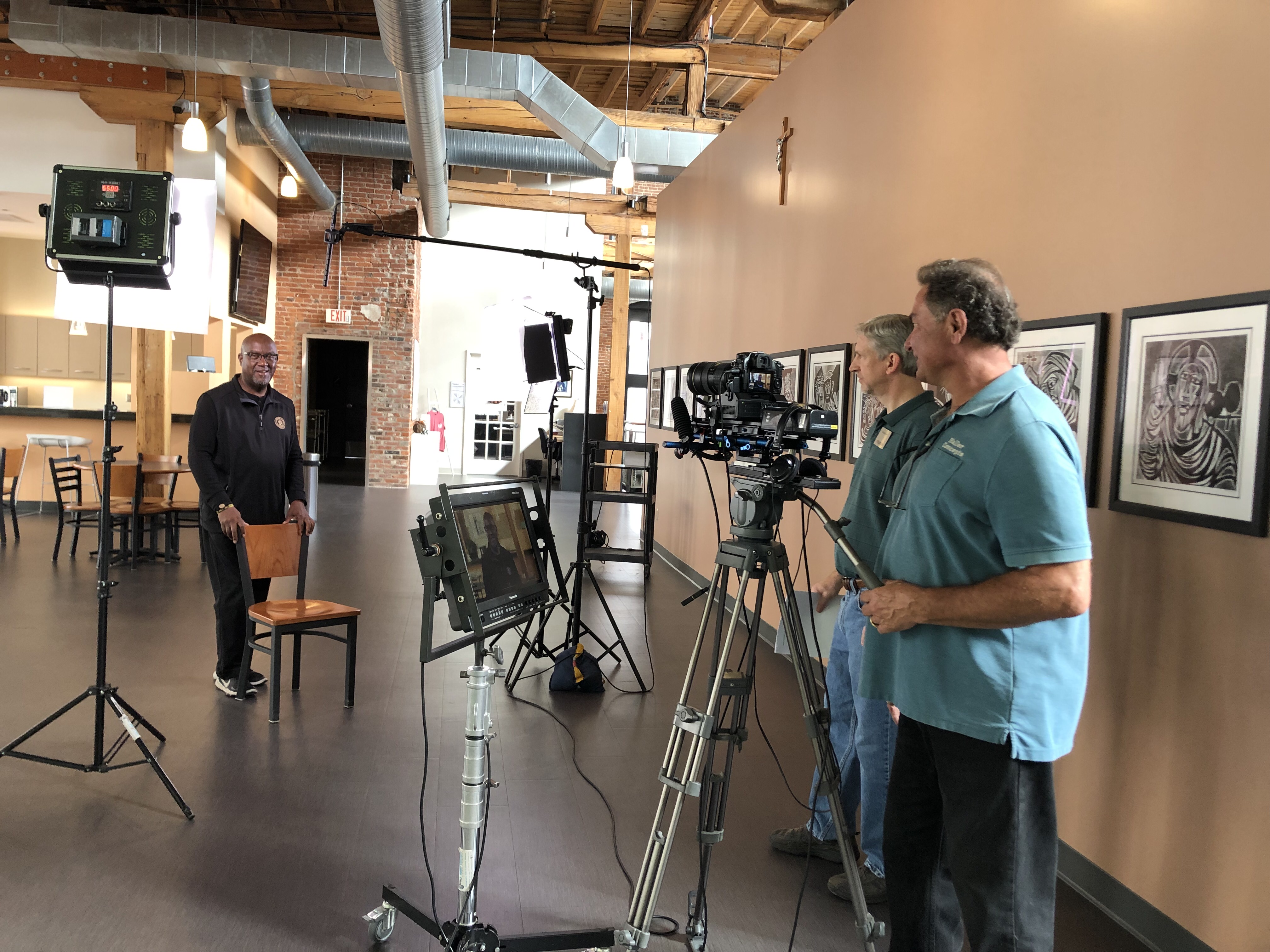
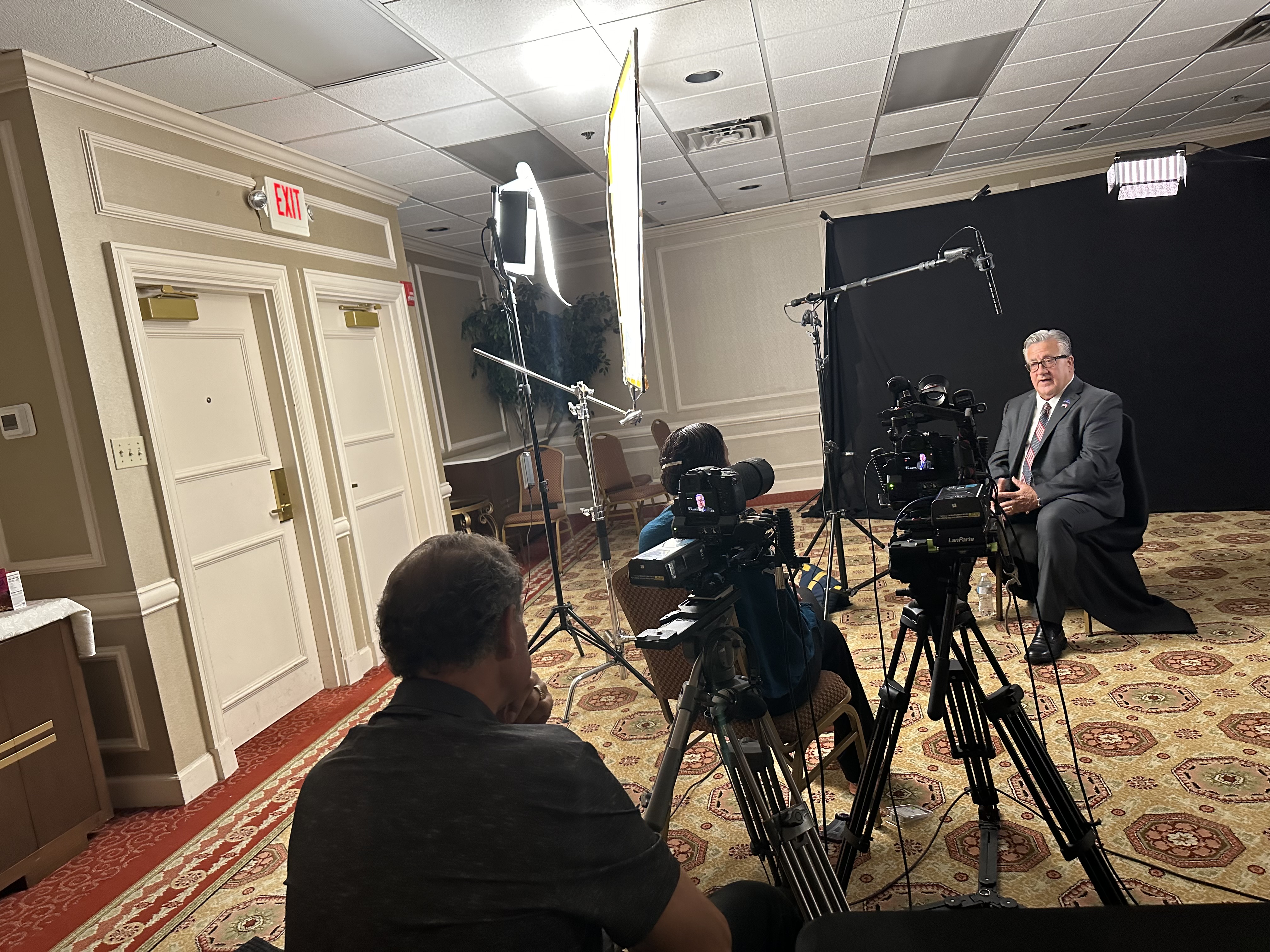
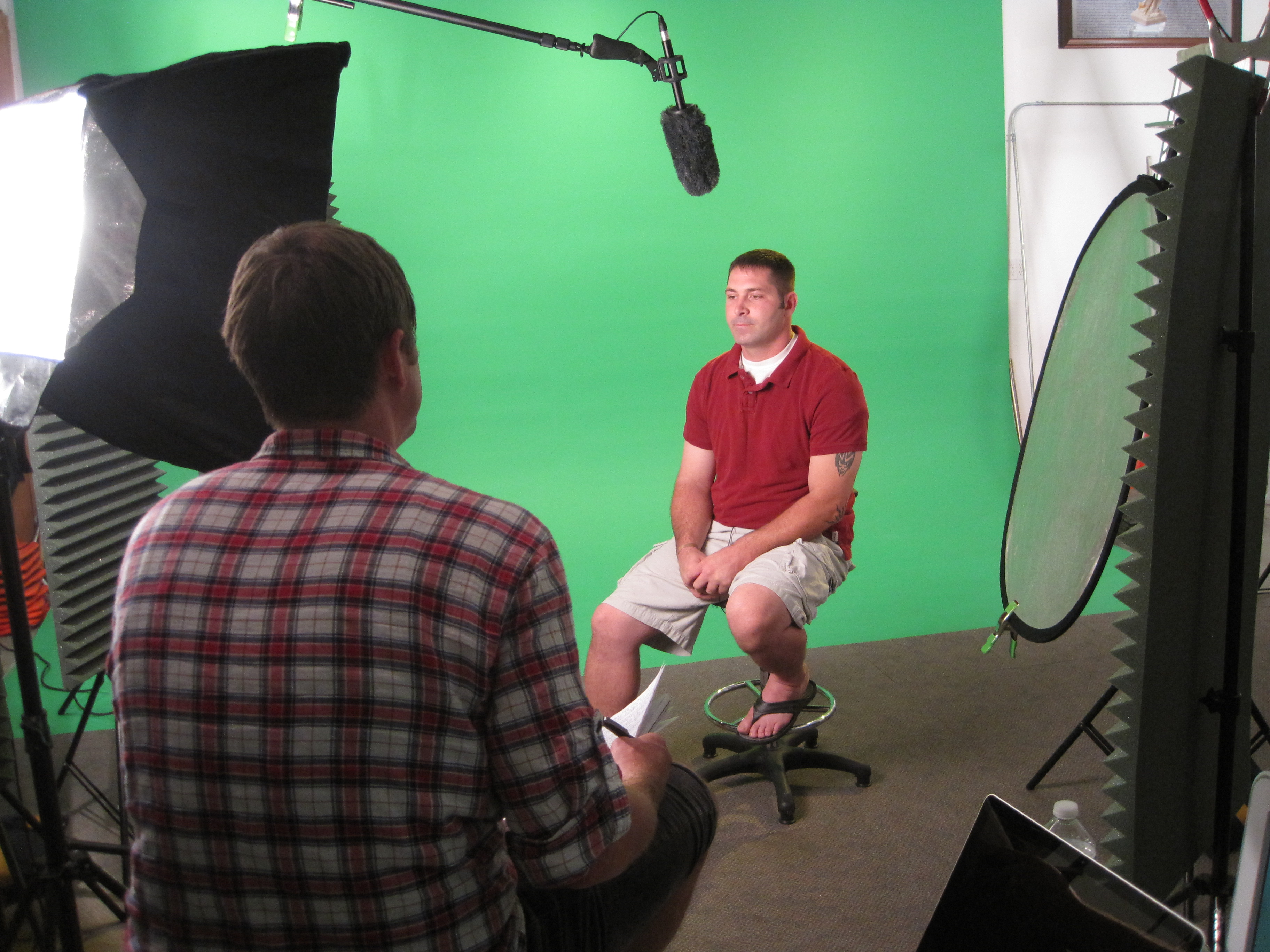
In-Studio Interviews offer a highly controlled environment. Lighting, acoustics, camera placement, and set design can be perfected to align with your brand. Interviews captured in-studio often have a crisp, cinematic look with impeccable audio—ideal for corporate overviews, case studies, and formal messaging.

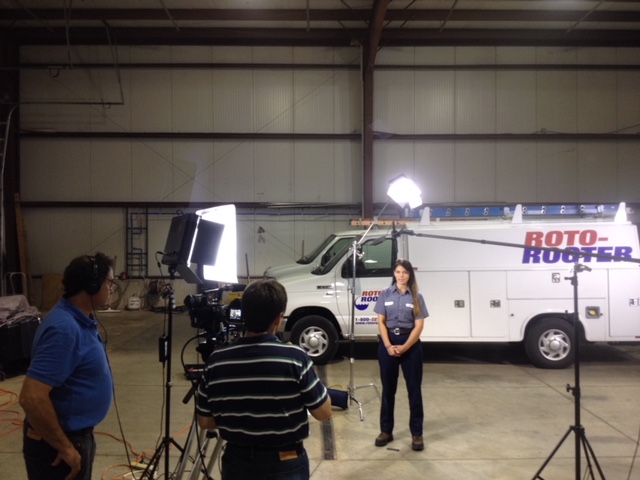
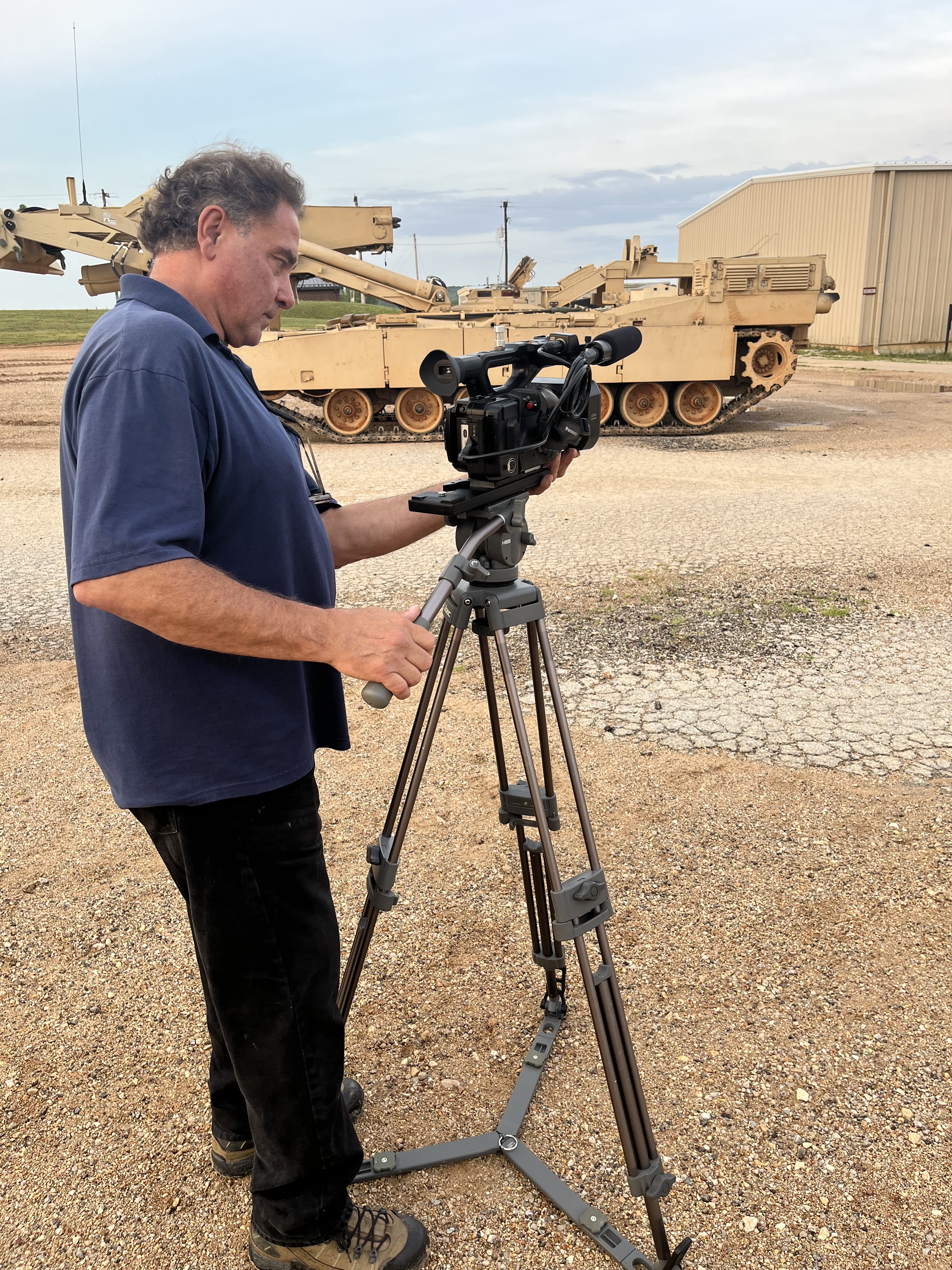
Remote Location Interviews, by contrast, require logistical agility. Factors like natural light shifts, ambient sound, and power access must be anticipated and mitigated. But with the right crew and equipment, remote interviews deliver unmatched authenticity, especially when showcasing clients in their real work environments.


Key Elements of Broadcast-Quality Interview Production

1. Camera and Lens Choice

We use cinema-grade cameras and lenses to create shallow depth-of-field compositions, drawing focus to the subject and eliminating distractions. Multicam setups allow for dynamic editing options and professional visual flow.

2. Lighting for Mood and Clarity

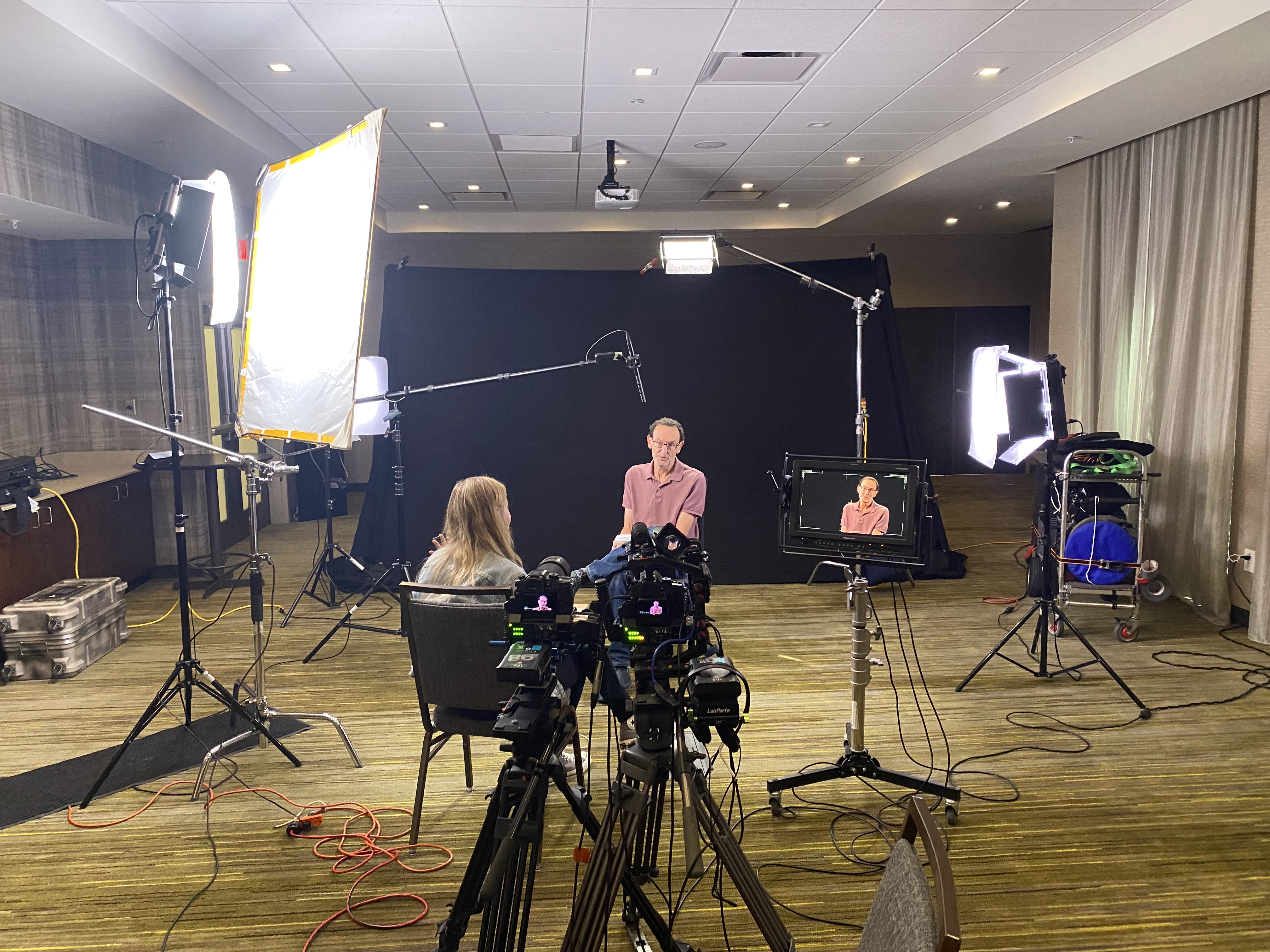
In our studio, we use soft key lights, backlighting, and practicals to shape faces and add depth to the frame. On location, our portable LED lighting kits mimic natural light or supplement it to maintain consistency and tone.

3. Pro-Level Audio Capture

Clean, crisp audio is non-negotiable. We deploy lavaliers, booms, or dual-mic setups with backup recorders to ensure we always have usable sound. Echo and background noise are managed with isolation tools and location scouting.

4. Framing and Composition

We follow proven composition guidelines like the rule of thirds, eye-line matching, and camera height consistency. Our studio backgrounds are designed to reflect your brand, or we’ll custom-build sets that match your visual identity.

5. Set Design and Branding

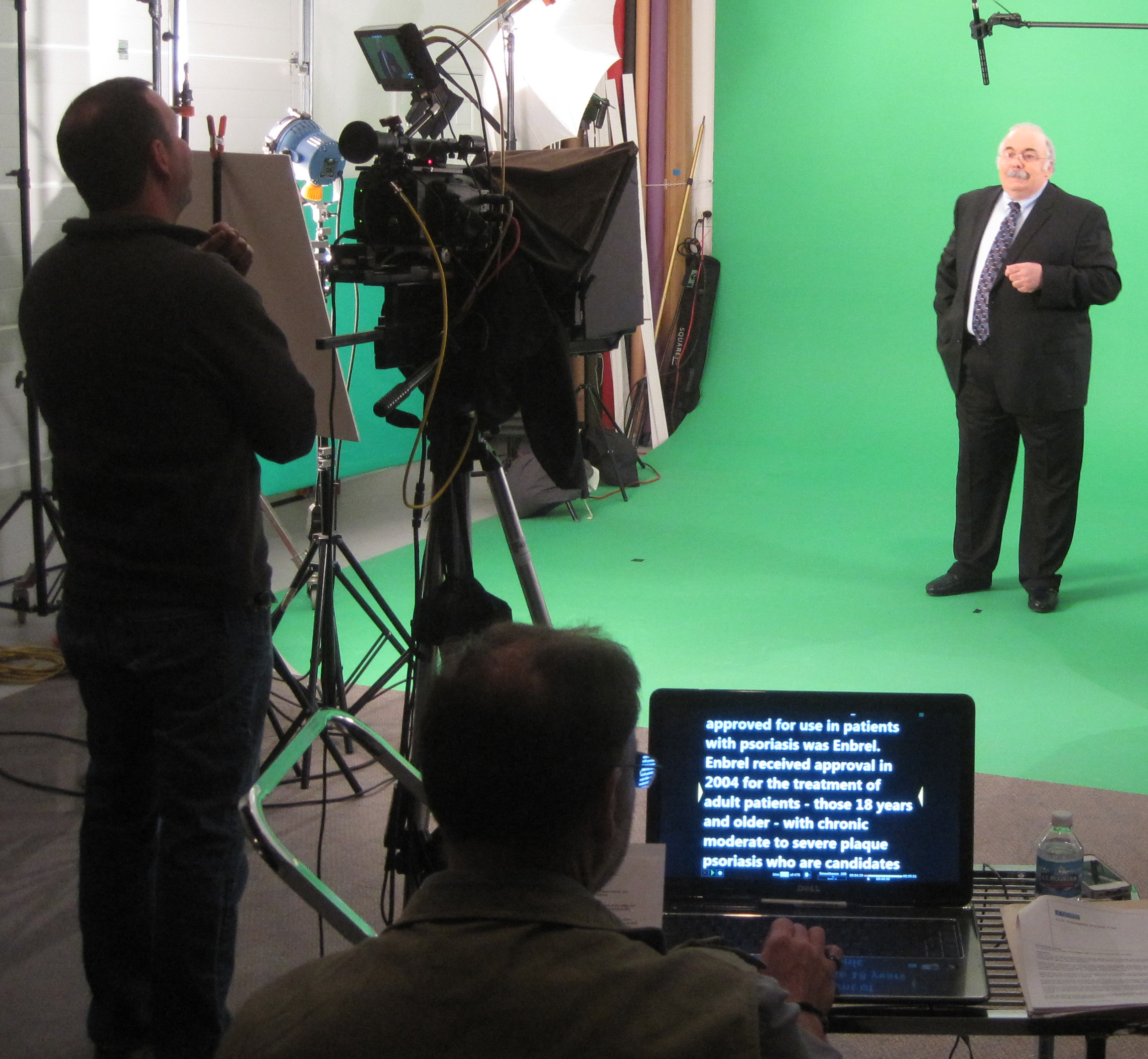
A plain backdrop doesn’t tell your story. We offer prop staging, logo placement, branded furniture, and controlled color schemes—whether on a white cyc, green screen, or lifestyle-style studio setup.

6. Crew and Direction

A professional crew makes all the difference. From camera operators and lighting techs to sound engineers and producers, we coordinate the right team to handle everything—including helping your on-camera talent feel confident and at ease.


Remote Interview Production: What Makes It Work

Producing interviews outside of the studio demands pre-production planning, backup systems, and a detailed shot list. We handle everything from location scouting and permitting to logistics like generator power, portable lighting, and wireless audio monitoring. We also offer mobile teleprompter setups and director feeds for remote oversight during the shoot.

Our team uses AI-powered video tools to assist with color matching, background cleanup, and even real-time transcription—ensuring a fast and accurate post-production pipeline.


Why Interview Videos Still Matter for Business

Interview content is among the most versatile marketing assets you can produce. A single, well-shot interview can be repurposed into:

  • Web and social content
  • Sizzle reels
  • Training and internal messaging
  • Press kits and event material
  • Podcast visuals or B-roll support

With the right framing and quality, these videos extend your brand’s personality and professionalism far beyond a single campaign.


Why Partner with St Louis Video Production Studio

Since 1982, St Louis Video Production Studio has been the go-to resource for businesses, creative agencies, and marketing firms needing high-quality interviews and branded video content. We’re a full-service commercial video and photography production company offering:

  • Complete studio and location video services
  • Editing, post-production, and color grading
  • Licensed drone pilots (yes—we can even fly drones indoors)
  • Custom-built sets and private studio interview rooms
  • AI-enhanced media optimization
  • Expertise with all file types, formats, and industry platforms

We specialize in repurposing video and photography branding to increase engagement across platforms and campaigns. Whether you’re building a series of sit-down interviews or filming a single subject in a remote facility, we provide the crew, creative insight, and technical gear to get it done right.

Let’s create something exceptional—wherever the story takes us.

314-604-6544

saintlouismostudios@gmail.com

Guide to Different Video Production Interview Techniques

When planning a video production, especially for interviews, it’s crucial to understand that there’s much more to it than simply pointing a camera and asking questions. Successful video interviews require careful consideration of the technical setup, the interview style, and the overall message you want to convey. Whether you’re creating a corporate video, testimonial, case study, or marketing piece, the way you approach an interview can dramatically affect the final outcome.

Use an external microphone to capture clearer audio and reduce distractions like echo or background noise. Make sure their internet connection is stable.

In this guide, we’ll explore different video production interview techniques, the best practices for each, and how the right technical setup can elevate your production. As an experienced videographer and photographer at St. Louis Video Production Studio, we’ve had the privilege of helping numerous businesses, marketing firms, and agencies craft compelling videos that capture the essence of their brand.

1. Traditional One-on-One Interview

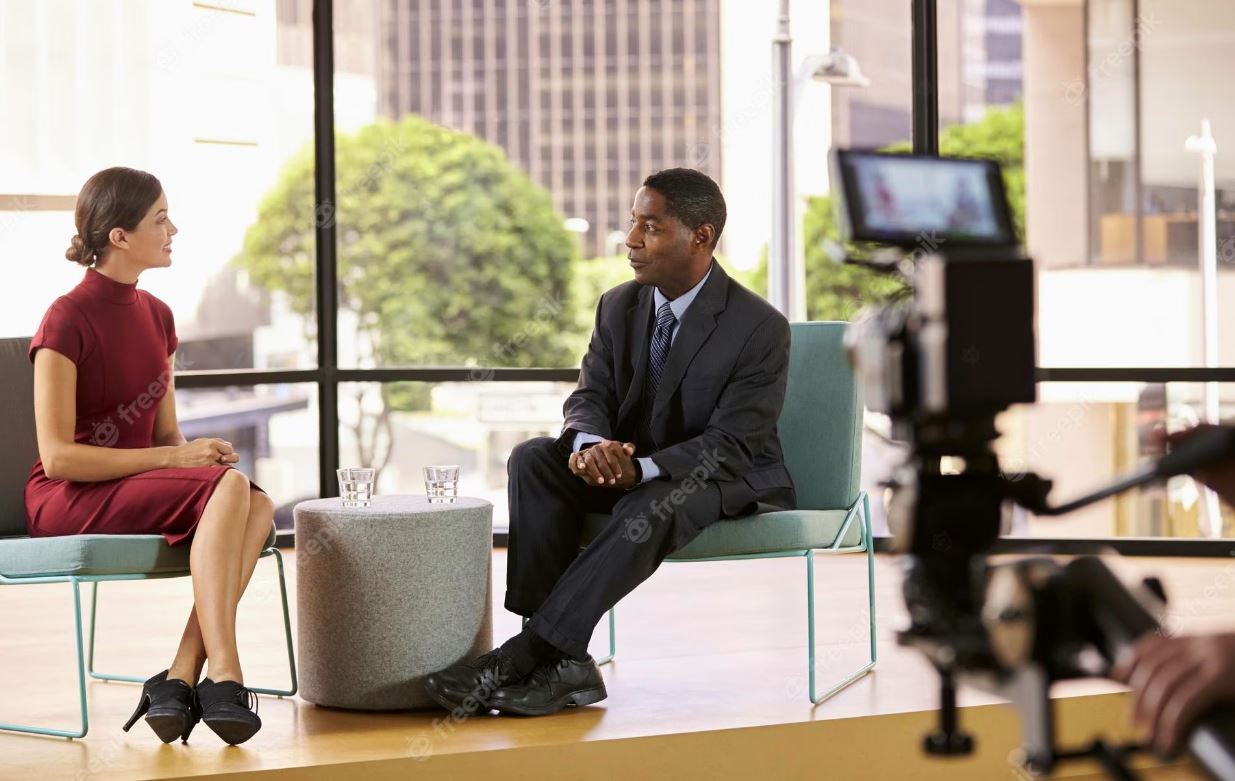
The traditional interview format is the most commonly used style. It involves a conversation between the interviewer and the subject, typically filmed with the interviewer off-camera. The subject speaks directly to the interviewer, but to the audience, it looks like they are having a conversation with someone out of frame.

Best Practices:

  • Framing: Ensure your subject is positioned slightly off-center in the frame (a technique called the “rule of thirds”) for visual appeal.
  • Lighting: Use soft, flattering lighting to eliminate harsh shadows and make your subject appear natural. A three-point lighting setup, with a key light, fill light, and backlight, is ideal.
  • Audio: Clear audio is essential. A lavalier microphone attached to the subject can ensure crystal-clear sound, avoiding any background noise from a handheld mic.

2. Testimonial Interviews

Testimonial interviews are often used for customer stories or employee experiences. These videos are highly effective for building trust, as they provide firsthand accounts of how your product or service has made a positive impact.

Best Practices:

  • Set the Scene: Testimonial interviews should feel natural, as though the subject is having an honest conversation with the audience. Use b-roll footage to illustrate key points.
  • Tone & Environment: Create a comfortable setting for your subject. A relaxed tone helps the person feel more at ease and speak freely.
  • Framing: Similar to the one-on-one interview, make sure to have the subject look slightly off-camera. Positioning the camera slightly to the side adds dynamism to the shot, making the conversation feel more authentic.

3. Panel Interviews

Panel interviews are perfect for discussions with multiple experts or stakeholders. These videos are often used in corporate settings for roundtable discussions or leadership insights. Panel interviews require multiple cameras to capture each person at the right time, ensuring a dynamic flow.

Best Practices:

  • Multiple Angles: Use at least two or three cameras to capture the action from different perspectives, alternating between wide shots and close-ups.
  • Microphones: Use individual microphones for each person to ensure high-quality sound. Overhead mics can also be helpful in capturing ambient sound.
  • Lighting: Lighting should be balanced across all panel members, but make sure each person is properly lit to avoid shadows or uneven exposure.

4. On-the-Go (Walking) Interviews

Walking interviews have become increasingly popular in corporate video production as they lend an informal, dynamic style. Filming while walking allows you to capture movement, making the interview feel more energetic and conversational.

Best Practices:

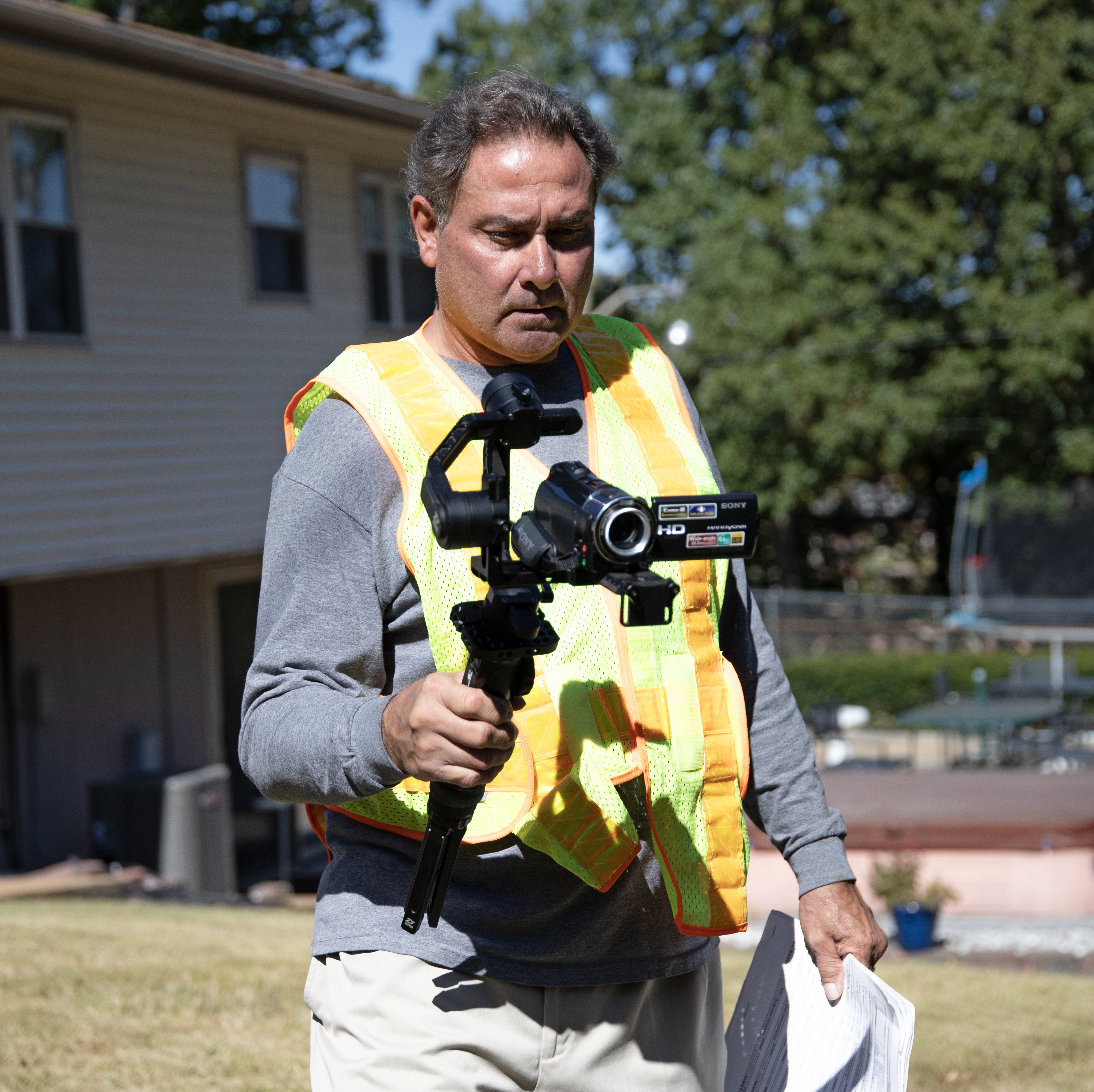
  • Stabilization: A handheld gimbal or Steadicam is essential for smooth footage when following the subject on the move. Avoid shaky camera work by using a tripod or mount when possible.
  • Audio: Use a wireless microphone system to allow for unrestricted movement while ensuring the audio remains clear.
  • Framing: Focus on wide shots to allow for movement within the frame. This style is best suited for relaxed, informal environments.

5. Virtual Interviews

In the age of remote work, virtual interviews have become commonplace. These interviews are conducted through video conferencing platforms like Zoom, and capturing high-quality visuals and sound can be tricky when the setup is outside of your control.

Best Practices:

  • Lighting: Encourage the interviewee to use soft, even lighting. Natural light from a window is preferable, but they may need to supplement it with additional lamps or ring lights.
  • Camera Positioning: Frame the subject’s head and shoulders. Ensure they’re centered in the frame, with their eye level aligned with the camera lens.
  • Technical Considerations: Use an external microphone to capture clearer audio and reduce distractions like echo or background noise. Make sure their internet connection is stable.

6. Documentary-Style Interviews

For a documentary feel, interviews are often interwoven with b-roll footage that illustrates the subject’s story. These interviews tend to be more immersive and personal, focusing on in-depth responses.

Best Practices:

  • Visual Storytelling: Use b-roll footage that complements what the subject is talking about. For instance, if someone is discussing their work, show shots of them in action.
  • Lighting: Keep the lighting natural but flattering. Avoid over-stylizing the scene to maintain the authenticity of the moment.
  • Tone: Let the subject speak freely. Focus on organic storytelling that engages the audience with real, raw emotions.

Why St. Louis Video Production Studio is Your Best Choice for Corporate Video Production

At St. Louis Video Production Studio, we understand that a great interview requires not only the right technique but also the best equipment and a skilled creative team. With decades of experience in full-service commercial photography and video production, we have the expertise to take your video projects to the next level.

We offer comprehensive services, from studio and location video and photography to editing and post-production. Whether you’re shooting interviews, testimonials, or corporate videos, we have the right tools to create impactful content that resonates with your audience. Our private studio is equipped with custom lighting and visual setups, perfect for small productions or interview scenes. We also offer a flexible space large enough to incorporate props for your set.

Our team is well-versed in all file types and media styles, ensuring that your video is optimized for every platform. If you’re looking for something unique, we can even fly drones indoors, adding an exciting dynamic to your footage. Whether you’re creating corporate content or need a specialized setup, we provide everything from sound and camera operators to equipment for a seamless production.

Since 1982, we’ve worked with businesses, marketing firms, and agencies throughout the St. Louis area, customizing productions to meet diverse media requirements and repurposing your branding to maximize impact. At St. Louis Video Production Studio, our goal is to help you craft videos that not only look great but drive results.

Let us help make your next video production perfect. Reach out today to discover how we can bring your vision to life.

314-604-6544

saintlouismostudios@gmail.com